First Steps Checklist
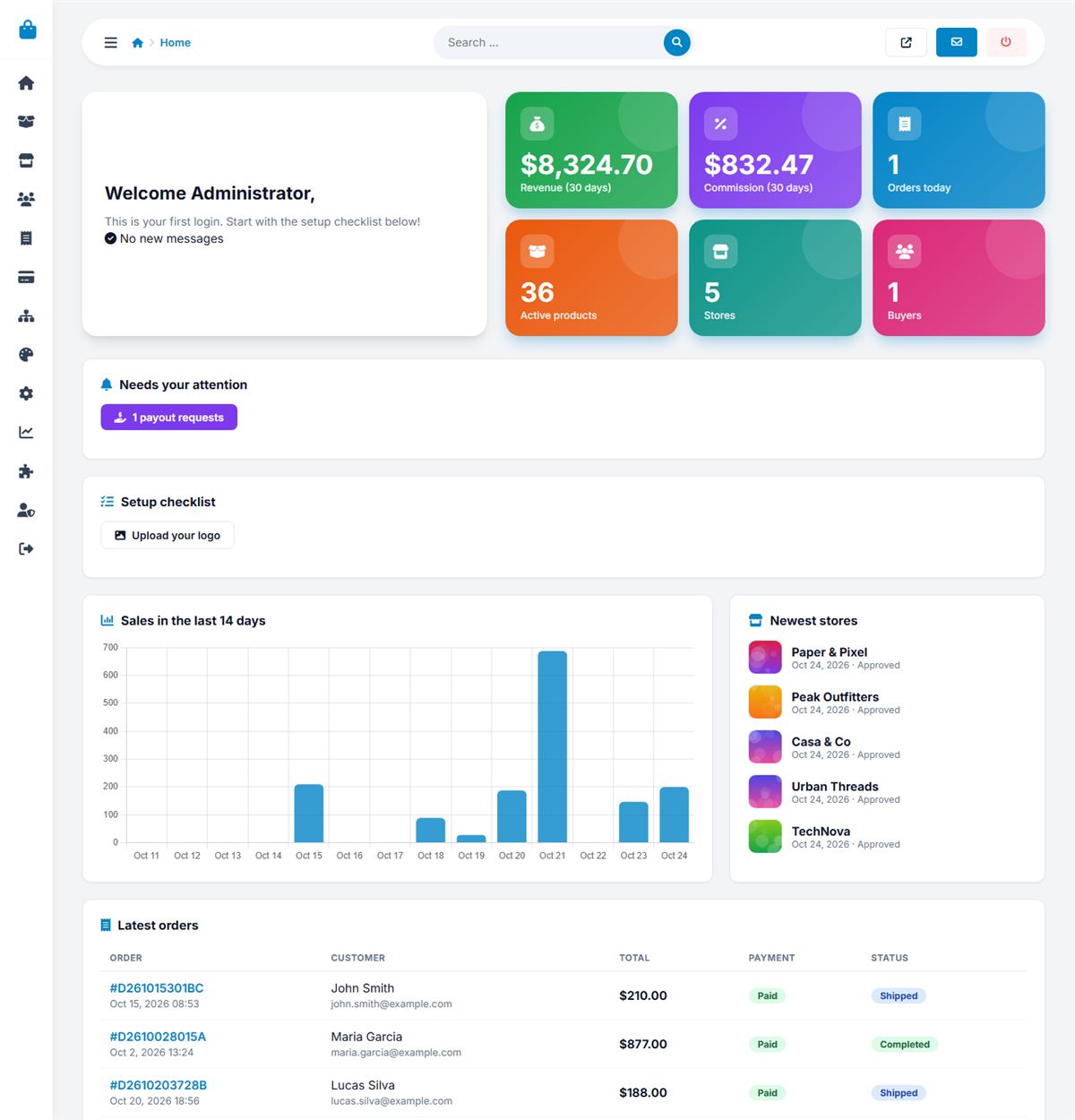
Follow this checklist to turn a fresh installation into a live marketplace.
- Open Settings → Configuration and set the site name, contact e-mail, currency and commission.
- Upload your logo and favicon (Website → Logo) and choose colors in Appearance.
- Edit categories and locations to match your niche.
- Add your Stripe and PayPal keys in Payment settings.
- Add an AI key in Settings → AI.
- Configure e-mail and send a test message.
- Decide how vendors are charged: free, per listing fee or monthly plans.
- Edit the legal and help pages in Website → Pages.
- Remove demo data if you do not want it, then invite your first vendors.
Last updated