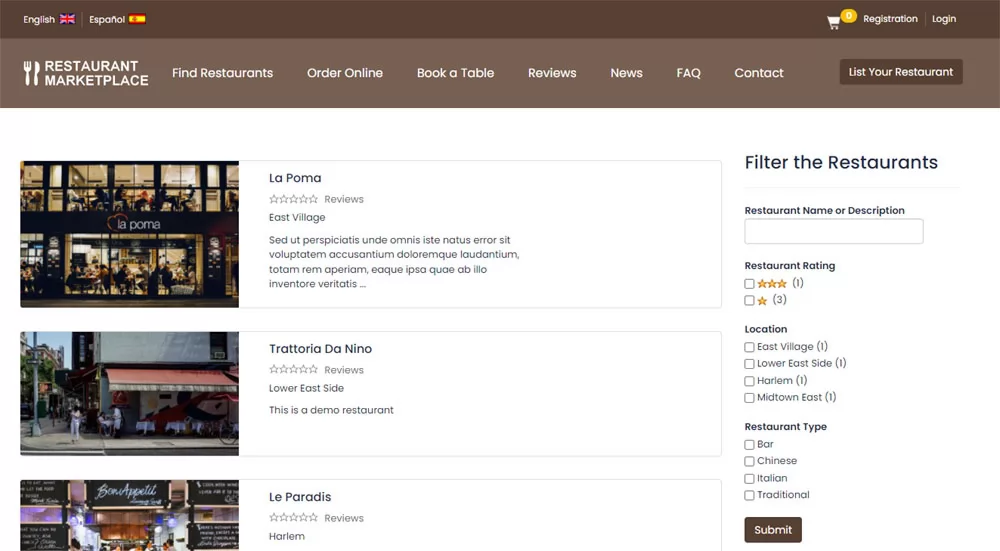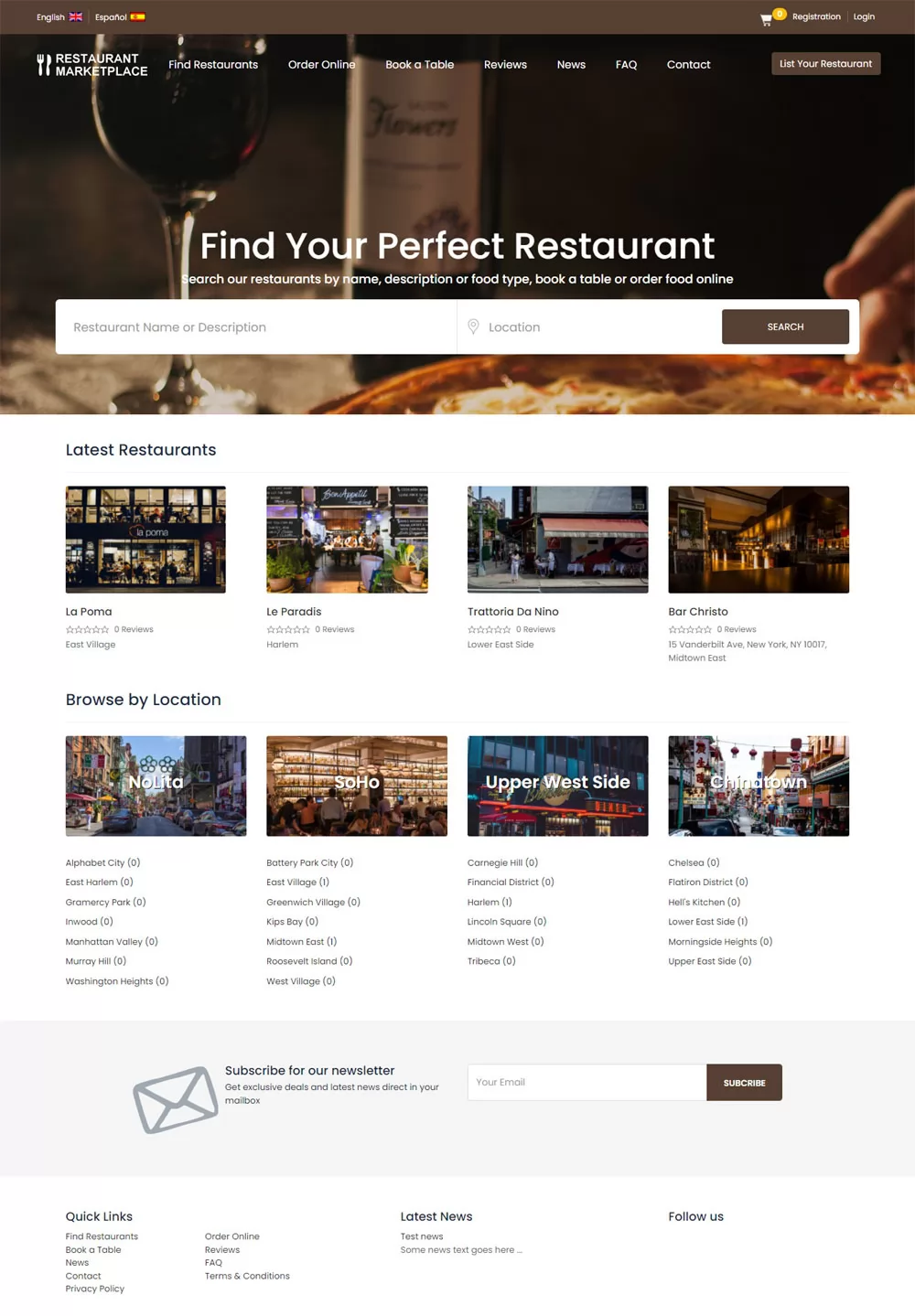
The home page of the restaurant marketplace website shows
a search form allowing to search the restaurants by name, food type, restaurant description
and location, a top menu having links to the main website pages and also links
to change the website language, registration, login and see the shopping cart content.
Below the search form the users can see the last added restaurant listings, links to browse the restaurants by location,
a form to subscribe to the website newsletter and a bottom navigation menu with the website page links,
the latest news and links to the social pages.
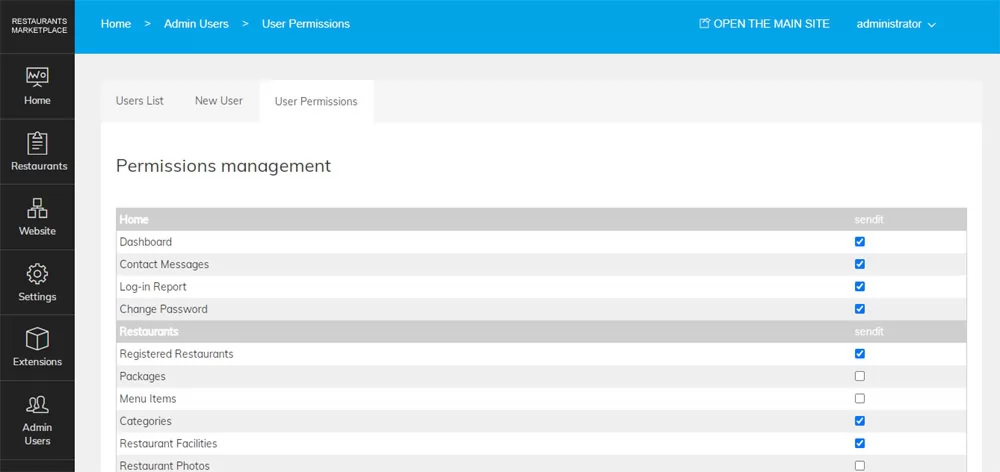
The restaurant marketplace website colors and design can be customized from the admin panel,
so the default brown colors can be changed with blue, green or whatever colors the administrator prefers and
also to change the different settings like locations, restaurant types, food categories, currency,
time zone, website languages and others.