

Please find below screenshots of the main pages and functionality of the PHP Restaurant Marketplace administration panel, the restaurant owner admin panel and front-site pages ...
 View Full Details
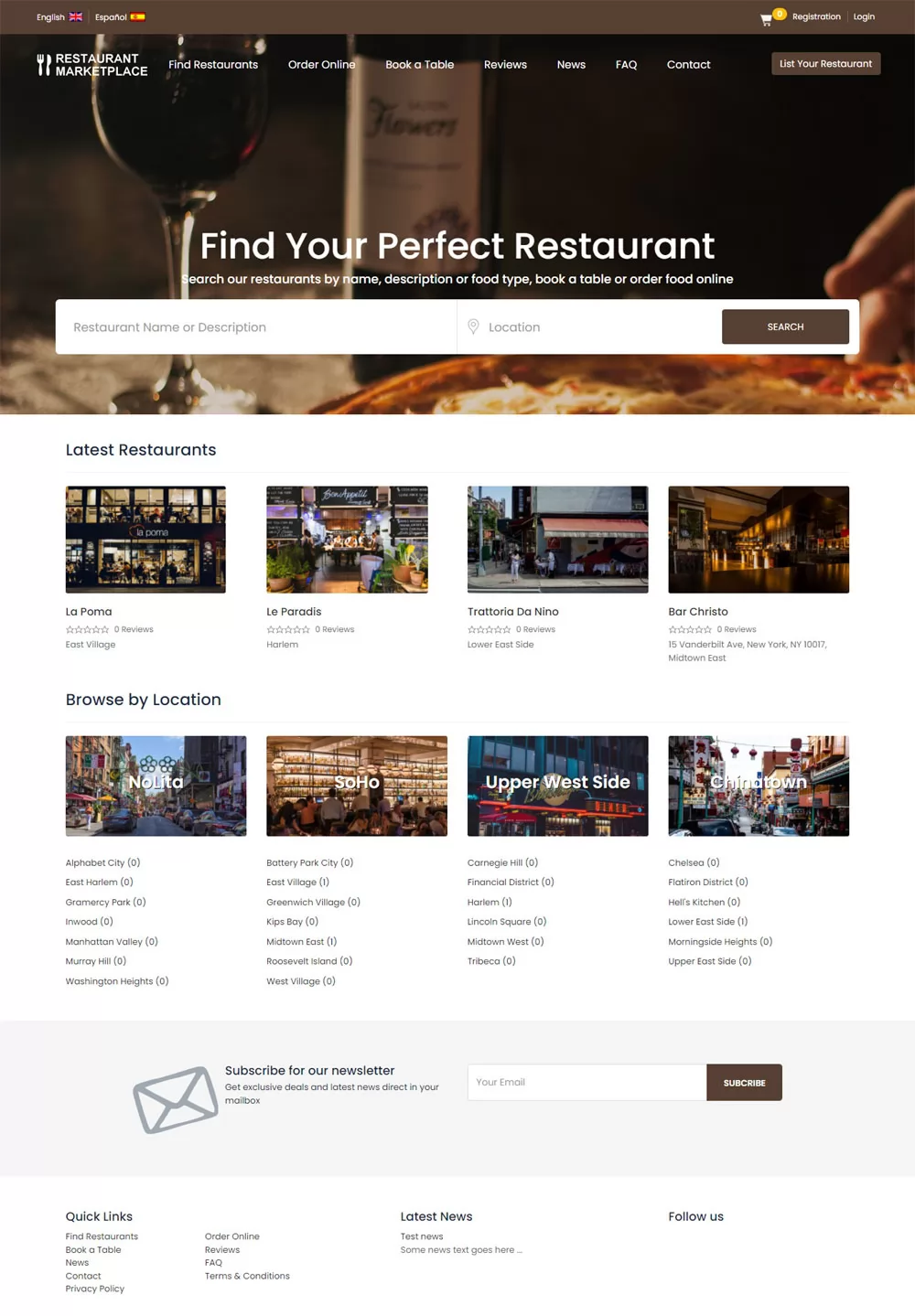
The home page of the restaurant marketplace website shows a search form allowing to search ...
Read More & View Full Image →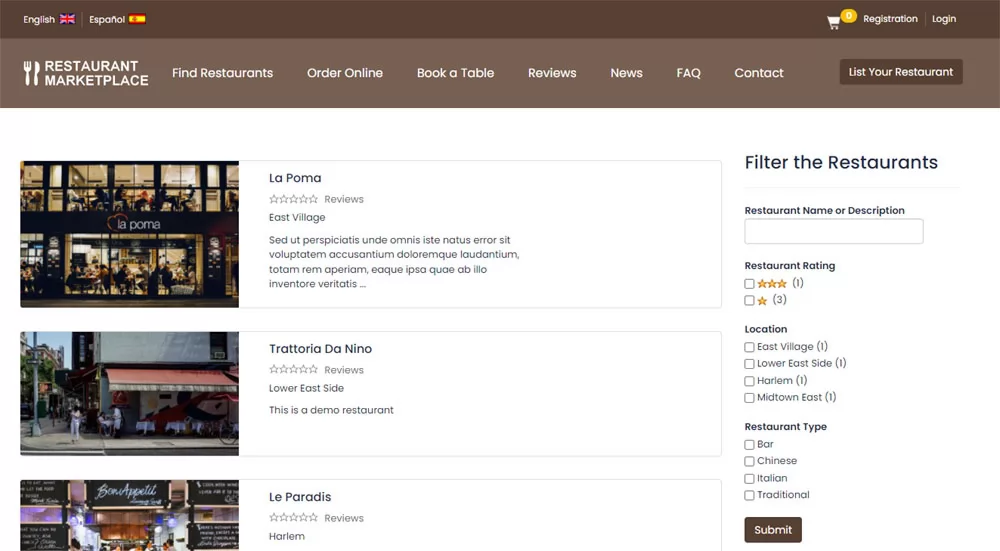 View Full Details
The restaurants search results page shows a list of the restaurants found matching the user ...
Read More & View Full Image →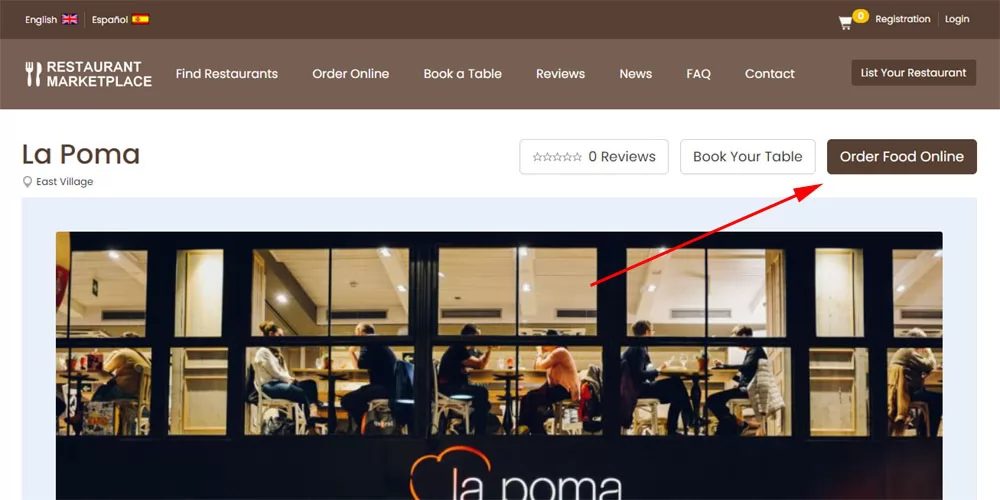 View Full Details
On the restaurant details page, the users can see the restaurant gallery, name, description and ...
Read More & View Full Image →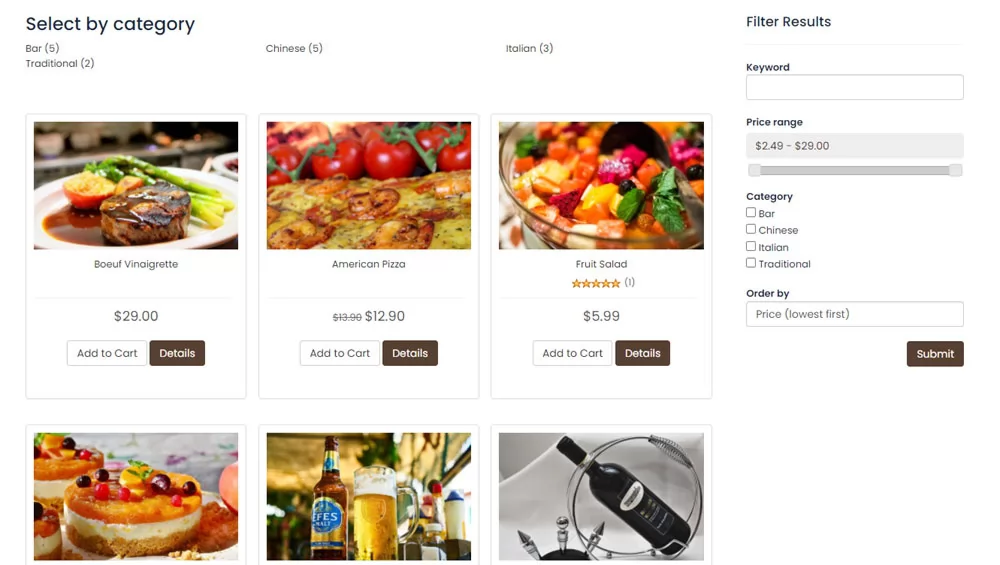 View Full Details
The users can browse the listed items by category or search the products, as well ...
Read More & View Full Image →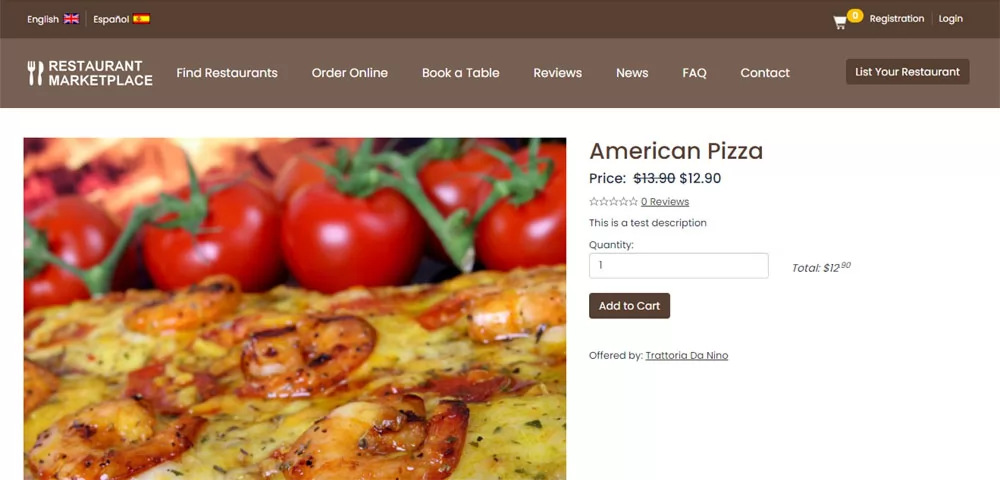 View Full Details
For restaurants selling food online, the product details page shows a gallery of the product ...
Read More & View Full Image →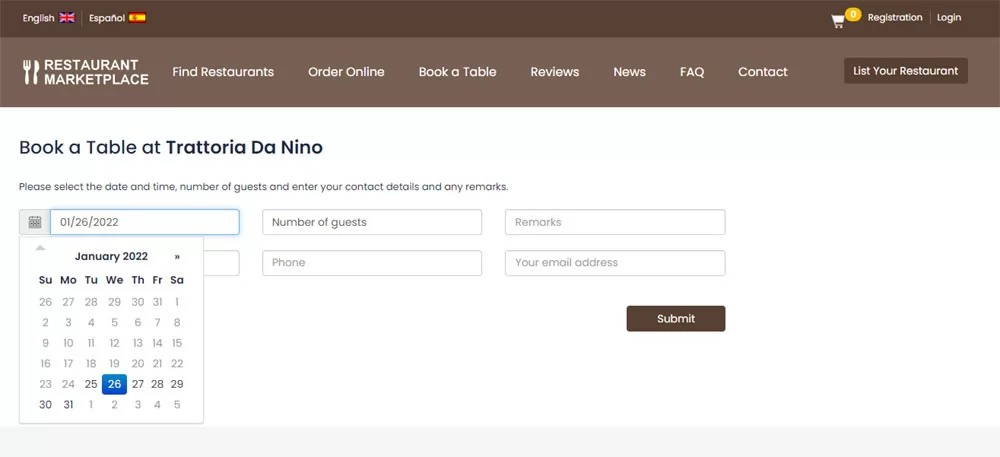 View Full Details
When booking a table, the customer can enter this personal details, select a date and ...
Read More & View Full Image →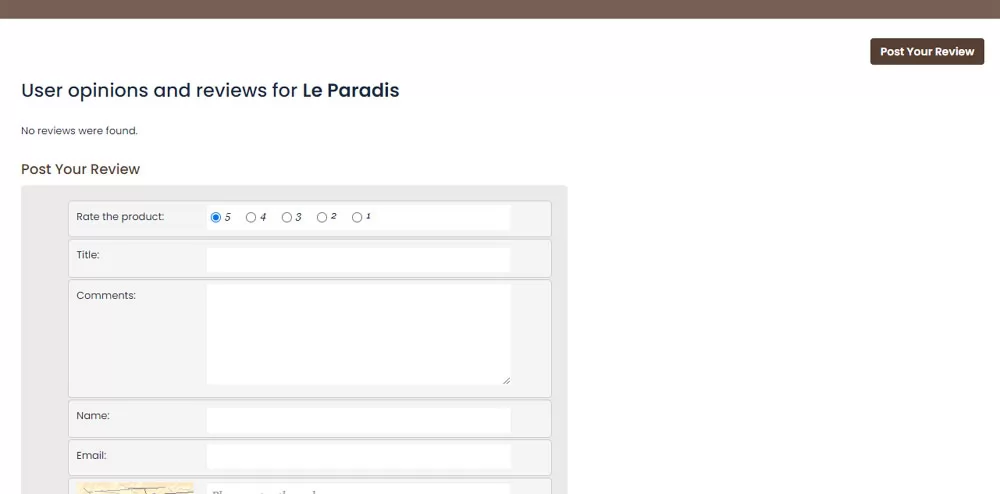 View Full Details
The customers can rate the restaurants from 1 to 5 and write a review based ...
Read More & View Full Image →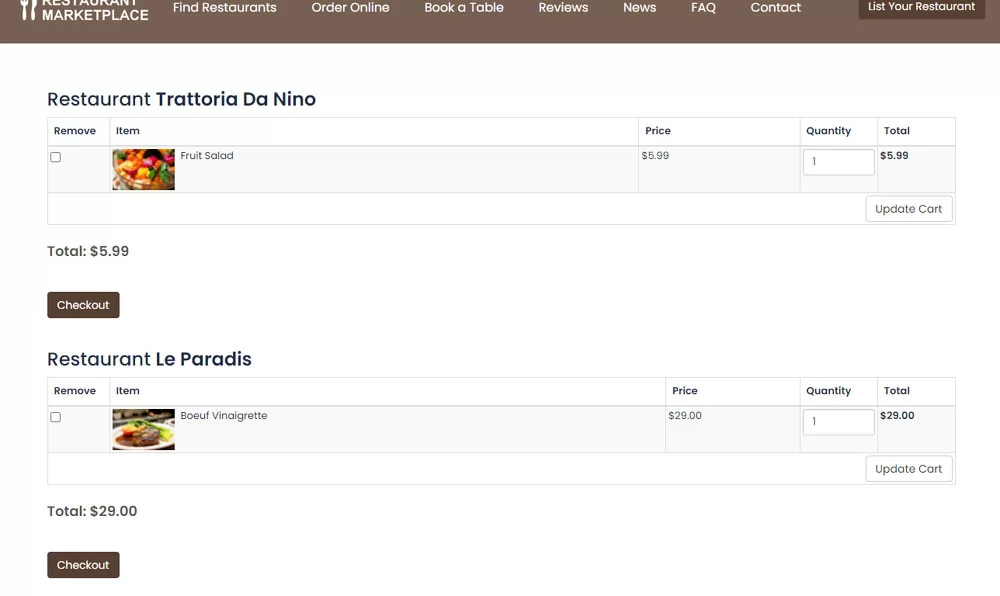 View Full Details
When ordering food from different restaurants, the customer sees separately in his cart the items ...
Read More & View Full Image →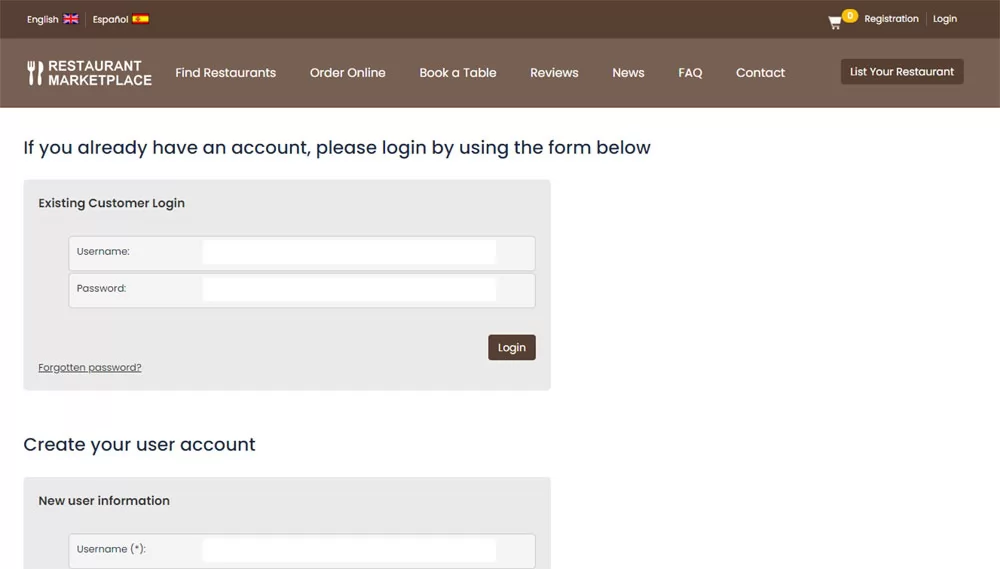 View Full Details
When checking out, the customer is asked to log in with his account or if ...
Read More & View Full Image →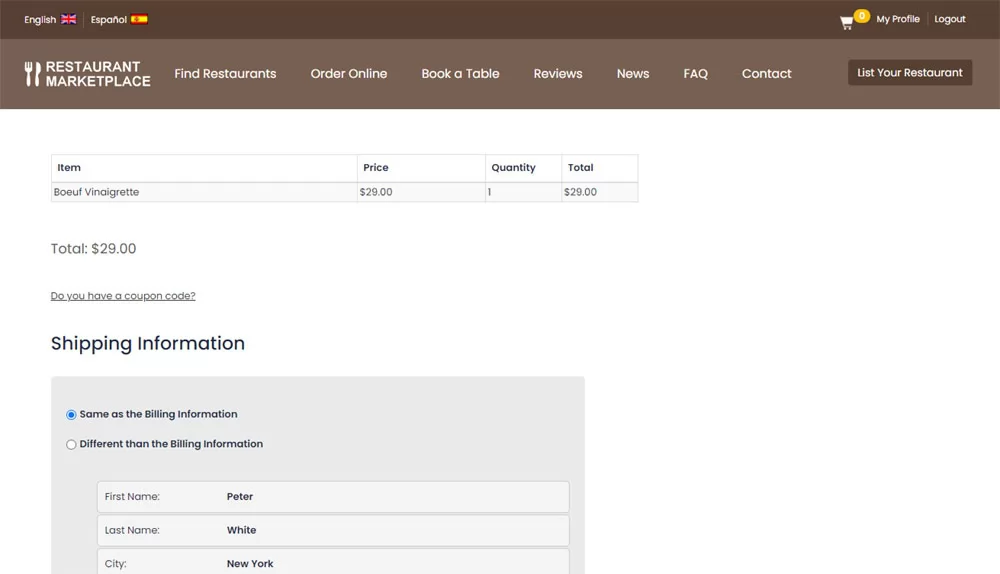 View Full Details
When checking out, the customer can choose the order to be shipped to his default ...
Read More & View Full Image →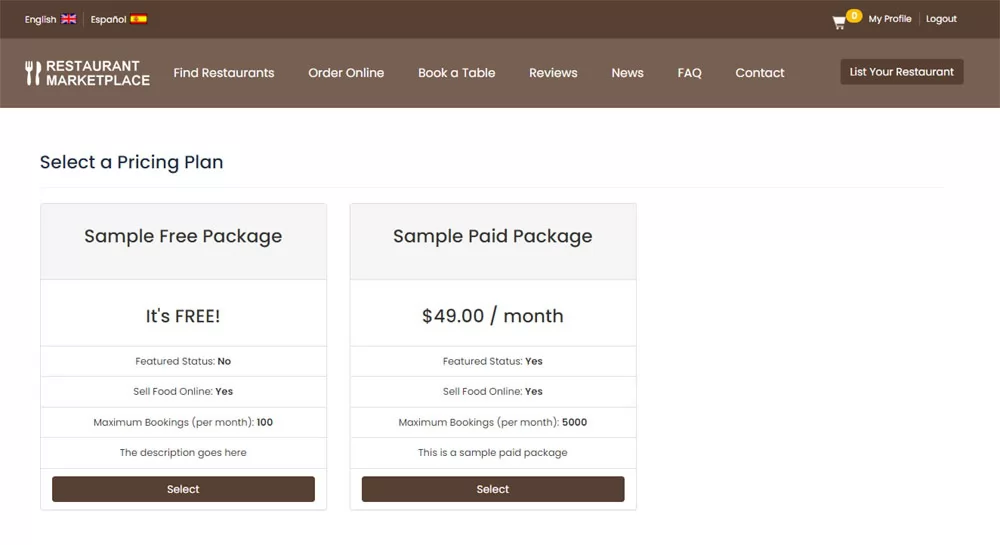 View Full Details
When restaurant owners register, they can select a listing package - the administrator can create ...
Read More & View Full Image →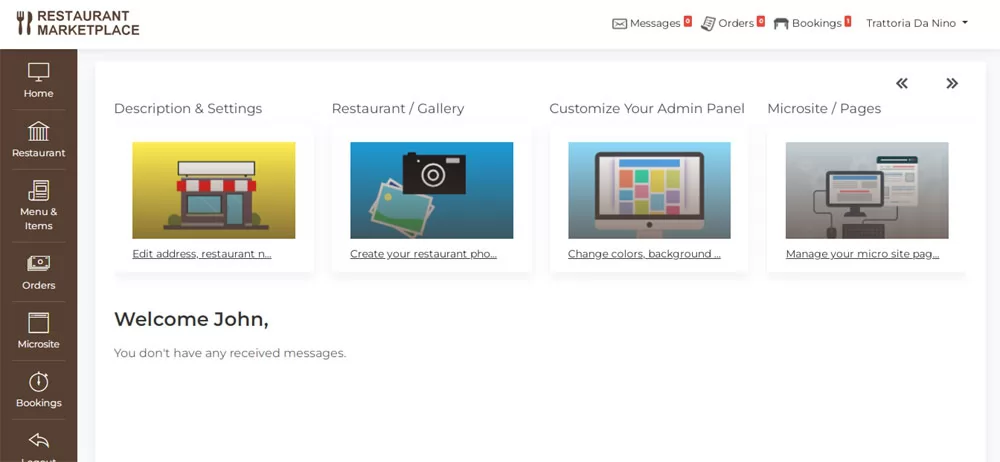 View Full Details
On the dashboard, the restaurant owner can see his latest orders, received messages and also ...
Read More & View Full Image →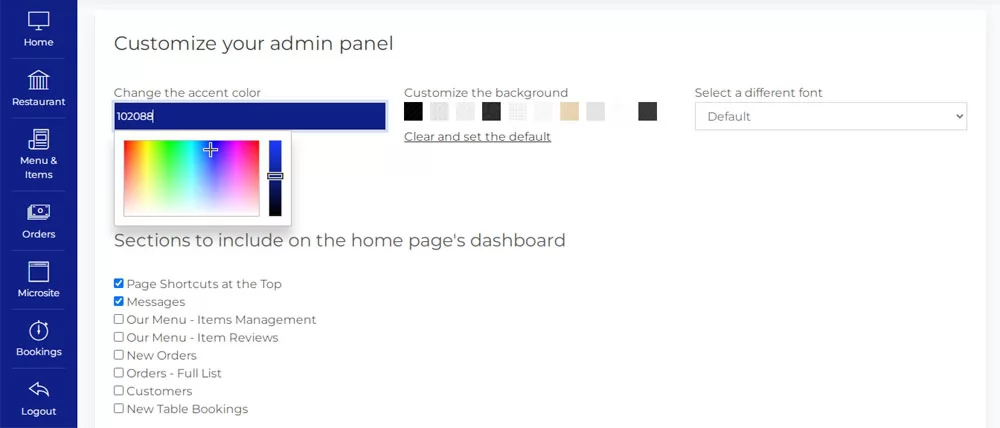 View Full Details
From the Customize Your Admin Panel page, the restaurant owner can choose which sections to ...
Read More & View Full Image →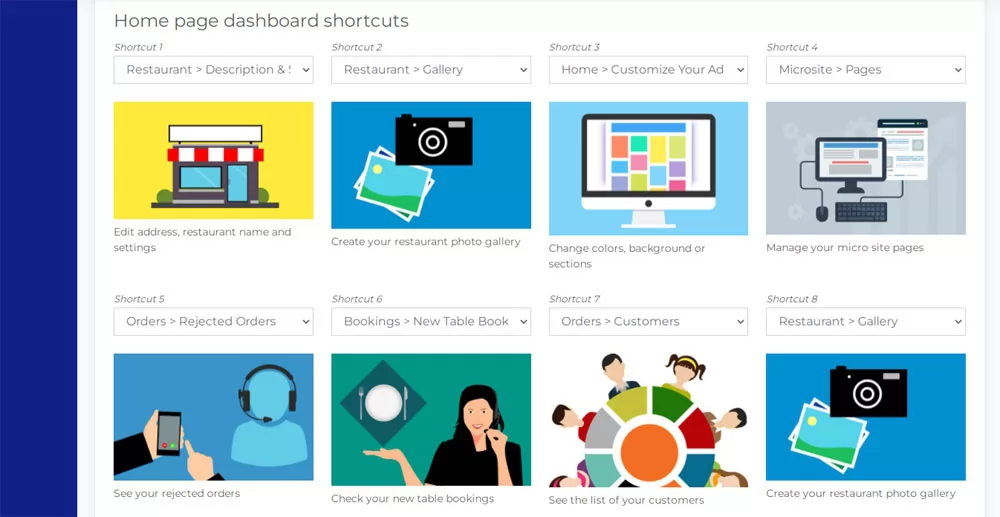 View Full Details
The user has the possibility to create up to 8 custom shortcuts on his dashboard ...
Read More & View Full Image →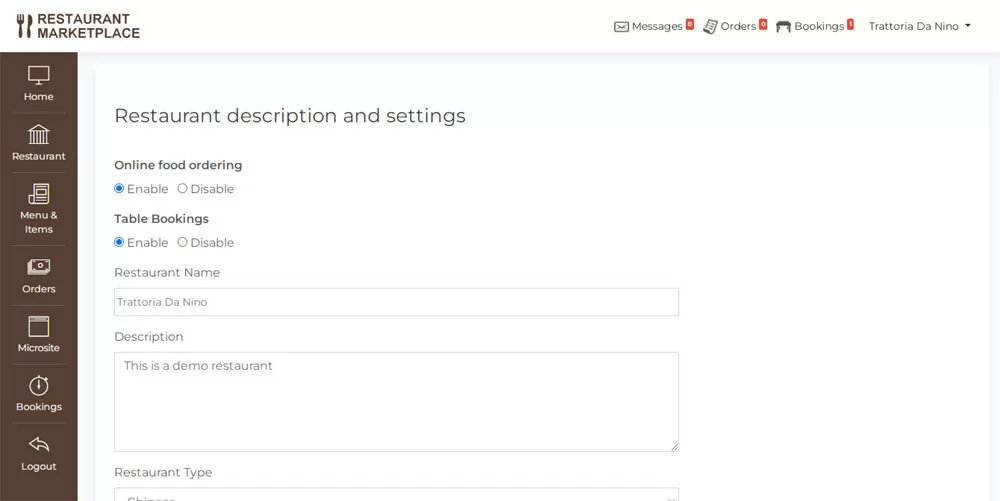 View Full Details
On the restaurant description and settings page in the admin panel, the restaurant owner can ...
Read More & View Full Image →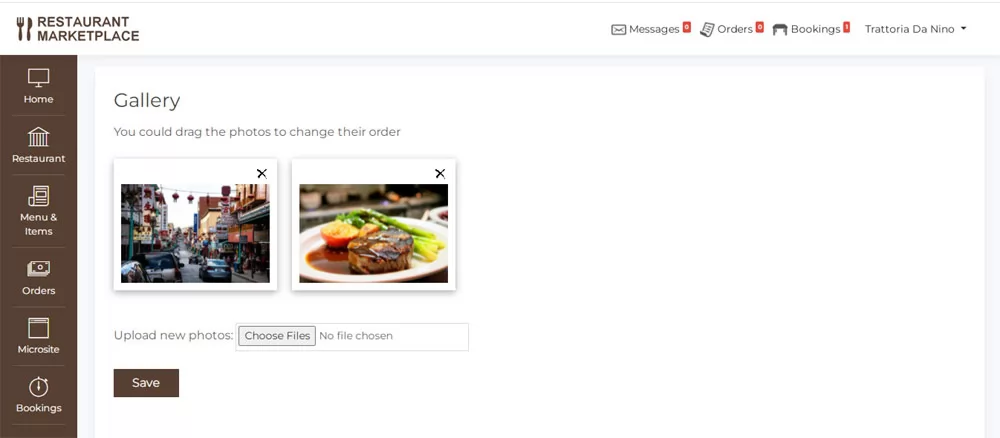 View Full Details
On this page the user has the possibility to upload, edit or change the order ...
Read More & View Full Image →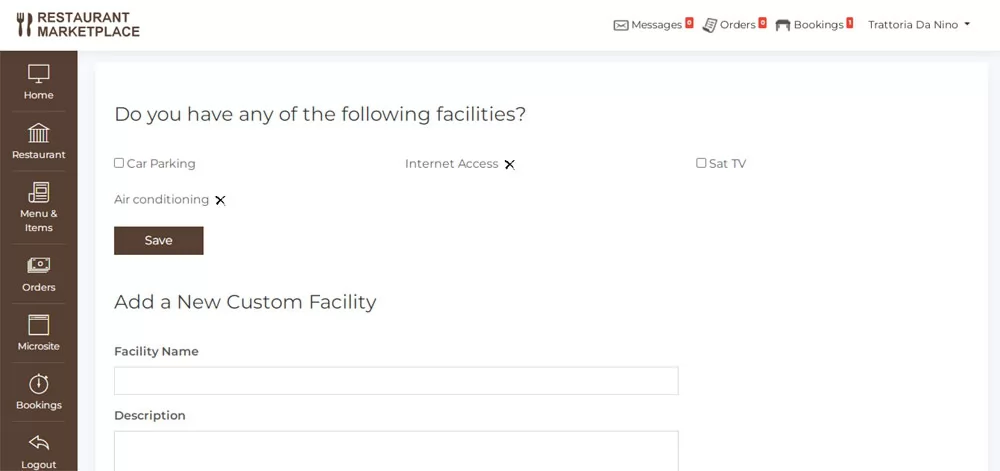 View Full Details
The restaurant owner can select the facilities available in his restaurant from the predefined list ...
Read More & View Full Image →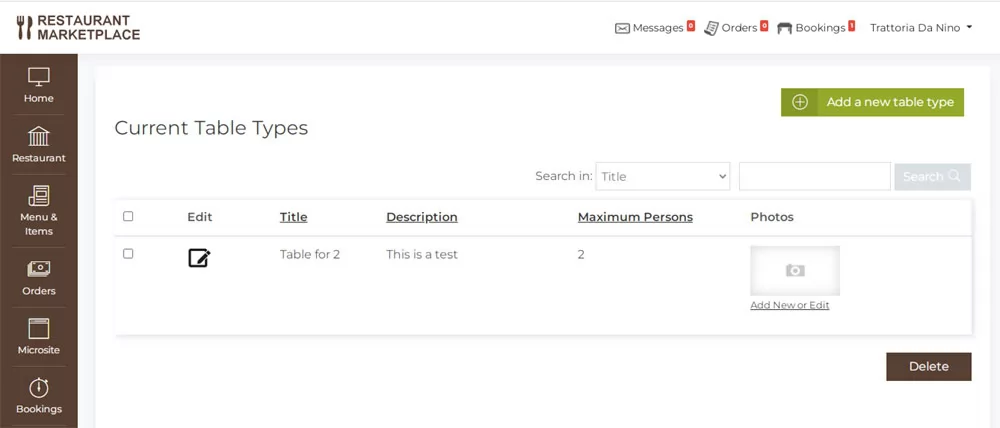 View Full Details
The functionality of adding and editing the available table types in the restaurant is linked ...
Read More & View Full Image →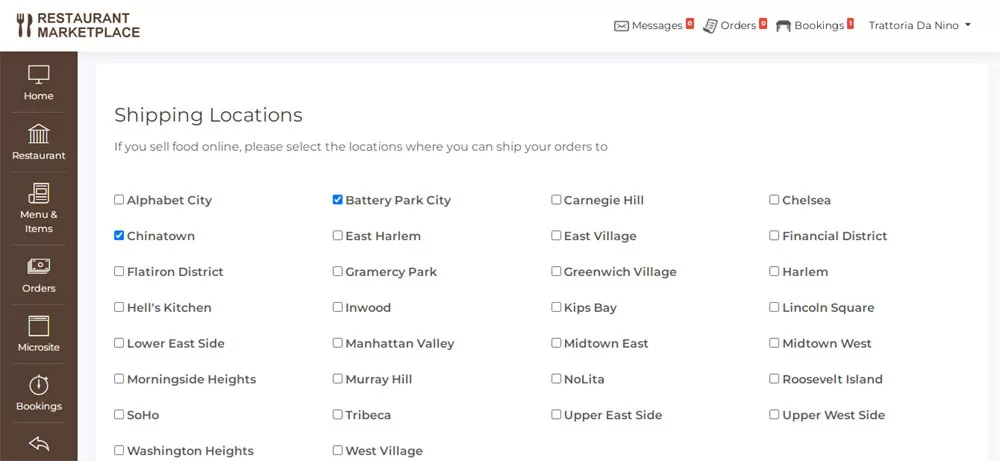 View Full Details
The page allows to select the locations to which the restaurant owner is able to ...
Read More & View Full Image →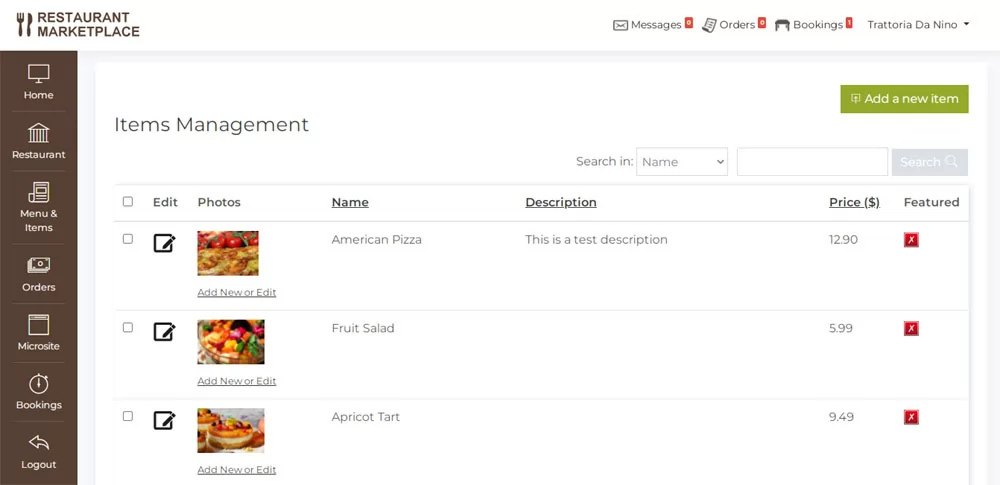 View Full Details
On this page the restaurant owner can add the items in his menu, set the ...
Read More & View Full Image →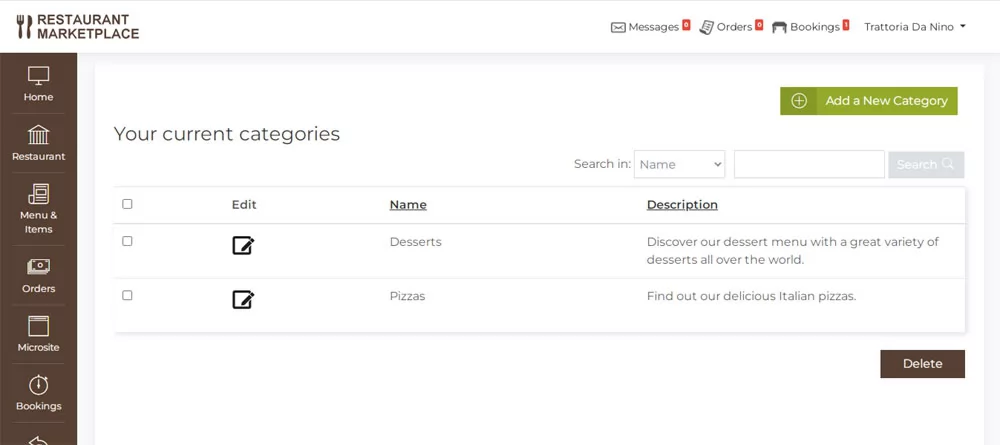 View Full Details
Except the global food categories set by the administrator (like Chinese, Italian etc.) the restaurant ...
Read More & View Full Image →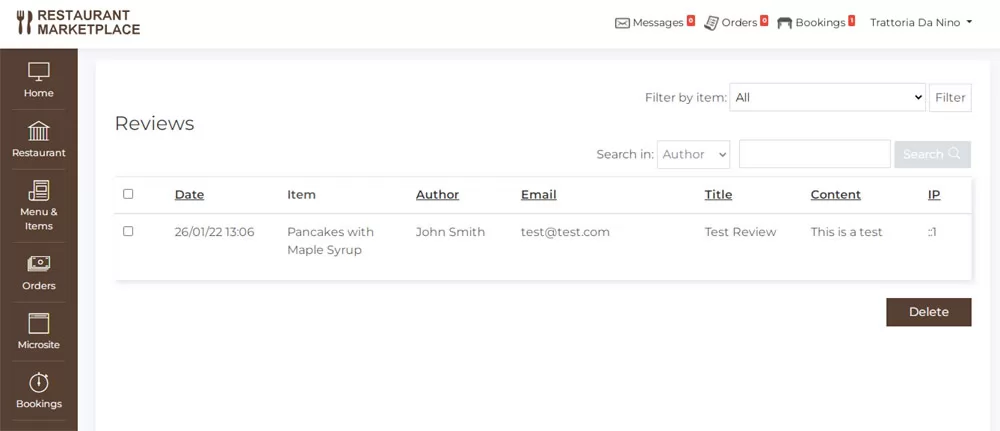 View Full Details
The page allows the restaurant owner to see the reviews posted for his products in ...
Read More & View Full Image →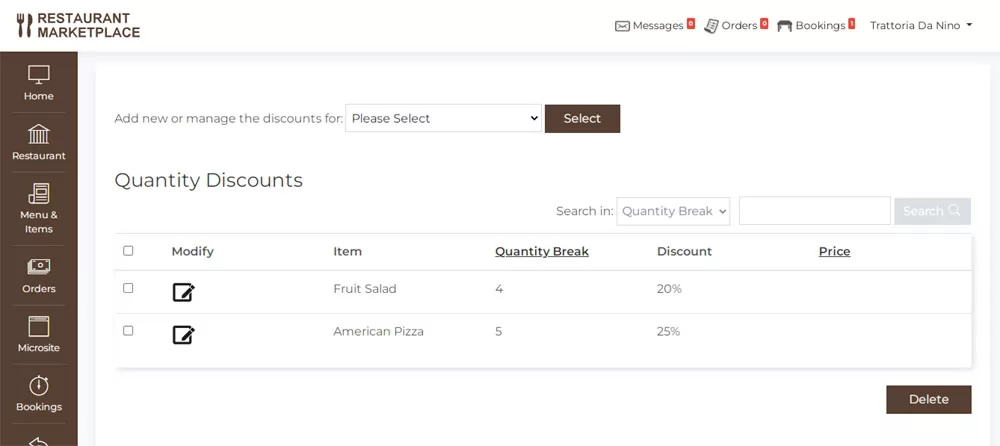 View Full Details
The quantity discounts functionality allows them to offer discounts and better prices to customers ordering ...
Read More & View Full Image →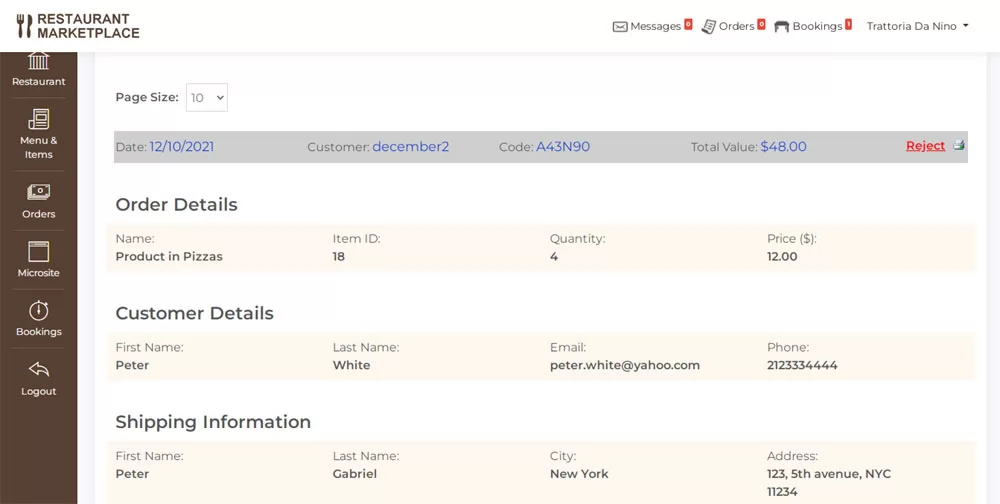 View Full Details
The restaurant owner can the order details including the products to be shipped, customer contact ...
Read More & View Full Image →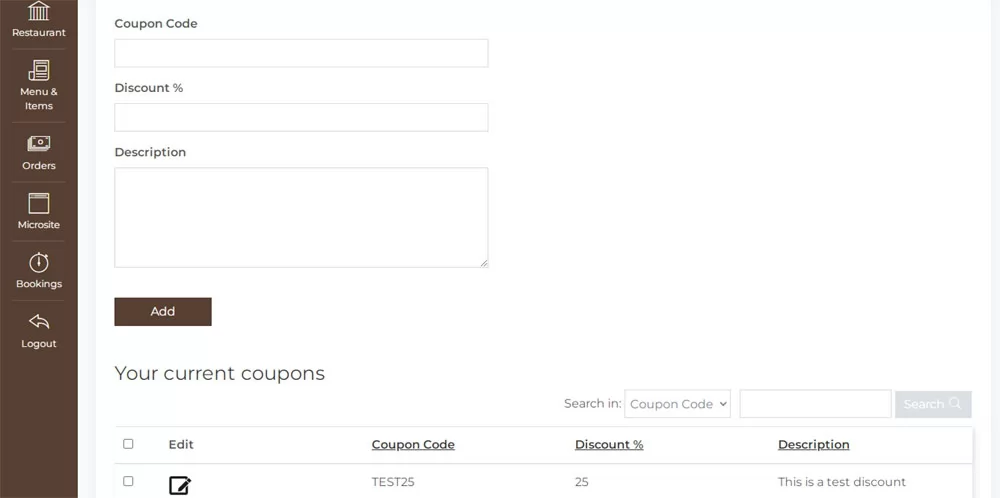 View Full Details
The restaurant owner can create different coupon codes offering discounts for online orders on the ...
Read More & View Full Image →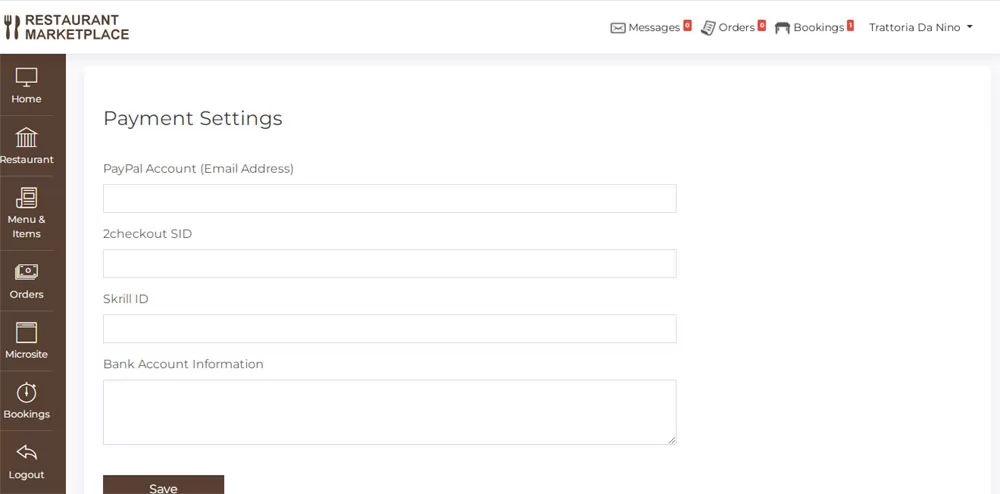 View Full Details
The Payment Settings page in the restaurant owner admin panel allows configuring the accepted ...
Read More & View Full Image →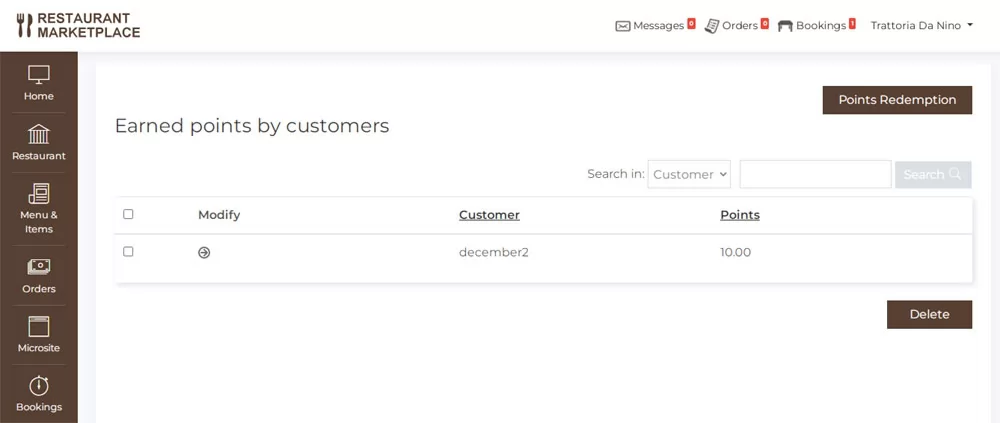 View Full Details
When the restaurant owner has activated the customer loyalty program functionality for his restaurant, on ...
Read More & View Full Image →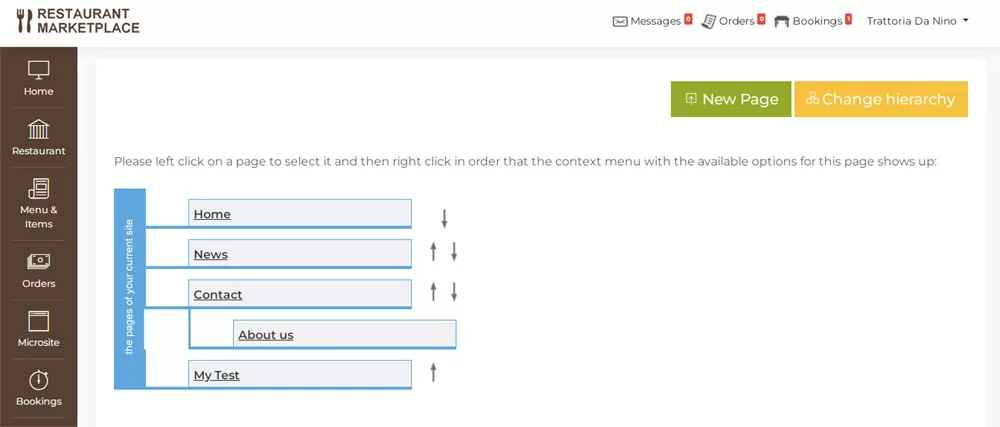 View Full Details
Every restaurant owner gets by default a microsite for his restaurant and he is able ...
Read More & View Full Image →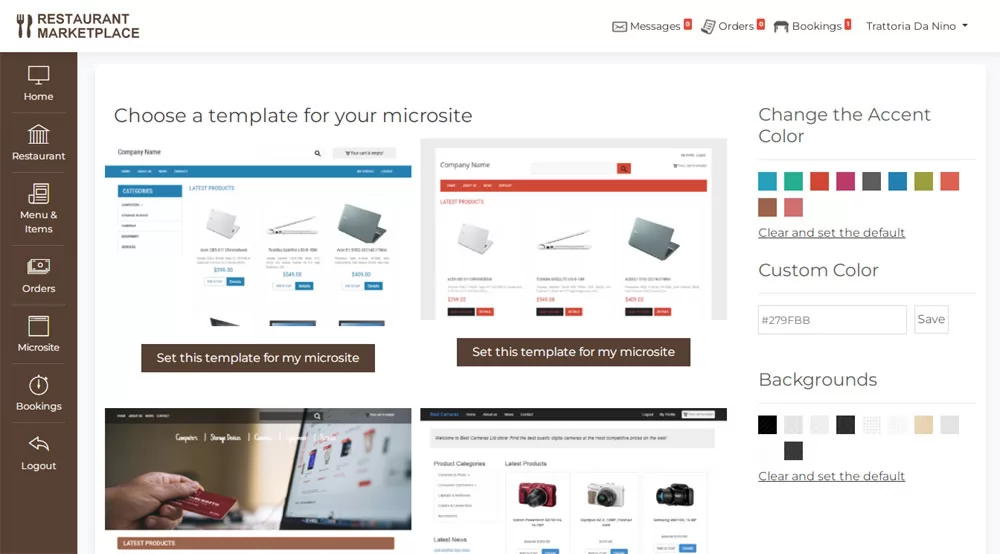 View Full Details
The users can change the design of their restaurant microsite easily by clicking on the ...
Read More & View Full Image →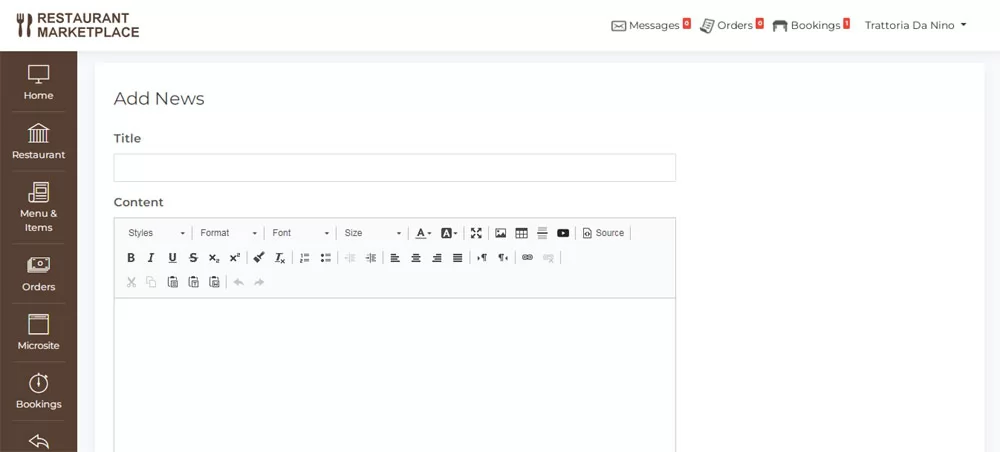 View Full Details
This functionality and page allows the restaurant owners to post and edit the news on ...
Read More & View Full Image →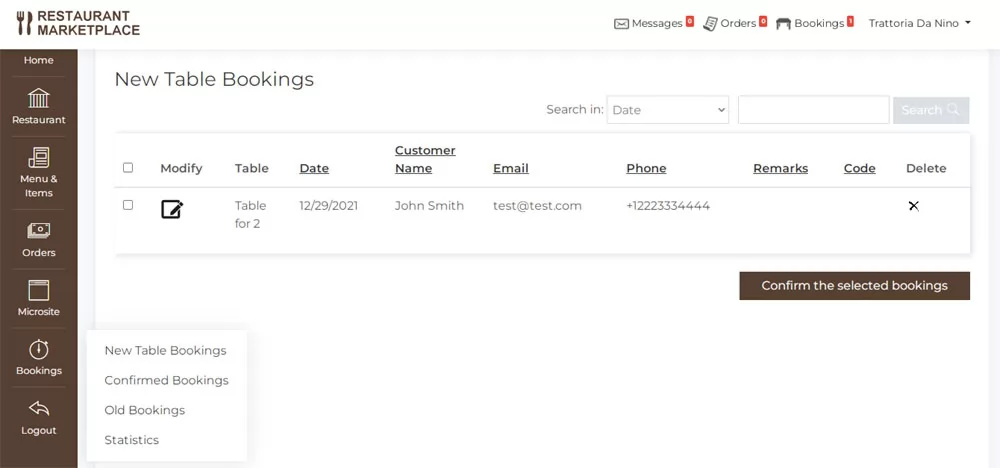 View Full Details
If the table booking functionality is enabled, this page allows to see the new table ...
Read More & View Full Image →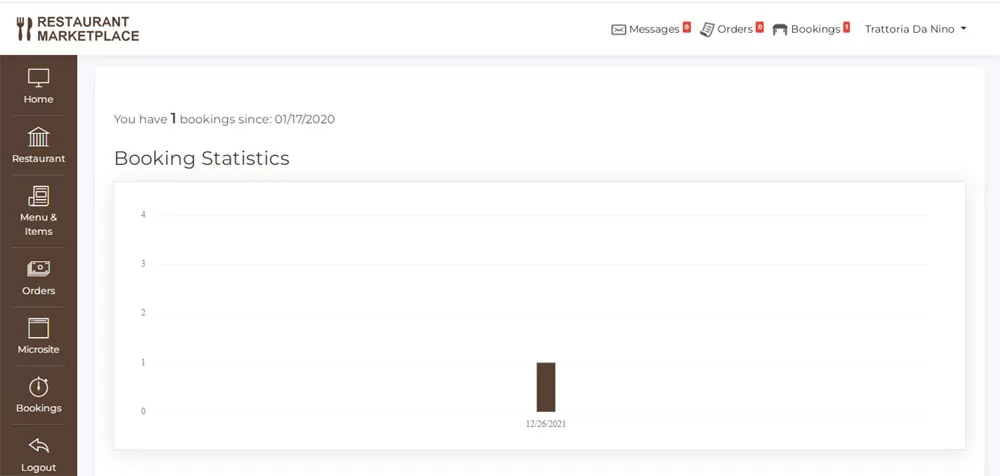 View Full Details
The pages shows quick statistics details about the number of table bookings made for the ...
Read More & View Full Image →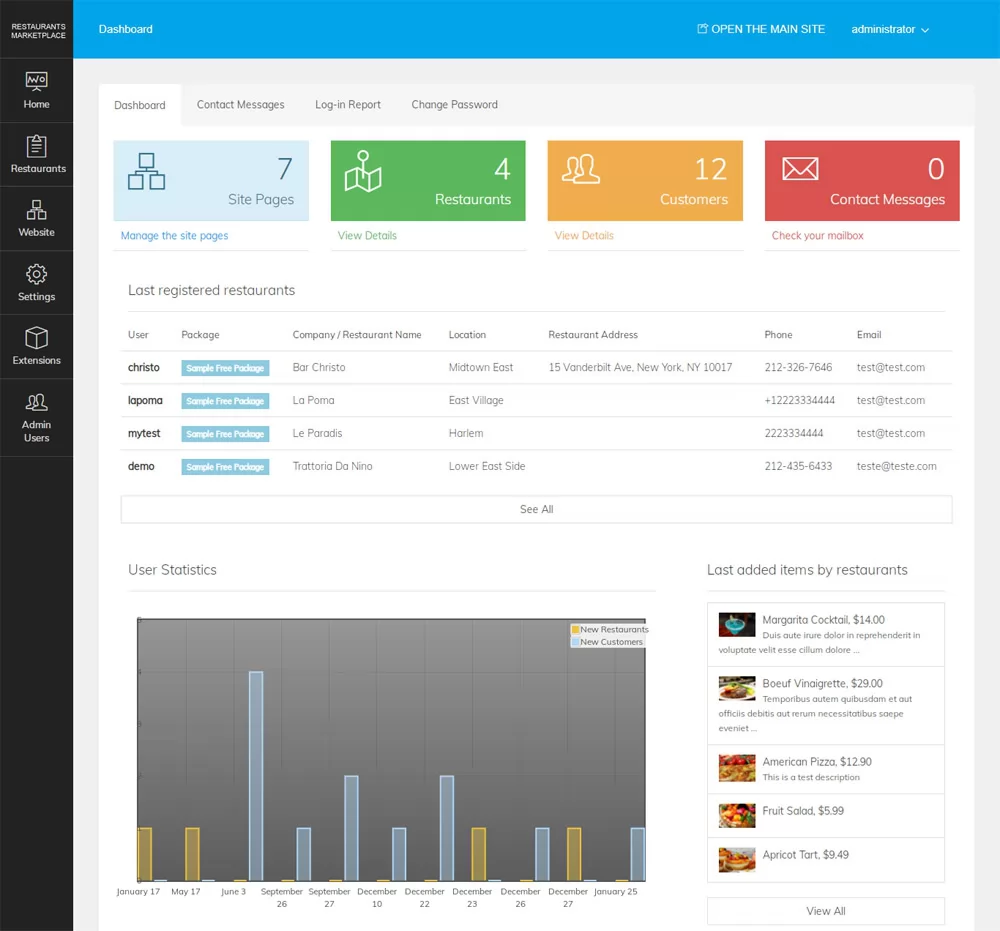 View Full Details
The main administration panel allows the website administrator to manage the registered restaurants, see statistics, ...
Read More & View Full Image →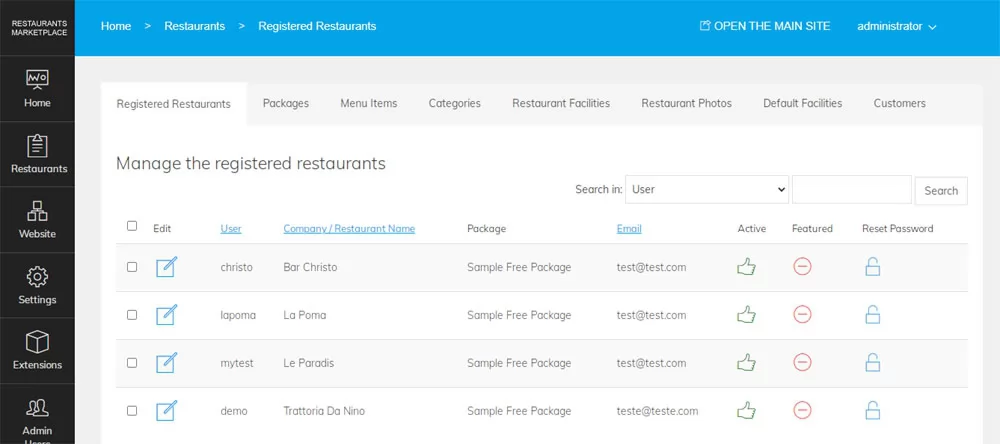 View Full Details
On this page the administrator can see the list of the registered restaurants on the ...
Read More & View Full Image →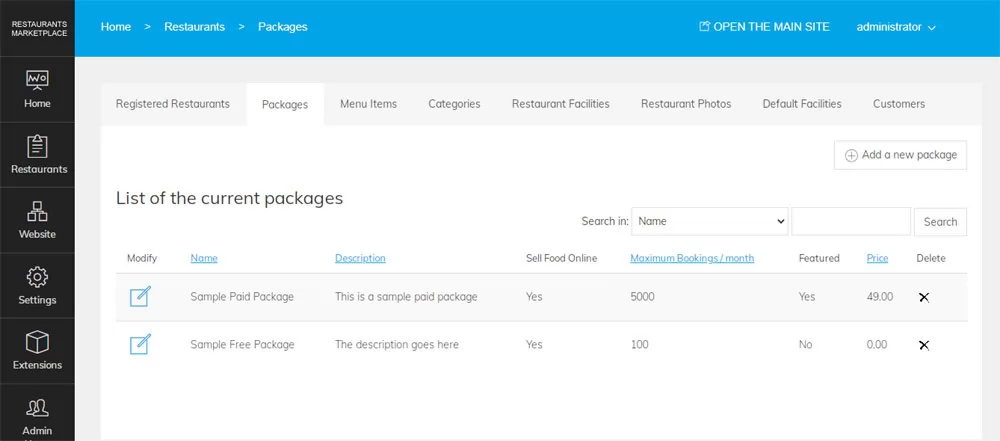 View Full Details
The restaurant subscriptions page allows the administrator to create different subscriptions / listing packages that ...
Read More & View Full Image →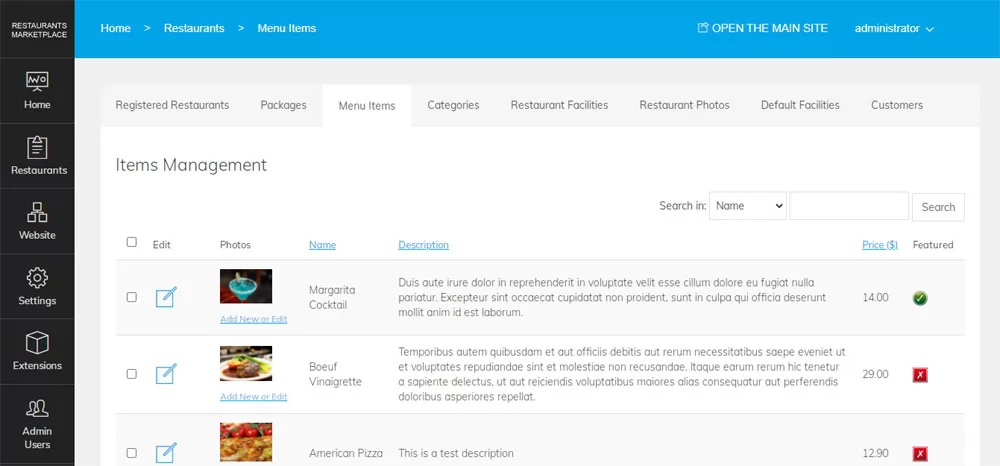 View Full Details
On this page the administrator can see the menu items / products added by the ...
Read More & View Full Image →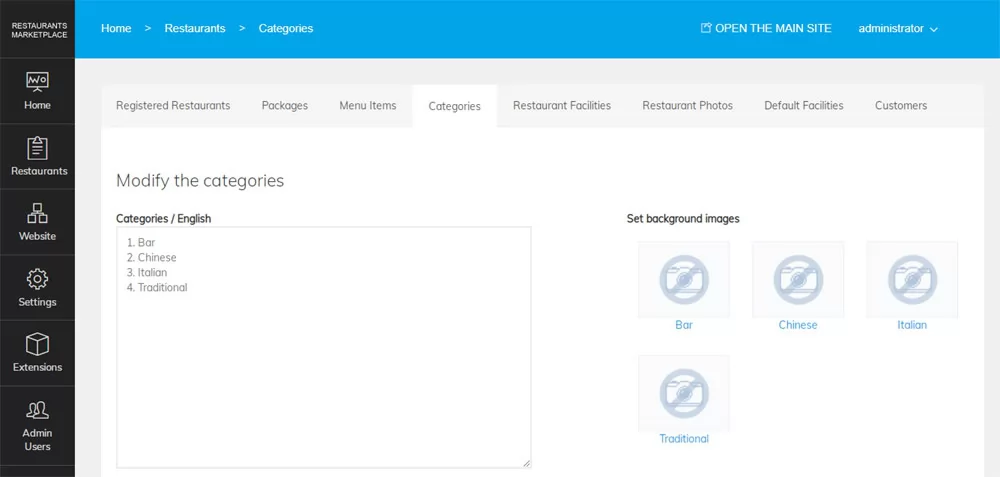 View Full Details
The main restaurant / food categories can be changed easily by pasting and saving the ...
Read More & View Full Image →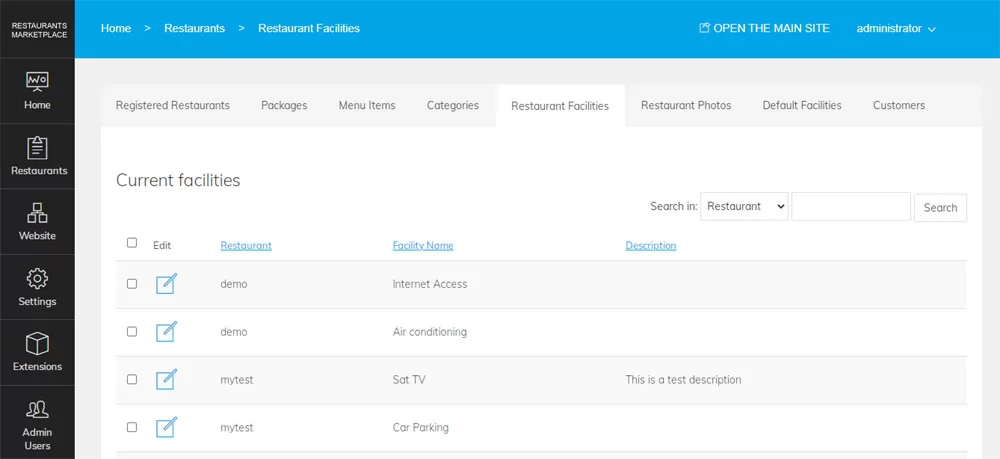 View Full Details
The page allows to see the custom facilities the users have listed for their restaurants ...
Read More & View Full Image →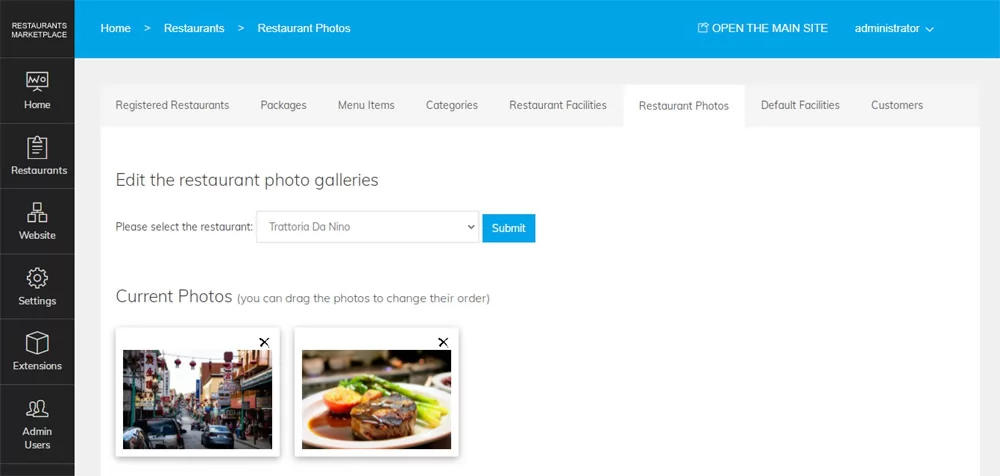 View Full Details
Every restaurant owner can create a photo gallery for the restaurant by uploading multiple photos ...
Read More & View Full Image →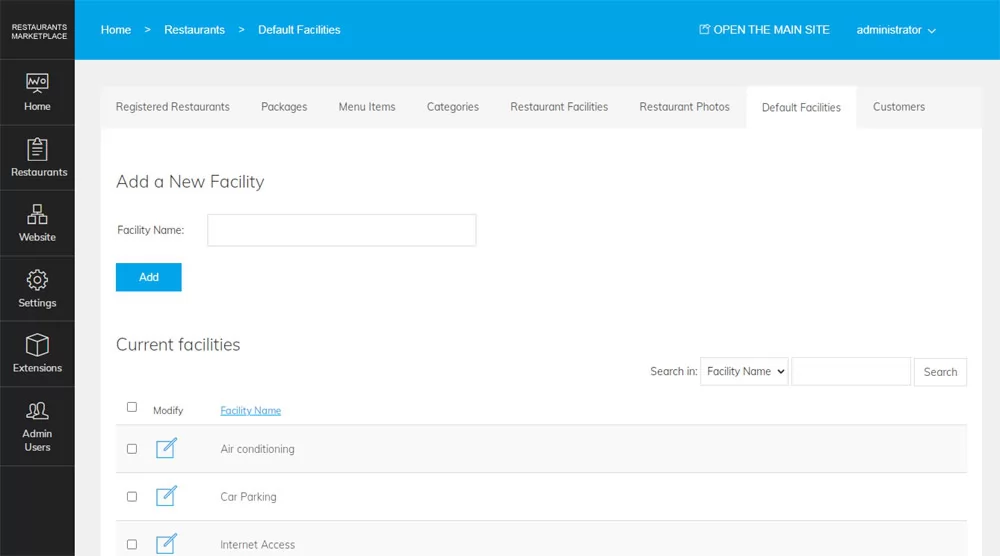 View Full Details
The default facilities functionality allows the administrator to create a list of default facilities that ...
Read More & View Full Image →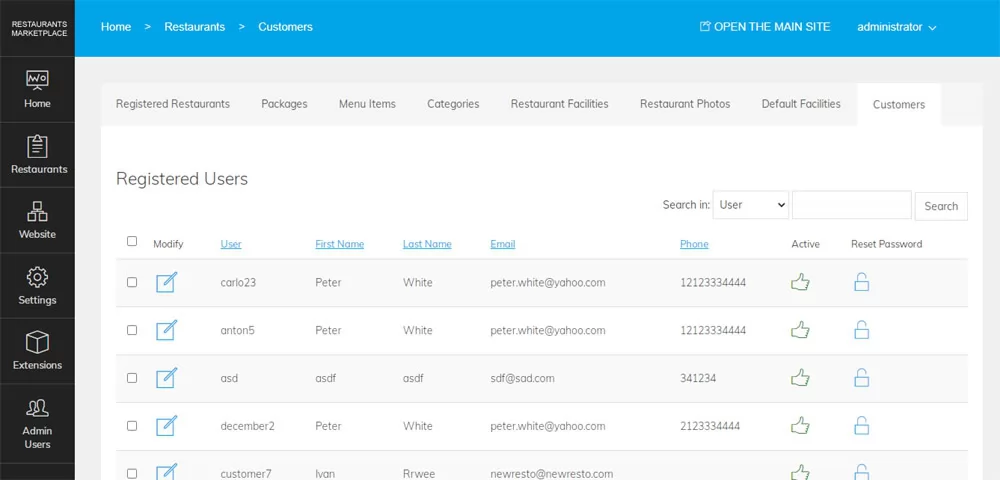 View Full Details
The registered customers page shows information about the users who placed orders on the different ...
Read More & View Full Image →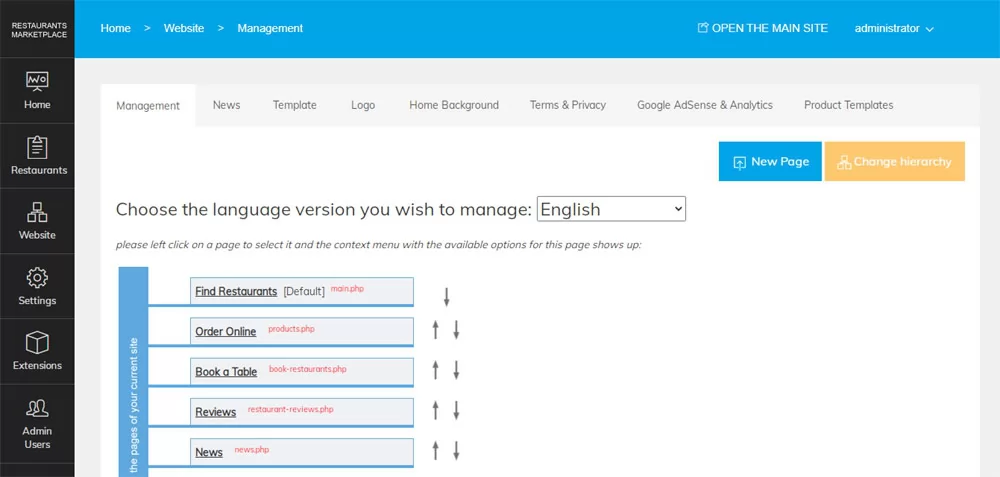 View Full Details
The page offers functionality to edit the existing pages of the main site, se the ...
Read More & View Full Image →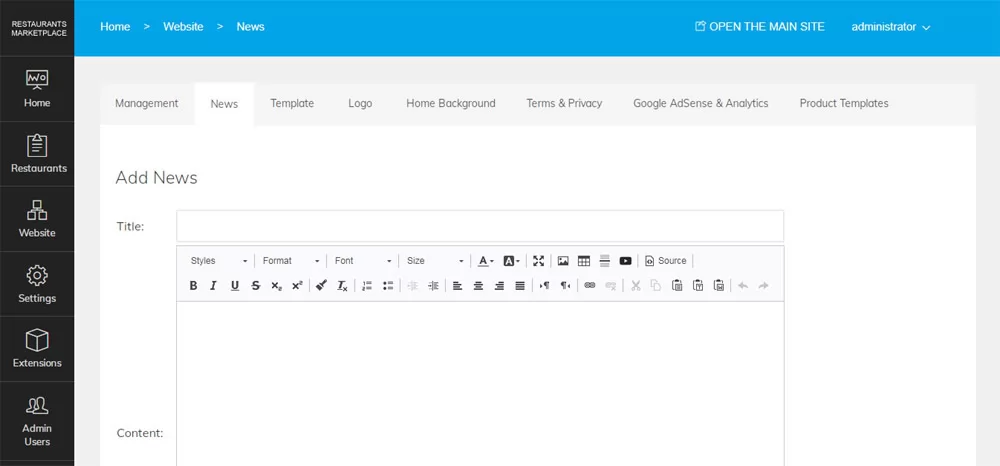 View Full Details
The administrator can use this page to post and edit the news that will show ...
Read More & View Full Image →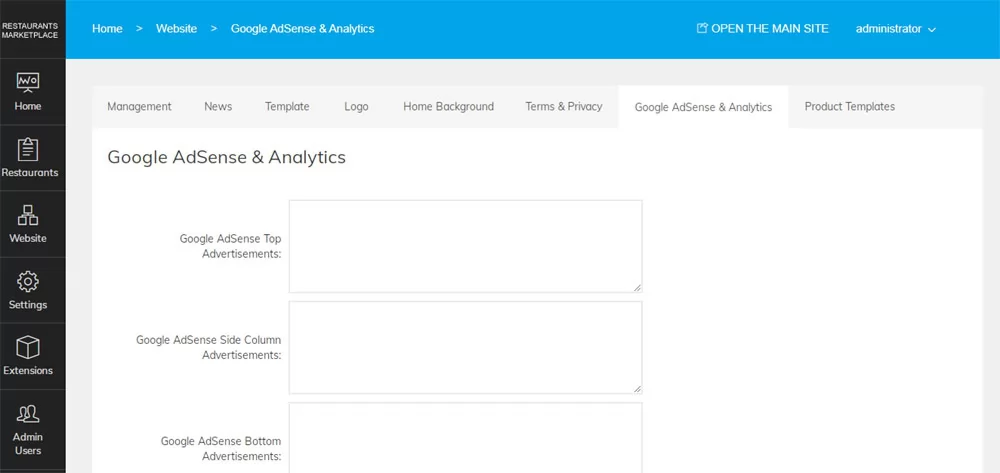 View Full Details
This page offers functionality to post advertisements from other systems on the website like Google ...
Read More & View Full Image →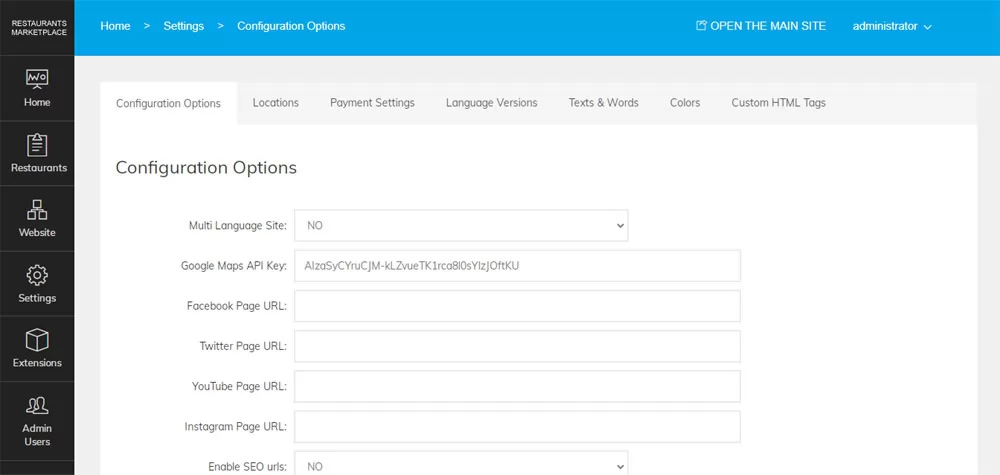 View Full Details
The configuration options allows to change the main website settings like the date format, social ...
Read More & View Full Image →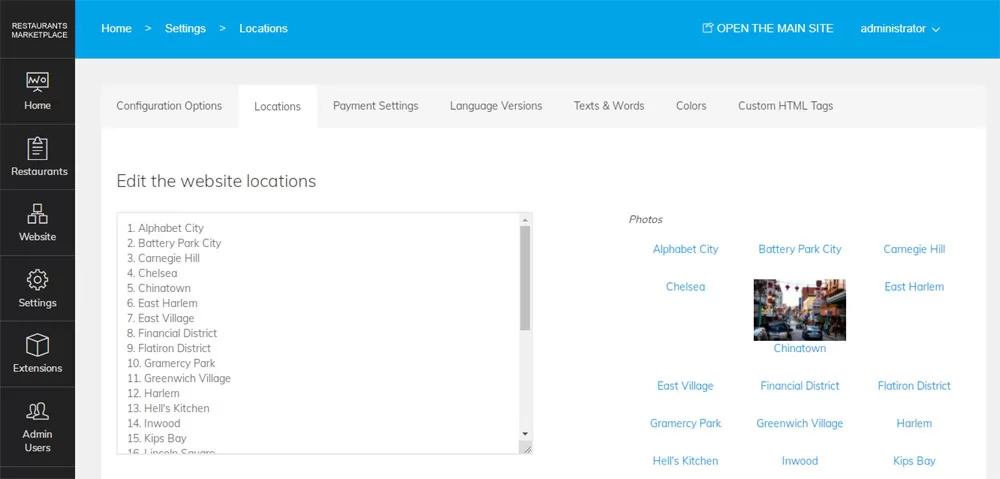 View Full Details
The website locations can be changed easily by pasting a new list on the Locations ...
Read More & View Full Image →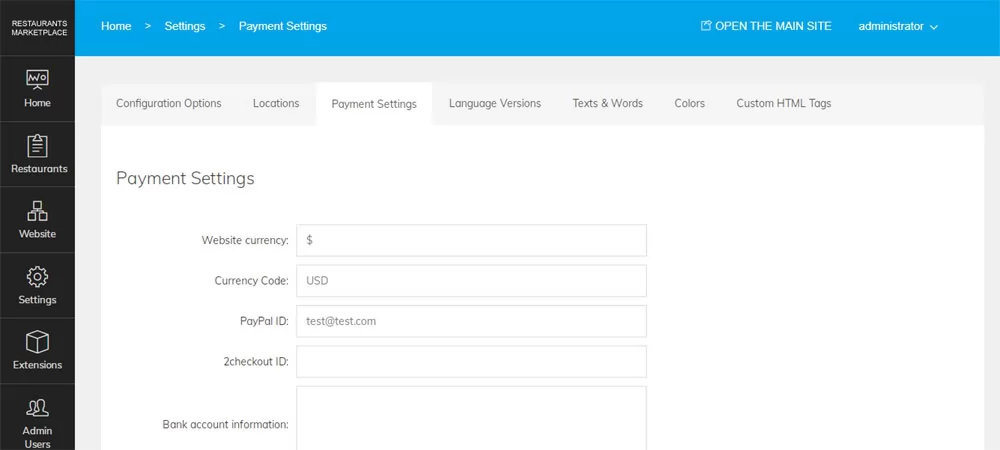 View Full Details
The payment settings page allows to configure the accepted payment options on the main site ...
Read More & View Full Image →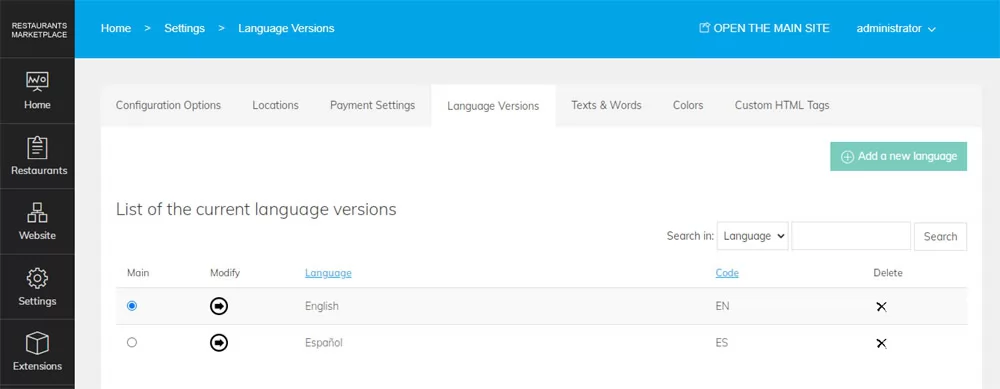 View Full Details
PHP Restaurant Marketplace is multi-language - new languages can be added by uploading the corresponding ...
Read More & View Full Image →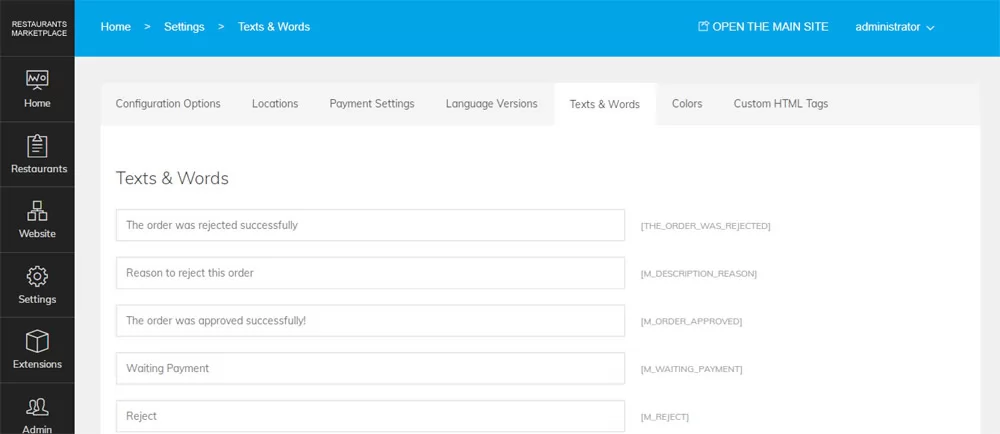 View Full Details
The Texts & Words page in the admin panel makes it easy to edit the ...
Read More & View Full Image →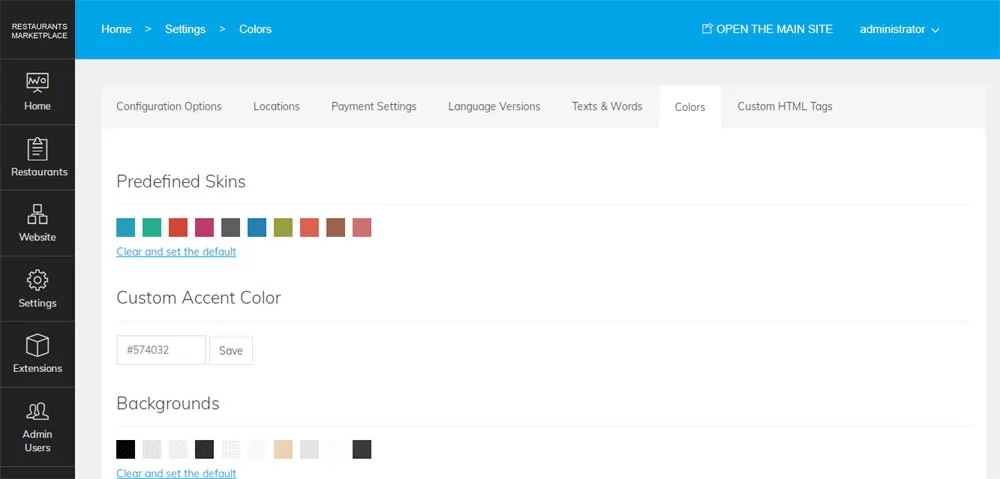 View Full Details
The default website colors can be changed as easily as clicking on the new desired ...
Read More & View Full Image →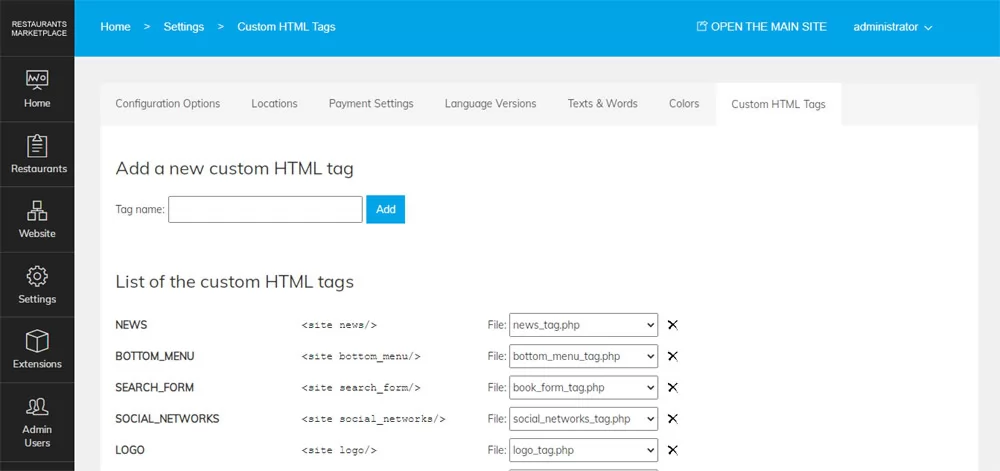 View Full Details
The custom html tags functionality allows to extend the default script functionality by creating html ...
Read More & View Full Image →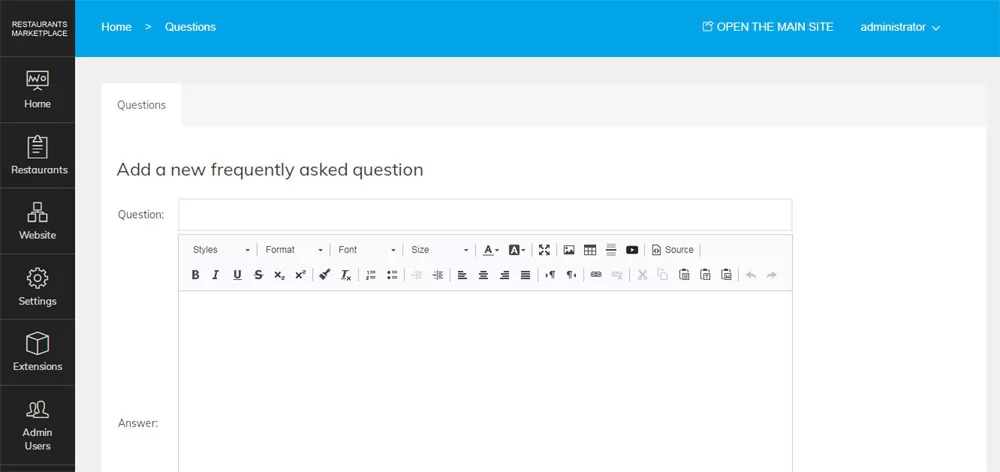 View Full Details
The frequently asked questions functionality allows the administrator to add frequently asked questions and their ...
Read More & View Full Image →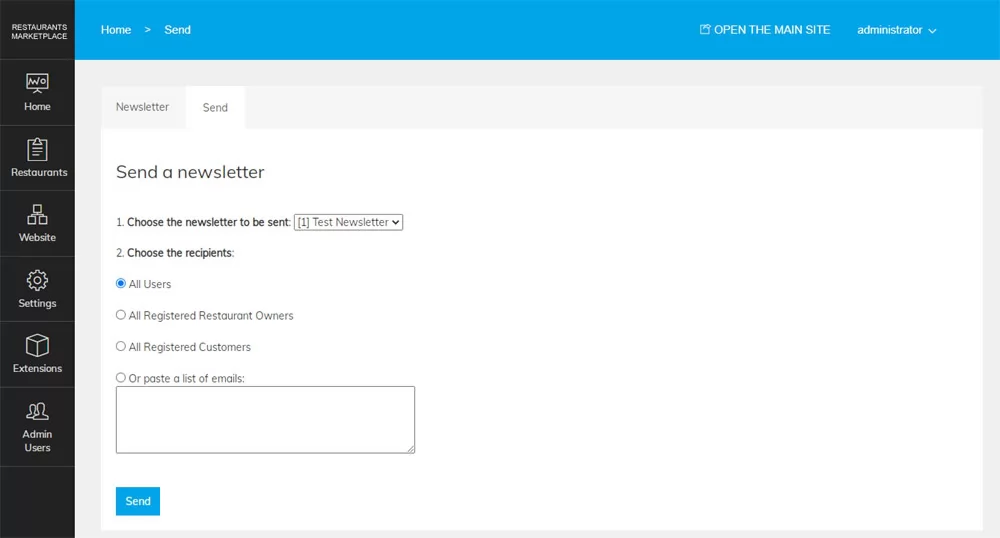 View Full Details
The newsletter functionality in the administration panel can be used to send newsletter to the ...
Read More & View Full Image →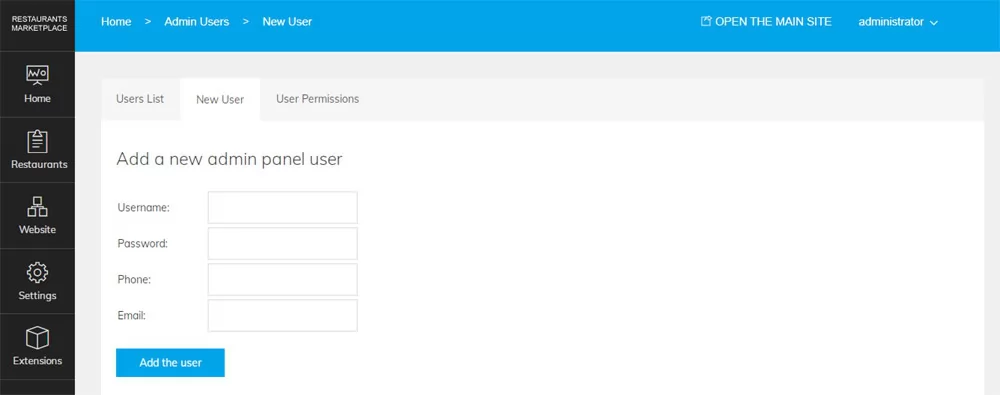 View Full Details
The main website administrator can add additional administrator users and set their permissions for the ...
Read More & View Full Image →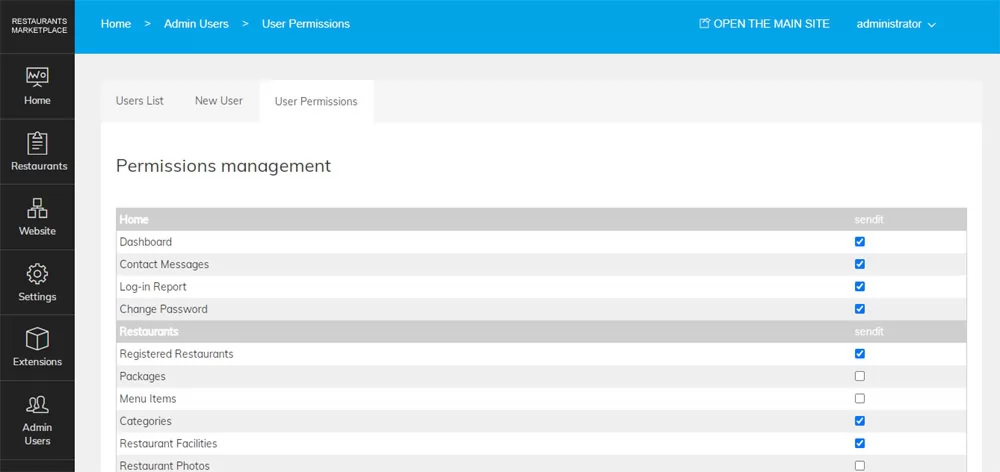 View Full Details
To grant permissions for a selected page to an administrator user, it's necessary to check ...
Read More & View Full Image →