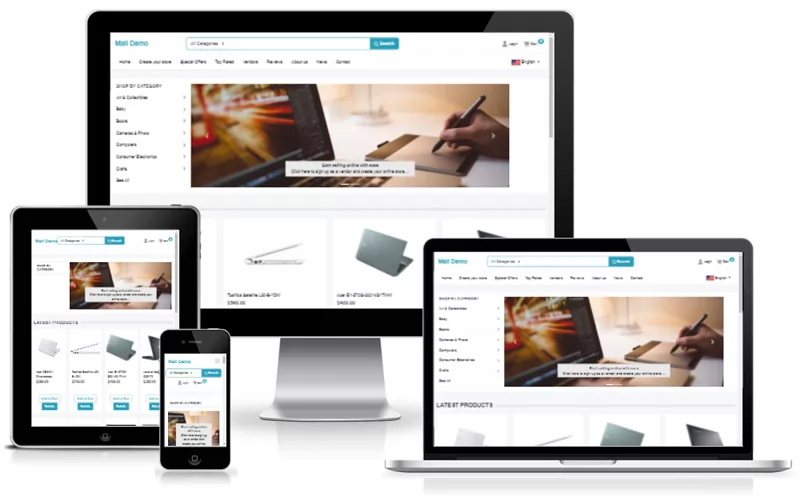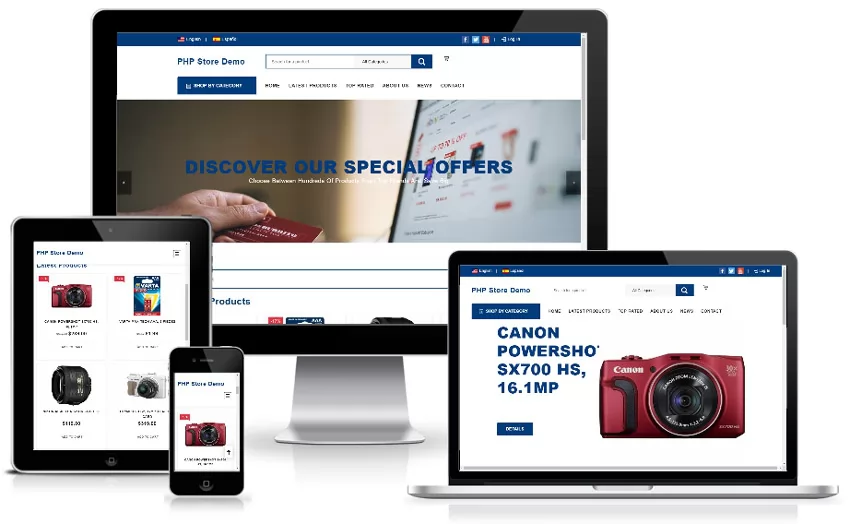
[CLICK HERE TO OPEN A DEMO - RUNNING MODE #1, "CLASSIC MALL"]

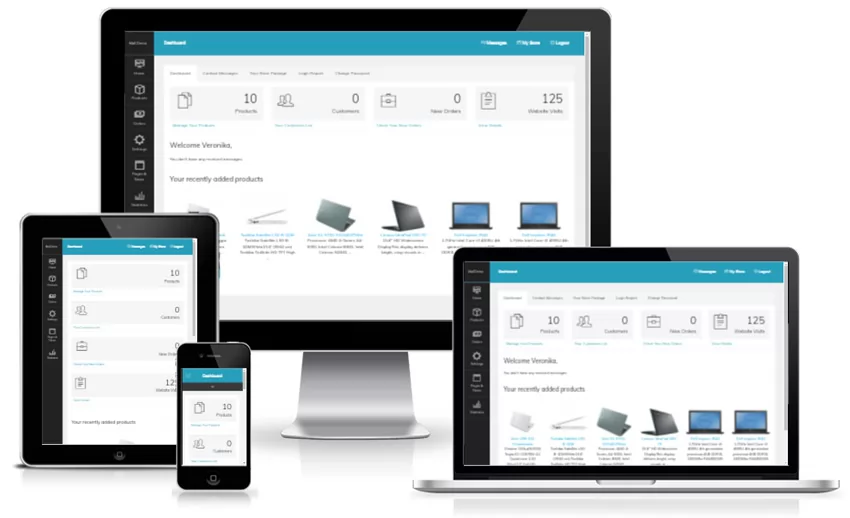
When you open the demo site, you could go to the Signup page and create (takes less than a minute) your online store. After that you'll be able to test all the aspects of iBoutique.MALL (functionality available for the merchants) - upload products, customize your website, add/remove pages, place orders etc.
When running mode #1 is selected, the merchants accept directly their payments and are responsible for the shipping of the goods. The stores are charged based on the package they have chosen (in the current version the packages may differ by the number of allowed products and functionality - the access to selected admin pages can be limited for a given package). The products are uploaded by the merchants and the invoice and payment settings (accepted payment options) are managed by the merchants.

Click here for comparison between running modes #1 and #2

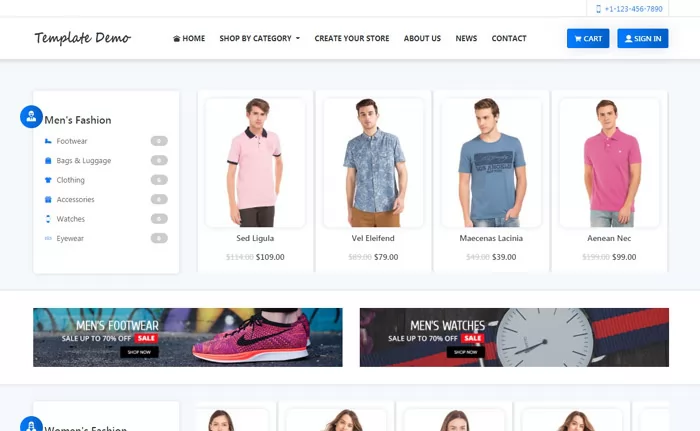
The iBoutique.MALL front site is flexible and can be used with various templates, we present you below 10 additional mall demos with different templates (please click on the images to open the demos):


Please note that we offer the service to customize the mall design with a template of your choice and send you directly your customized mall site. You are contact us for details.


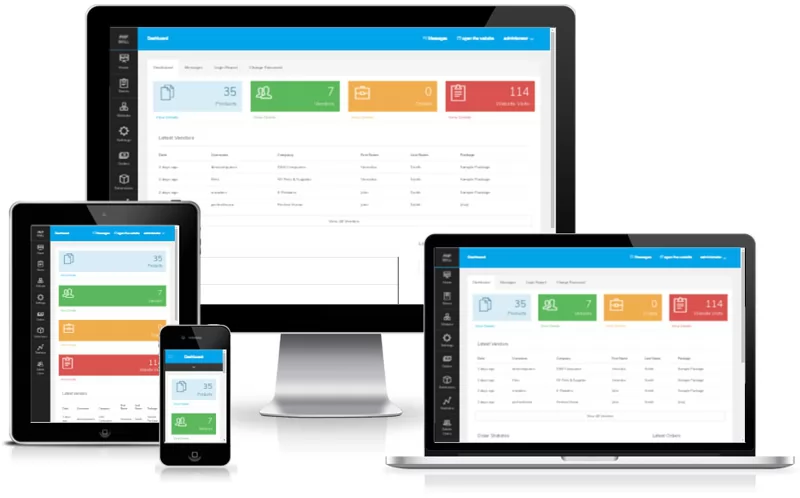
[OPEN A DEMO OF THE BACK OFFICE / LOGIN AS ADMINISTRATOR]

Please note that sometimes there are multiple users trying to access the same demo (and changing for example a same setting). If you experience problems when trying to access or test a demo, please contact us.

Other products of NetArt Media you may be interested in:

Blog System
Multilanguage blog hosting software

Car Portal v2.0
Auto classifieds solution

Pharmacy System
Specialized solution for online pharmacies

WebSiteAdmin v2.1
Content management system

Jobs Portal v1.2
Powerful jobs board software

WSCreator 1.0
Multi user / multi website CMS

Real Estate Portal v1.2
RE portal solution

Vlog System 1.1
Video blog system based on BS