
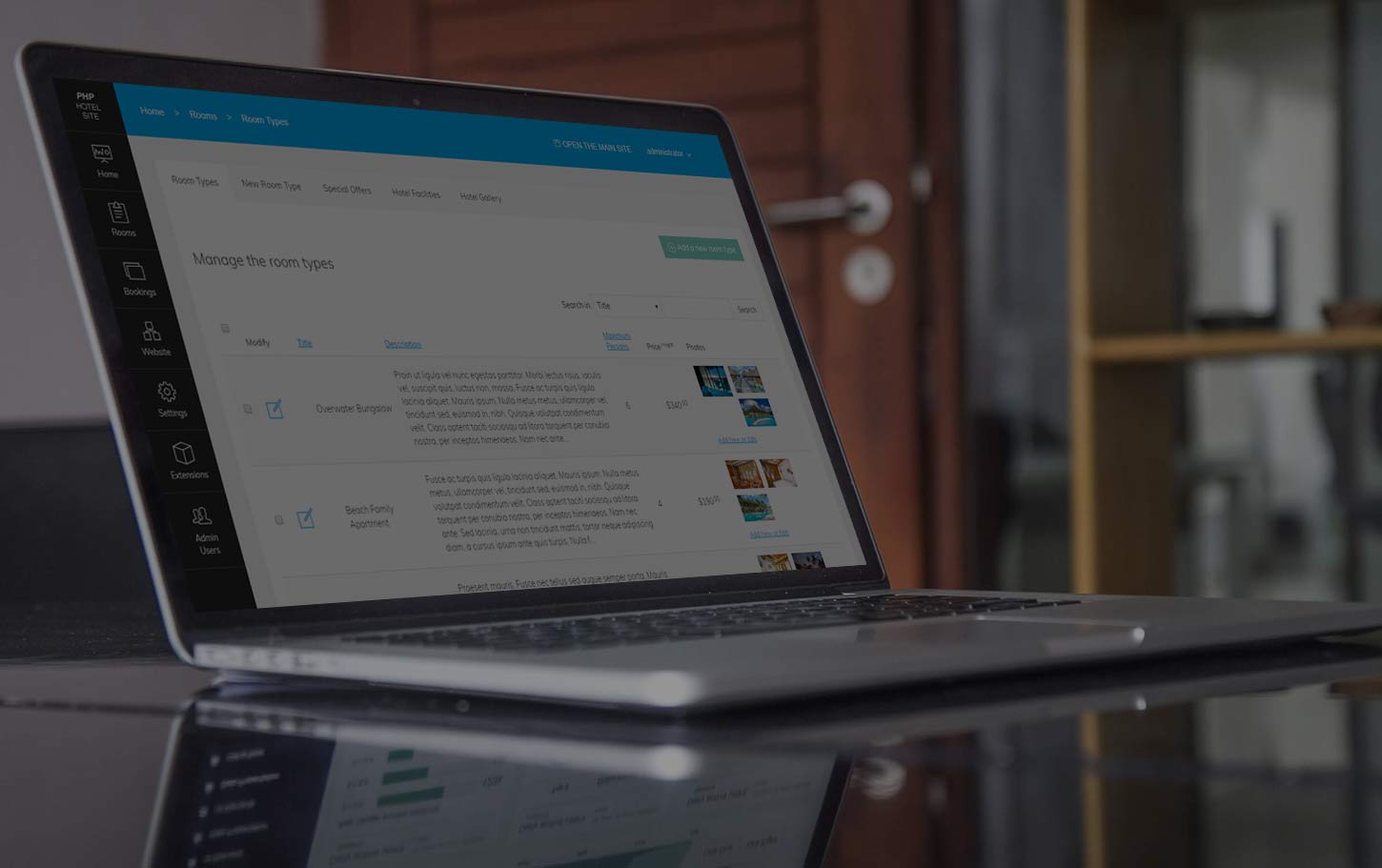
Please find below some screenshots of the PHP Hotel Site administration panel and front-end allowing to get quickly idea about the interface and the main software features ...
 View Full Details
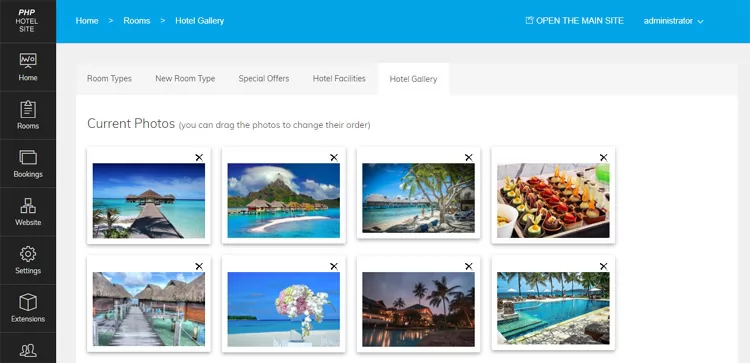
The administrator can create a gallery with hotel photos to be shown on the Gallery ...
Read More & View Full Image →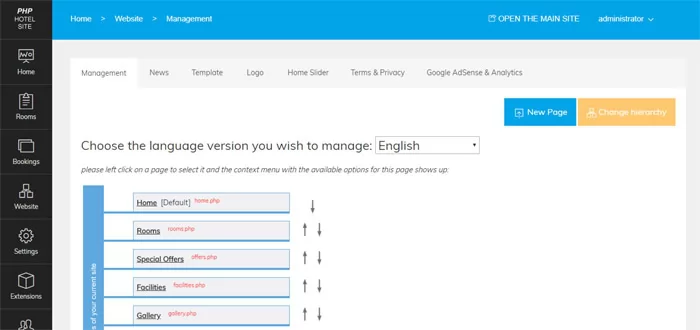 View Full Details
The administrator can edit the site structure, add new custom pages to the site, edit ...
Read More & View Full Image →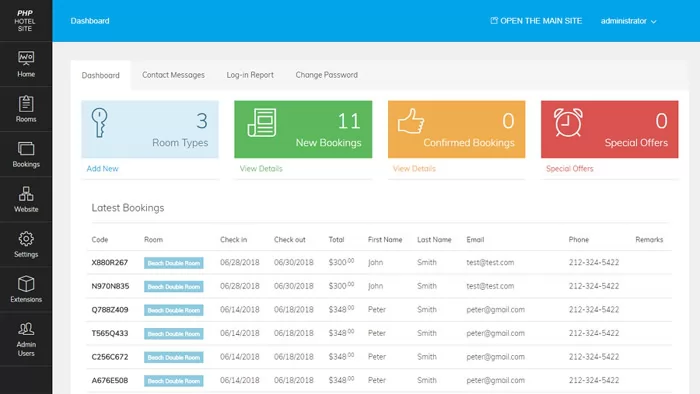 View Full Details
On the dashboard the administrator can see information about the latest booking, confirmed bookings, room ...
Read More & View Full Image →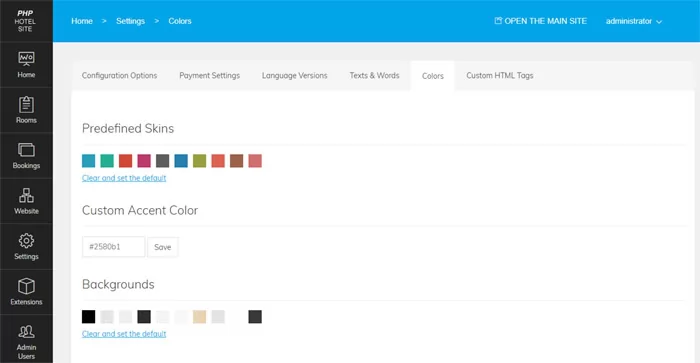 View Full Details
You can easily customize the site colors by choosing one of the predefined color or ...
Read More & View Full Image →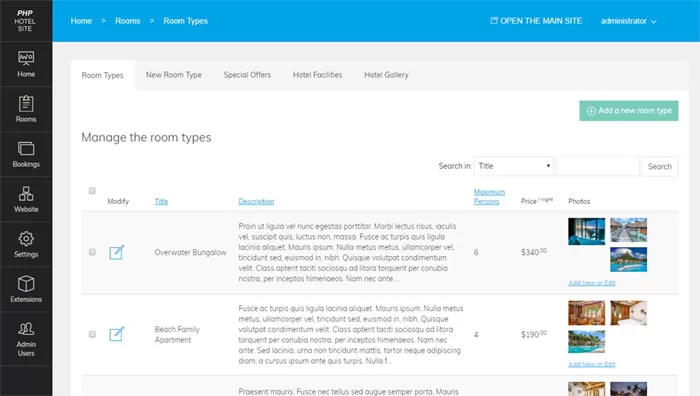 View Full Details
Editing the available room types from the administration panel
Read More & View Full Image →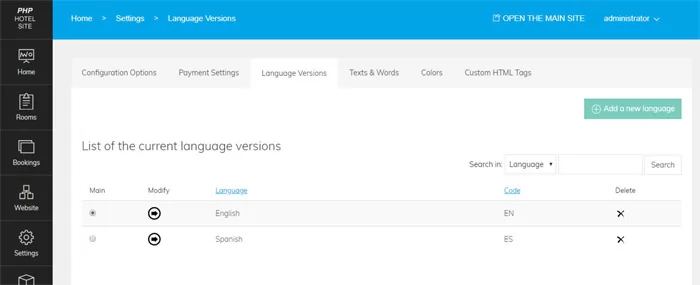 View Full Details
The new languages can be added from the Settings->Language Versions page in the admin panel. ...
Read More & View Full Image →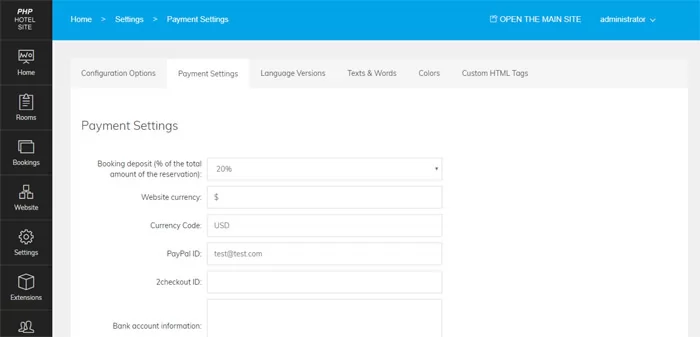 View Full Details
Configuring the payment setting - the amount in % to be charged to the customers ...
Read More & View Full Image →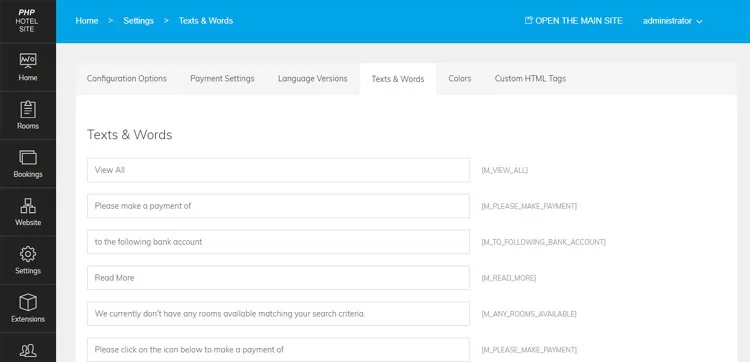 View Full Details
From the admin panel the administrator can modify the different texts and messages appearing on ...
Read More & View Full Image →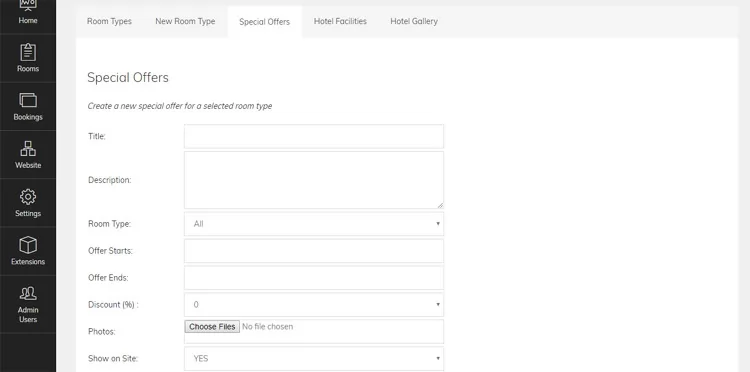 View Full Details
The functionality for creating special offers in the admin panel allows the administrator to create ...
Read More & View Full Image →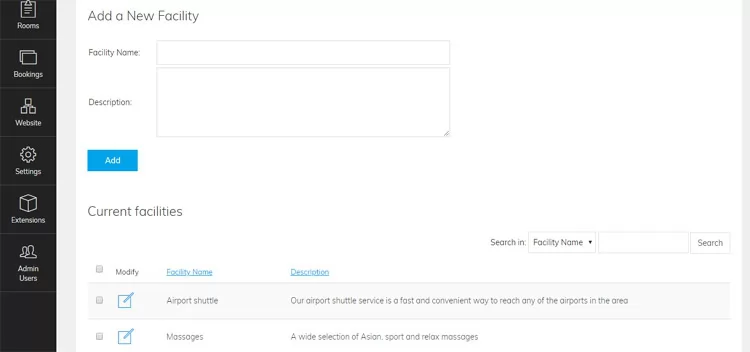 View Full Details
The administrator can add a list with the hotel facilities or also edit separately the ...
Read More & View Full Image →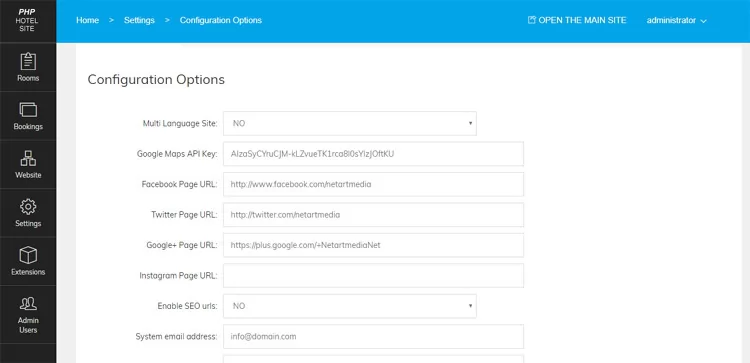 View Full Details
The configuration options page allows the administrator to change settings like currency, time zone, if ...
Read More & View Full Image →