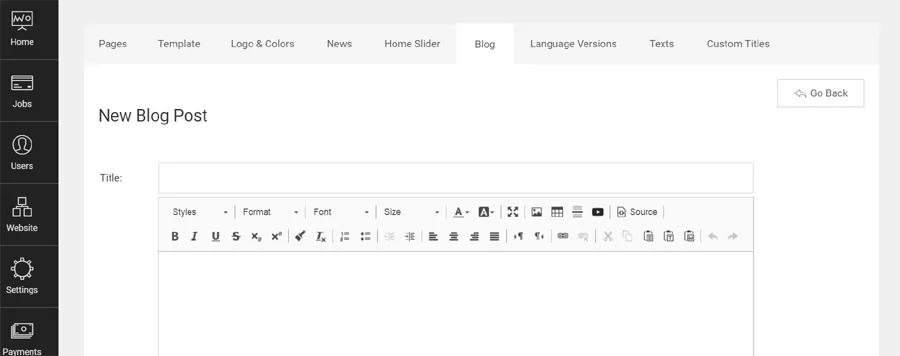
Customize the default theme, choose an accent color, set a custom background
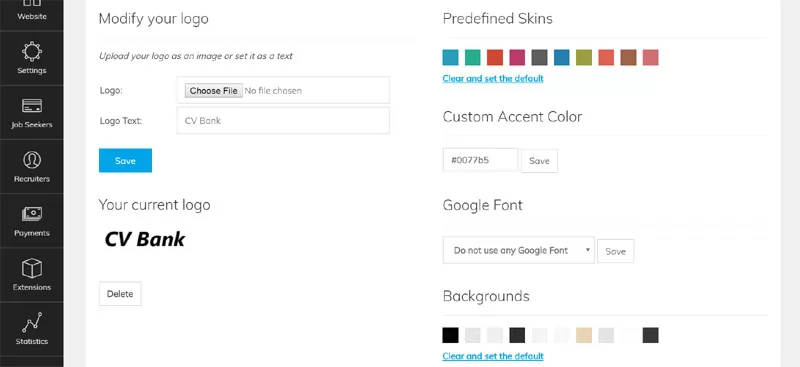
This new functionality allows to change the website colors with a single click from the administration panel, so the website owner can choose easily the colors he prefers or make the website colors match his logo or corporate identity. It's also possible now to set a custom accent color, by entering a color code, set a background image and upload a website logo from the administration panel.