

Please find below screenshots showing the main pages and functionality of the PHP Online School administration panel, the user / student admin panel and front-site pages ...
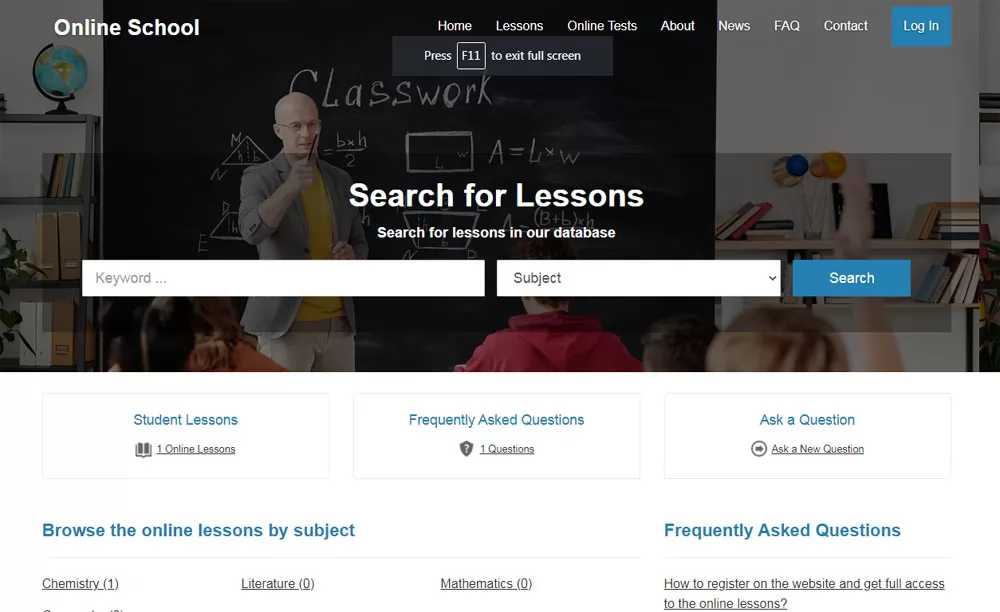 View Full Details
The home shows a search form allowing to search the online lessons, browse the lessons ...
Read More & View Full Image →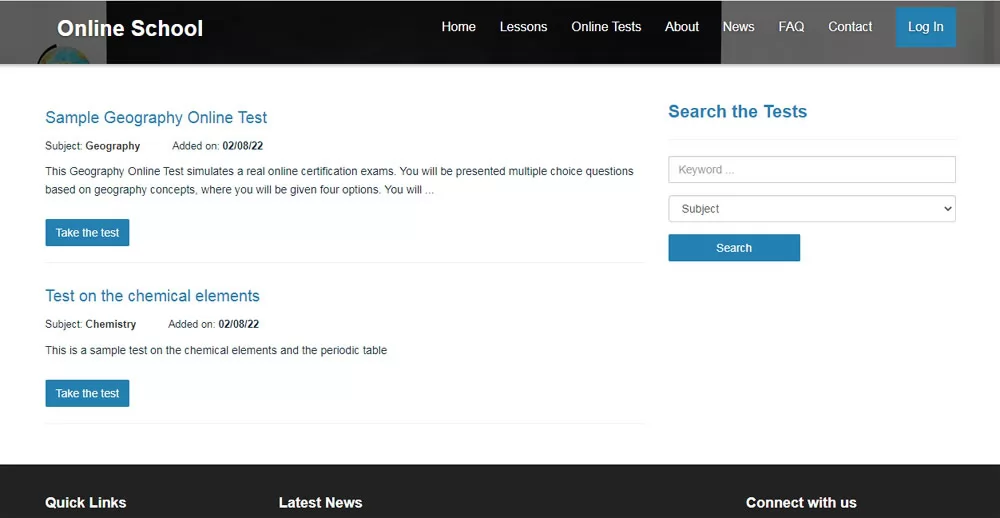 View Full Details
The page shows a quick preview of the currently available tests - in order to ...
Read More & View Full Image →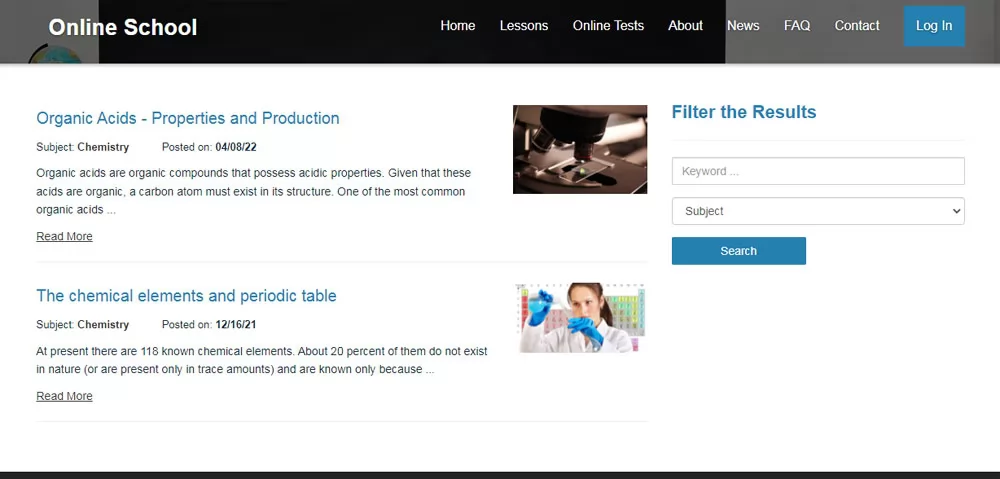 View Full Details
The online lessons can be browsed on both the front-end and also the user administration ...
Read More & View Full Image →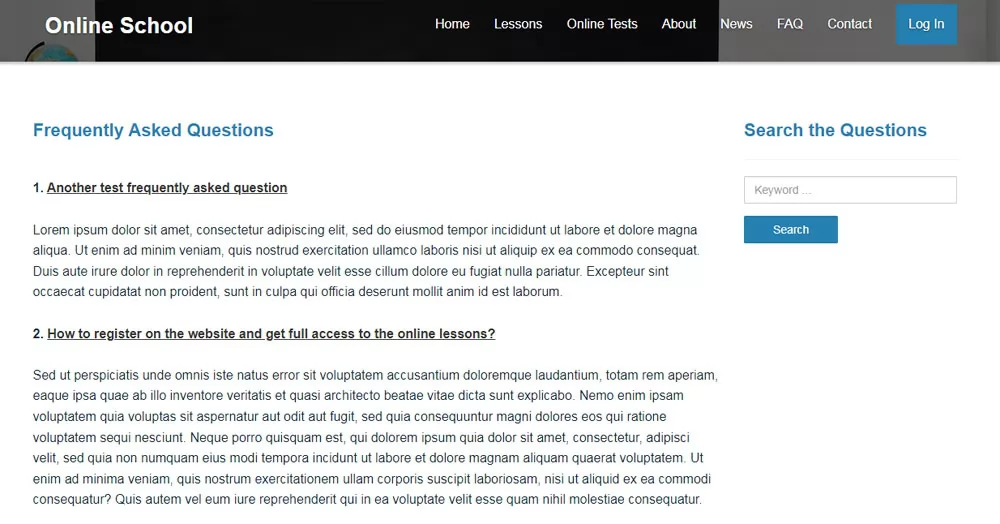 View Full Details
Except for the functionality allowing the users / students to submit their own questions to ...
Read More & View Full Image →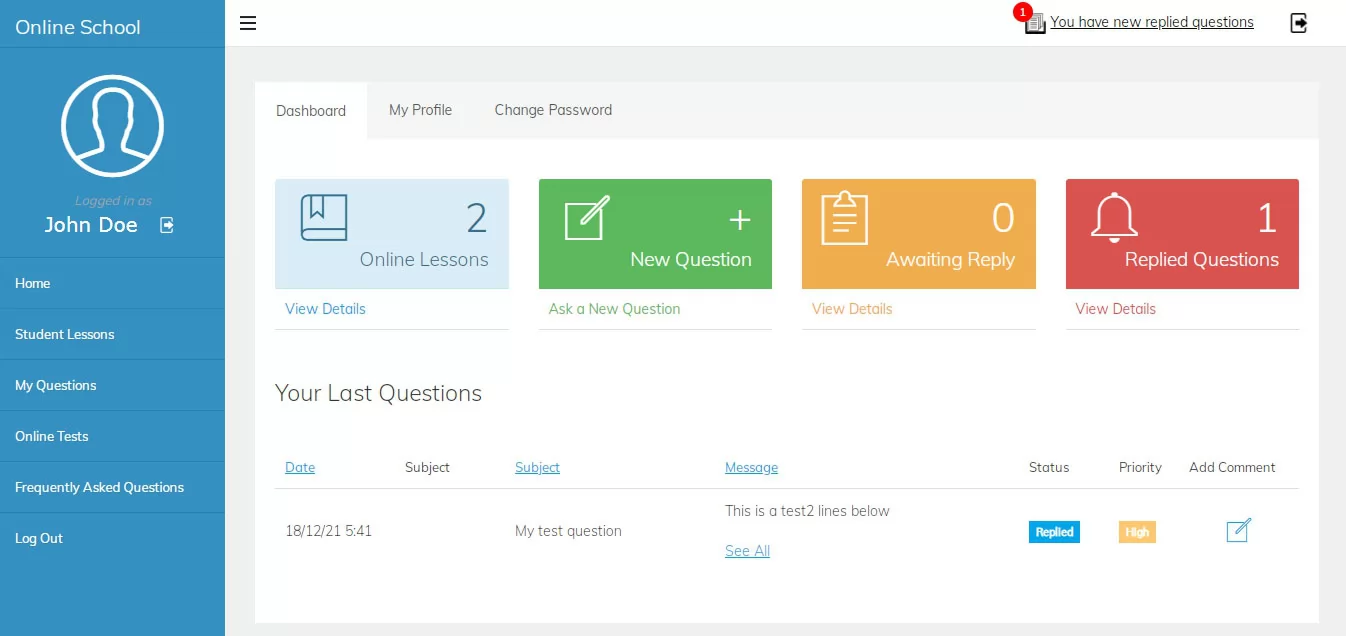 View Full Details
The registered users can log in and access their admin panel - the dashboard of ...
Read More & View Full Image →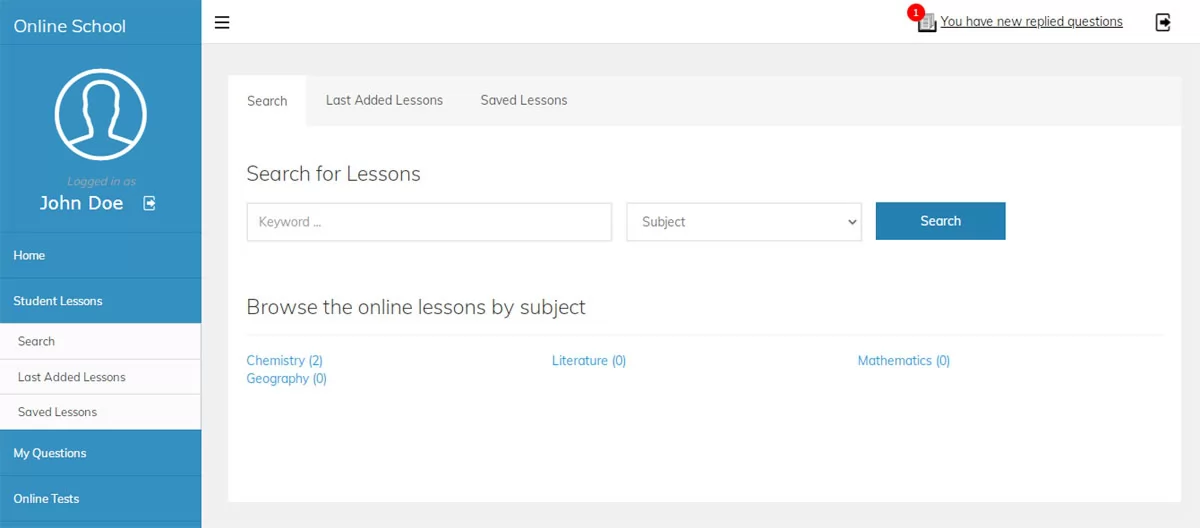 View Full Details
The users have the possibility to search the lessons by subject and keyword and access ...
Read More & View Full Image →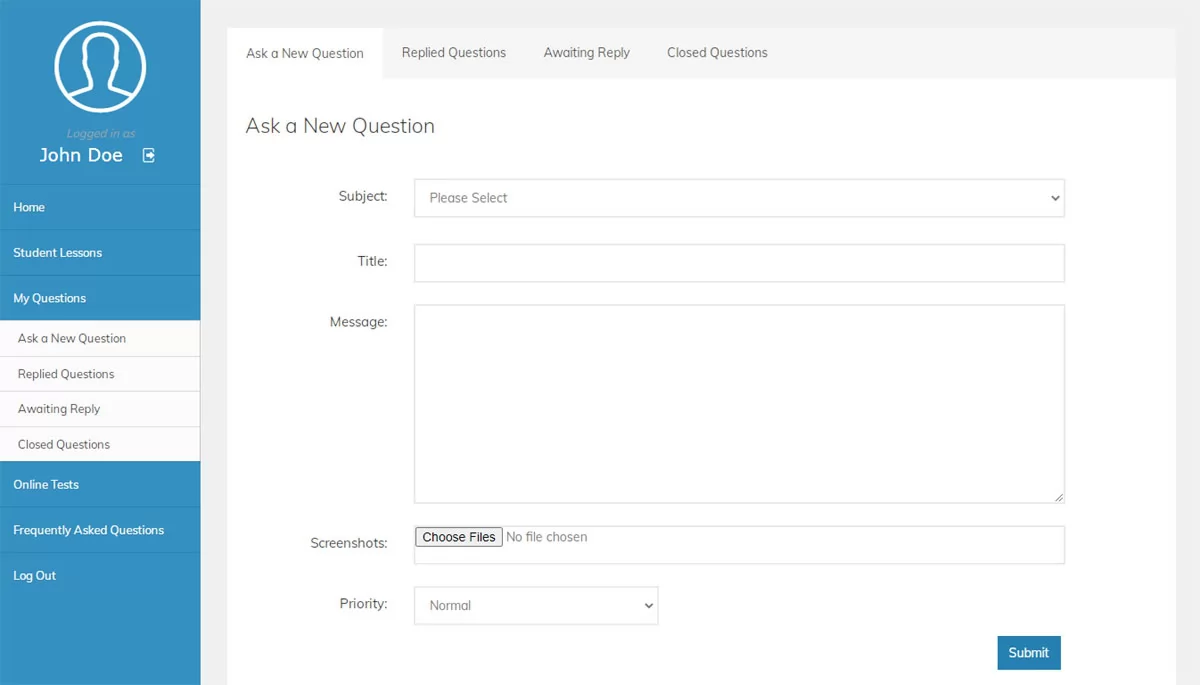 View Full Details
The user / student can submit questions and send them to the teachers by entering ...
Read More & View Full Image →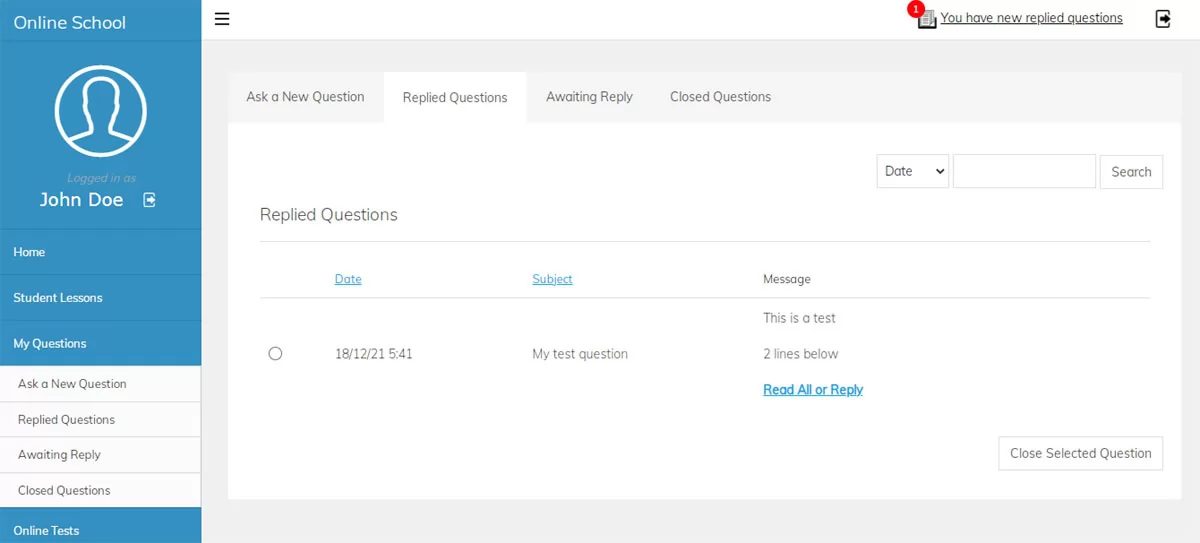 View Full Details
The page shows the replied questions by the teachers with options to reply back or ...
Read More & View Full Image →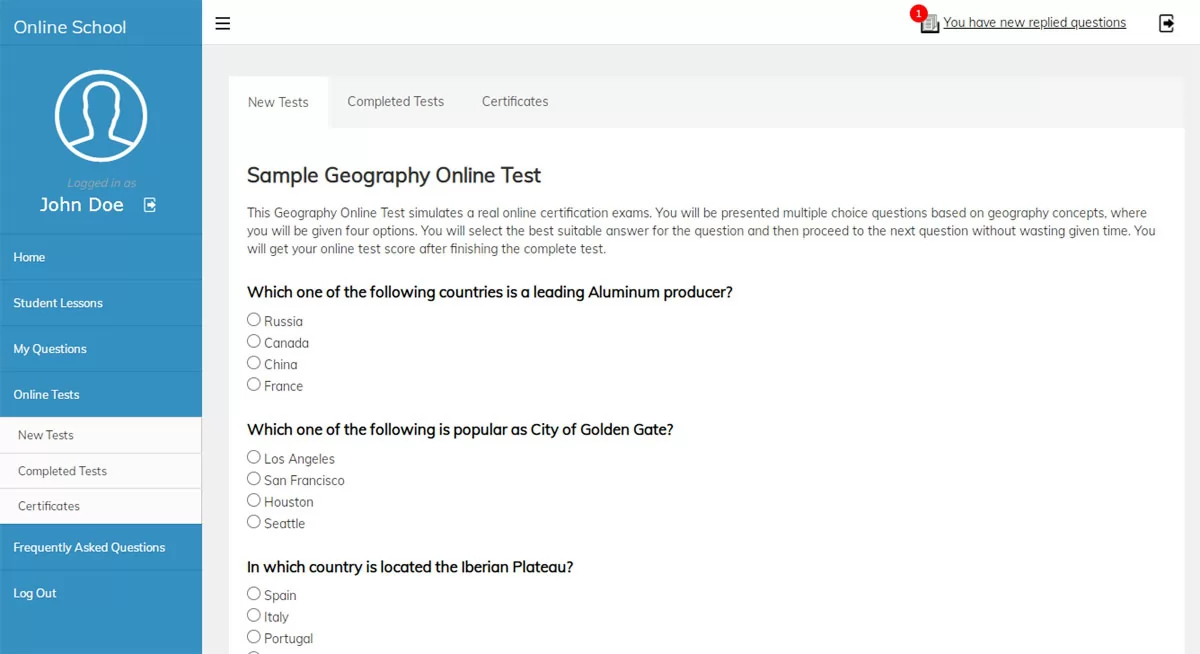 View Full Details
The users can take tests from the available ones in the user admin panel - ...
Read More & View Full Image →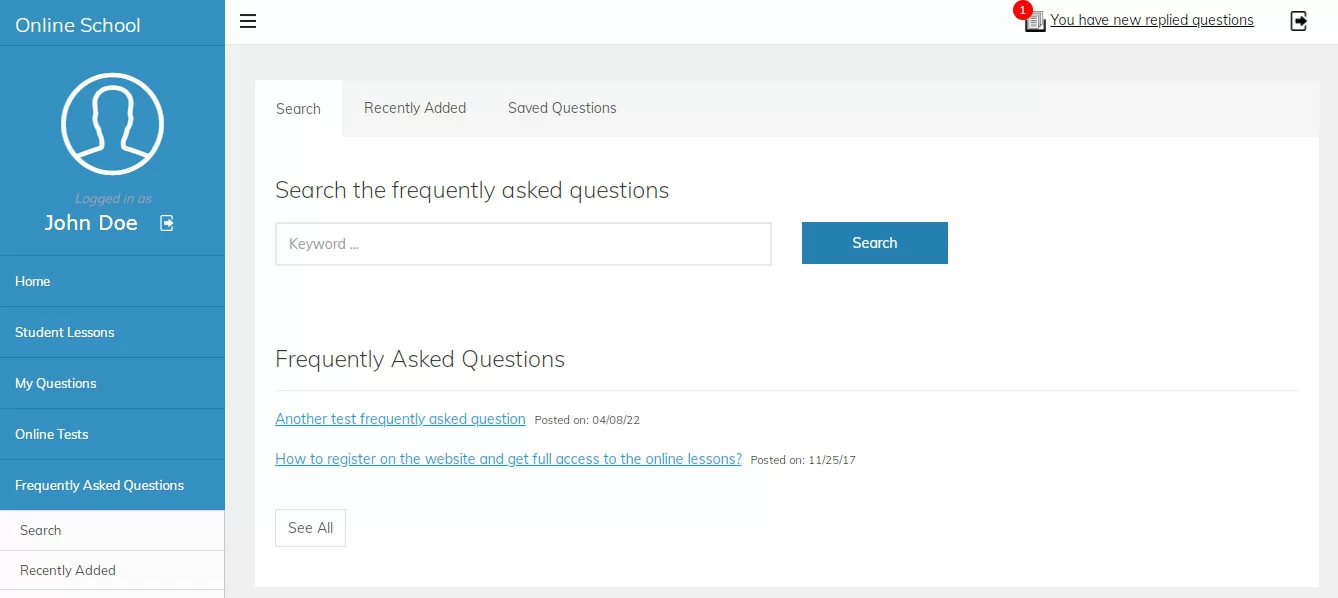 View Full Details
This section in the user admin panel allows to check and search the frequently asked ...
Read More & View Full Image →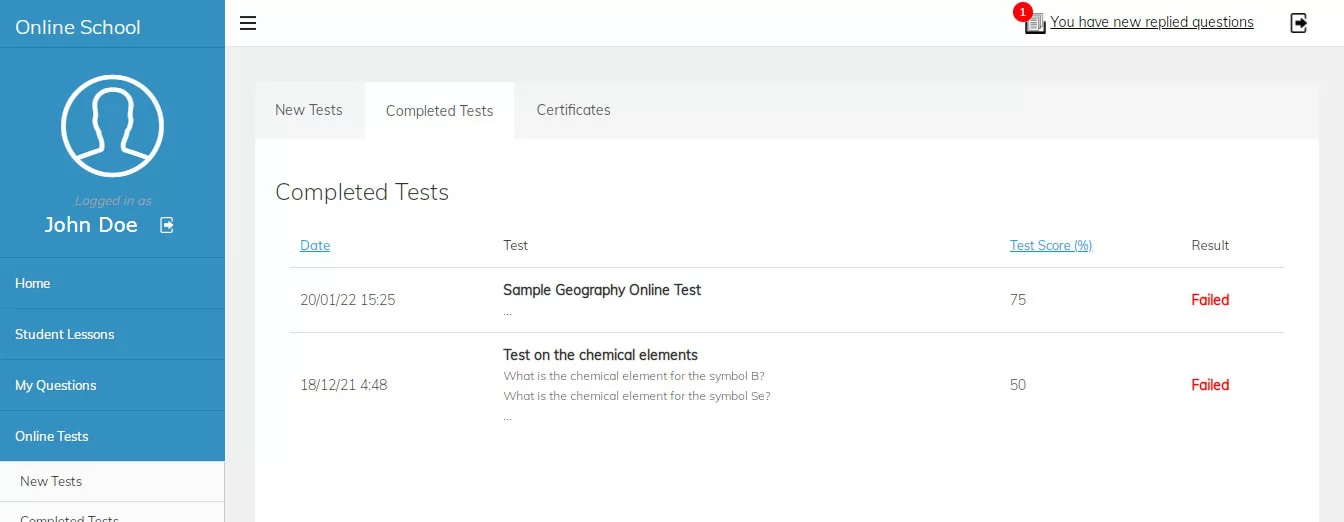 View Full Details
The completed tests page shows a list with all the test the user has taken, ...
Read More & View Full Image →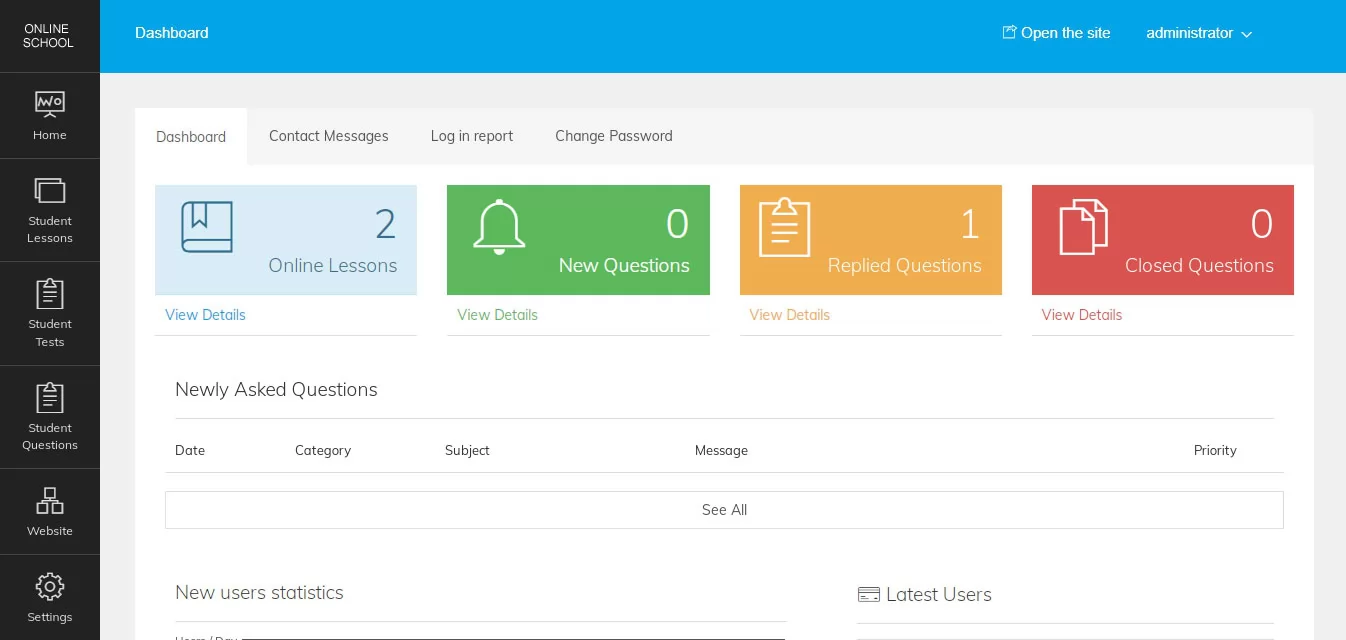 View Full Details
The main administration panel can be accessed by the website administrator or teachers to manage ...
Read More & View Full Image →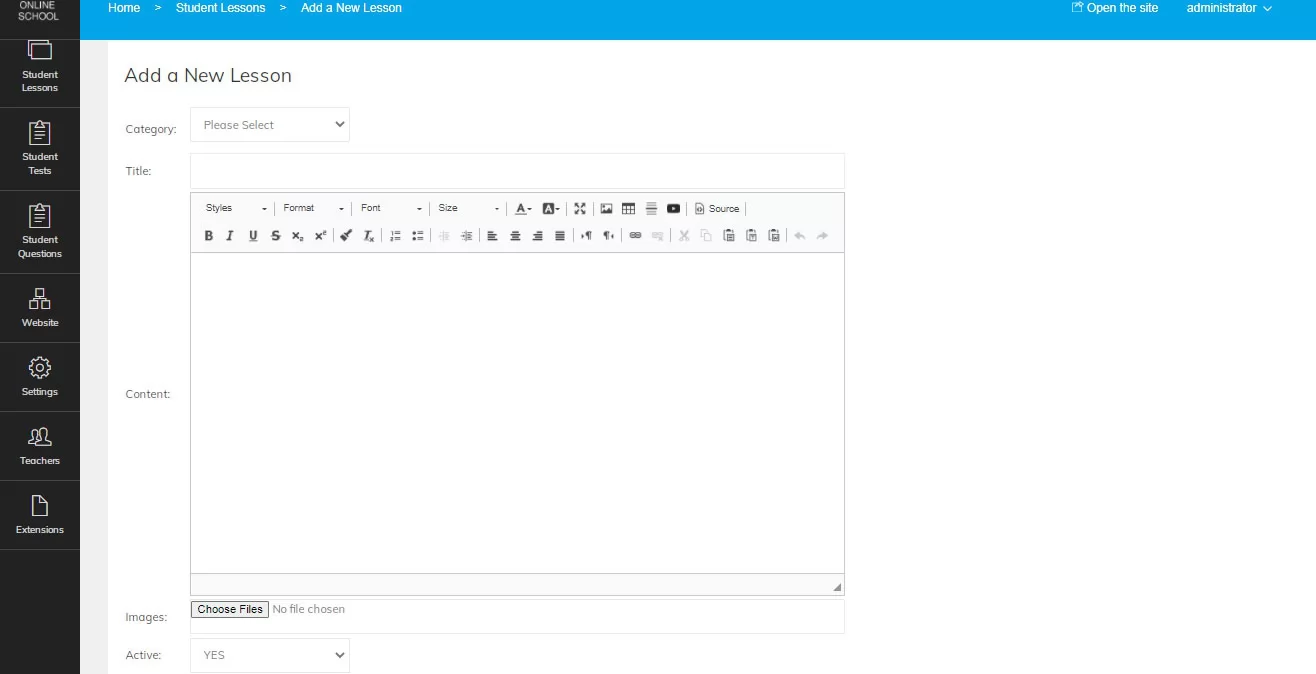 View Full Details
The lessons can be created by entering their title, editing their content with an online ...
Read More & View Full Image →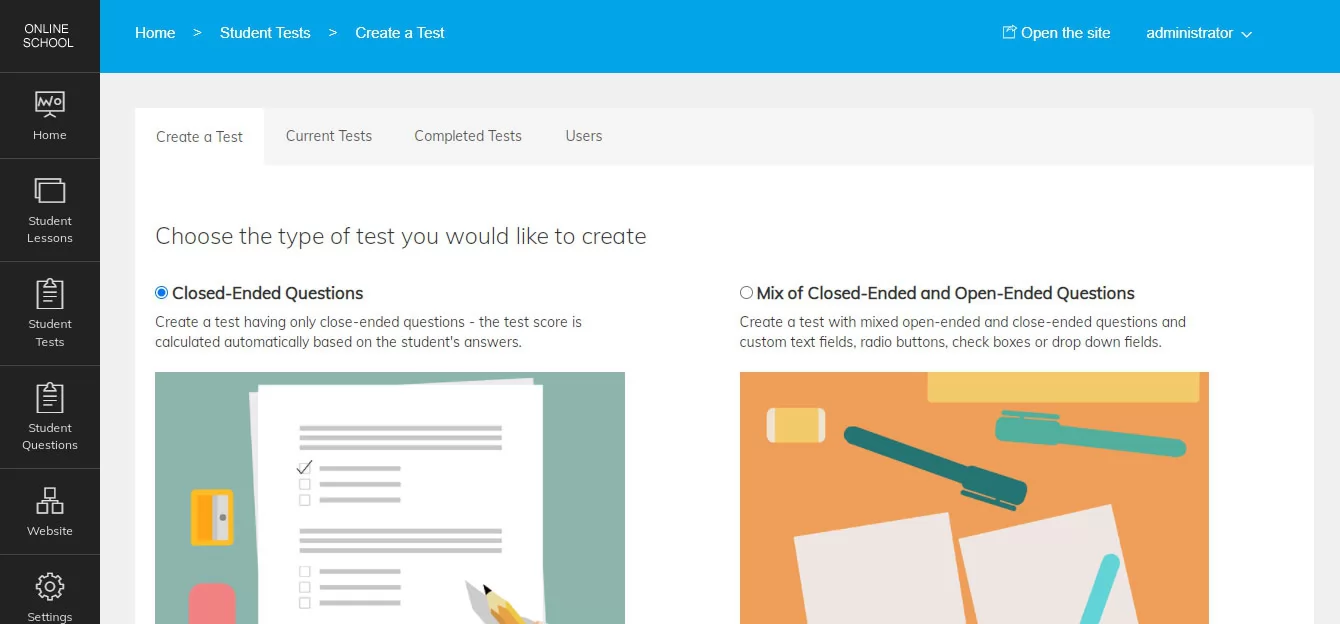 View Full Details
When creating a new test for the users, the administrator / teacher has to select ...
Read More & View Full Image →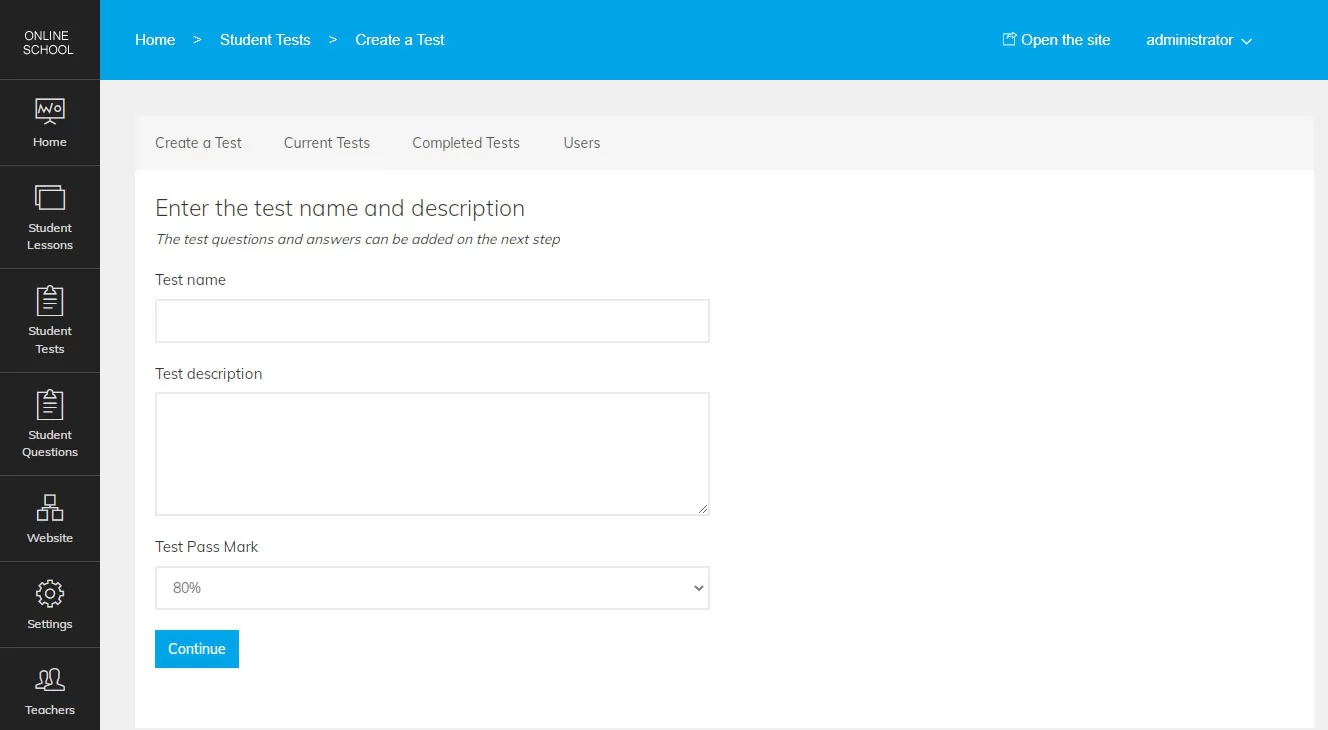 View Full Details
On the second step when creating a test, the administrator needs to enter the test ...
Read More & View Full Image →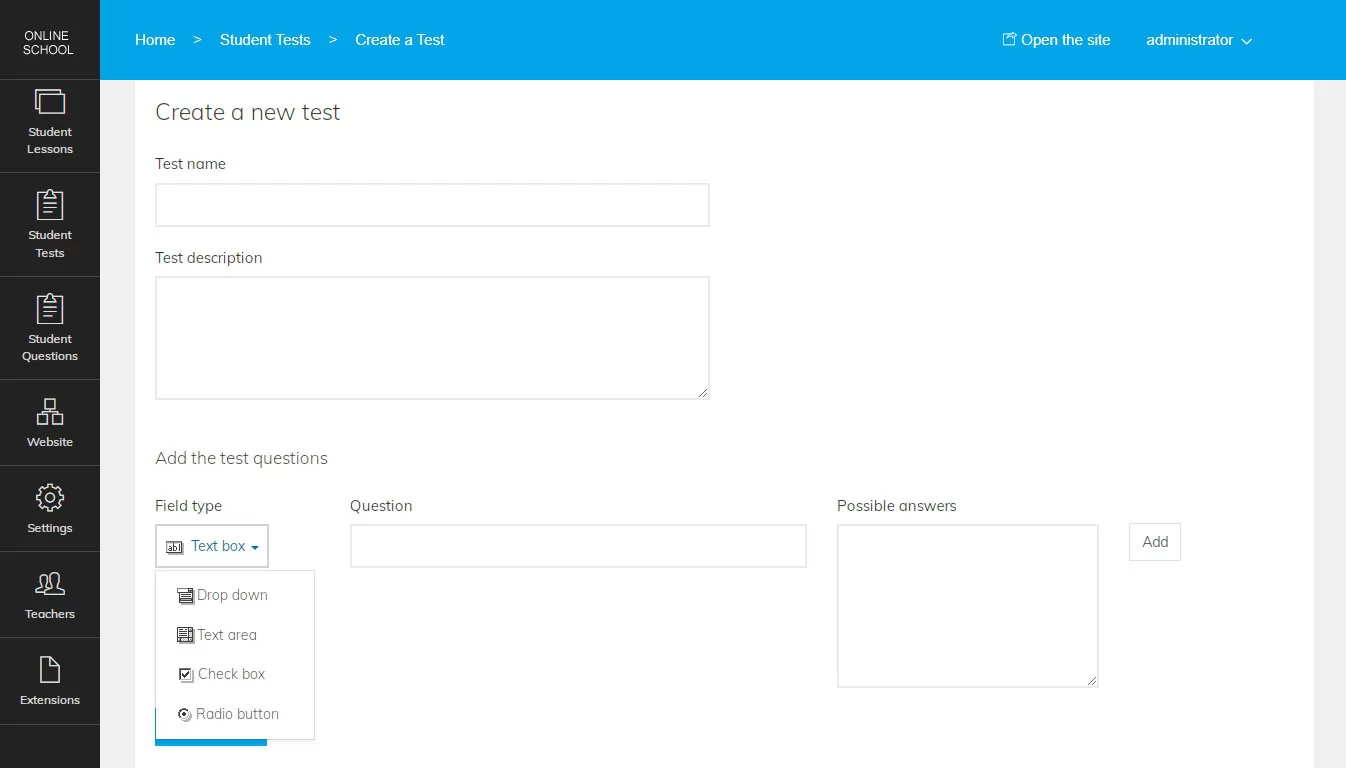 View Full Details
When creating tests with open-ended questions, the administrator can choose between different types of fields ...
Read More & View Full Image →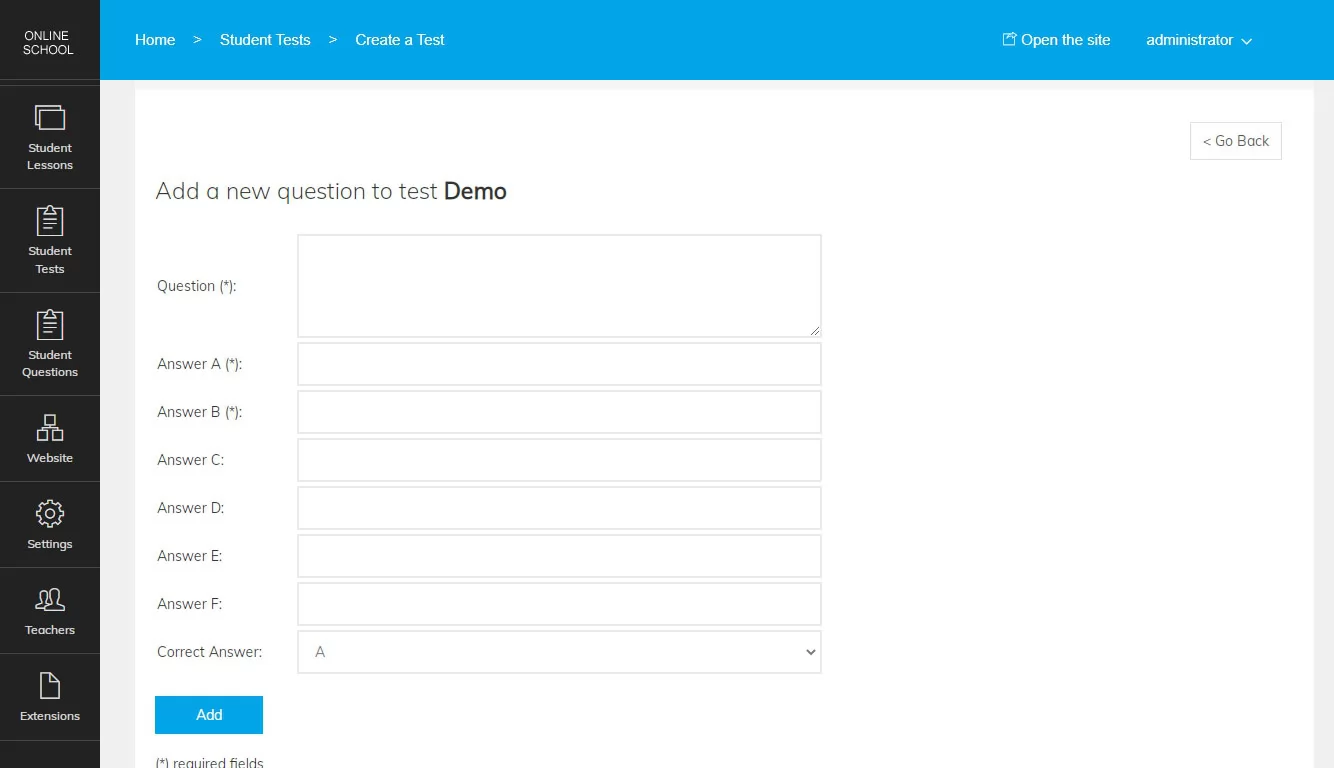 View Full Details
When adding closed ended questions, it's necessary to enter the question and then possible answers ...
Read More & View Full Image →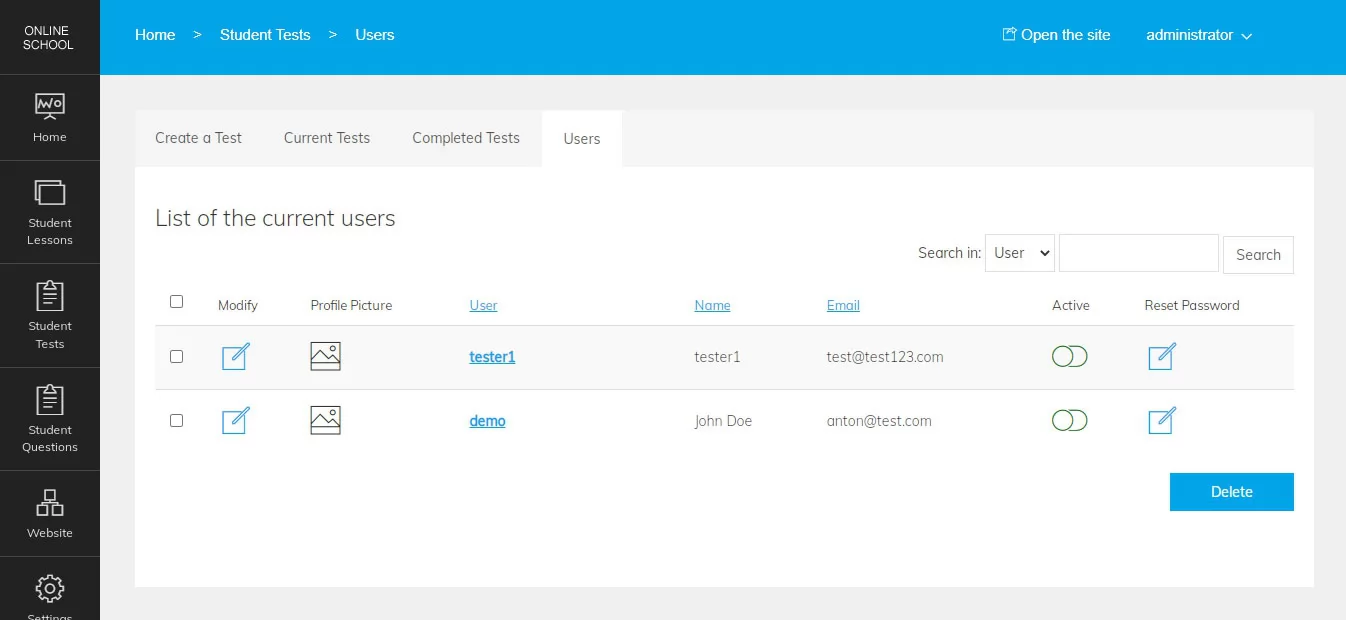 View Full Details
This page in the administration panel shows a list of the currently registered users / ...
Read More & View Full Image →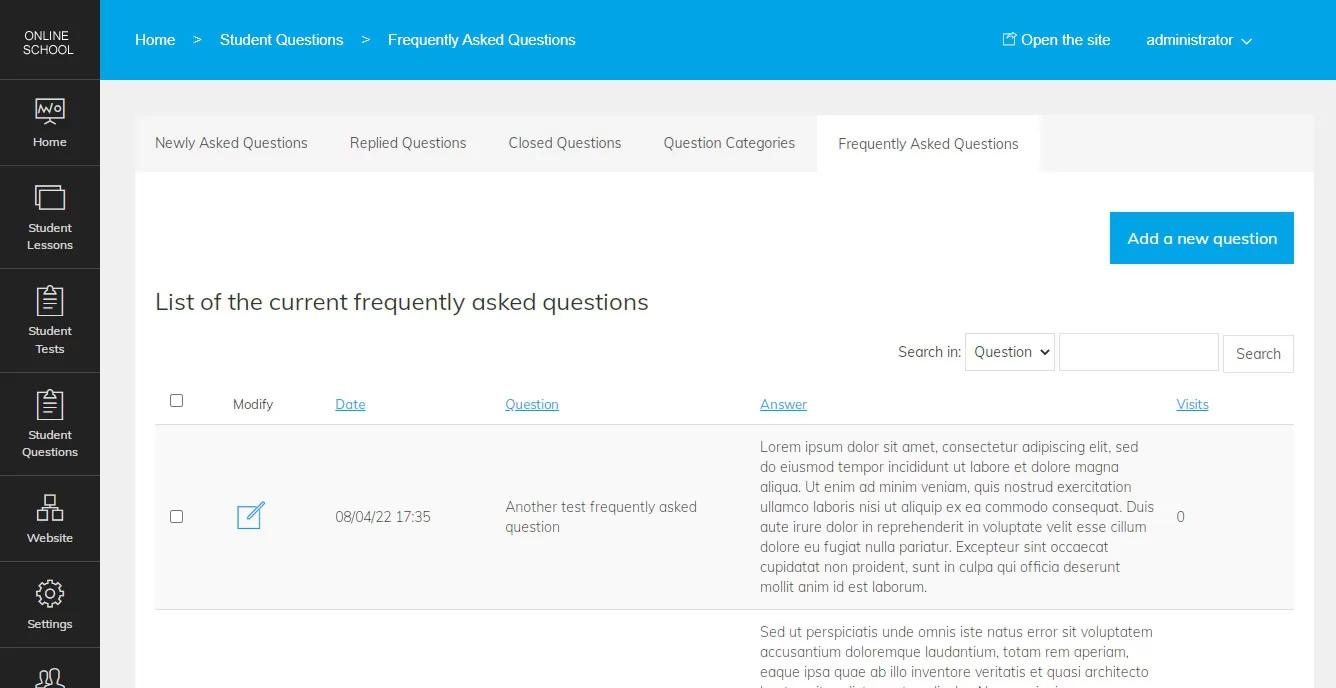 View Full Details
From this page in the admin panel, the administrator can edit the frequently asked questions ...
Read More & View Full Image →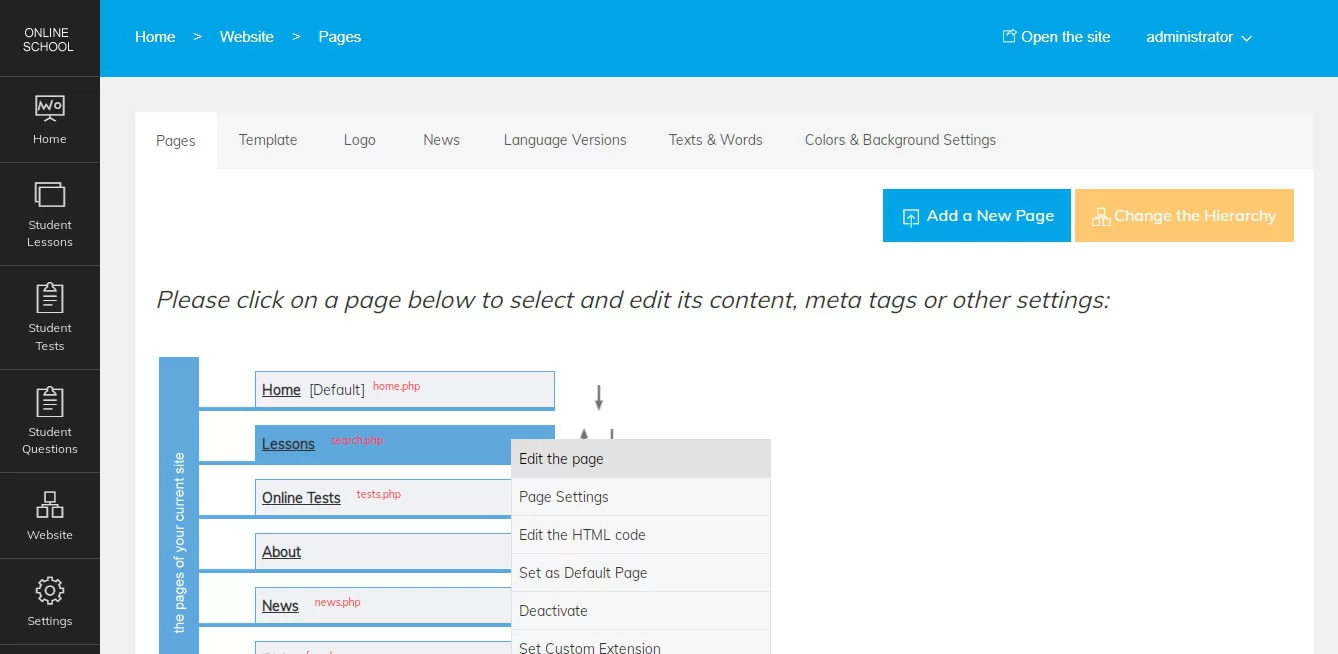 View Full Details
PHP Online School comes with an advanced content management system allowing to edit the current ...
Read More & View Full Image →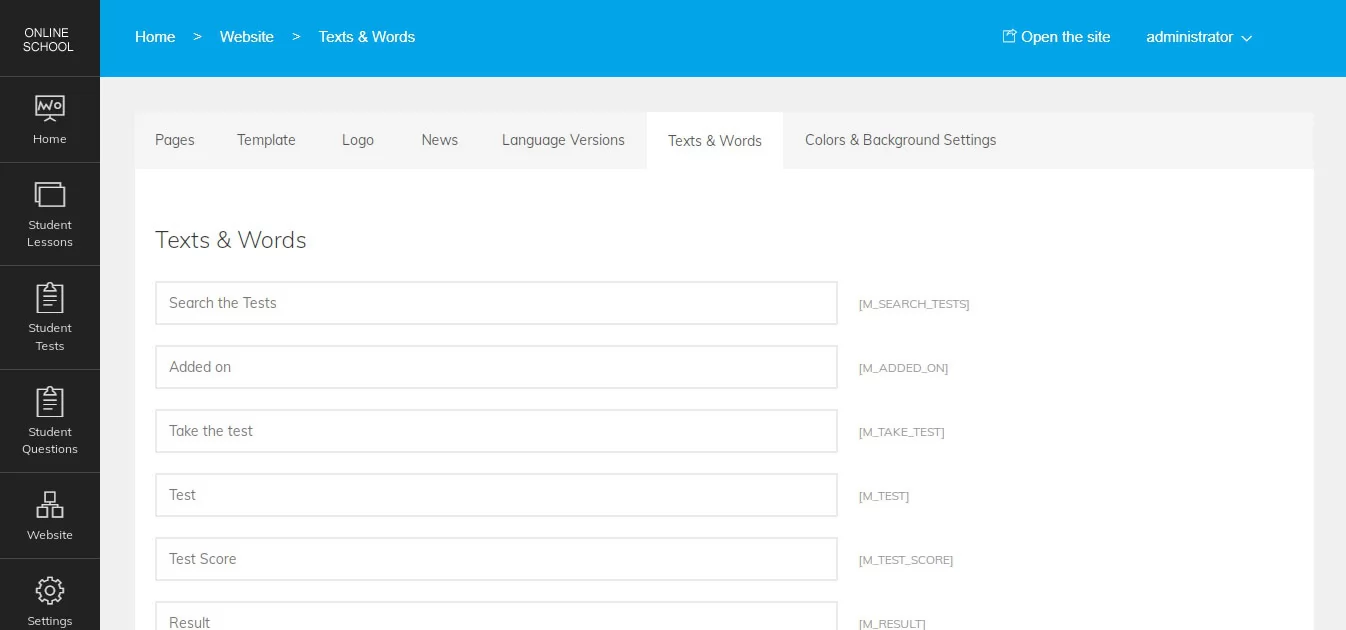 View Full Details
All the words and texts showing up on the user interface can be easily edited ...
Read More & View Full Image →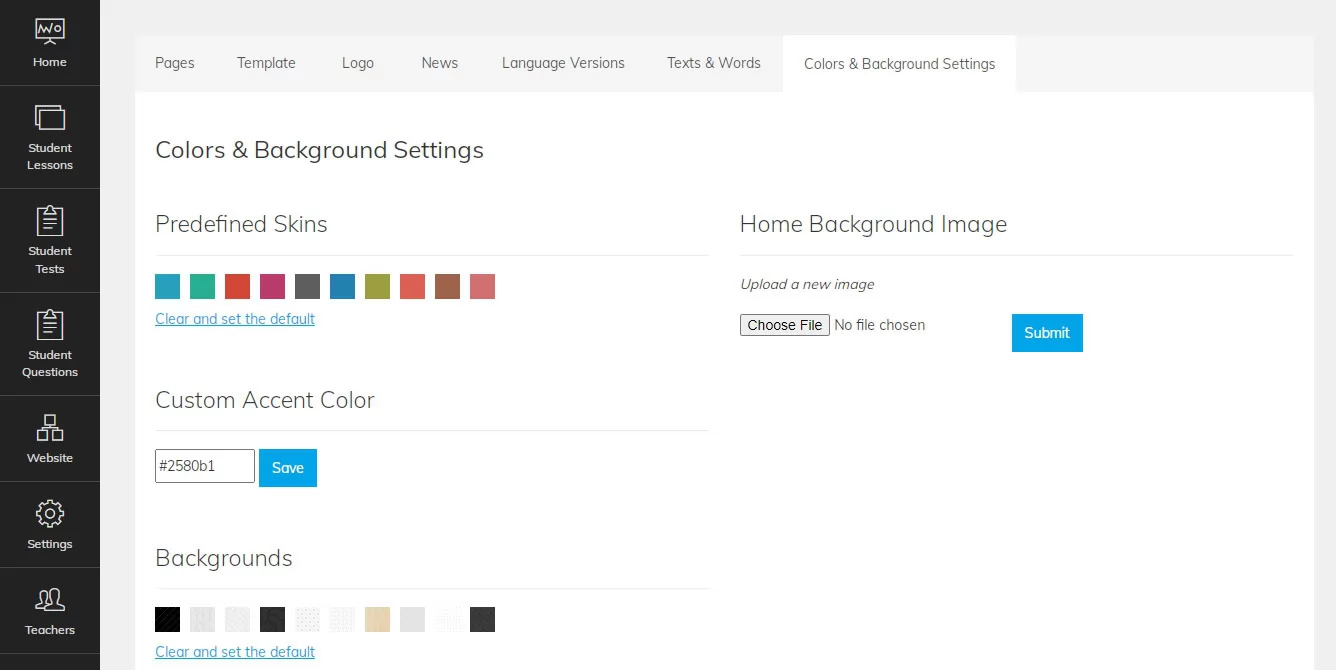 View Full Details
The main accent color of the front-end and user administration panel, background and fonts used ...
Read More & View Full Image →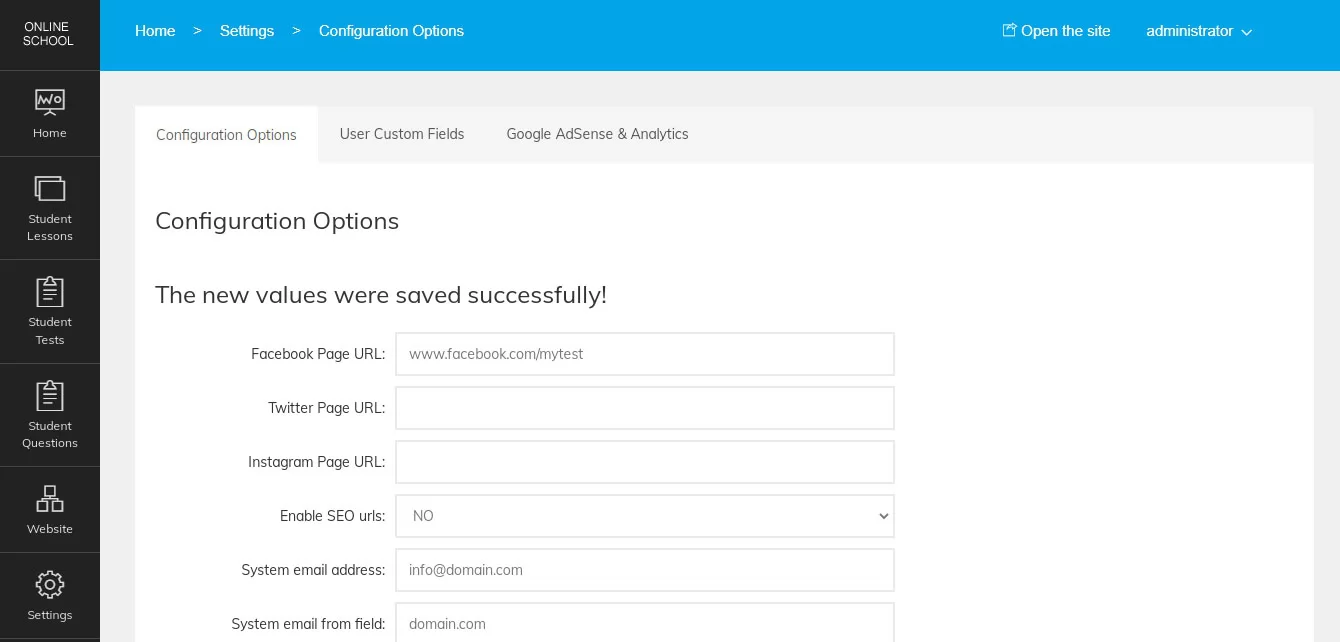 View Full Details
From the configuration options page in the admin panel the administrator can manage the different ...
Read More & View Full Image →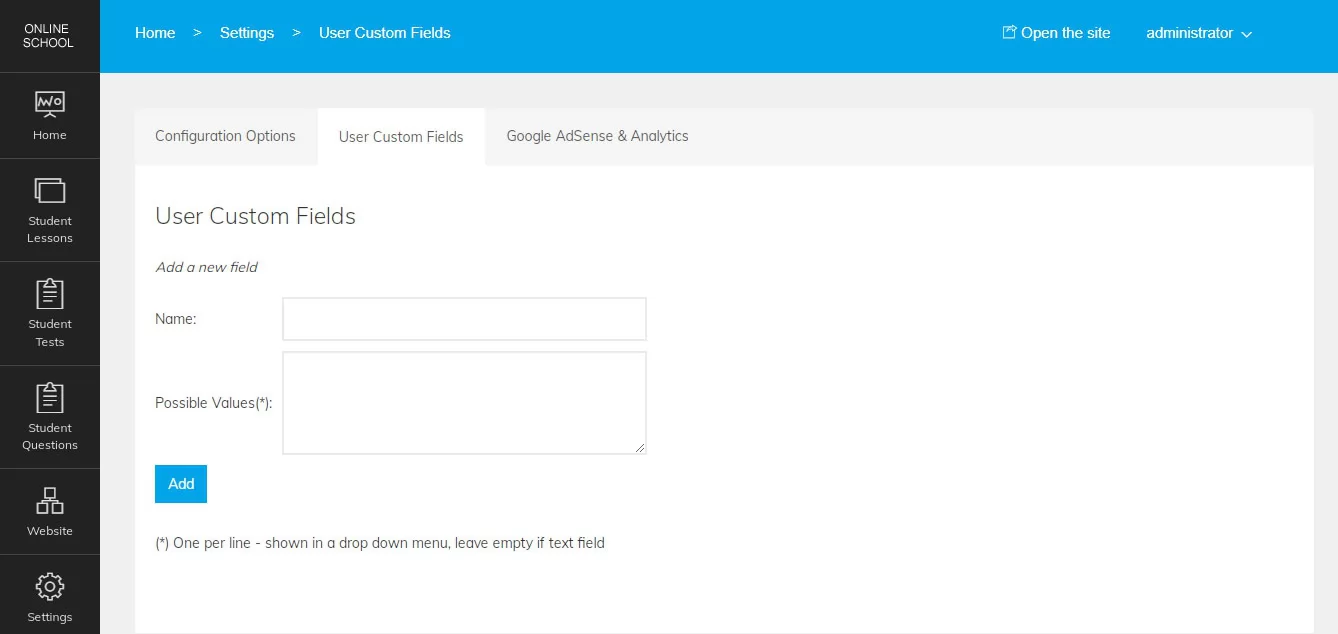 View Full Details
This functionality allows the administrator to create new custom fields for the user / student ...
Read More & View Full Image →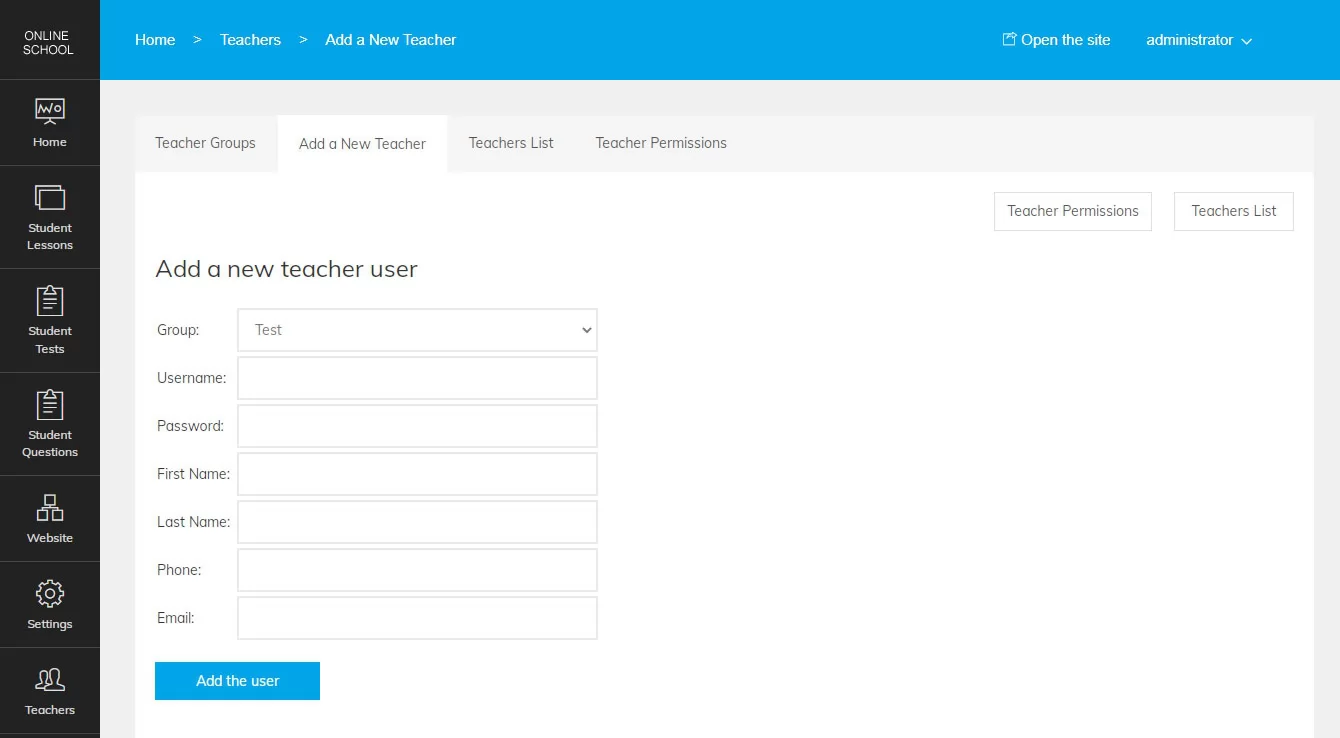 View Full Details
New teachers can be added from the admin panel by entering the teacher details and ...
Read More & View Full Image →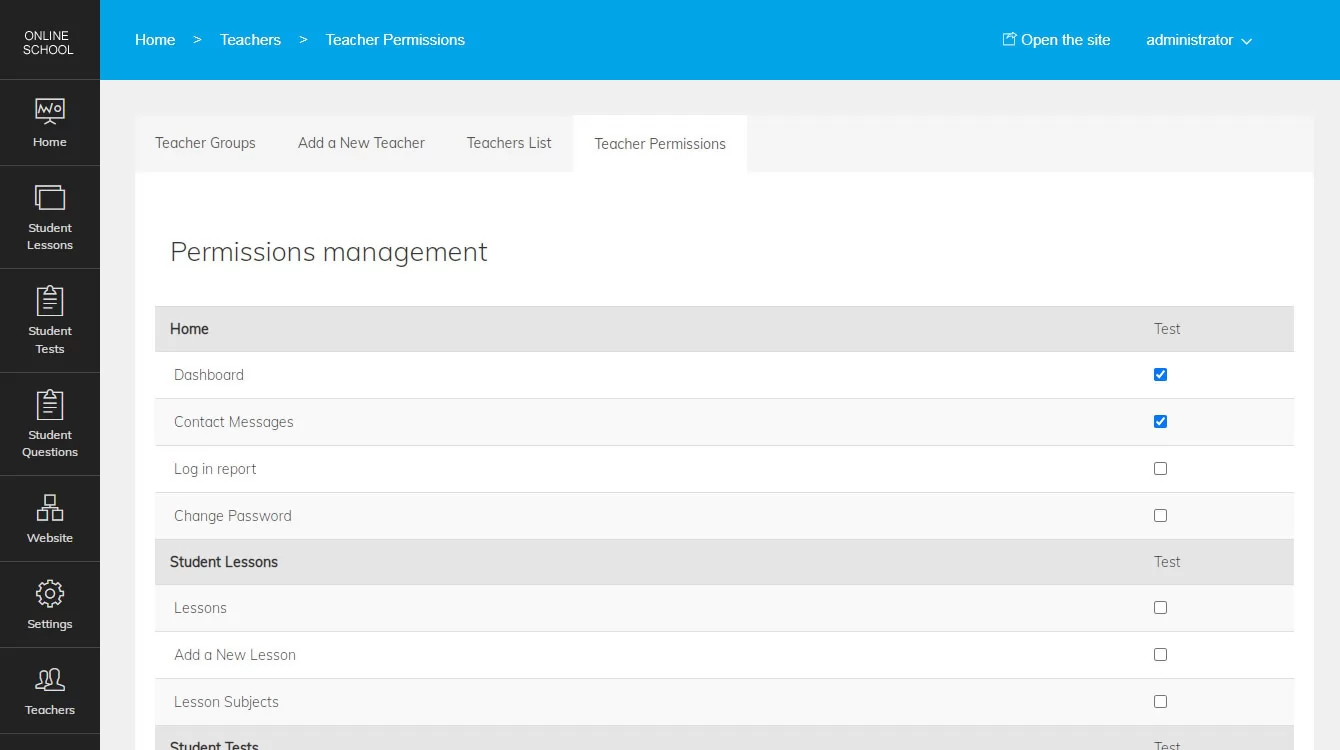 View Full Details
The teacher permissions for the selected groups can be set by checking the checkboxes for ...
Read More & View Full Image →We provide the technical foundation so you can focus on marketing.
Lightweight PHP code without heavy frameworks ensures your site loads fast and ranks higher on Google.
No encrypted files. You get full access to the PHP source code to customize it exactly as you need.
Built with security best practices to protect your data and your users against common web vulnerabilities.
Our team has been here for 20 years. We aren't going anywhere. We are here to help you succeed.