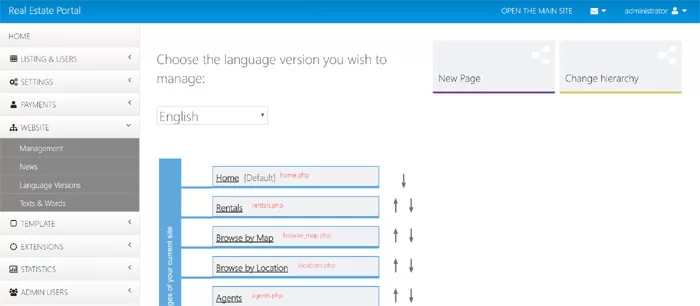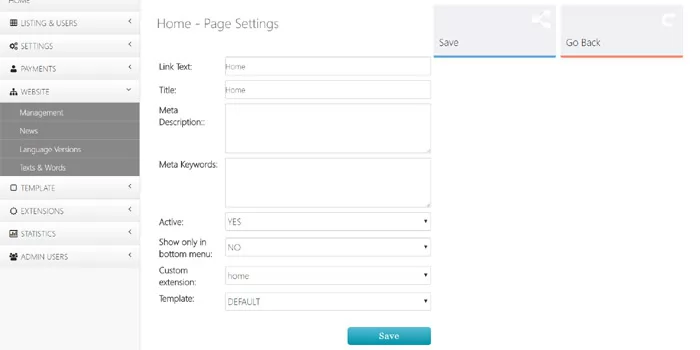
To edit the settings of a page, it's necessary to click on the page on Website->Management and then choose Page Settings. The Page Settings page allows to set custom meta title, meta description and keywords, rename the page, deactivate or activate it, set custom extensions to be executed for the page, set if the page shows only in the bottom menu or select a custom template to be used for the page.