

Gallery
Real Estate Portal screenshots.
A look at the Real Estate Portal website and admin panel: 31 screens.
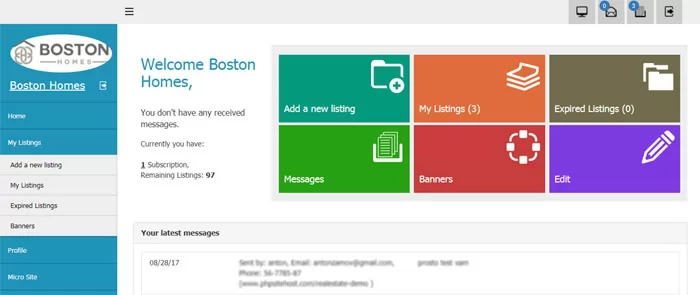 Dashboard of the real estate agent admin panel
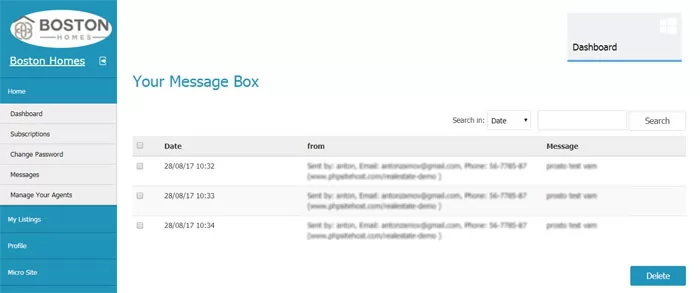 Message box in the agent admin panel
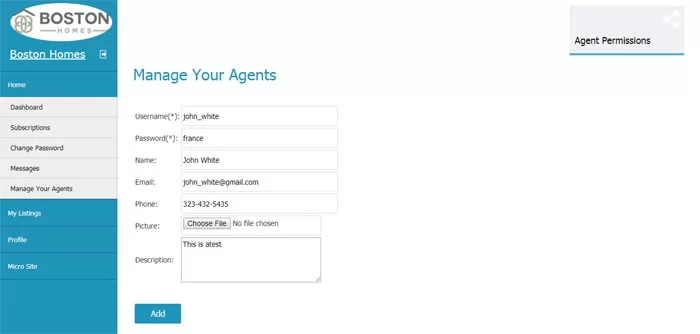 Adding a new agent / sub account
 Setting the sub accounts / agent permissions
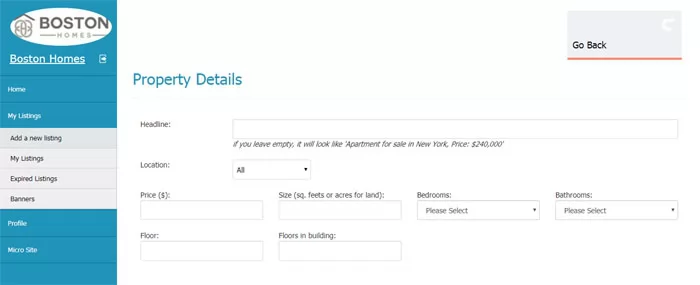 Adding a new listing in the agent admin panel
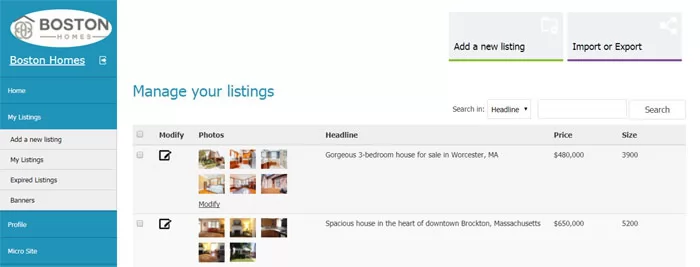 My Listings page in the agent admin panel
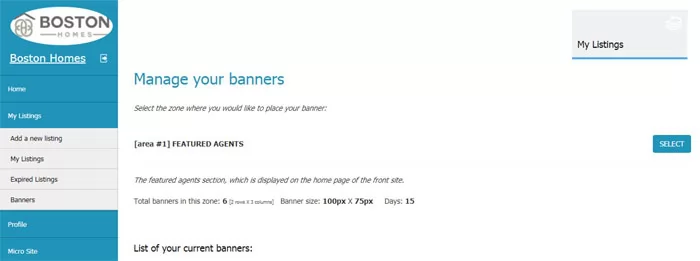 Adding Banners
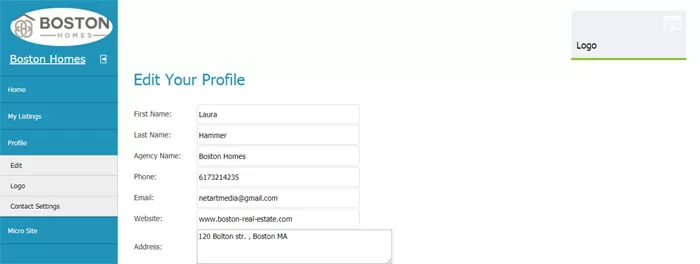 Editing the agent profile information
 Modifying the agency logo
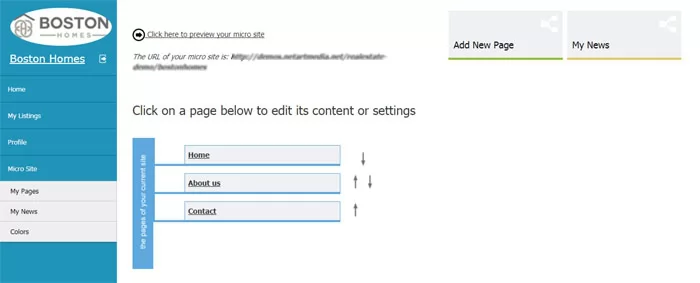 Editing the pages of the agent's microsite
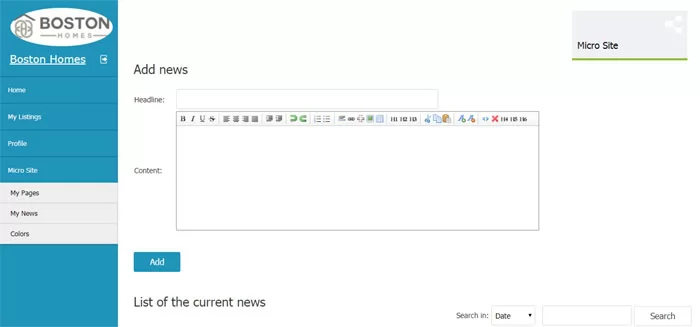 Posting news on the microsite
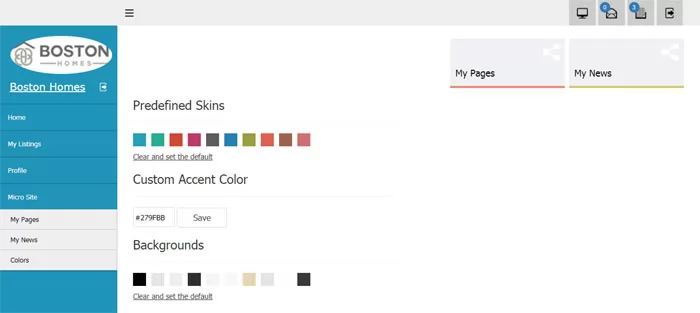 Changing the colors on the agent microsite
 Dashboard of thee main admin panel
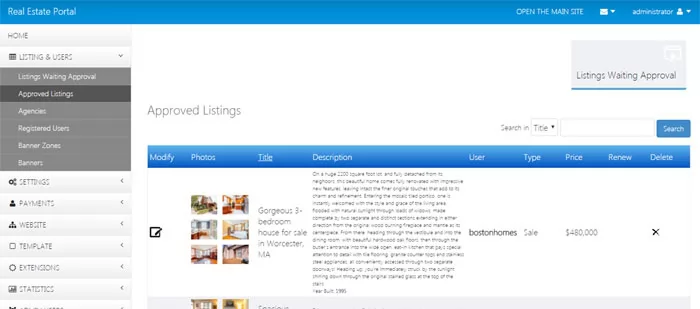 Approving listings in the admin panel or reviewing the approved listings
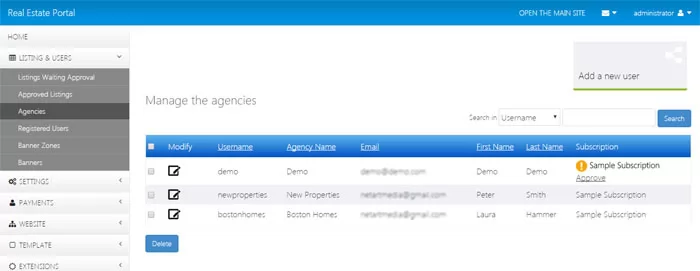 Managing the registered real estate agents from the admin panel
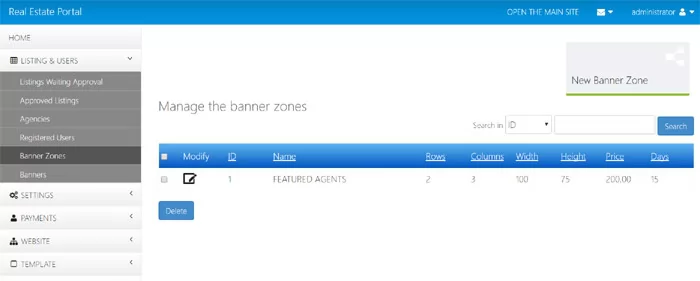 Creating banner zones
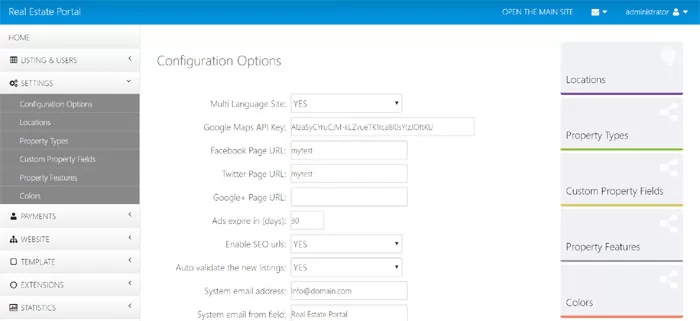 Configuration Options in the admin panel
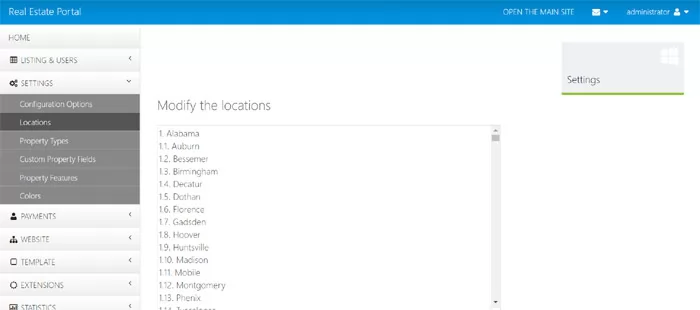 Changing the website locations from the administration panel
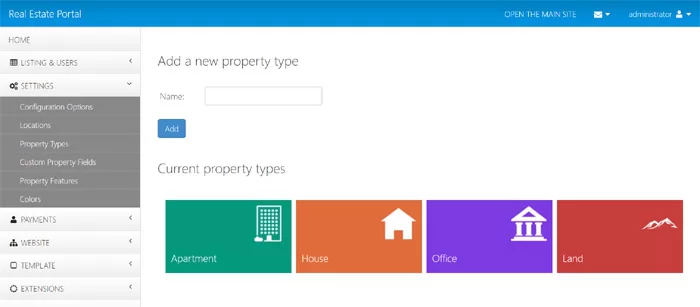 Editing the property types
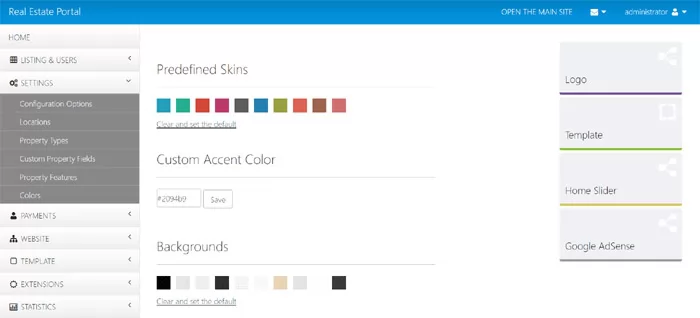 Customizing the website colors from the administration panel
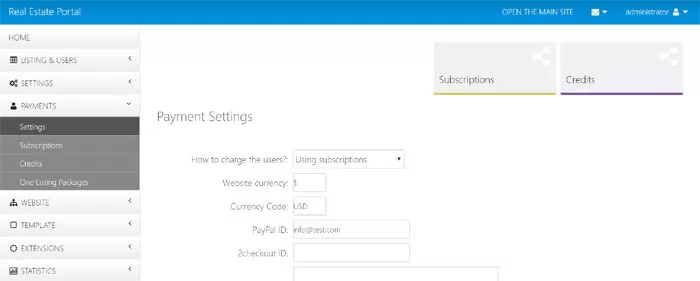 Payment Settings
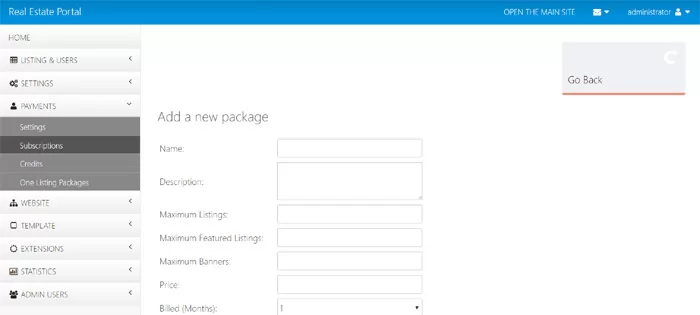 Adding a new agent subscription in the admin panel
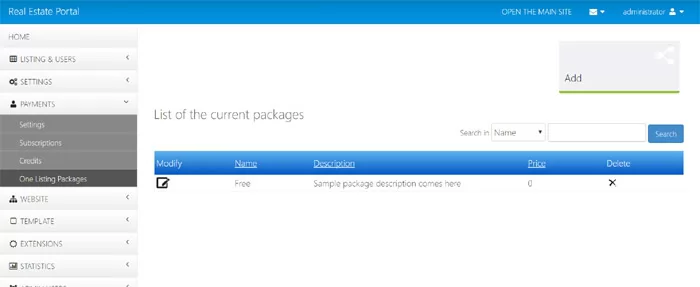 Manage the one listing packages for the private sellers
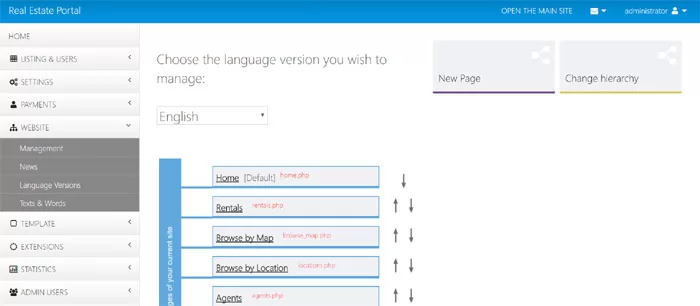 Front-site pages management
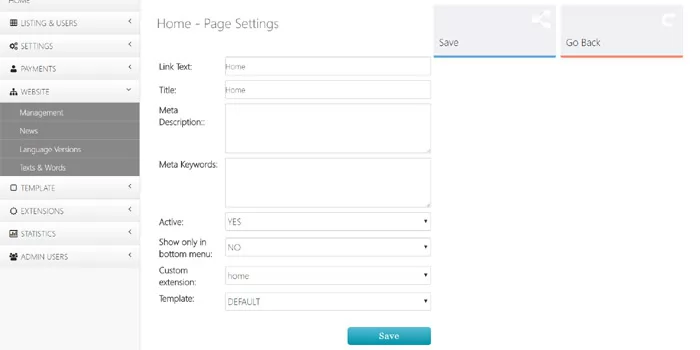 Editing the settings of a selected front-end page
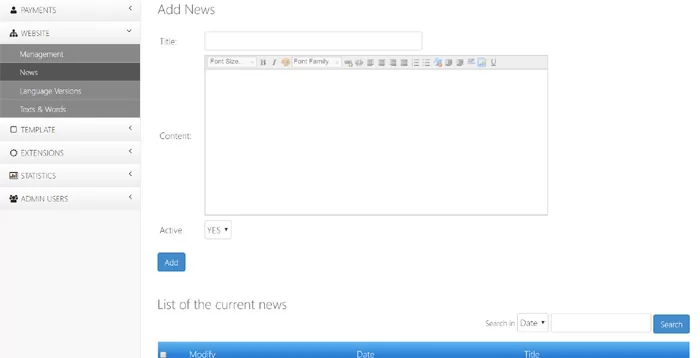 Posting news from the admin panel
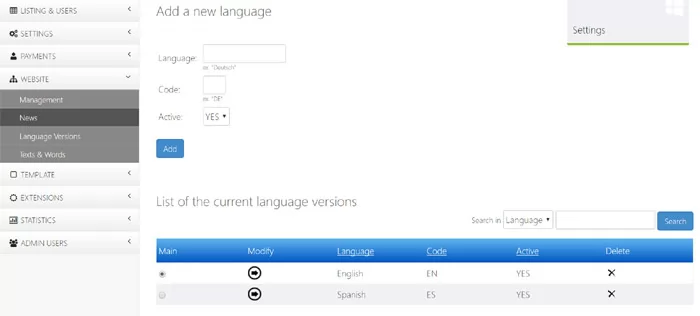 Managing the language versions
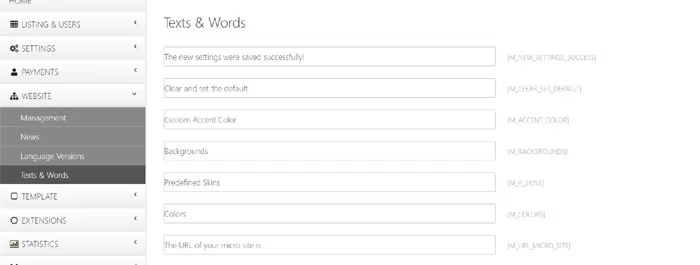 The Texts and Words page in the admin panel
 Editing the settings of the slider on the home page
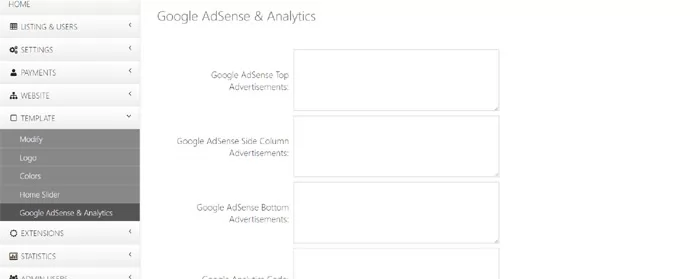 Adding Google AdSense advertisements or Google Analytics code
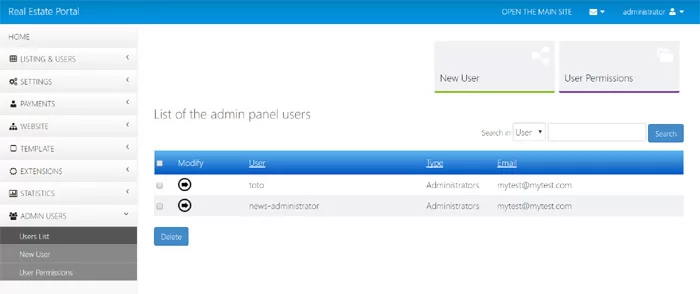 Admin Users section in the administration panel