

Complete feature list
Deals Portal features.
Everything Deals Portal does out of the box: 71 features for your visitors, members and administrators.
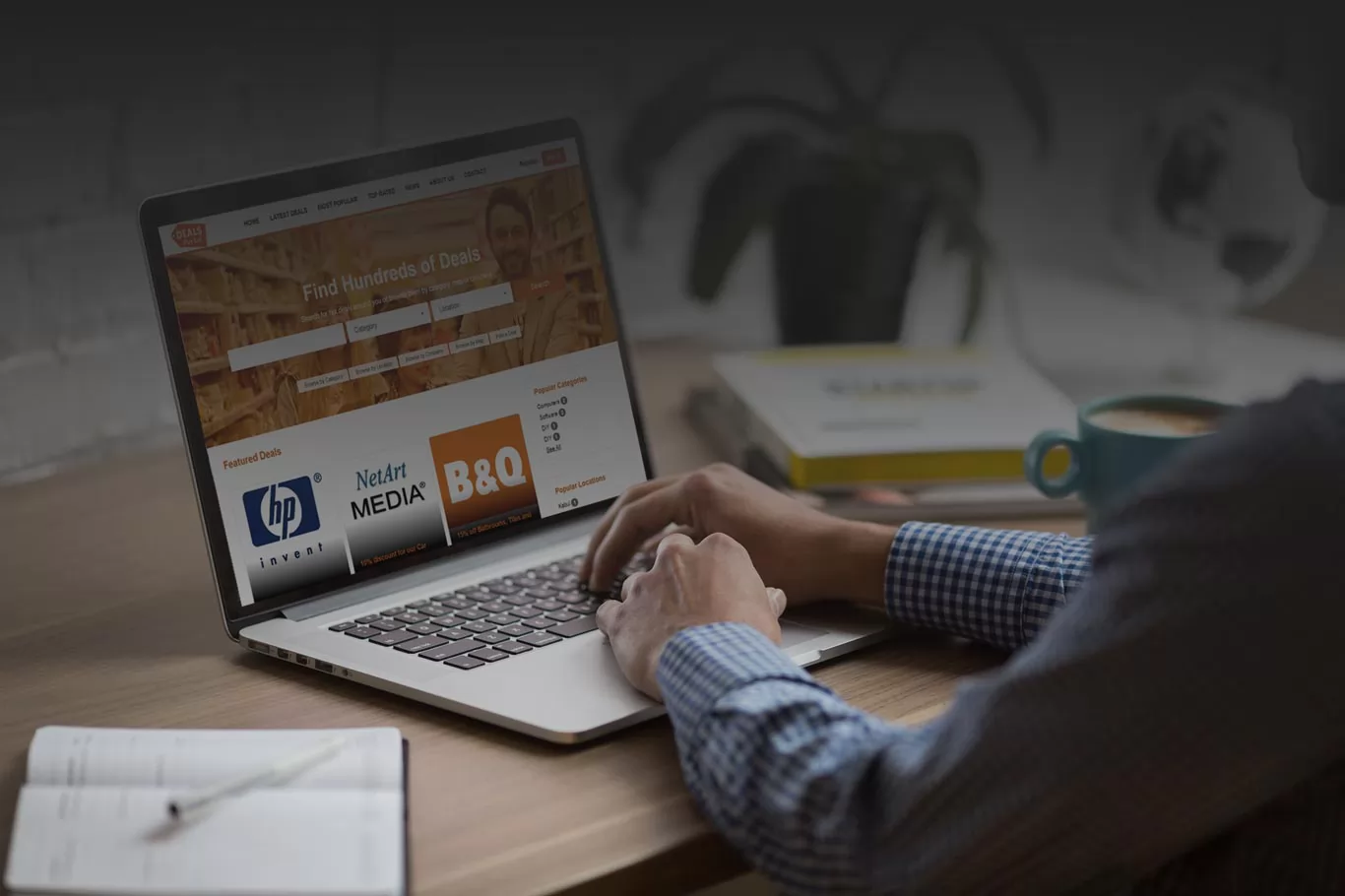
On the website, for visitors
- Search the deals by keyword, category and location
- Browse the deals by company
- Browse the deals by map (the users see a Google Map with the listings on it based on their location)
- See sliders with the featured deals and last posted deals
- Browse the deals by category
- Browse the deals by location
- See the popular categories and locations (sorted by the number of deal listings in them)
- See the listing search results with the deal title, main image, date when the deal was posted and others
- Deal details page with slider of the deal images, detailed description, Google Map, deal expire time, number of total hits etc.
- Functionality to buy a voucher for the deals - depending on how the deal listing is configured by the posting company
- Rate the deals with stars (from 1 to 5) and write reviews for the deals
- Contact form to contact the organizing company and send messages with questions
- See the most popular deals on the site (based on their number of hits)
- See the top rated deals (based on the user reviews)
- News page showing the website news posted by the administrator
- Contact form allowing to contact the site owner / administrator
- Functionality for the website users to log in and check or print their their purchased deal vouchers, modify their profile information and others
- Share the deals on Facebook, Twitter or Google+
- When browsing the deals by map, get automatically the user's location from the browsers and show him a map with the deals around him
Member area
- See a dashboard showing the last received contact messages, listings waiting approval, expired listings and others
- Form to post new deal listings on the website
- Add the profile information and company details
- Add a company logo to show on the company's deal listings
- Modify the payment settings like setting a PayPal account or 2checkout seller ID or Stripe key and secret used when selling vouchers for the deals on the site
- Edit or delete the posted listings
- See the expired listings, renew or delete them
- Modify the password used to access the admin panel
- See the messages received from website used and contact form on the deal listings
- Post banners on the site in the special banner zones defined by the administrator
- Edit the contact settings and set if the email or phone should be visible on the listing details pages
- See the sold vouchers and print them
Admin panel
- See a dashboard with the quick statistics information about the new deal listings, listings waiting approval, registered users, site visits, last posted deals and others
- Functionality to see and approve the latest deal listings on the site (if the site is configured to require admin approval for the listings)
- See details about the current listings like title, description, user who posted it, images etc. and possibility to edit the information
- See the list of the registered users on the site and modify their details
- Create different pricing plans for the users when posting deals and check, delete or edit the already added pricing plans
- Functionality to create banner zones on the site and upload banners in them (or let the registered users add their banners in them for a fee)
- Modify the website configuration options like the system email address, date format, if SEO urls to be used for the site links and pages, the number of days in which the ads will expire and others
- Configure the site payments options by for example entering a PayPal registered email address, 2checkout seller ID, bank wire information etc.
- Set the urls of a Facebook fan page, Twitter page or Instagram pages (to show later as links / icons on the main site)
- Edit the deal categories
- Add new custom fields for the deals (which will show then automatically on the deals posting forms on the site)
- Modify the website locations (allowing the users to select the appropriate deal location and the users to browse after that the deals by location)
- Add new language versions for the site
- See the contact messages received through the contact form on the main site
- See a log-in report of the users
- Modify the admin panel password
- Set the website currency and currency code
- Change the website time zone and date format
- Manage the front site pages, rename the pages or delete them
- Edit the content of the pages with a WYSIWYG editor or edit directly the HTML code of the pages
- Modify the meta tags of the pages, enter custom meta titles, meta descriptions or keywords
- Set custom php extensions to be executed for the pages
- Add new custom pages to the website
- Manage separately the website pages for the different languages
- Deactivate or activate the main site pages
- Set a page of the main site to show only in the bottom menu or not
- Set different templates to be used for the different pages of the front site
- Post news on the website (showing after on the News page and in the special Latest News section)
- Edit the pages hierarchy – make a page to be a sub page of another etc.
- Add new languages on the website and configure a multi-language website
- Modify the text and words showing up on the main site from the administration panel
- Edit the HTML code of the website template and add custom codes in it
- Modify the website logo – upload the new logo as image or set it as text
- Add Google Analytics tracking code or Google AdSense advertisements from the special Google Analytics & AdSense page in the administration panel
- Create custom defined html tags, add them in the template and set custom php files to be executed for them (to expand the default functionality of the application)
- Add and manage Frequently asked questions and answers
- Create and send newsletter to the users
- See statistics about the website visits and referrals
- Add new administrator users in the administration panel
- Create new groups of administrator users and set their permissions for the different pages in the administration panel
Want to see it working?
Every feature above is in the live demo, including the admin panel. No registration needed.