

Please find below screenshots of the different Jobs Portal front-end pages, the main administration panel and the job seeker and employer admin panels ...
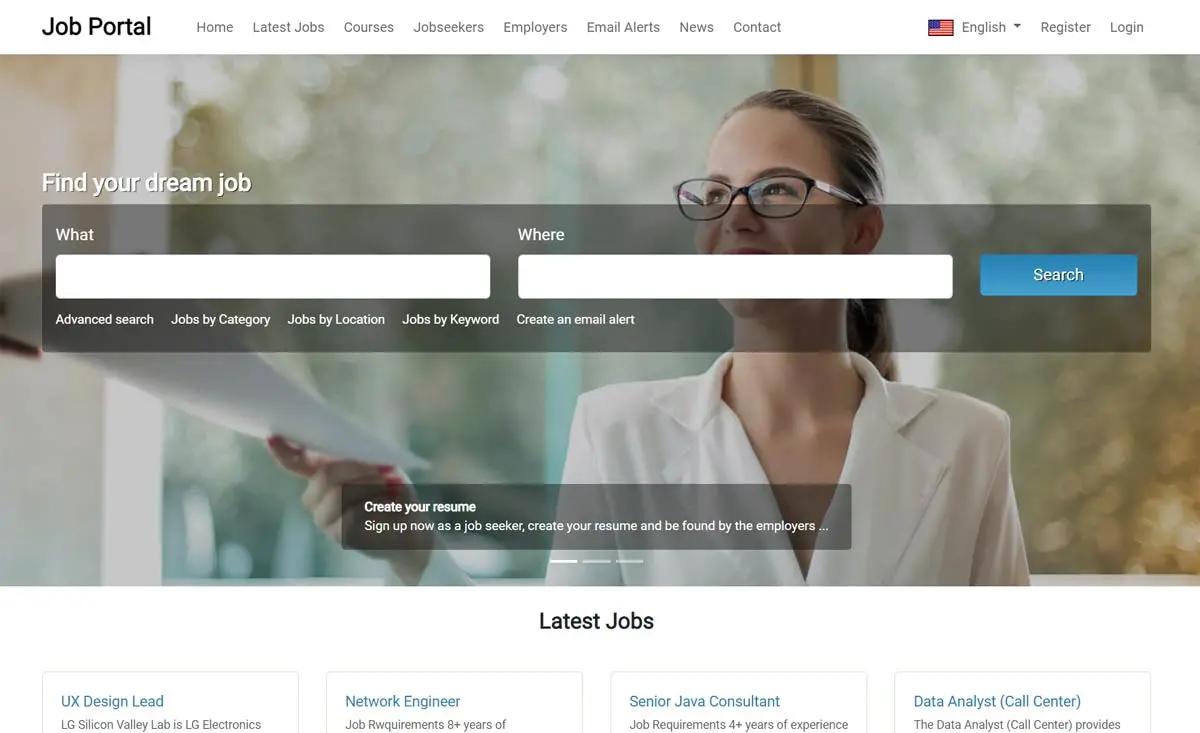 View Full Details
Jobs Portal is flexible and can be used with different templates - the administrator can ...
Read More & View Full Image →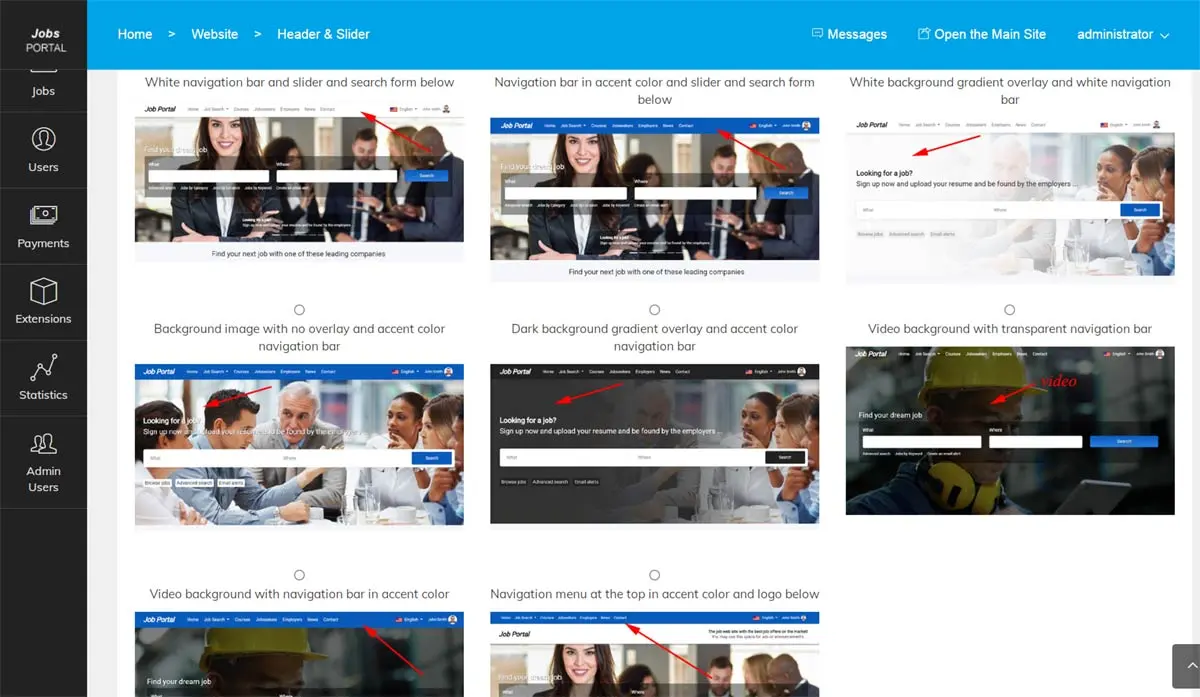 View Full Details
The home slider and main background can be easily changed from the administration panel - ...
Read More & View Full Image →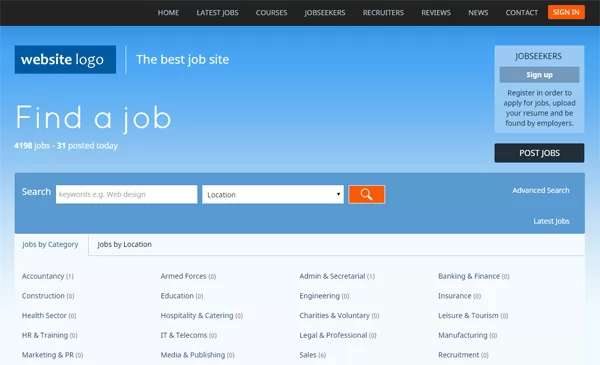 View Full Details
We designed the software to be flexible regarding the templates, so new custom templates can ...
Read More & View Full Image →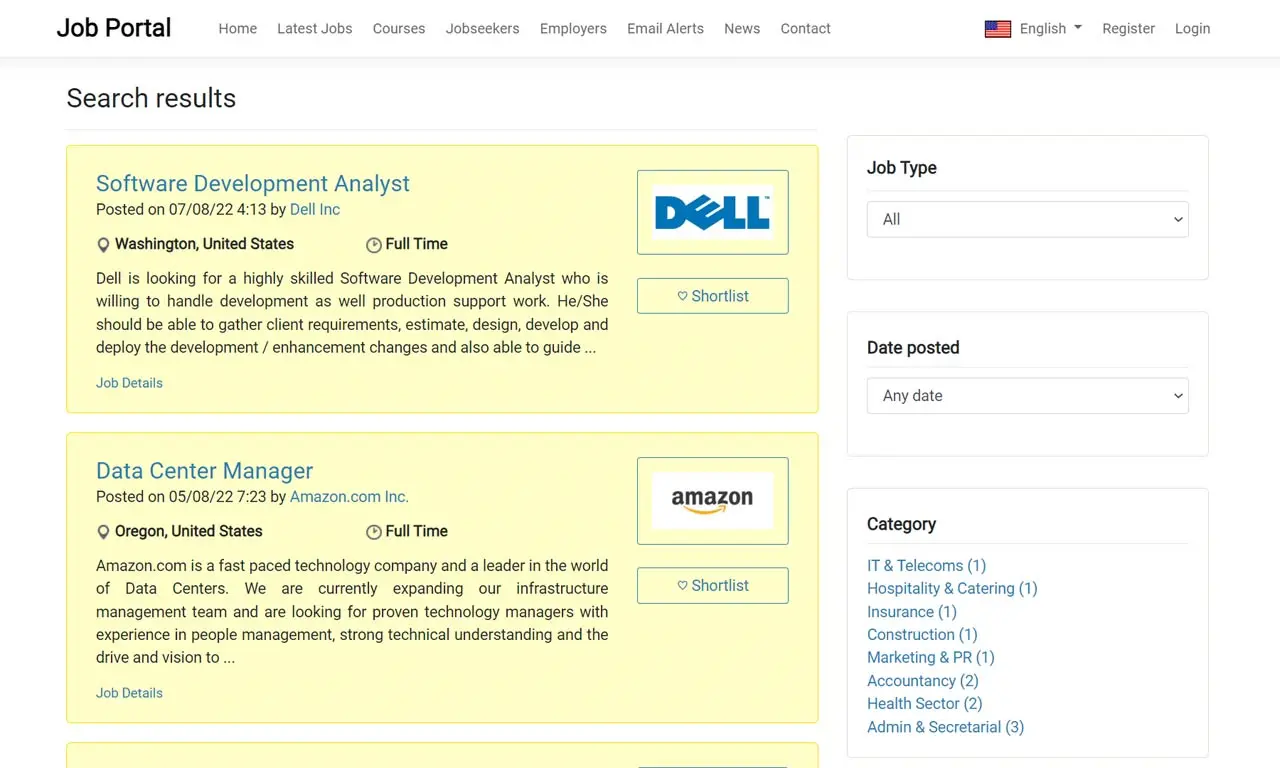 View Full Details
When the Job Feeds functionality is turned on from the administration panel (by enabling the ...
Read More & View Full Image →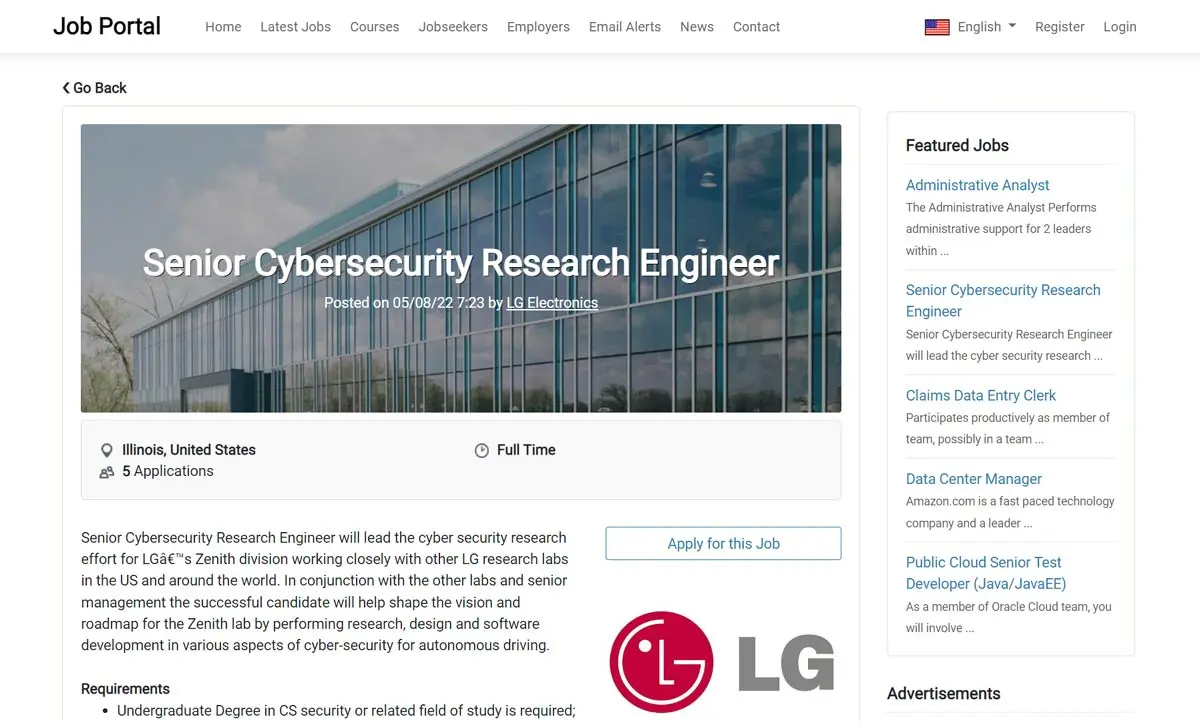 View Full Details
The job details page shows the full job information as entered by the employer, statistics ...
Read More & View Full Image →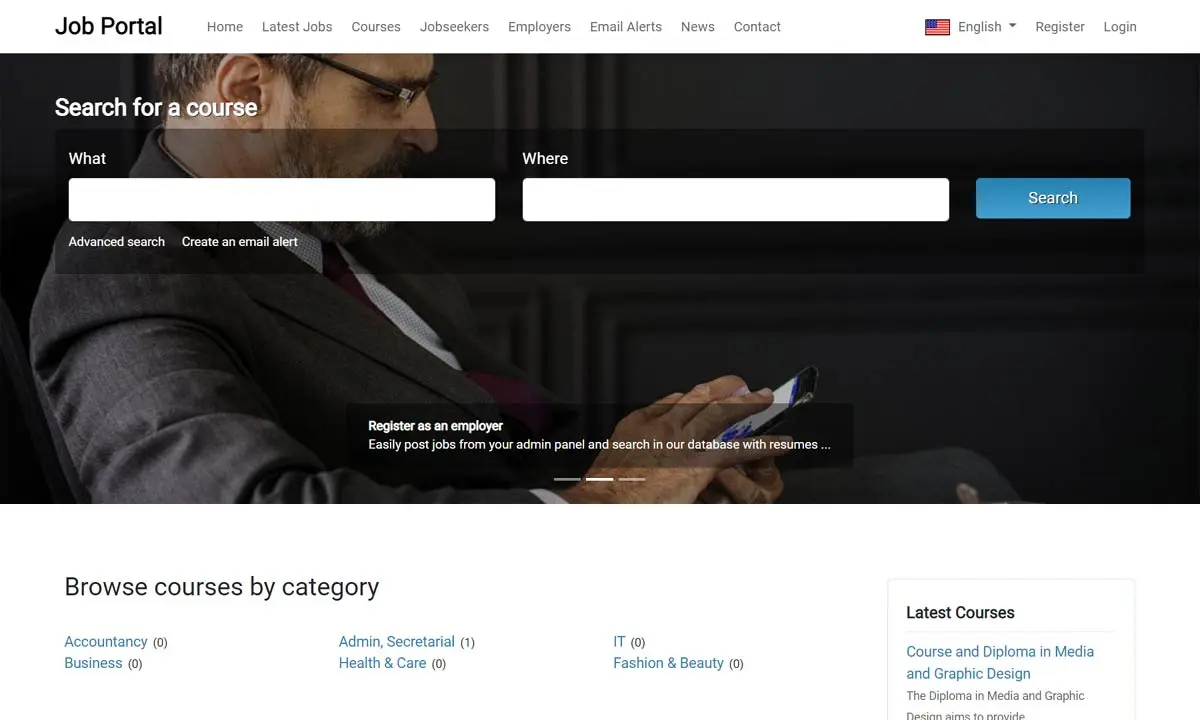 View Full Details
Except of just posting and searching jobs, Job Portal offers also the possibility to the ...
Read More & View Full Image →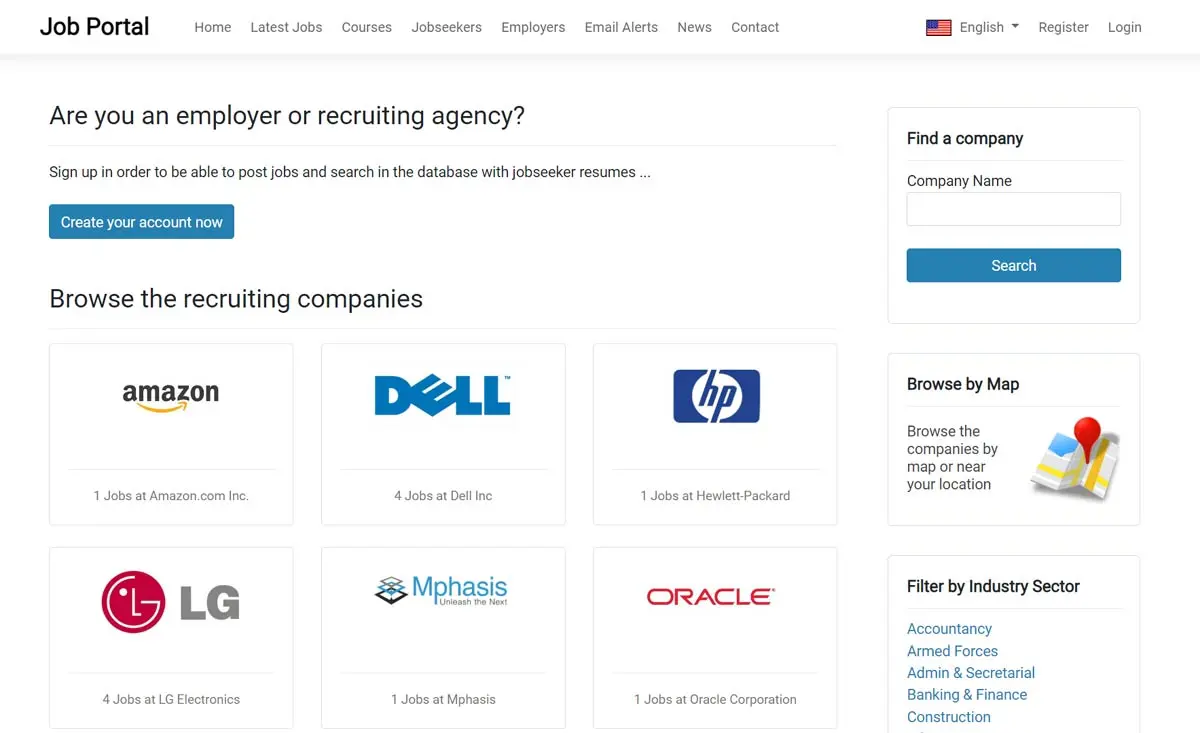 View Full Details
The users can browse and search the recruiting companies, see their contact information and posted ...
Read More & View Full Image →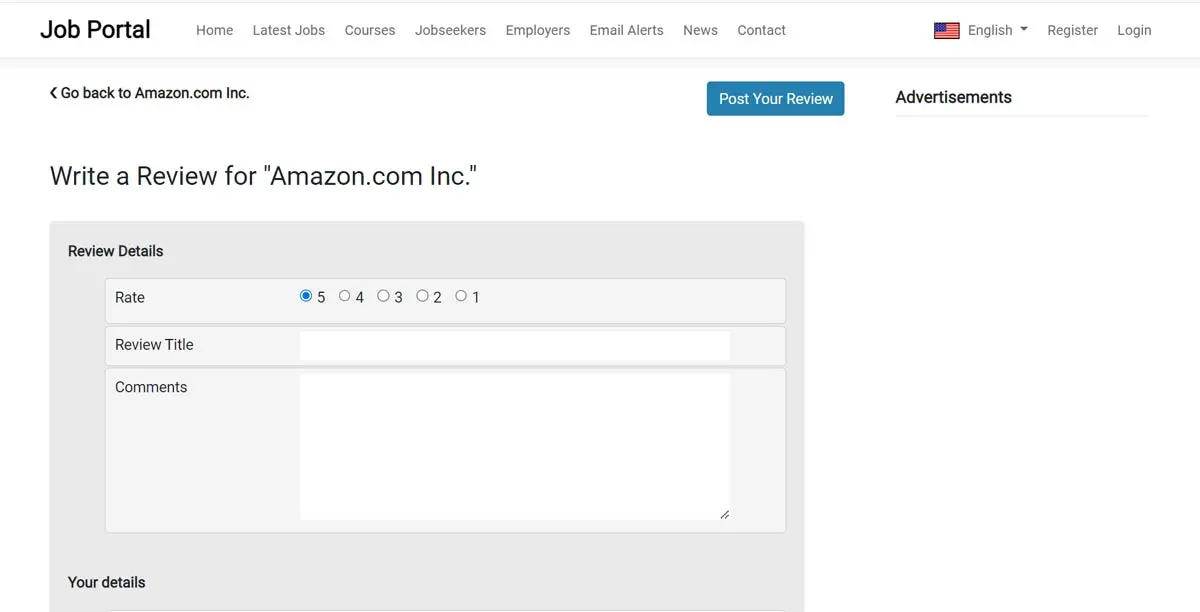 View Full Details
The functionality makes possible for the users to write reviews, comment and rate the recruiting ...
Read More & View Full Image →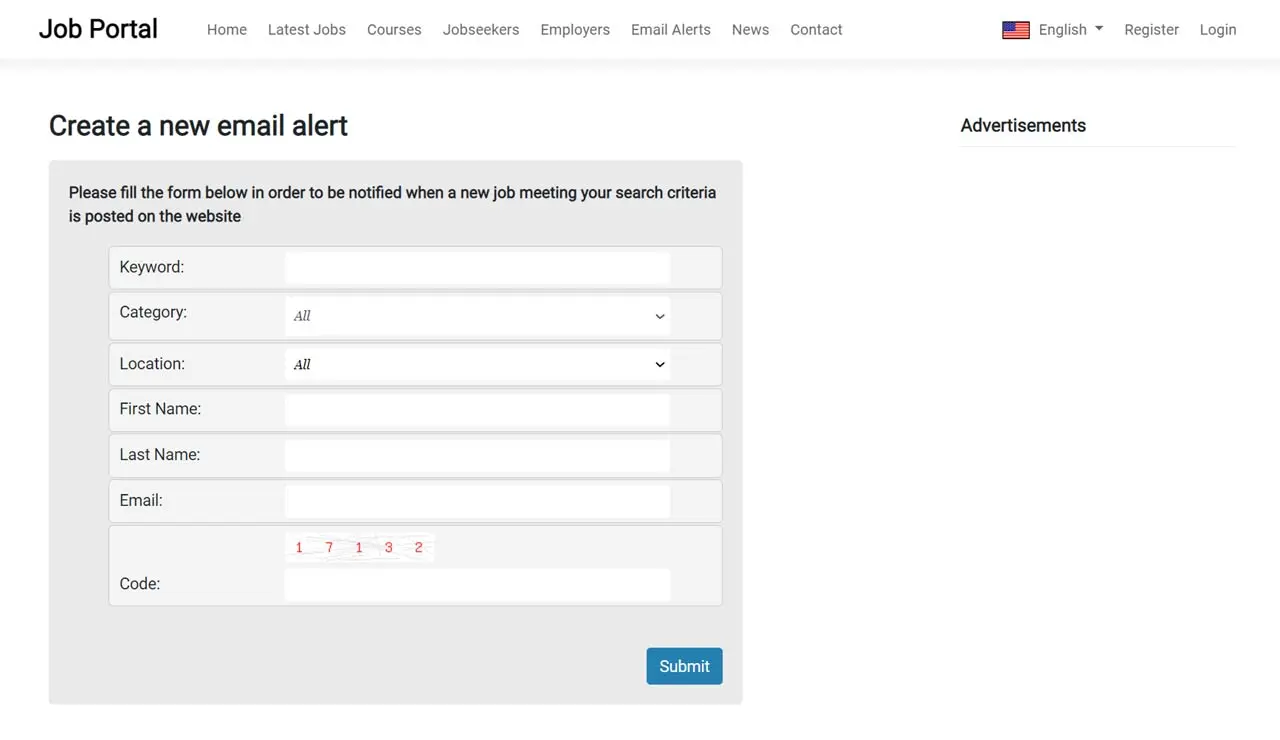 View Full Details
The job seekers can create email alerts and be notified by email when new jobs ...
Read More & View Full Image →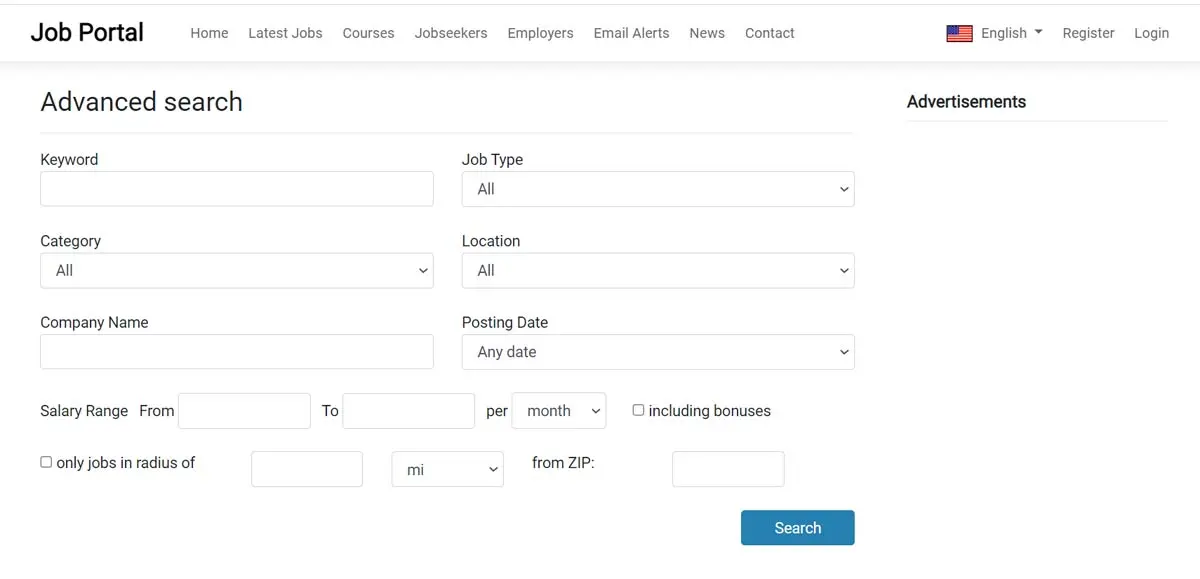 View Full Details
The advanced search form has additional search fields allowing the job seekers to search by ...
Read More & View Full Image →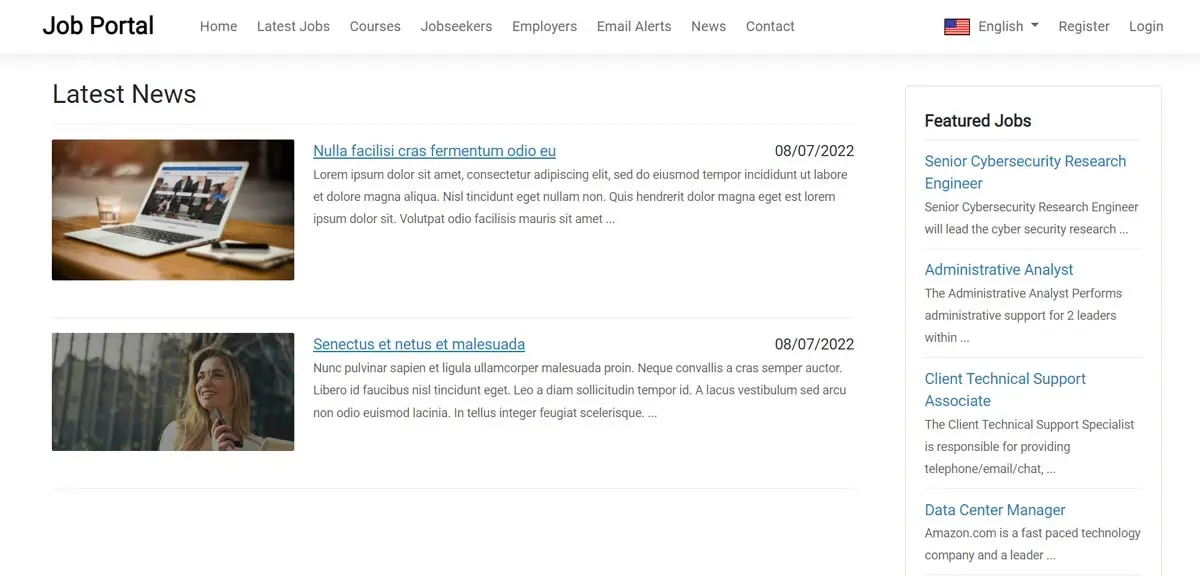 View Full Details
The latest news page on the front-end shows the list of the news or announcements ...
Read More & View Full Image →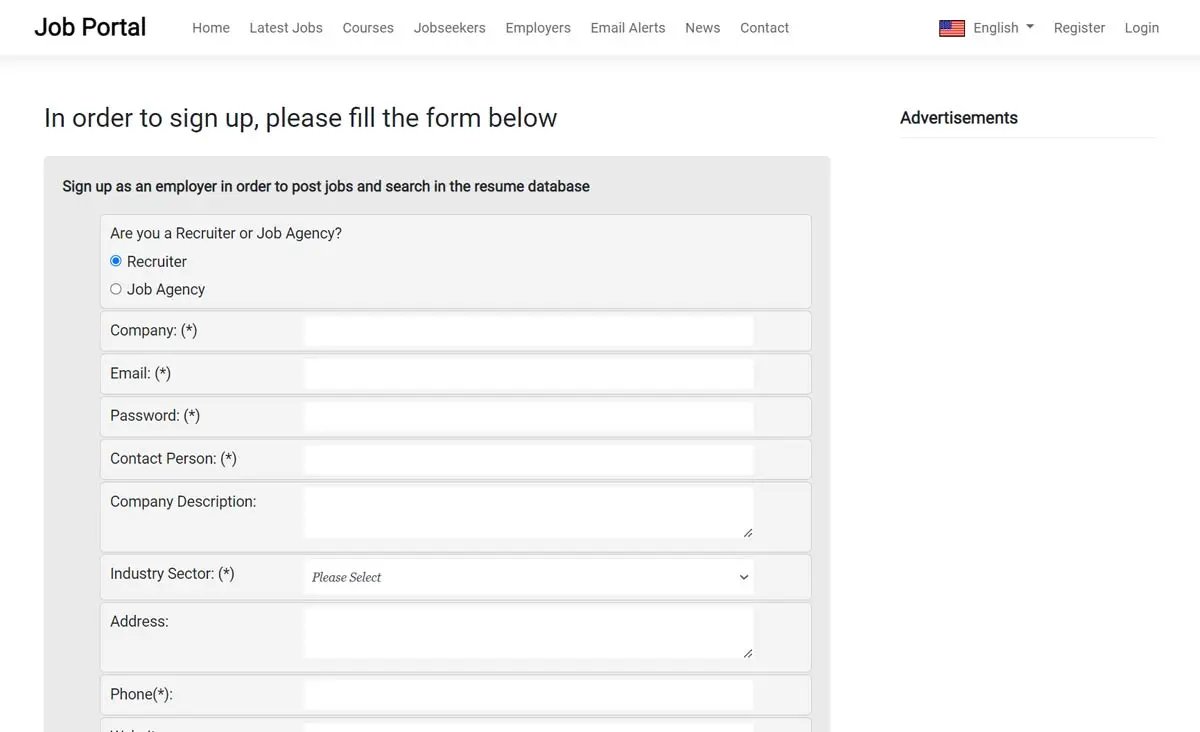 View Full Details
When registering on the website the new employers can sign up either as a recruiter ...
Read More & View Full Image →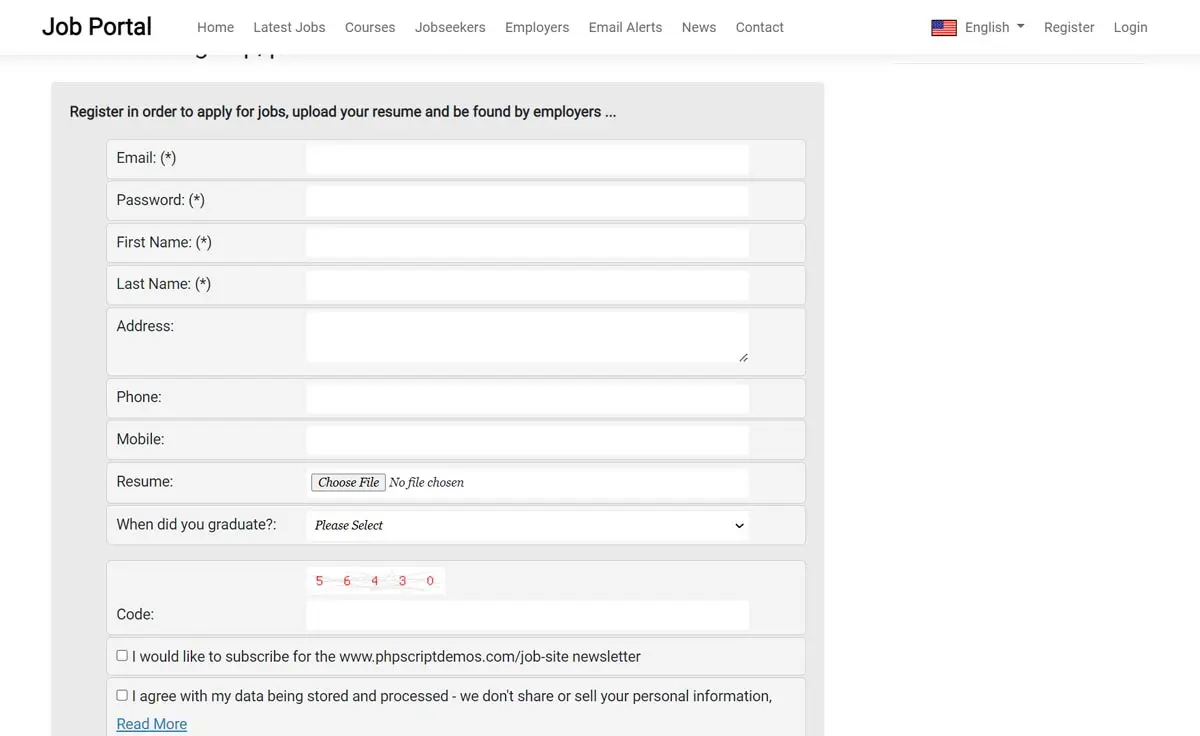 View Full Details
The job seekers can register by filling their basic contact details - from their administration ...
Read More & View Full Image →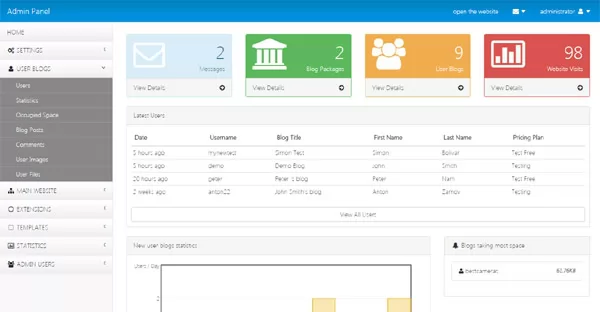 View Full Details
The dashboard of the administration panel shows quick statistics information and lists of the last ...
Read More & View Full Image →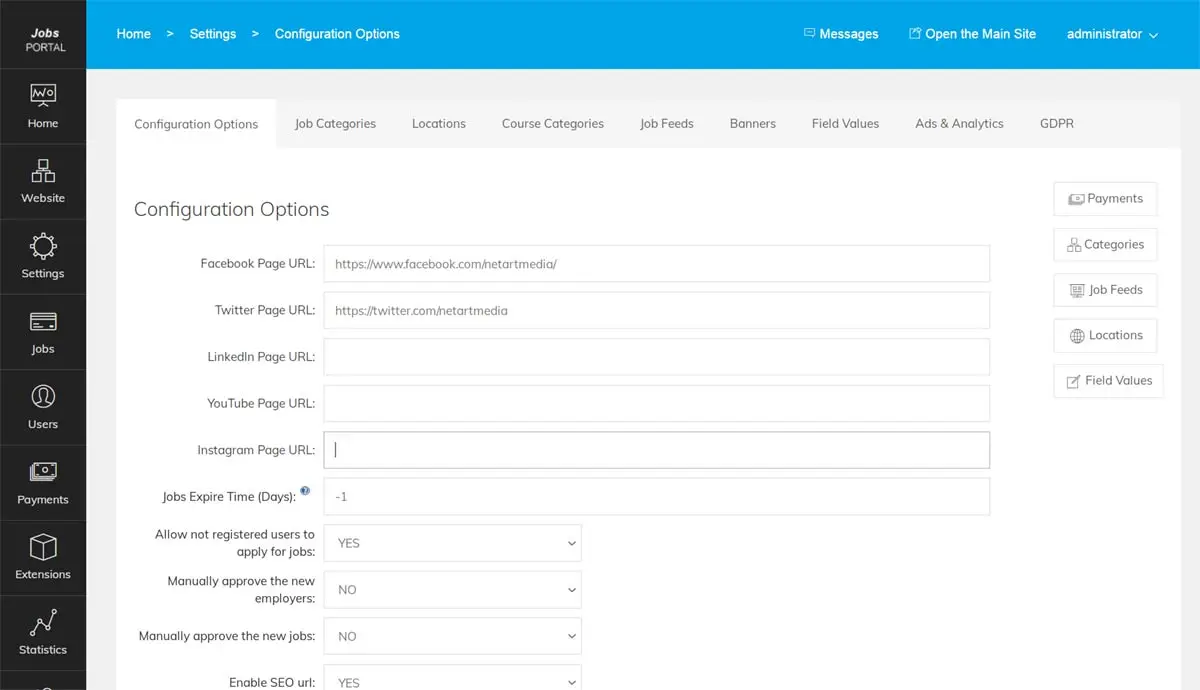 View Full Details
The Settings / Configuration Options page in the administration panel allows the administrator to change ...
Read More & View Full Image →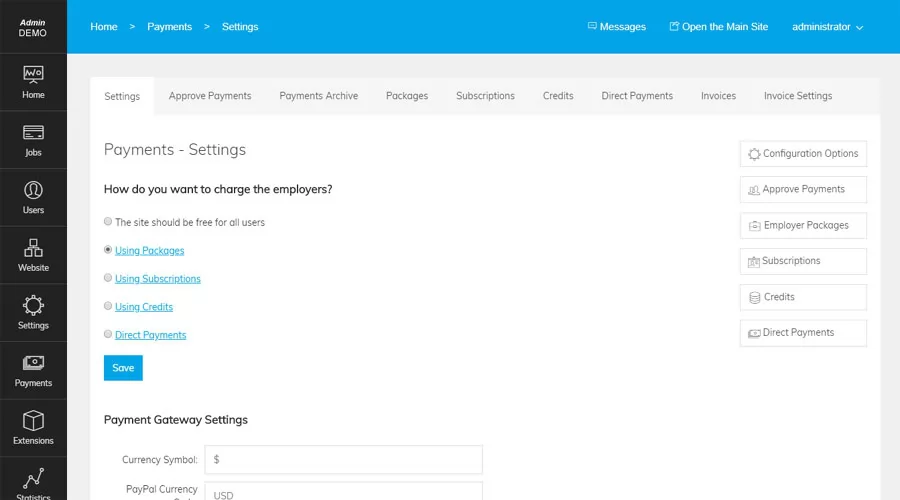 View Full Details
The Payment settings page in the administration panel allows the administrator to choose the charging ...
Read More & View Full Image →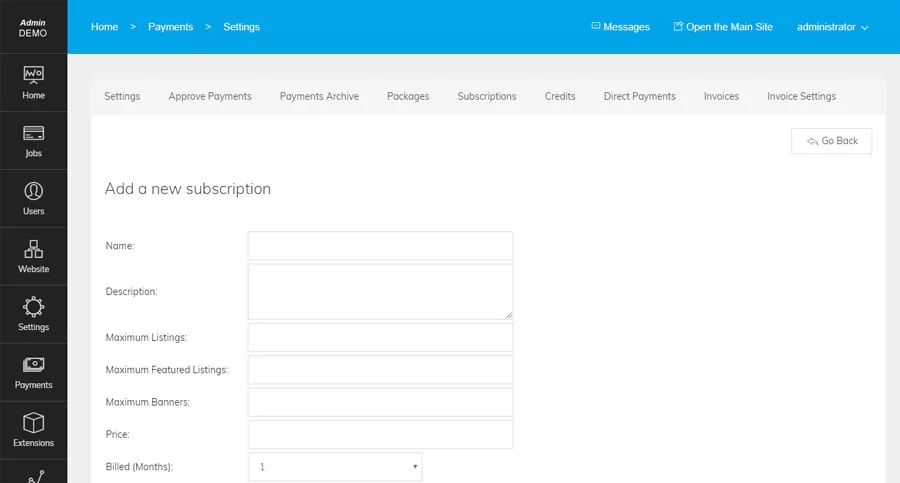 View Full Details
The subscriptions allow the administrator to charge the employers a monthly (or also other periods ...
Read More & View Full Image →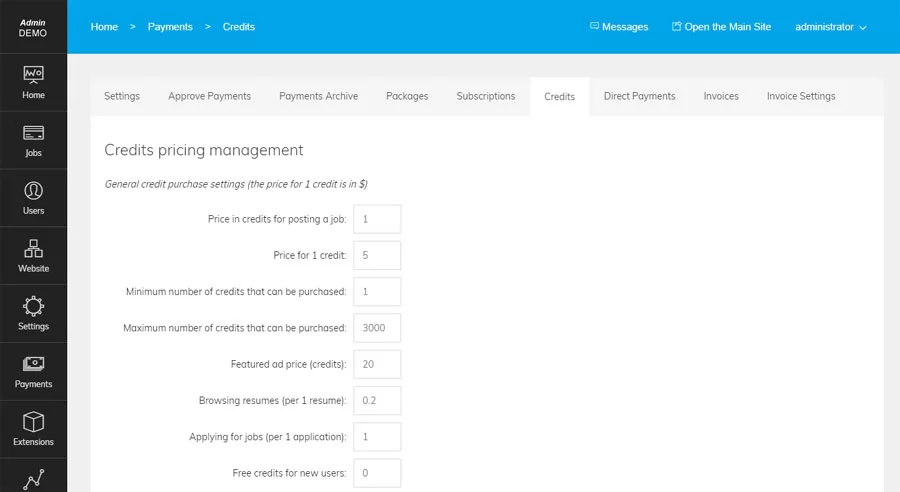 View Full Details
When the Credits option is used, the employers can purchase credits and spend them for ...
Read More & View Full Image →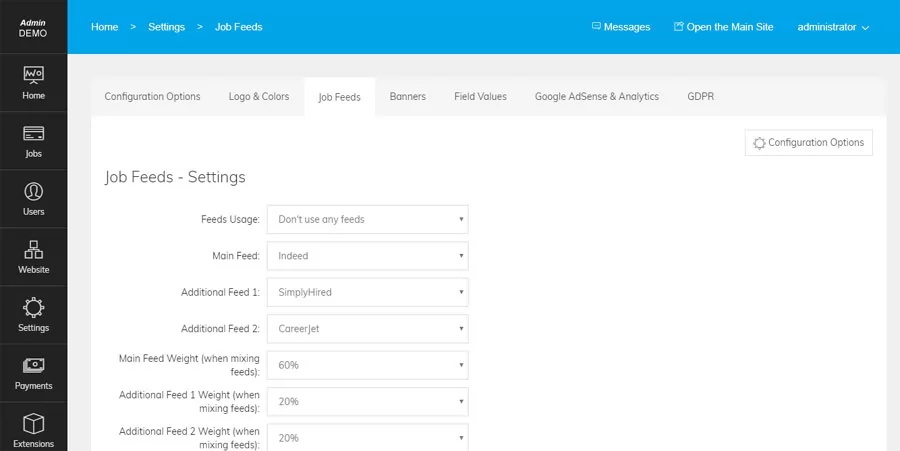 View Full Details
The page allows to manage the settings for the job feeds - Indeed, CareerJet and ...
Read More & View Full Image →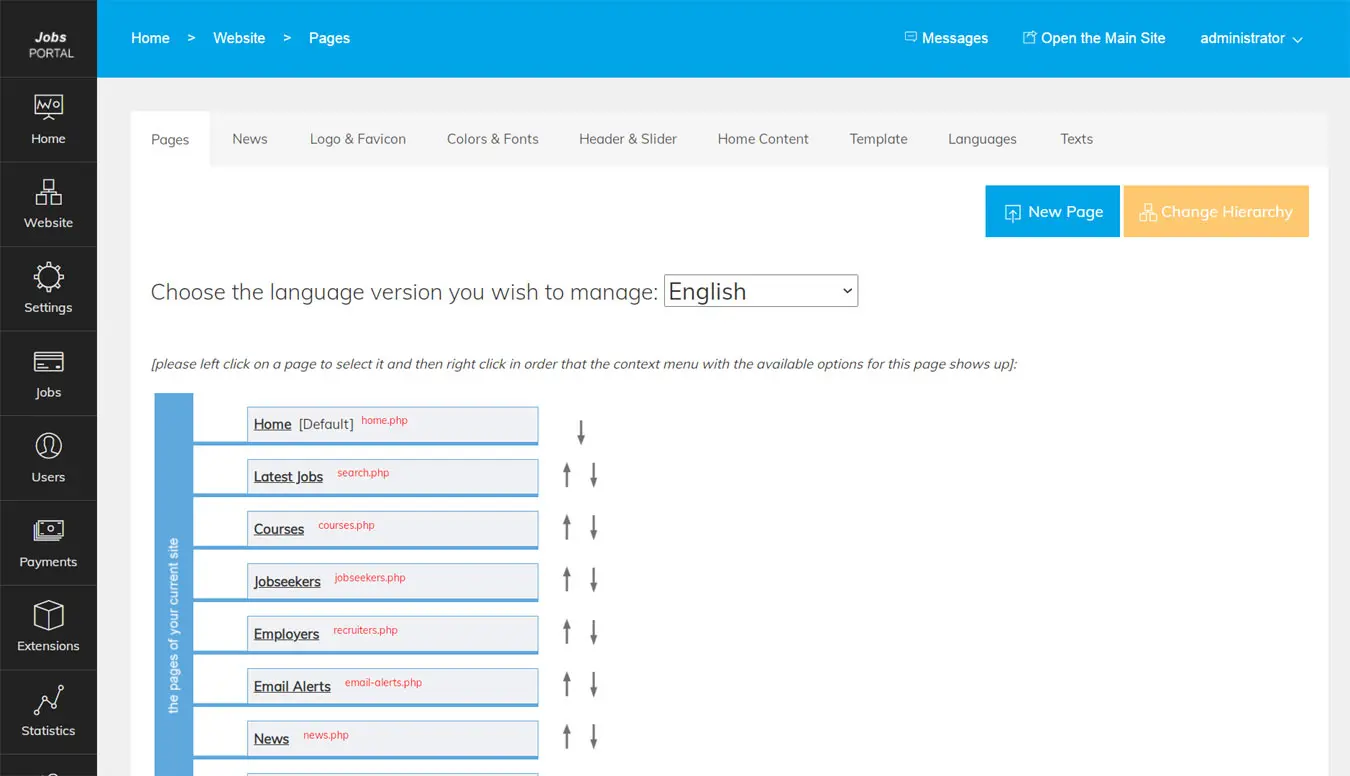 View Full Details
The integrated content management system allows the administrator to add new pages to the main ...
Read More & View Full Image →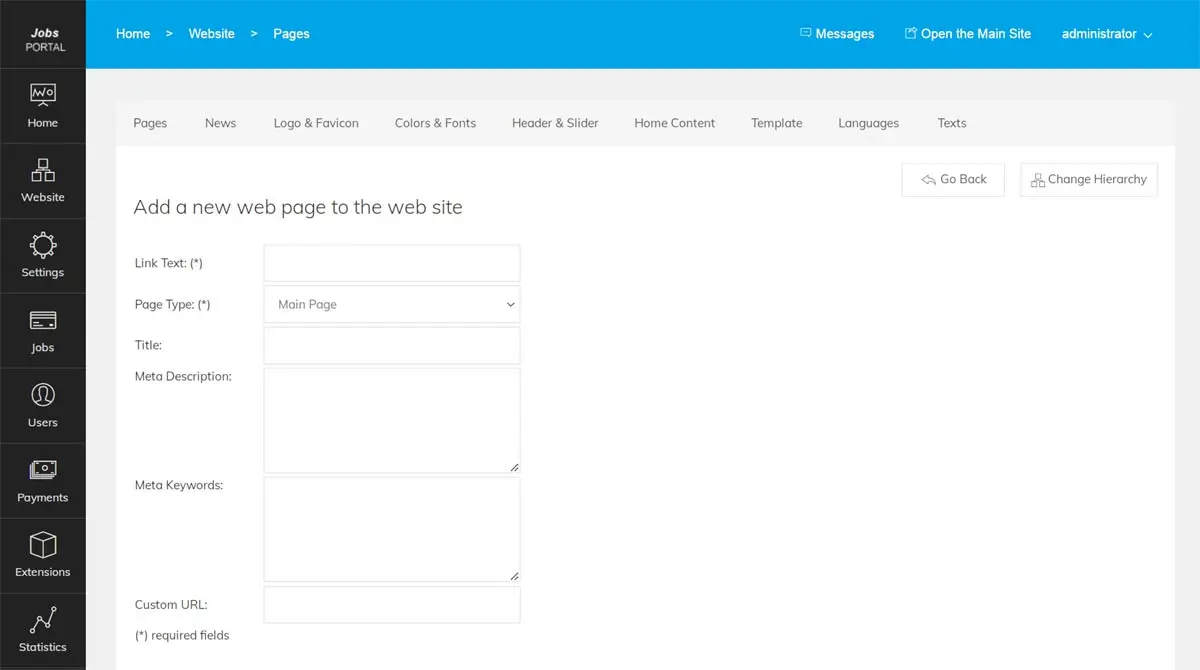 View Full Details
New pages on the front site can be added directly from the administration panel - ...
Read More & View Full Image →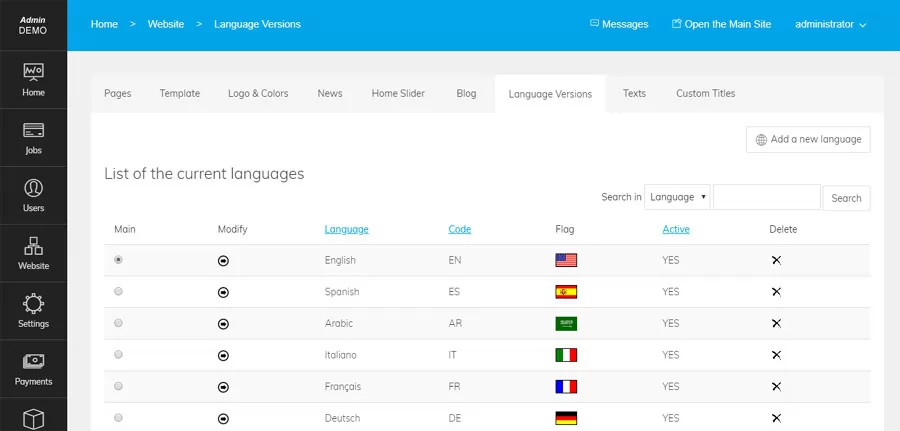 View Full Details
Jobs Portal is multi-language and can be translated to any language - the Language Versions ...
Read More & View Full Image →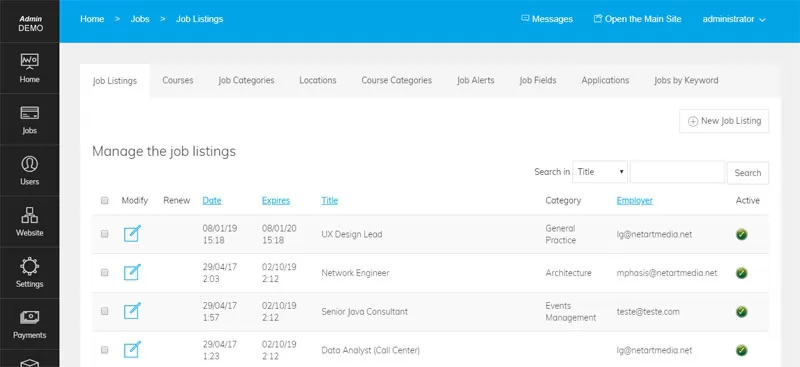 View Full Details
This screen shot shows the Job Ads page in the administration panel allowing to see ...
Read More & View Full Image →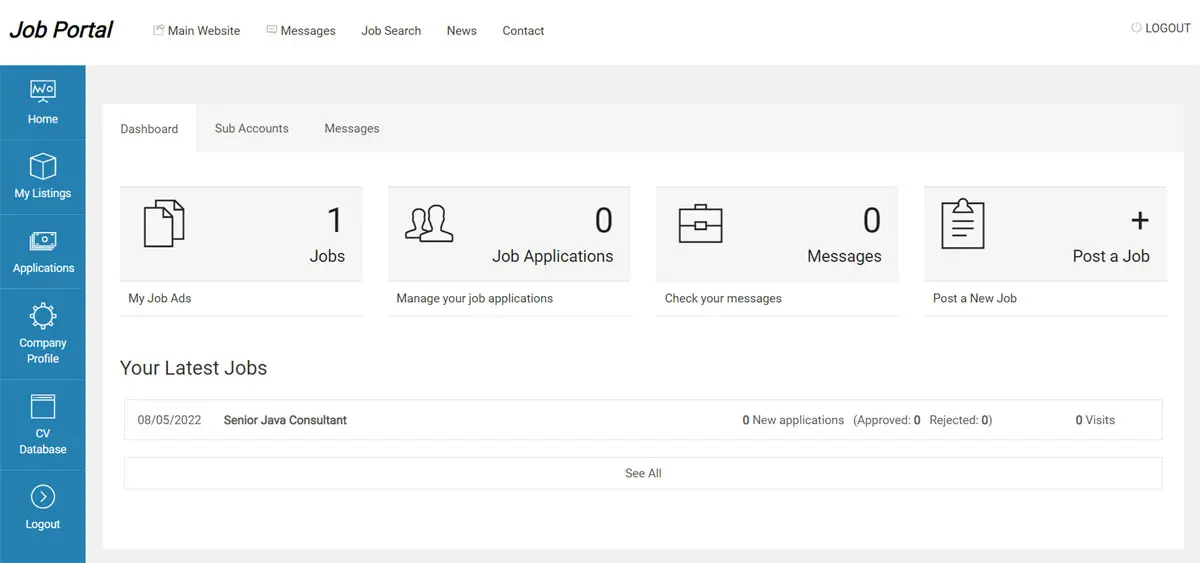 View Full Details
The employers administration panel allows the users to post jobs, approve and manage the job ...
Read More & View Full Image →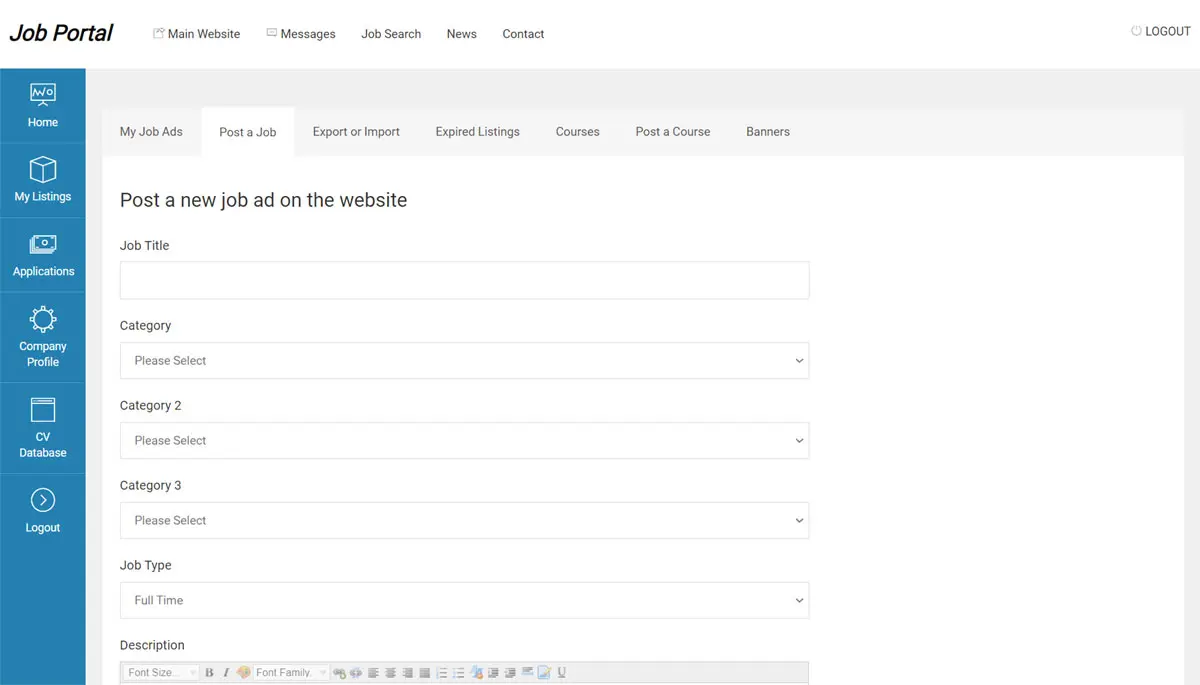 View Full Details
The employers can post jobs using the form in their administration panel (by filling different ...
Read More & View Full Image →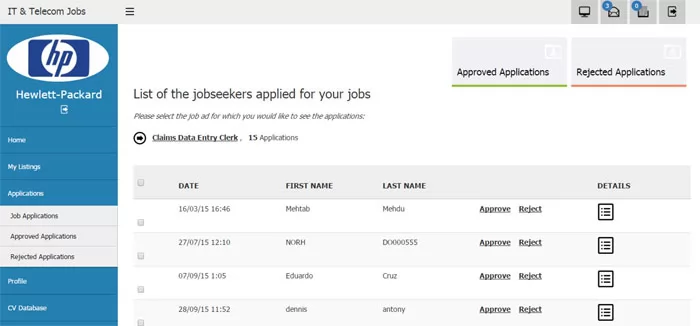 View Full Details
The employers can review the job applications and users applied for their jobs, they can ...
Read More & View Full Image →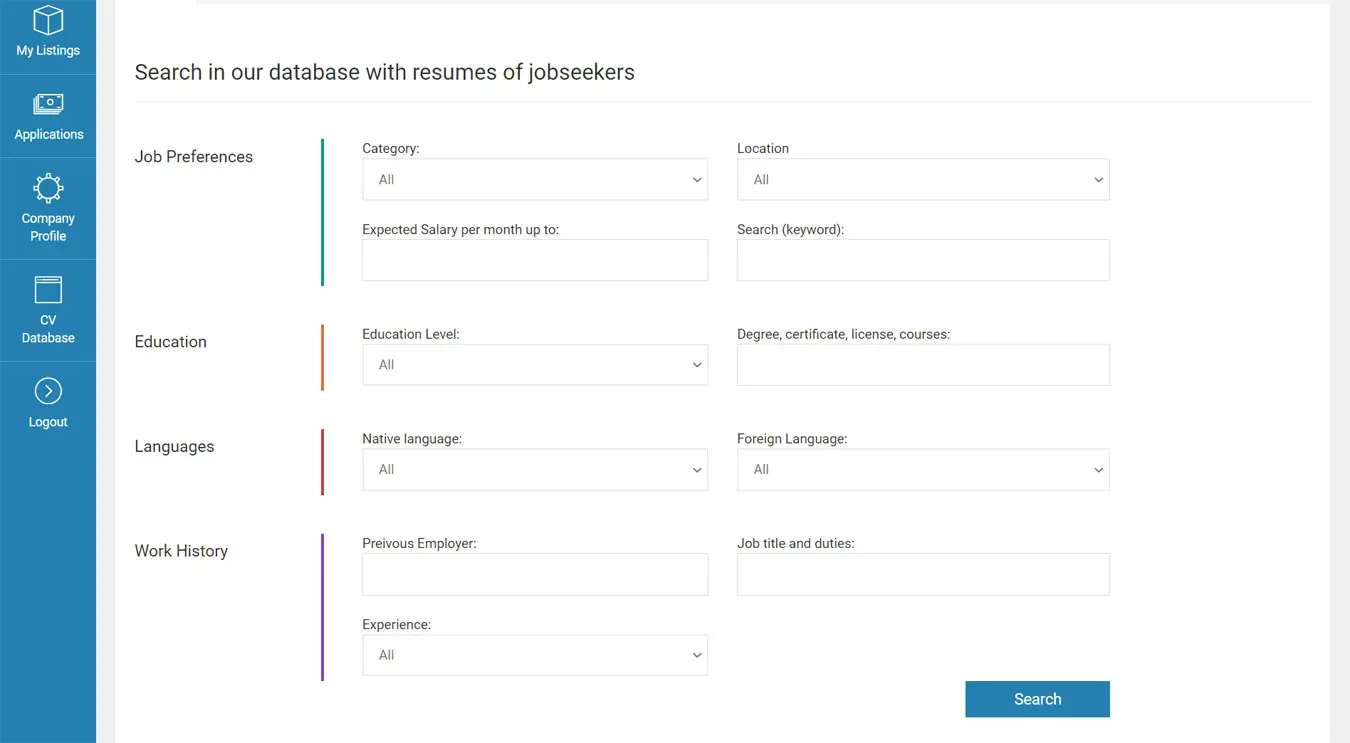 View Full Details
The functionality for searching in the CV database, allows the employers to search the CVs ...
Read More & View Full Image →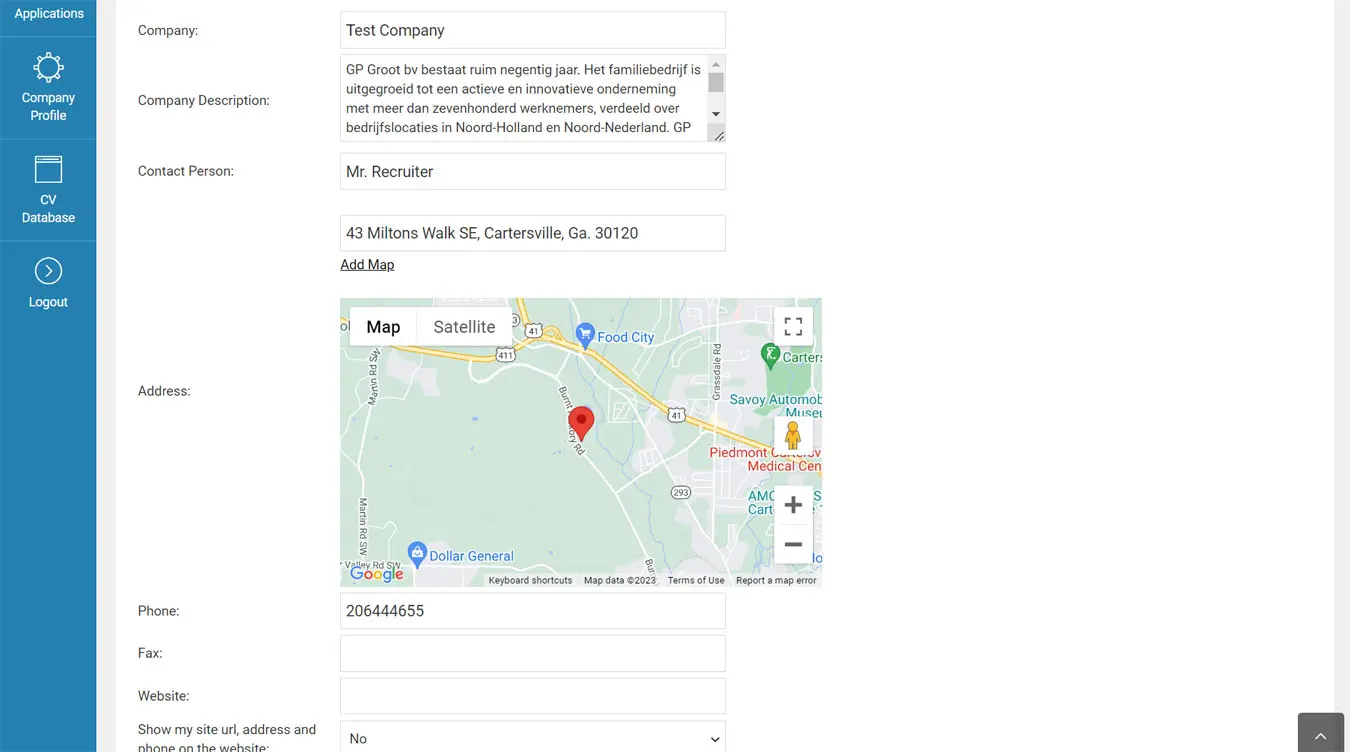 View Full Details
The employers can enter their company information, address, add map, change their logo, add a ...
Read More & View Full Image →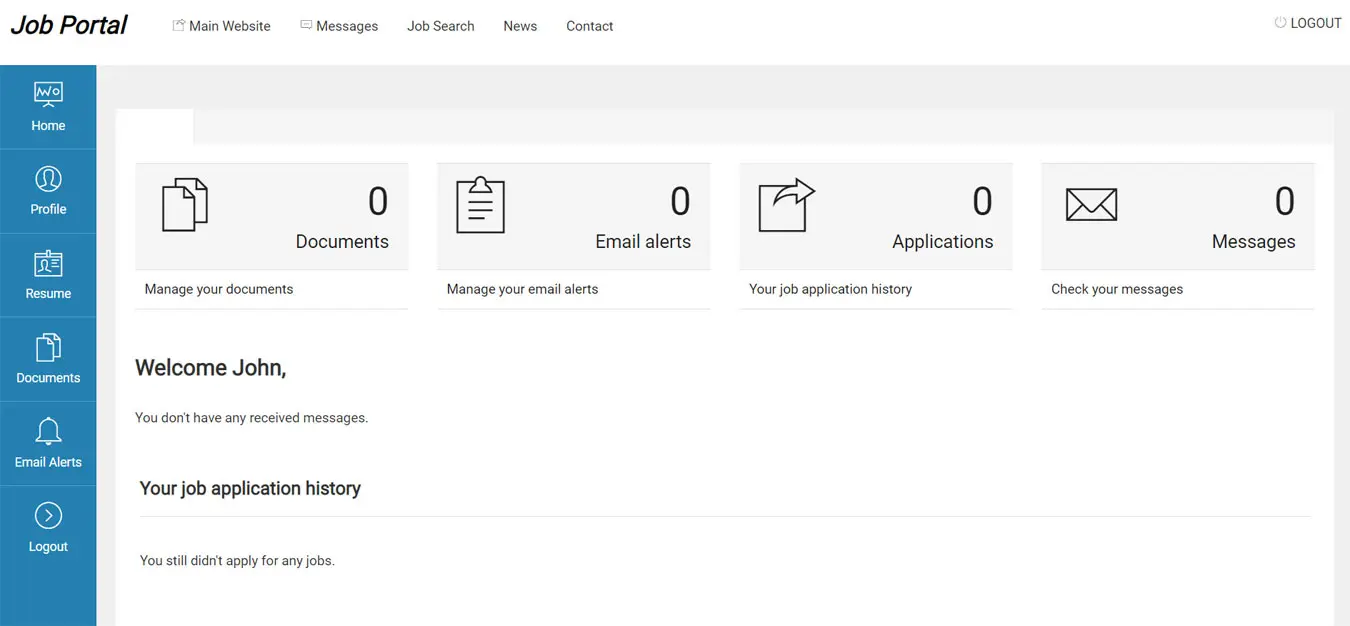 View Full Details
The job seeker administration panel allows the user to edit his profile, to upload or ...
Read More & View Full Image →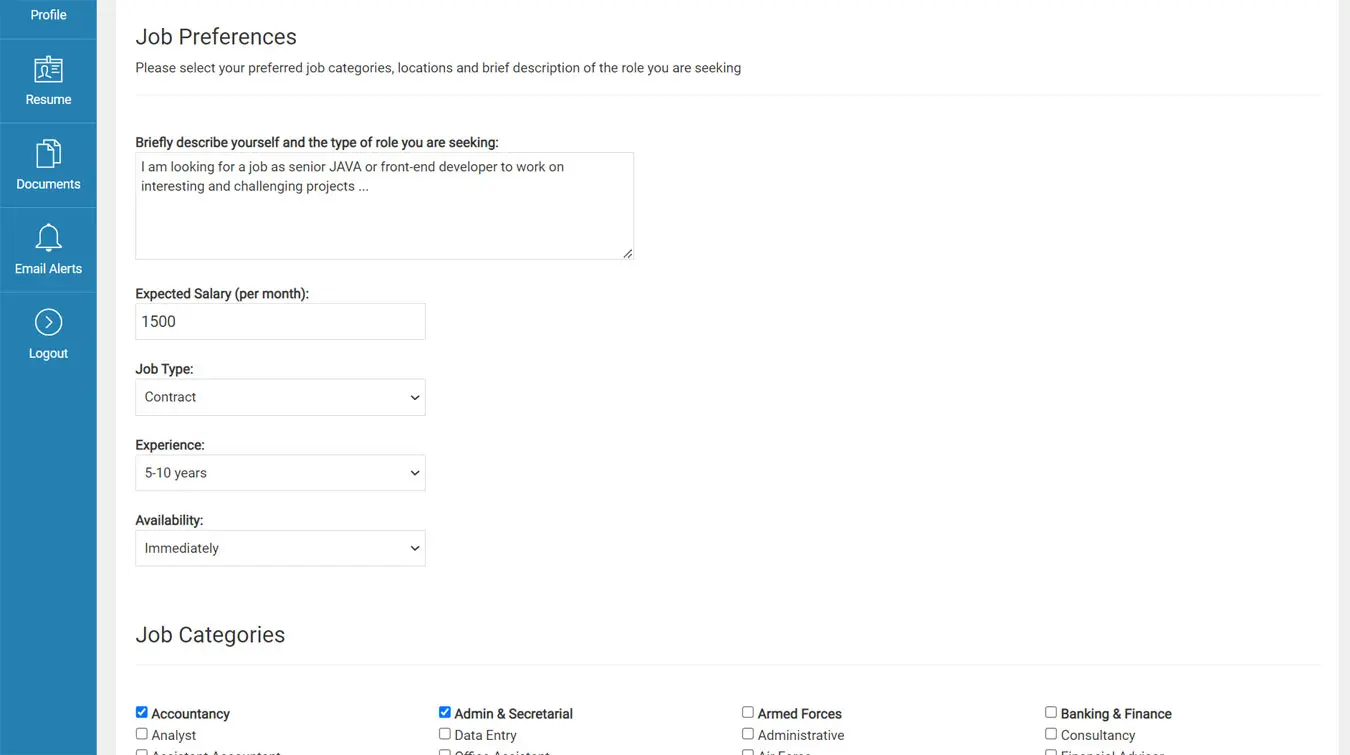 View Full Details
The job seeker has the possibility to set his job preferences - they are seen ...
Read More & View Full Image →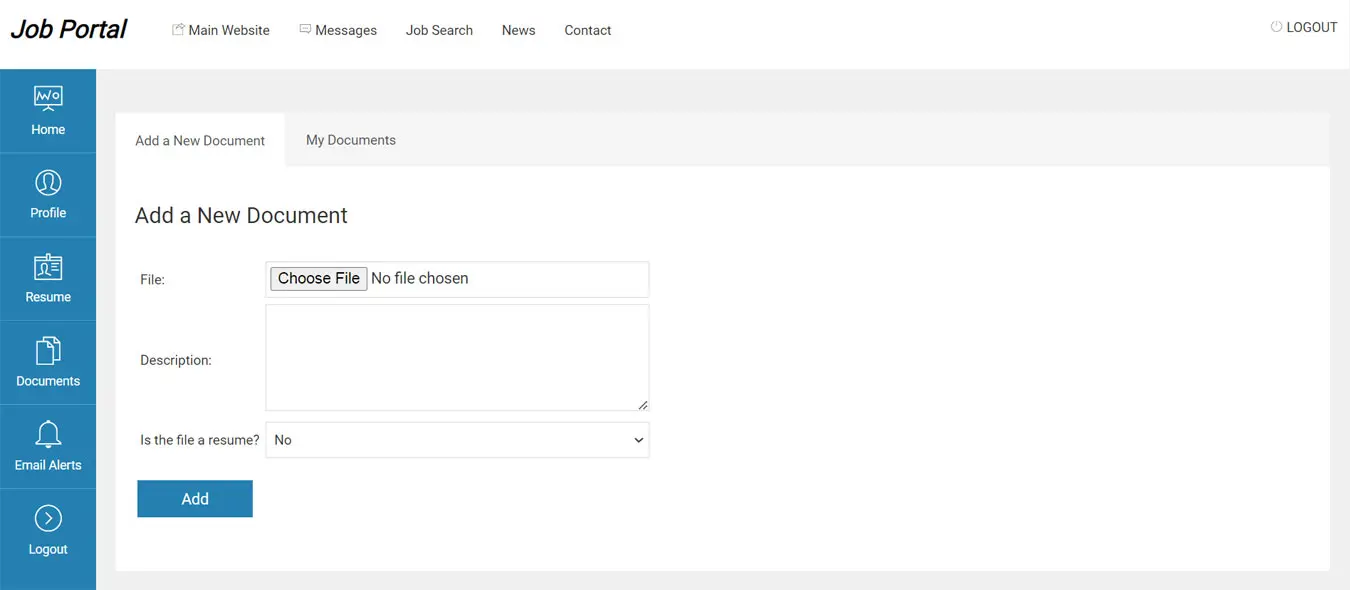 View Full Details
The job seeker can upload different documents - resumes, references, certificates etc. and after that, ...
Read More & View Full Image →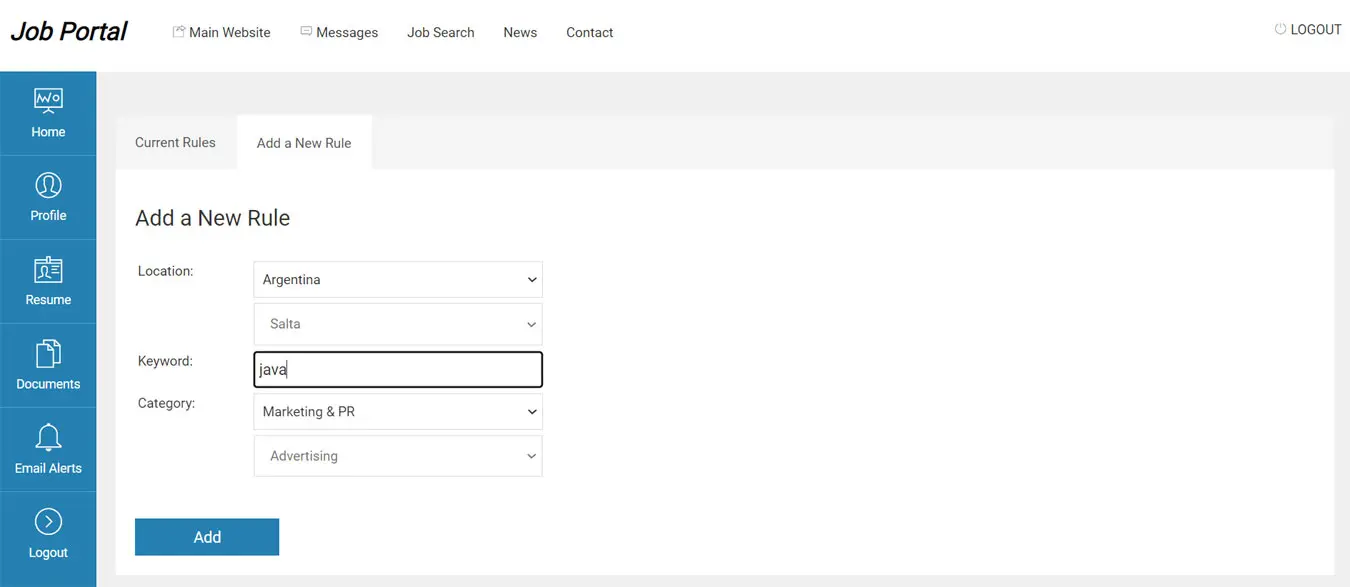 View Full Details
Creating job alerts from the job seeker administration panel to be notified when new jobs ...
Read More & View Full Image →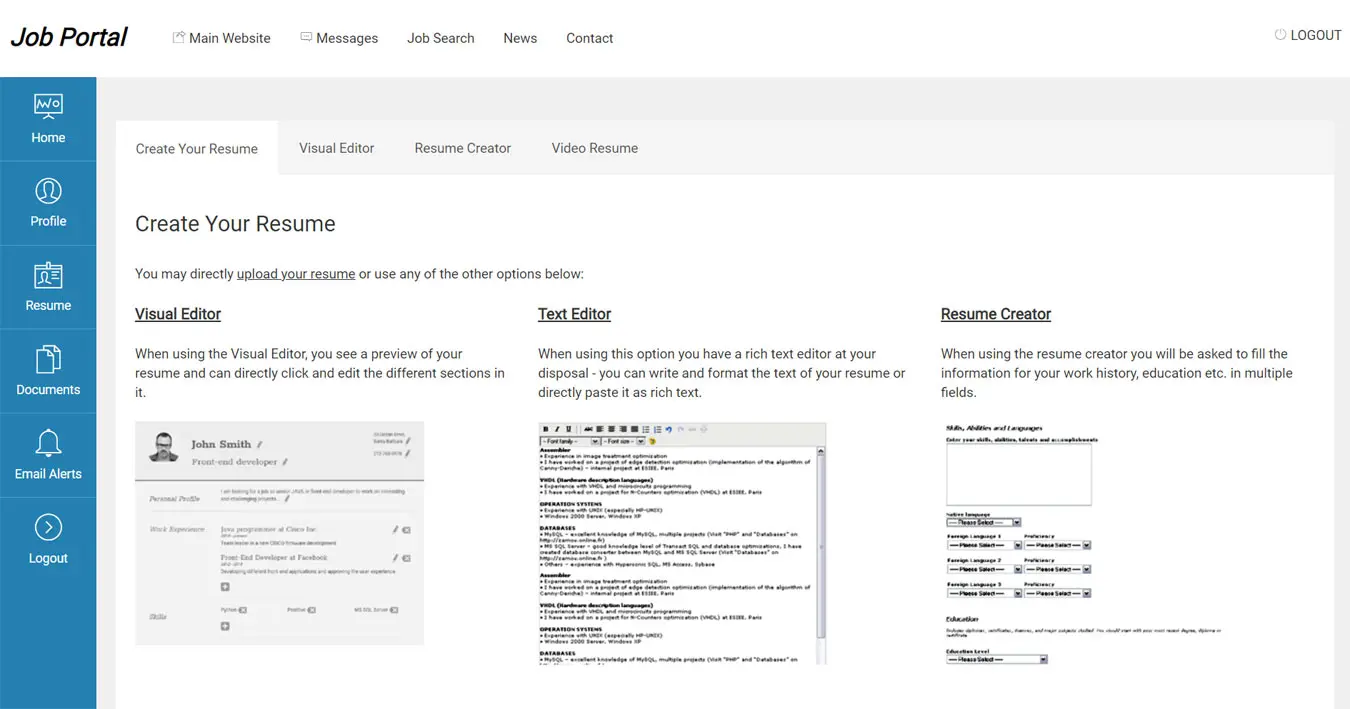 View Full Details
The job seekers can create their resume by uploading a file or by using the ...
Read More & View Full Image →We provide the technical foundation so you can focus on marketing.
Lightweight PHP code without heavy frameworks ensures your site loads fast and ranks higher on Google.
No encrypted files. You get full access to the PHP source code to customize it exactly as you need.
Built with security best practices to protect your data and your users against common web vulnerabilities.
Our team has been here for 20 years. We aren't going anywhere. We are here to help you succeed.