CareerJet Jobs Script
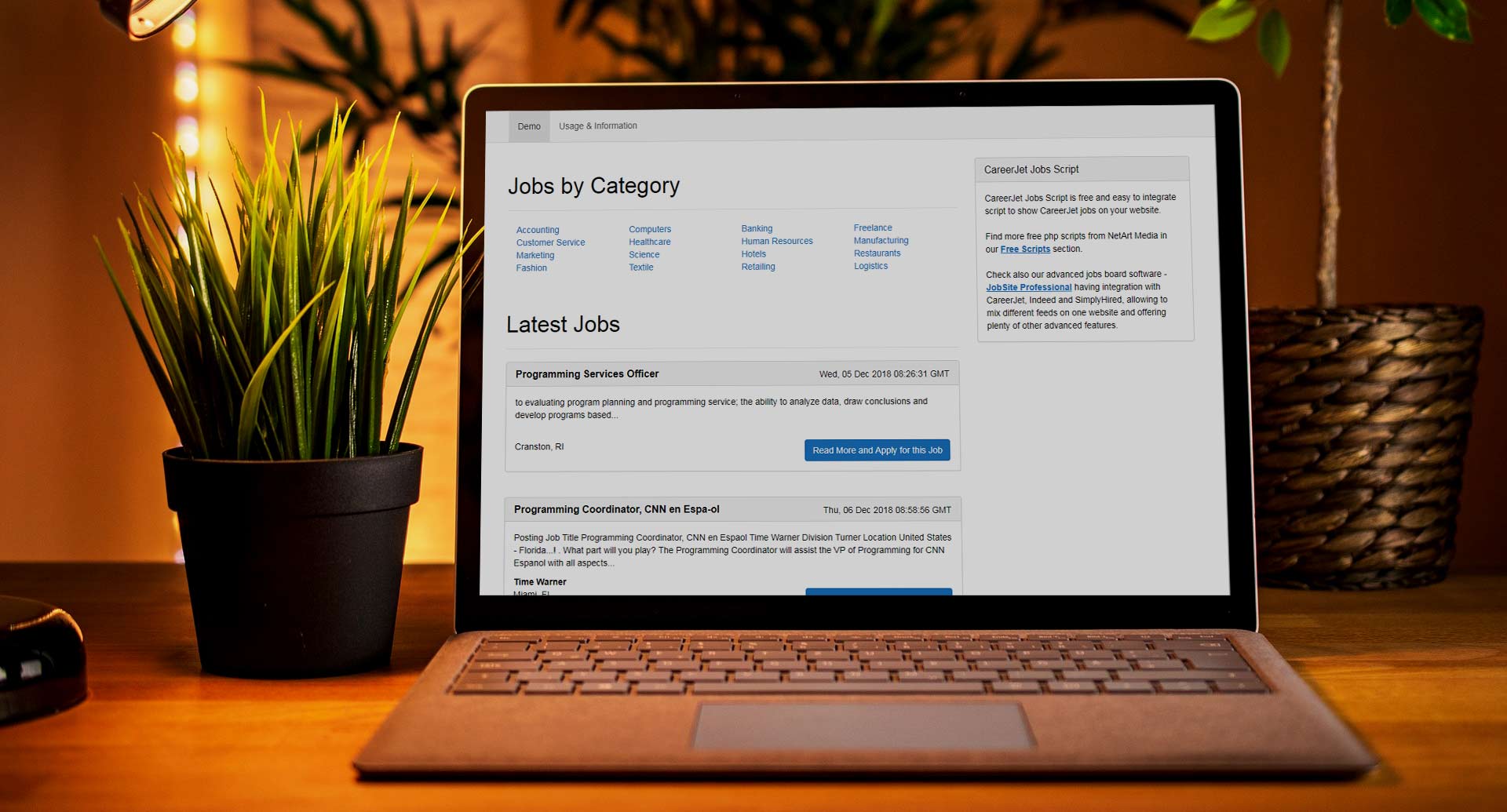
The PHP Careerjet Jobs Script allows you to easily integrate job listings from the Careerjet job search engine directly into your website. With this script,you can automatically display relevant job opportunities using Careerjet’s XML feeds,tailored by keyword,location,category,or country.
What is CareerJet Jobs Script?
How can it be used?
Information & Frequently Asked Questions
1) How to integrate it in a website and existing .php file?
If you downloaded careerjet-jobs.zip and extracted the files in a sub folder /careerjet-jobs , it's enough to add such line of php code:<?php include("careerjet-jobs/jobs_category.php");?>in order to show the jobs by category or the following line:
<?php include("careerjet-jobs/latest_jobs.php");?>in order to show the latest jobs. You can also add them both on a single page and change their positions in order to have for example the jobs by category show up at the top and latest jobs below or the jobs by category to show in the middle,while the latest jobs in a right panel etc.
2) Changing the different settings like CareerJet Affiliate ID,preferred country,number of results per page and others
To change these values,you need to edit the configuration file-config.xml located in the /careerjet-jobs folder.You may check the content of the sample config.xml file below-
<my_config><configuration><aff_id>2182f89dea3e5bcfcb1d8c9697ebc0ab</aff_id><default_country>en_US</default_country><results_per_page>20</results_per_page><latest_jobs_number>5</latest_jobs_number><latest_jobs_default_category>Programming</latest_jobs_default_category></configuration></my_config>
The values you could modify in the configuration file are
aff_id-this your CareerJet affiliate id,you could get one by signing up as publisher on the CareerJet website
default_country-the default country for which the script will display the jobs,uou may find below the list of the currently support countries
cs_CZ Czech Czech Republic da_DK Danish Denmark de_AT German Austria de_CH German Switzerland de_DE German Germany en_AE English United Arab Emirates en_AU English Australia en_CA English Canada en_CN English China en_HK English Hong Kong en_IE English Ireland en_IN English India en_MY English Malaysia en_NZ English New Zealand en_OM English Oman en_PH English Philippines en_PK English Pakistan en_QA English Qatar en_SG English Singapore en_GB English United Kingdom en_US English United States en_ZA English South Africa en_TW English Taiwan en_VN English Vietnam es_AR Spanish Argentina es_BO Spanish Bolivia es_CL Spanish Chile es_CR Spanish Costa Rica es_DO Spanish Dominican Republic es_EC Spanish Ecuador es_ES Spanish Spain es_GT Spanish Guatemala es_MX Spanish Mexico es_PA Spanish Panama es_PE Spanish Peru es_PR Spanish Puerto Rico es_PY Spanish Paraguay es_UY Spanish Uruguay es_VE Spanish Venezuela fi_FI Finnish Finland fr_CA French Canada fr_BE French Belgium fr_CH French Switzerland fr_FR French France fr_LU French Luxembourg fr_MA French Morocco hu_HU Hungarian Hungary it_IT Italian Italy ja_JP Japanese Japan ko_KR Korean Korea nl_BE Dutch Belgium nl_NL Dutch Netherlands no_NO Norwegian Norway pl_PL Polish Poland pt_PT Portuguese Portugal pt_BR Portuguese Brazil ru_RU Russian Russia ru_UA Russian Ukraine sv_SE Swedish Sweden sk_SK Slovak Slovakia tr_TR Turkish Turkey uk_UA Ukrainian Ukraine vi_VN Vietnamese Vietnam zh_CN Chinese China
results_per_page-the number of results / jobs per page you prefer,by default it's set to 20
latest_jobs_number - the number of jobs showing up in the latest jobs section
latest_jobs_default_category - the default category for the latest jobs section, you can enter any word - the search will be performed by it or leave empty
3) How to define your own job categories?
You could do that by editing the categories.xml file located in the /careerjet-jobs folder.You may find below the content of the sample categories.xml file we are using in our demos:
<job_categories> <category>Accounting</category> <category>Computers</category> <category>Banking</category> <category>Freelance</category> <category>Customer Service</category> <category>Healthcare</category> <category>Human Resources</category> <category>Manufacturing</category> <category>Marketing</category> <category>Science</category> <category>Hotels</category> <category>Restaurants</category> <category>Fashion</category> <category>Textile</category> <category>Retailing</category> <category>Logistics</category> </job_categories>
To add more categories, you need to add more lines in the categories.xml by keeping the same file format.
Live Demo
Explore the live demos of the front-end and admin panel below.
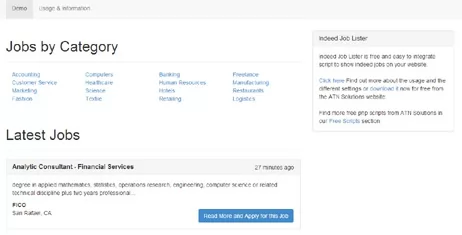
This demo shows a basic integration in a bootstrap template by simply inserting a line of php code in it
Get CareerJet Jobs Script for Your Website
Start using CareerJet Jobs Script today! Upon purchase,you’ll instantly receive the download information,and if you prefer,we can handle the installation on your server or hosting package at no extra cost-it’s a complimentary service we’re happy to provide.
- Standard License (Most Popular) $
39$39Buy Now
For use on a single website. - Enterprise License $199Buy Now
For use on unlimited websites (ideal for agencies,developers,and resellers).
Looking for a better deal? Contact us today for a special offer - we may have a discount available for you!
One-Time Payment - Lifetime Use
With a single,one-time payment,you'll gain lifetime access to the CareerJet Jobs Script. That means no recurring fees, no subscriptions, and no hidden costs - just reliable, long-term value for your business.
What’s Included with Your Purchase
Full Source Code AccessYou receive the source code, giving you complete flexibility to customize and extend the software to match your specific needs.
Free Technical Support
Our team is here to help! Get assistance whenever you need it to ensure smooth installation, setup, and ongoing use.
Free Installation Service
Prefer not to handle the setup yourself? Let us take care of the installation on your hosting environment — free of charge.
Free “Powered By” Removal
Want a clean, fully branded look? We include at no cost the option to remove the “Powered by” link from the software's interface.