

You may find below some screenshots of the PHP Dating Site front-end, the user administration panel and the admin panel for the website administrator. Please visit also our Online Demos page to see demos of the admin panels and front-end and don't hesitate to contact us if any questions.
 View Full Details
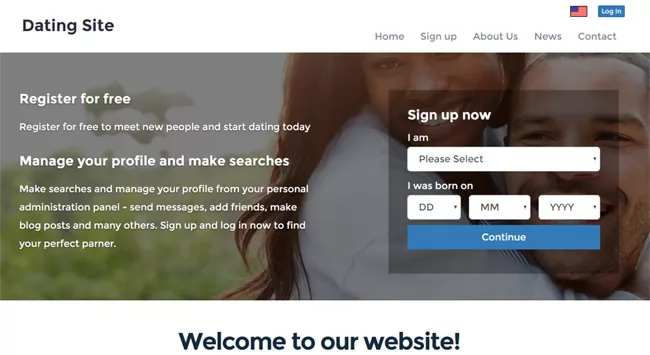
The home page of the front site has a clean and mobile-friendly design with an ...
Read More & View Full Image →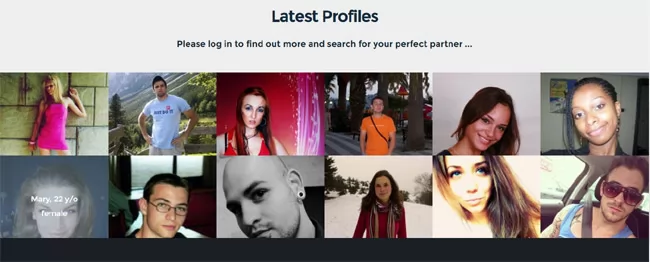 View Full Details
PHP Dating Site is using a flexible template system, so it's possible to customize the ...
Read More & View Full Image →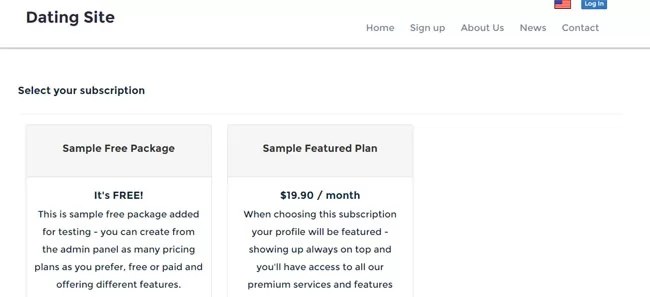 View Full Details
The administrator can create different pricing plans / user subscriptions offering different features (like if ...
Read More & View Full Image →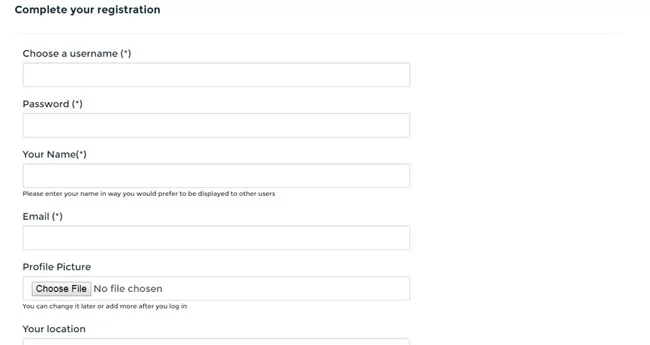 View Full Details
The main registration form is kept simple in order to be simple and fast for ...
Read More & View Full Image →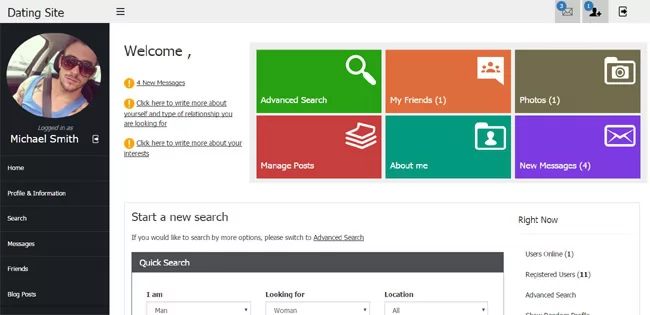 View Full Details
On the Dashboard of the user admin panel, the logged in user can see notifications ...
Read More & View Full Image →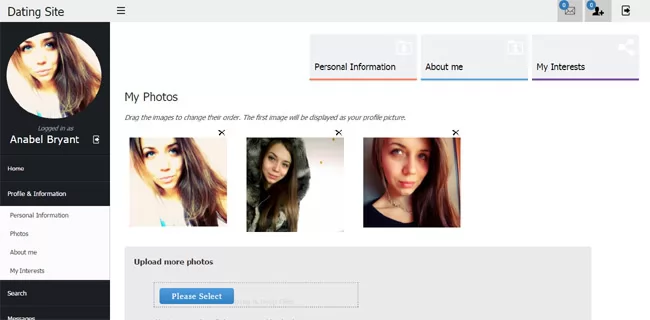 View Full Details
The users can easily upload and add more photos (using ajax technology), change the photos ...
Read More & View Full Image →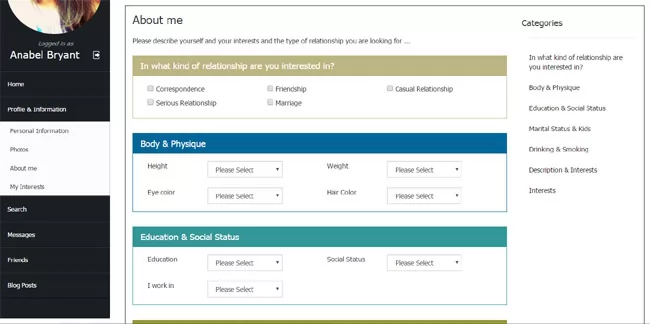 View Full Details
On this page the user can enter more information about himself, his physique (height, weight, ...
Read More & View Full Image →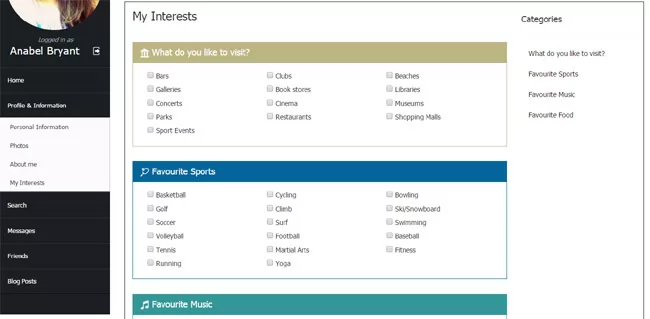 View Full Details
The page has different fields allowing the user to select the places he likes to ...
Read More & View Full Image →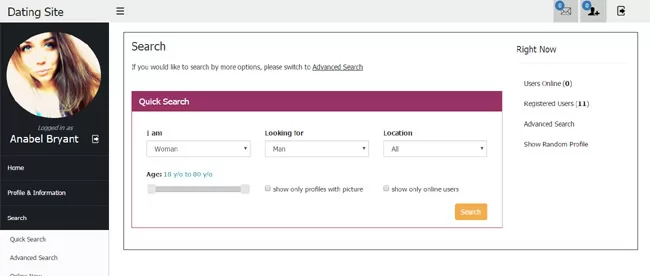 View Full Details
The quick search form has the basic search fields allowing the user to select the ...
Read More & View Full Image →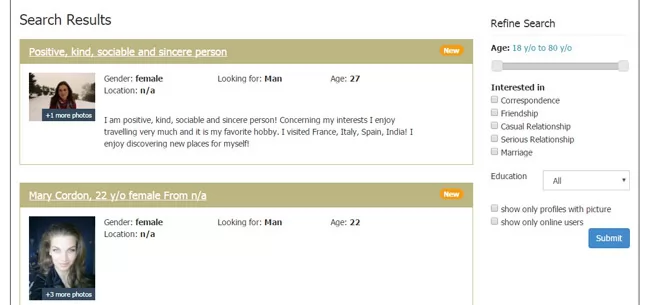 View Full Details
The search results page shows the profile found organized on pages and also a refine ...
Read More & View Full Image →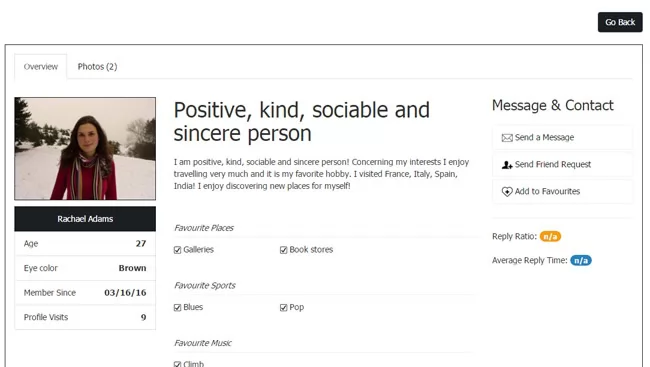 View Full Details
The profile details shows the full information for the user including his description, photos, interests ...
Read More & View Full Image →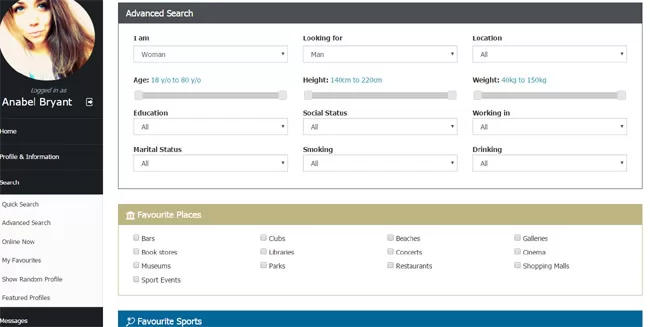 View Full Details
The advanced search form has multiple fields allowing to search by different criteria
Read More & View Full Image →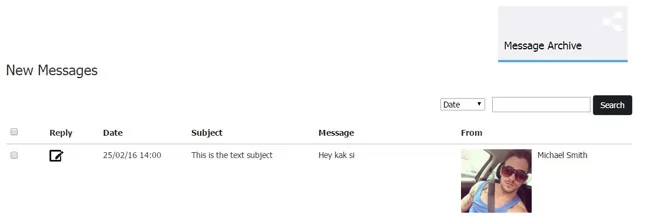 View Full Details
The users can see on separate pages in their admin panel the new messages received ...
Read More & View Full Image →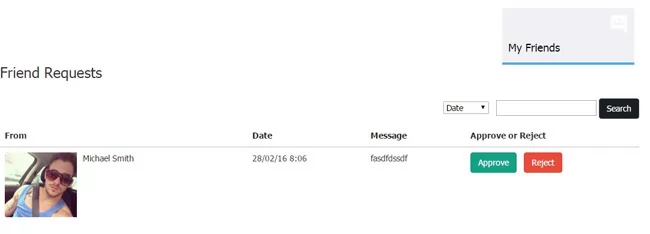 View Full Details
Approving or rejecting the received friend requests in the users admin panel
Read More & View Full Image →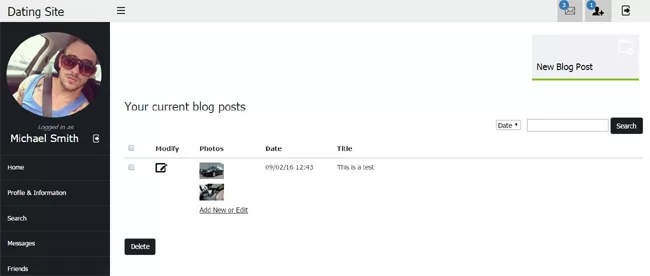 View Full Details
This functionality allows the users to make and add blog posts to their profile. In ...
Read More & View Full Image →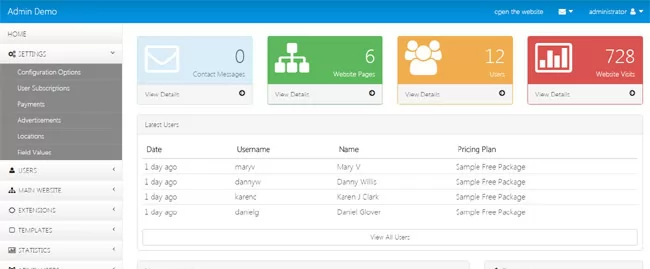 View Full Details
Using the main administration panel the website administrator / site owner can manage the different ...
Read More & View Full Image →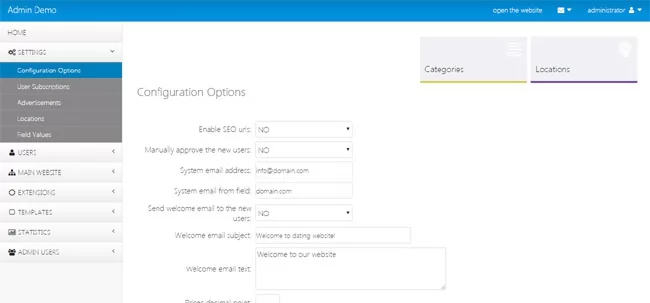 View Full Details
Changing the values of the different configuration options in the admin panel
Read More & View Full Image →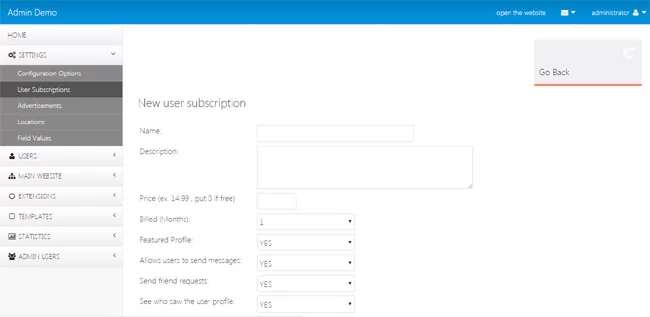 View Full Details
The administrator can create different user subscriptions - free and paid, offering different features to ...
Read More & View Full Image →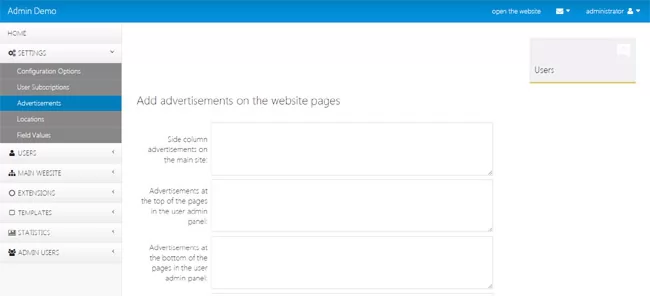 View Full Details
The administrator can add different advertisements like Google AdSense and similar ads to be shown ...
Read More & View Full Image →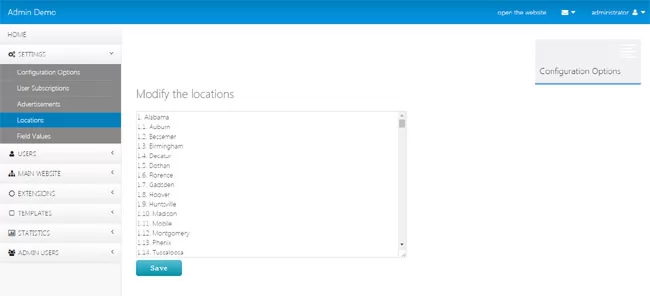 View Full Details
The administrator can change the locations of the website to set the locations he prefers ...
Read More & View Full Image →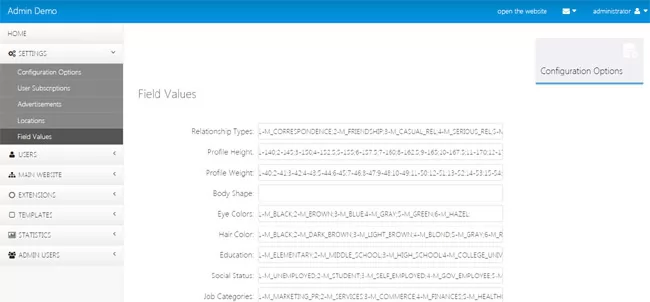 View Full Details
The values of the different user fields and texts shown on the user interface can ...
Read More & View Full Image →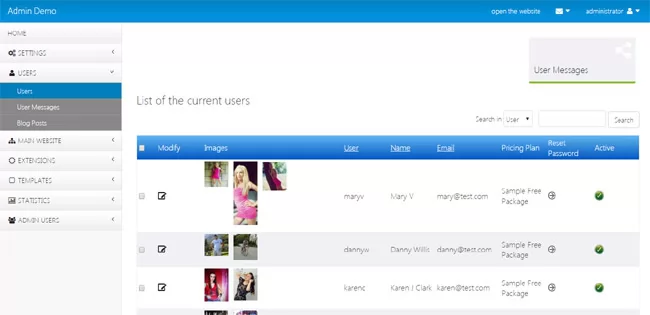 View Full Details
Managing the registered users and modifying the profile information from the admin panel
Read More & View Full Image →