
The colors used on our demo are just an example, on your site you could easily create multiple other combinations with colors and images you like from the administration panel.
Please check out below for a demo of the administration panel and user (event participant) and event organizer administration panels. Launch Front-End Demo →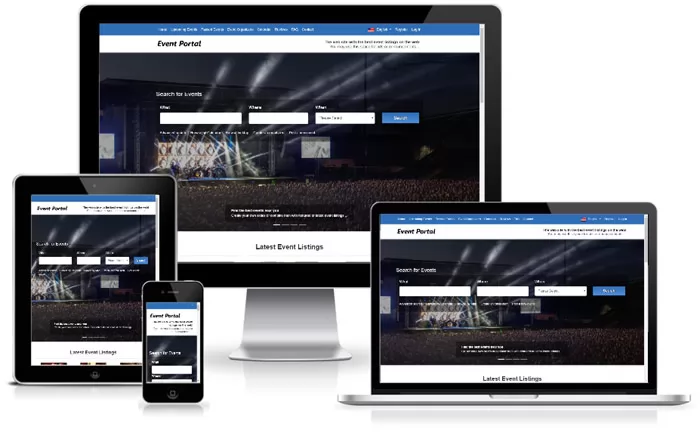
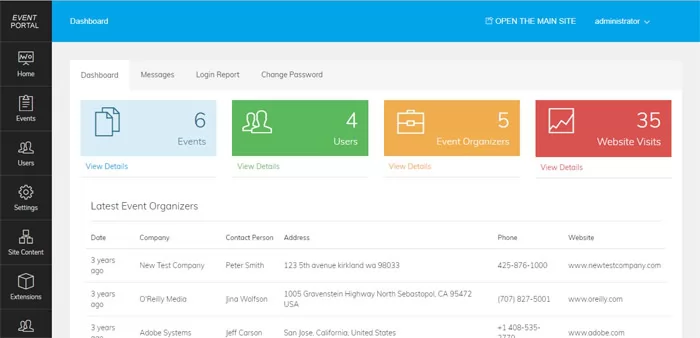
Please log in with the following account -
user: administrator
password: abc123
(they are pre-entered also on the form)
Please log in with the following test account -
user: teste@teste.com
password: teste
or you may create your own test account by registering on the main site.
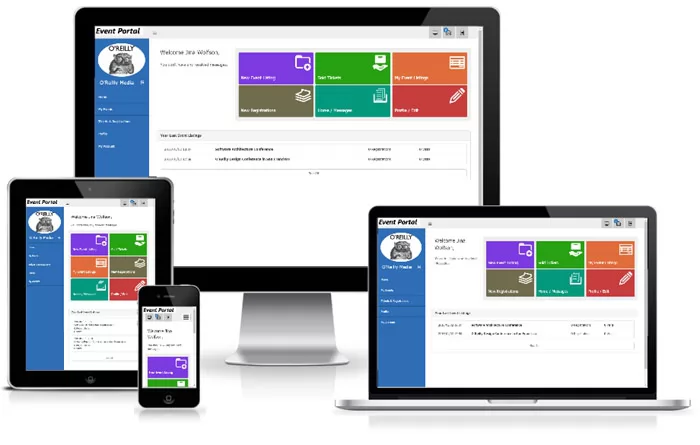
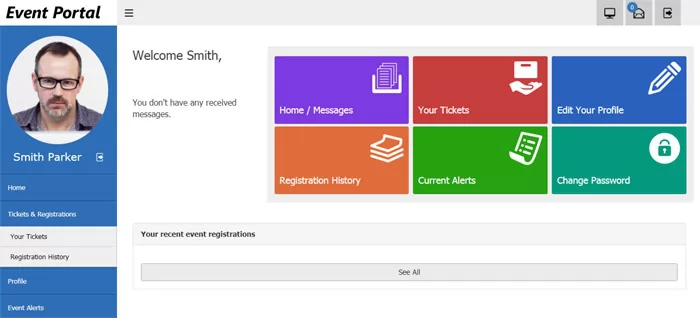
You could log in with the following test account -
user: testj@testj.com
password: testj
or you may create your own test account by registering on the main site.
Satisfied with the demo?
Get Your License Now →We provide the technical foundation so you can focus on marketing.
Lightweight PHP code without heavy frameworks ensures your site loads fast and ranks higher on Google.
No encrypted files. You get full access to the PHP source code to customize it exactly as you need.
Built with security best practices to protect your data and your users against common web vulnerabilities.
Our team has been here for 20 years. We aren't going anywhere. We are here to help you succeed.