
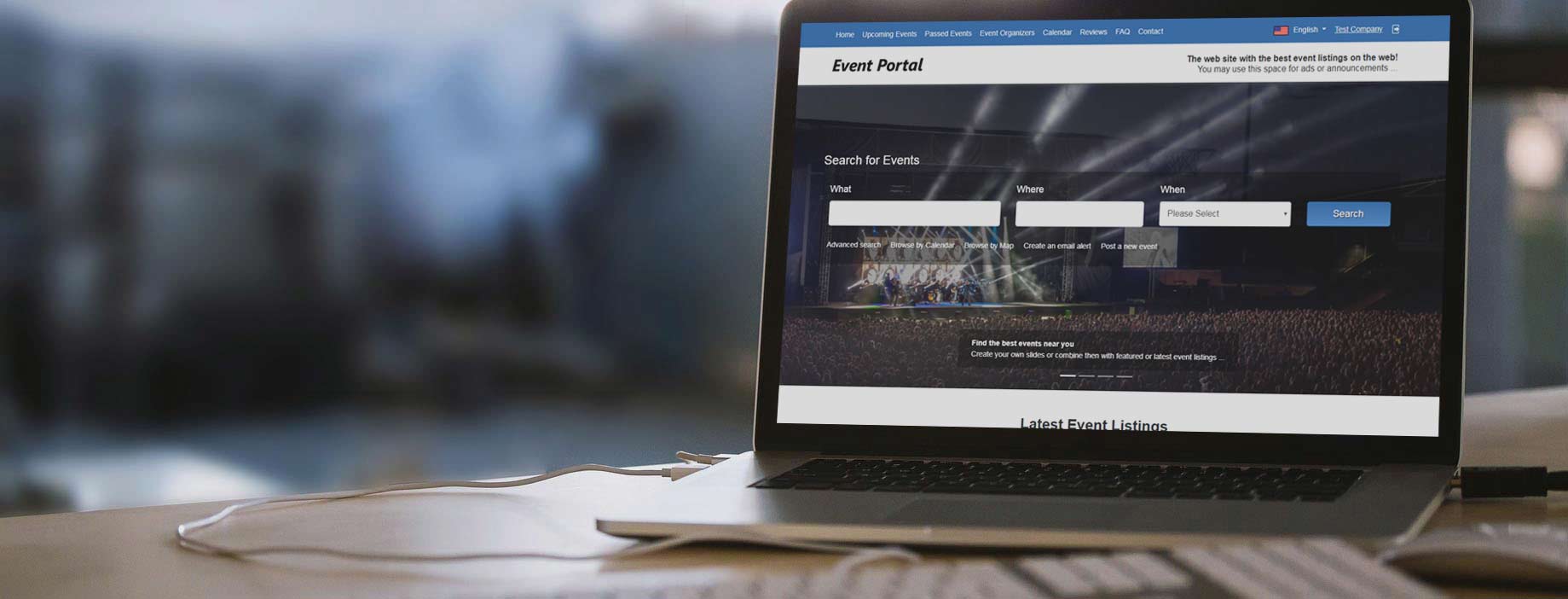
You may find below screenshots from the Event Portal main admin panel, the front site and the users admin panel helping to get quick idea of the interface and its features. Please check our demos for details and don't hesitate to contact us if any questions ...
 View Full Details
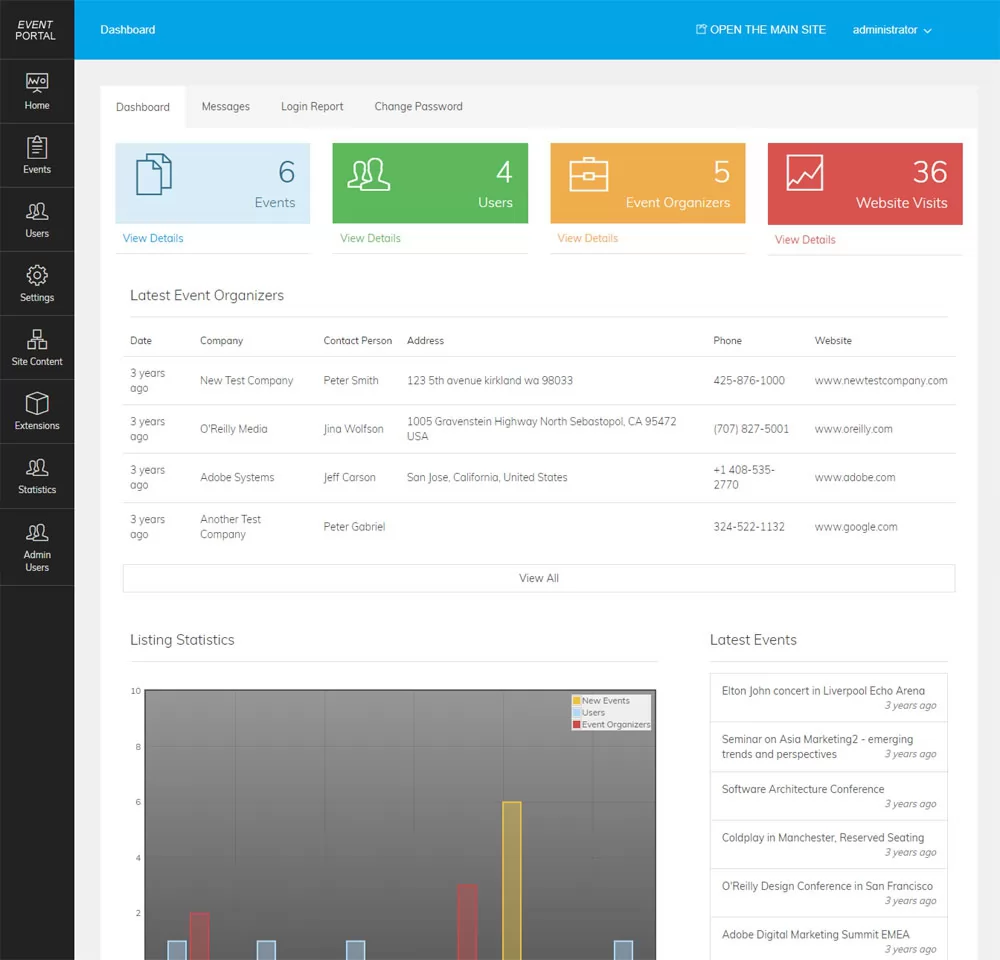
The dashboard of the administration panel has links to the main pages in the admin ...
Read More & View Full Image →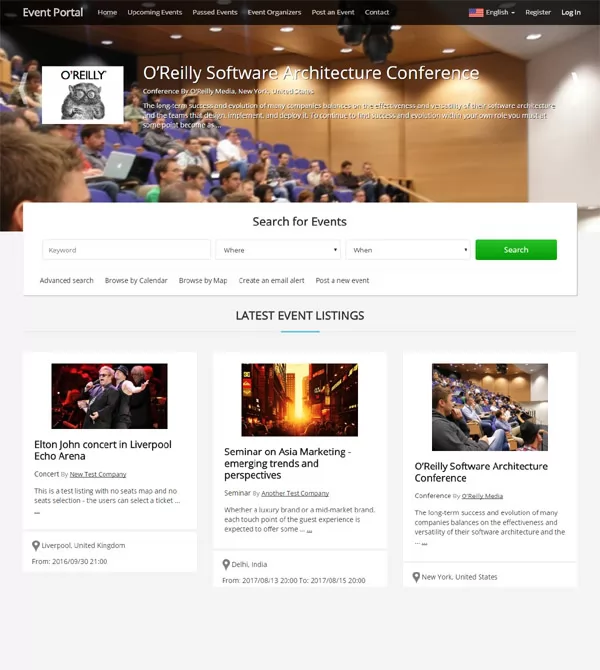 View Full Details
The home page shows a section with the featured events, a search form allowing to ...
Read More & View Full Image →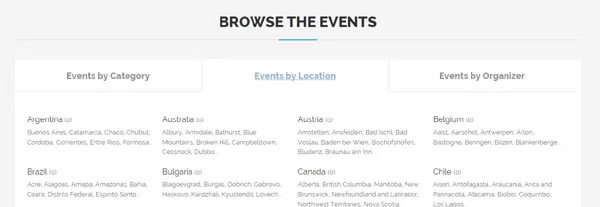 View Full Details
The users can browse the events by location, category and event organizing company. The locations ...
Read More & View Full Image →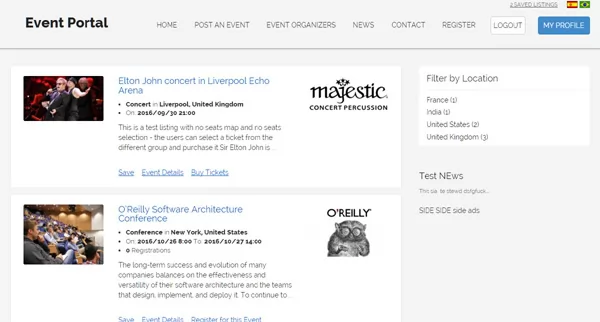 View Full Details
The search results show the event listings with their brief description, company information and others. ...
Read More & View Full Image →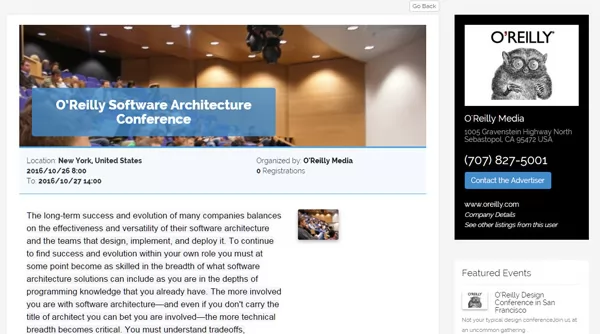 View Full Details
The final result (listing details) shows the full information for the event and the organizing ...
Read More & View Full Image →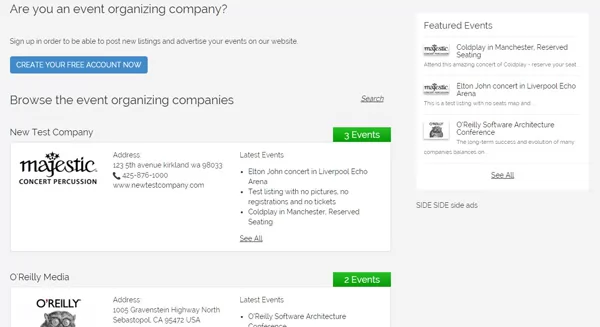 View Full Details
This page on the website allows the users to browse the registered companies on the ...
Read More & View Full Image →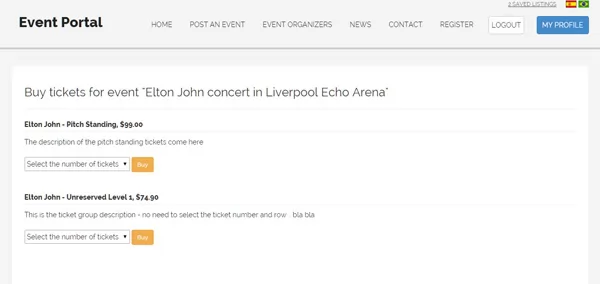 View Full Details
When selling tickets, the event organizer can choose to create a seat map and let ...
Read More & View Full Image →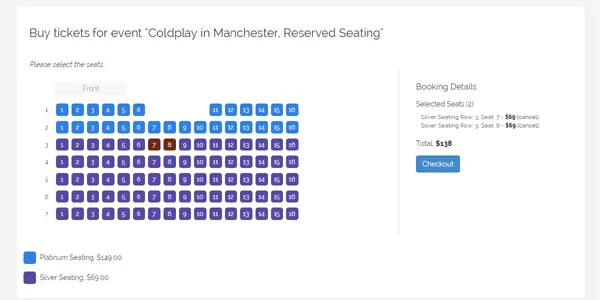 View Full Details
The users can click on the seats they wish to reserve, add the tickets to ...
Read More & View Full Image →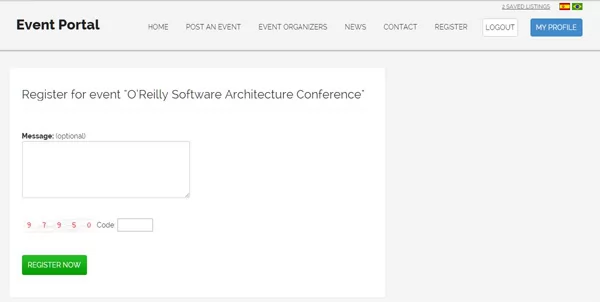 View Full Details
If the event organizing company chooses to accept registrations for the event, then the registered ...
Read More & View Full Image →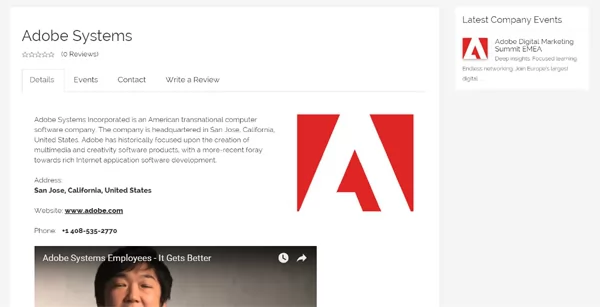 View Full Details
On the company details page, the users can read more information about the company, see ...
Read More & View Full Image →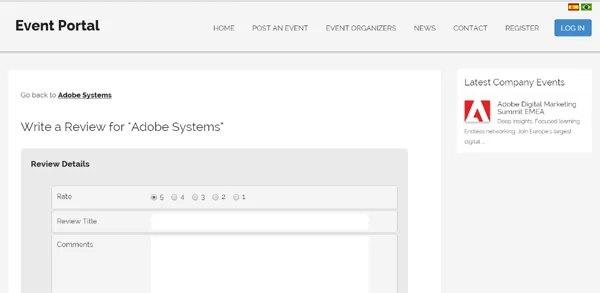 View Full Details
The users can rate and write reviews for the event organizing companies. Based on the ...
Read More & View Full Image →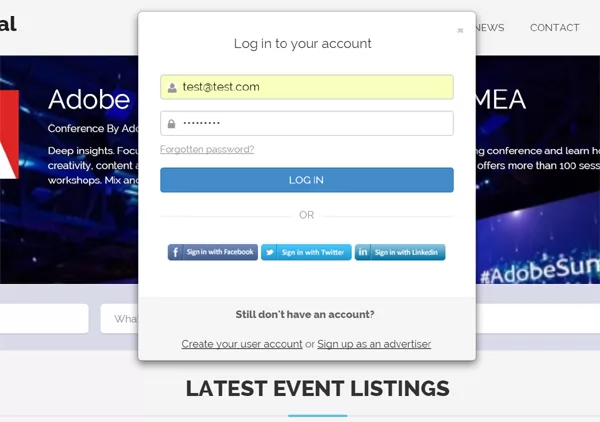 View Full Details
The users can log in with their registered email address and password or log in ...
Read More & View Full Image →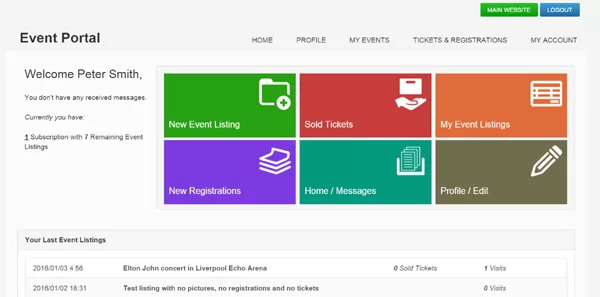 View Full Details
On the home page of their admin panel, the advertisers / event organizing companies can ...
Read More & View Full Image →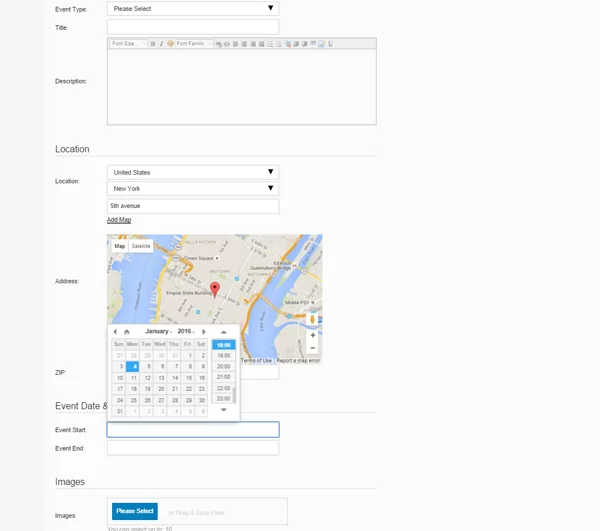 View Full Details
When posting a new event listing on the website, the users can enter the event ...
Read More & View Full Image →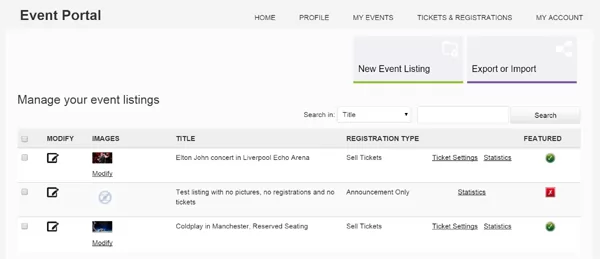 View Full Details
The users can manage and edit the information and settings for their previously added event ...
Read More & View Full Image →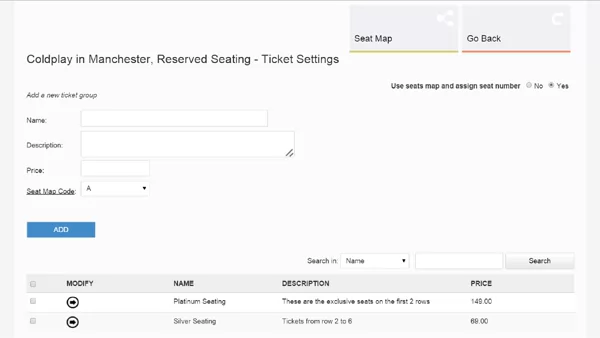 View Full Details
The event organizer can create different ticket pricing groups corresponding to different seats or offering ...
Read More & View Full Image →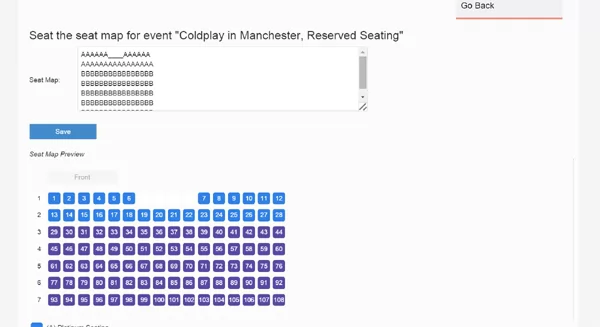 View Full Details
If a seat map is selected to be used for an event listing, then the ...
Read More & View Full Image →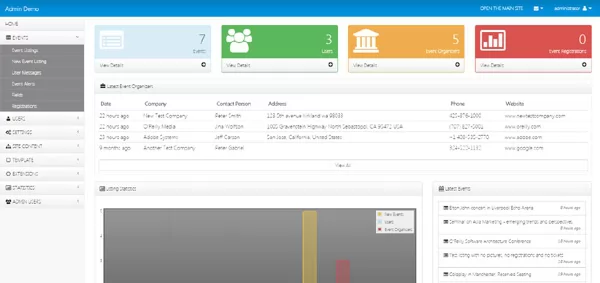 View Full Details
 View Full Details
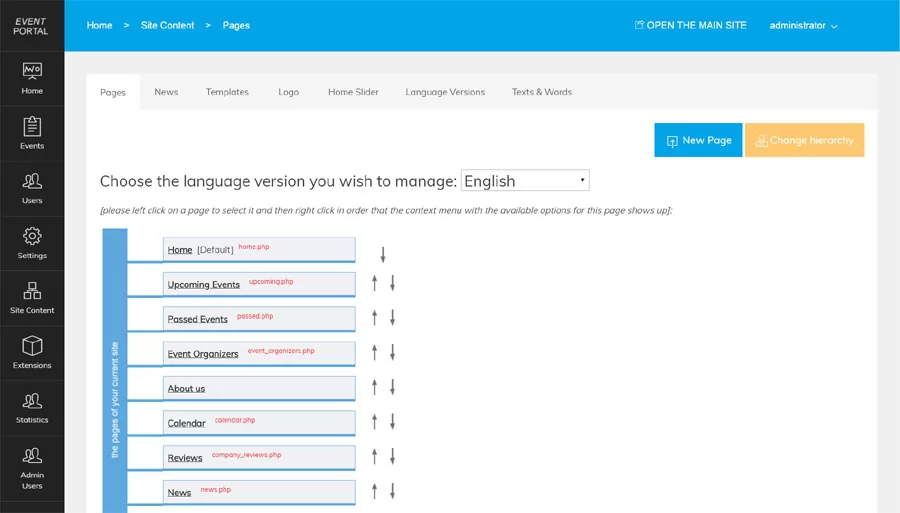
The advanced CMS (content management system) coming with the script allows the administrator to manage ...
Read More & View Full Image →We provide the technical foundation so you can focus on marketing.
Lightweight PHP code without heavy frameworks ensures your site loads fast and ranks higher on Google.
No encrypted files. You get full access to the PHP source code to customize it exactly as you need.
Built with security best practices to protect your data and your users against common web vulnerabilities.
Our team has been here for 20 years. We aren't going anywhere. We are here to help you succeed.