
Blog Lite is a lightweight PHP blog script that lets you quickly build simple blog websites or add blog functionality to existing sites. It requires no MySQL database, stores content in XML files, installs in minutes, and includes a responsive admin panel with flexible templates and easy design customization.

Blog Lite is a lightweight PHP blog script that lets you quickly create simple blog websites or add blog functionality to an existing site.
Unlike most blog systems, Blog Lite does not rely on a relational database such as MySQL. Instead, it stores content in local XML files. This makes the script fast, reduces server load, and allows for a very easy installation—simply upload the files to your website or desired folder and start using it.
The front end is template-based, making it easy to customize the design and layout or seamlessly integrate the blog into an existing website. Blog Lite also includes a responsive and user-friendly admin panel, where you can manage site settings, create and edit posts, and customize the overall look and feel.
Additional customization options allow you to change site colors, logos, header backgrounds, and more, helping you match the blog to your brand identity. Thanks to its flexible template system, you can also create and add your own custom templates and designs.
Below, you’ll find an overview of Blog Lite’s main features, along with links to live demos of both the front end and the admin panel.
A lightweight system built for speed, clarity, and control.
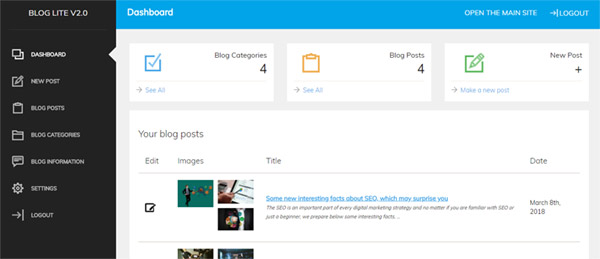
Blog Lite comes with an user-friendly and responsive administration panel allowing to manage easily the blog posts, make new posts, change the blog settings and others.
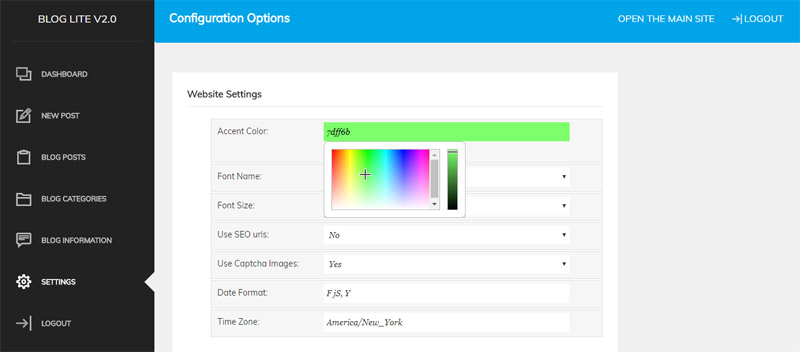
You can easily change the main site color or add your logo or create your own home header with a background image, and text you prefer. Also you can make changes in the design by modifying the template or change the default font, default time zone, date format and other settings from the admin panel.
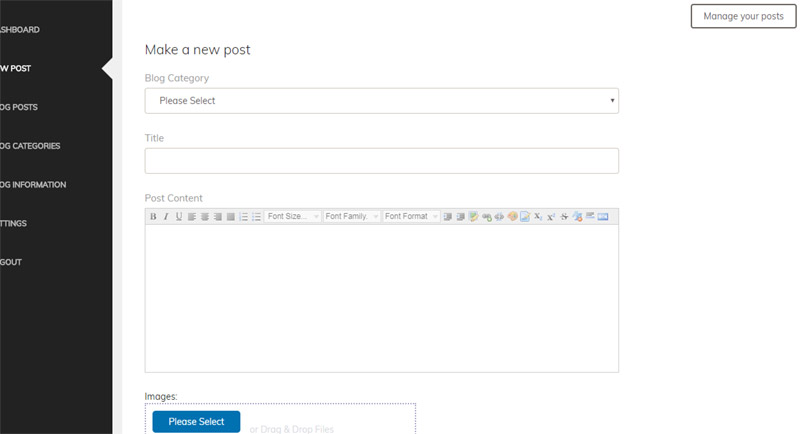
When making a new blog post, you can select the category, enter the title and format the content with the included web editor. Also you can attach multiple photos to your post, which will show as a photo gallery on the blog post details page on the front-end.
The users can browse the blog posts by category (the list of categories show in the main menu and also in the footer menu of the blog) and see the latest posts on the home page. In the results the posts show up with their header image, title, date of the post and excerpt of the post content.

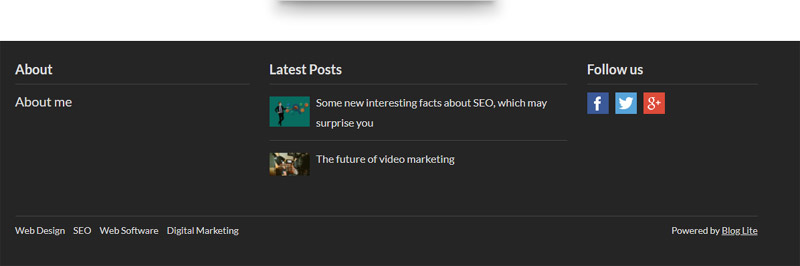
The footer section shows links to the blog's social media pages (as set in the administration panel), as well as the latest blog posts, the about me text and links to the blog categories.
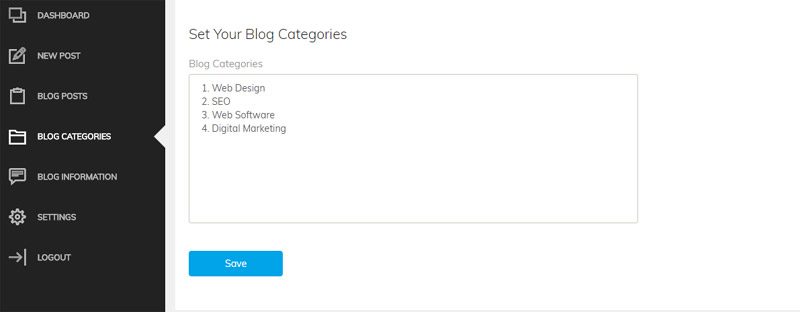
You can create different blog categories by setting them as a list from the admin panel and they will show up after in the main blog menu, allowing the users to browse the posts by category.
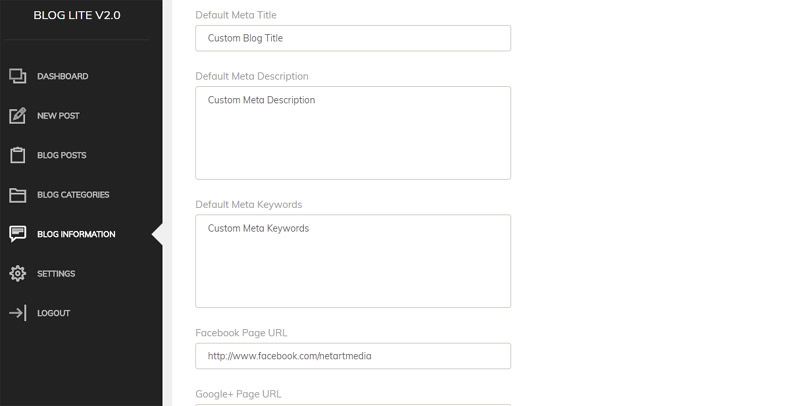
The special Blog Information page in the administration panel allows you to configure additional settings and enter information about the blog, set custom meta title, description and keywords, change the blog header background, logo and title, set the urls of your Facebook, Instagram and Twitter social media pages.
The blog post details page shows the header background and post title at the top and below the blog content and the blog photo gallery. It also shows the blog post date, category and has links to share the blog post on social media like Facebook, Twitter and LinkedIn.

Blog Lite is easy to translate - it's using a language (text) file having the words and messages showing up on the front-end and admin panel interface, which can be translated easily to any new language. We also have ready translations available, which we can provide on request.

Blog Lite doesn't use any MySQL or other relational database - the information is stored instead in local XML files. This makes the installation really easy because to install it on your server or hosting package, it's only necessary to copy or upload the script files in your preferred folder or website. We also offer a free installation service, so if you prefer that we do it for you, you can simply contact us.
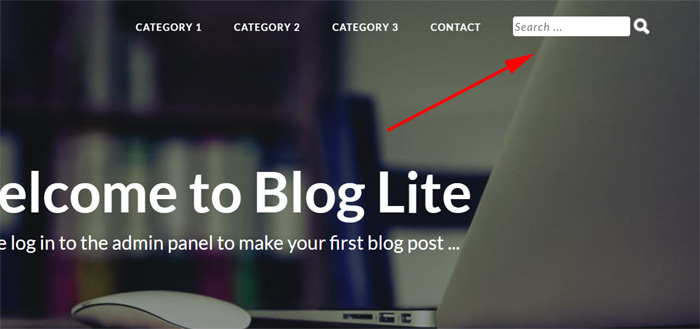
The search form located at the top right corner in the default template, near the blog categories menu, allows to search quickly the blog posts - their title and content.
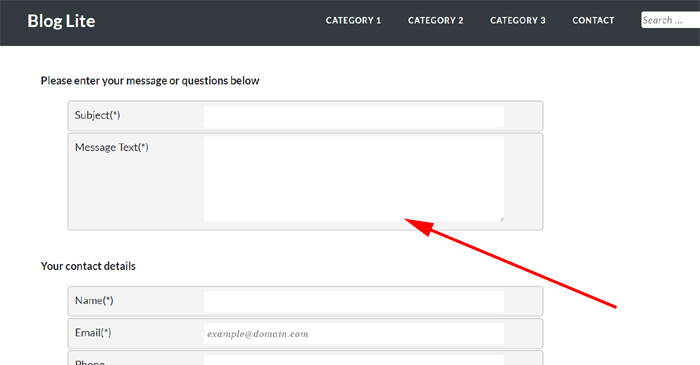
The contact form on the site allows the blog visitors to contact the administrator / blog owner and to send him any questions or messages. The contact messages are also forwarded to the administrator's email address as set in the admin panel configuration.
The new Google XML sitemap feature generates automatically a XML Google sitemap, to be submitted to Google for easier blog indexing. The RSS export functionality to create automatically RSS feeds of the blog posts make it possible to show easily the blog posts on other sites.
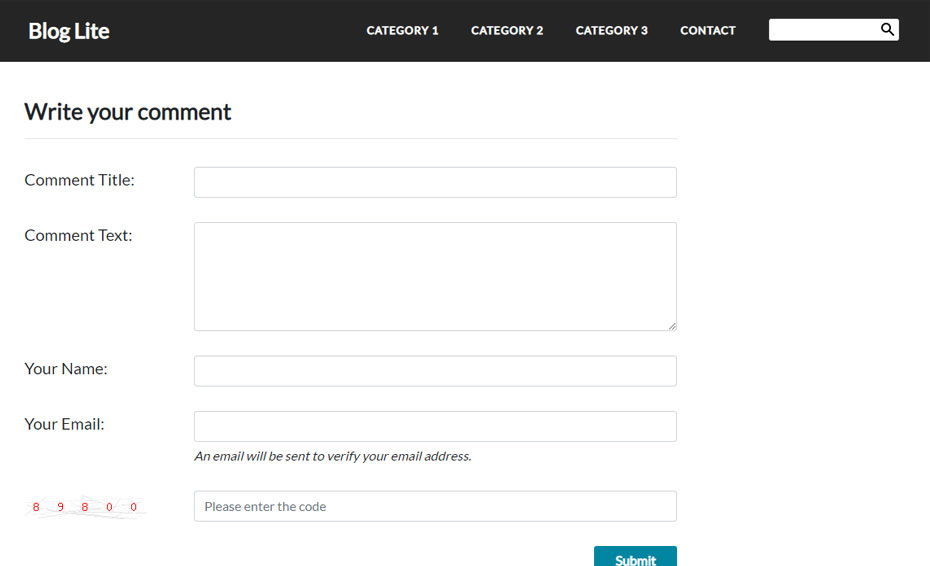
The functionality to comment on blog posts can be turned on or off from the administration panel. When it's turned on, it allows the blog visitors to write comments for the blog posts. For better anti-spam protection, there is also a feature to validate the email addresses of the persons posting comments - an email is sent to them with a link that has to be clicked in order to verify the email address and posted comment.
Browse the interface as a visitor or manage it as an administrator.
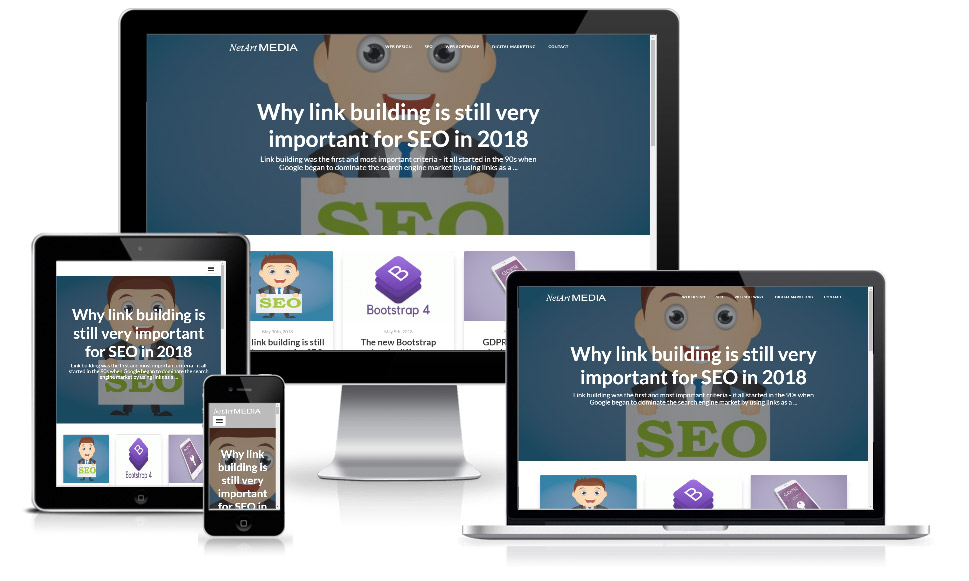
View the frontend and experience the script from a visitor's perspective.
Launch Frontend Demo ↗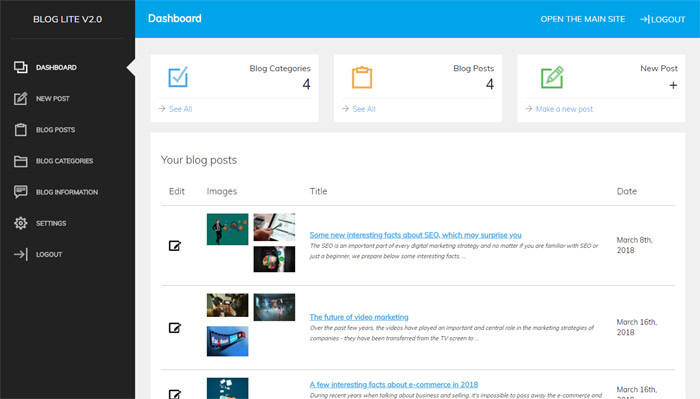
Preview the admin panel and explore the management features.
Preview the admin panel and explore the management features.
Choose the license that fits your project needs.
Perfect for a single professional website.
Unlimited websites for agencies and resellers.
Stop paying "software rent." With a single payment, you gain lifetime access to News Lister. No recurring fees, no subscriptions, and no hidden costs - just permanent value for your business.
We provide everything you need for a professional, worry-free launch.
100% unencrypted PHP code. You have total flexibility to customize and extend the script to match your specific vision.
Our expert team is standing by to assist with your setup, configuration, and any technical questions you may have.
Don't want to handle the tech? We will install the script on your server or hosting environment at no extra cost.
Keep your brand clean. We include the option to remove all "Powered by" references and links for a fully professional look.
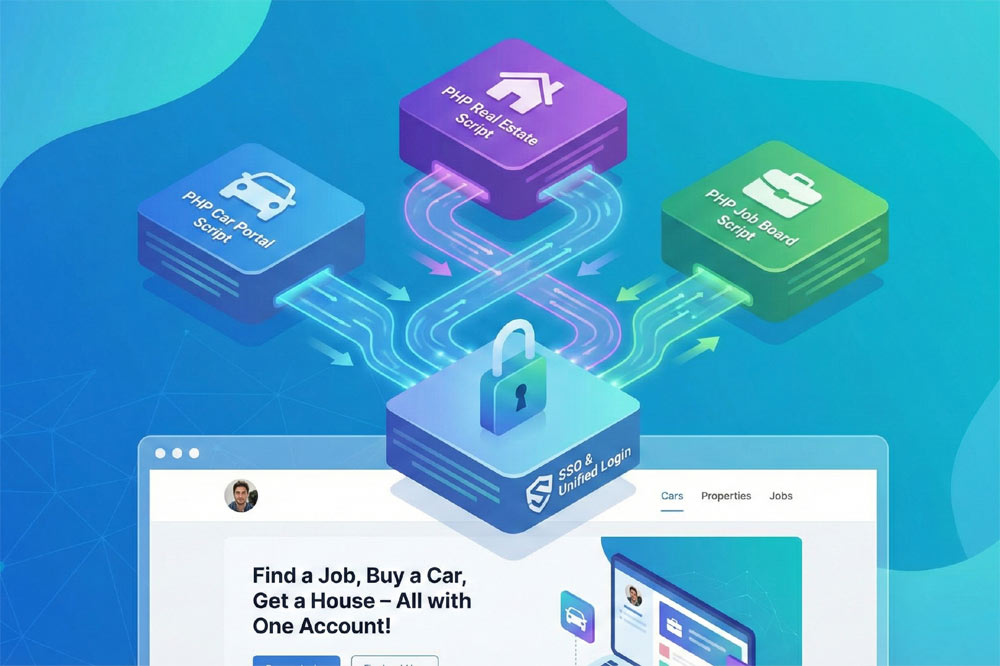
Our PHP scripts share a harmonized architecture, allowing you to combine multiple products into a single, high-performance website. By combining them, you don't just launch a site - you can create a unique business model that strengthens your business and dominates your niche.
Your users enjoy a unified login experience across every feature of your portal.
Maintain a consistent professional look with shared templates and CSS styling.
Control your news feed, business directory, and e-commerce from one administrator dashboard.
We provide the technical foundation so you can focus on marketing.
Lightweight PHP code without heavy frameworks ensures your site loads fast and ranks higher on Google.
No encrypted files. You get full access to the PHP source code to customize it exactly as you need.
Built with security best practices to protect your data and your users against common web vulnerabilities.
Our team has been here for 20 years. We aren't going anywhere. We are here to help you succeed.