Getting and adding an AI API key
How to get a free Groq API key, or a DeepSeek or OpenAI key, and add it to Blog Lite 2 so the AI writer can create posts for you.
The AI writer needs an API key, a private password that lets your blog use an AI service. You get it from the AI company, usually in a few minutes, and paste it into the settings once.
Choose a provider
| Provider | Good to know | Where to get a key |
|---|---|---|
| Groq (default) | Fast, with a free usage plan. Ideal to start. | console.groq.com/keys |
| DeepSeek | Very low cost. | platform.deepseek.com/api_keys |
| OpenAI (ChatGPT) | Paid, widely used models. | platform.openai.com/api-keys |
| Custom | Any service that is compatible with the OpenAI chat format. | Your provider |
Plans, free limits and prices are set by each provider and can change. Check their websites for current conditions.
Add the key to your blog
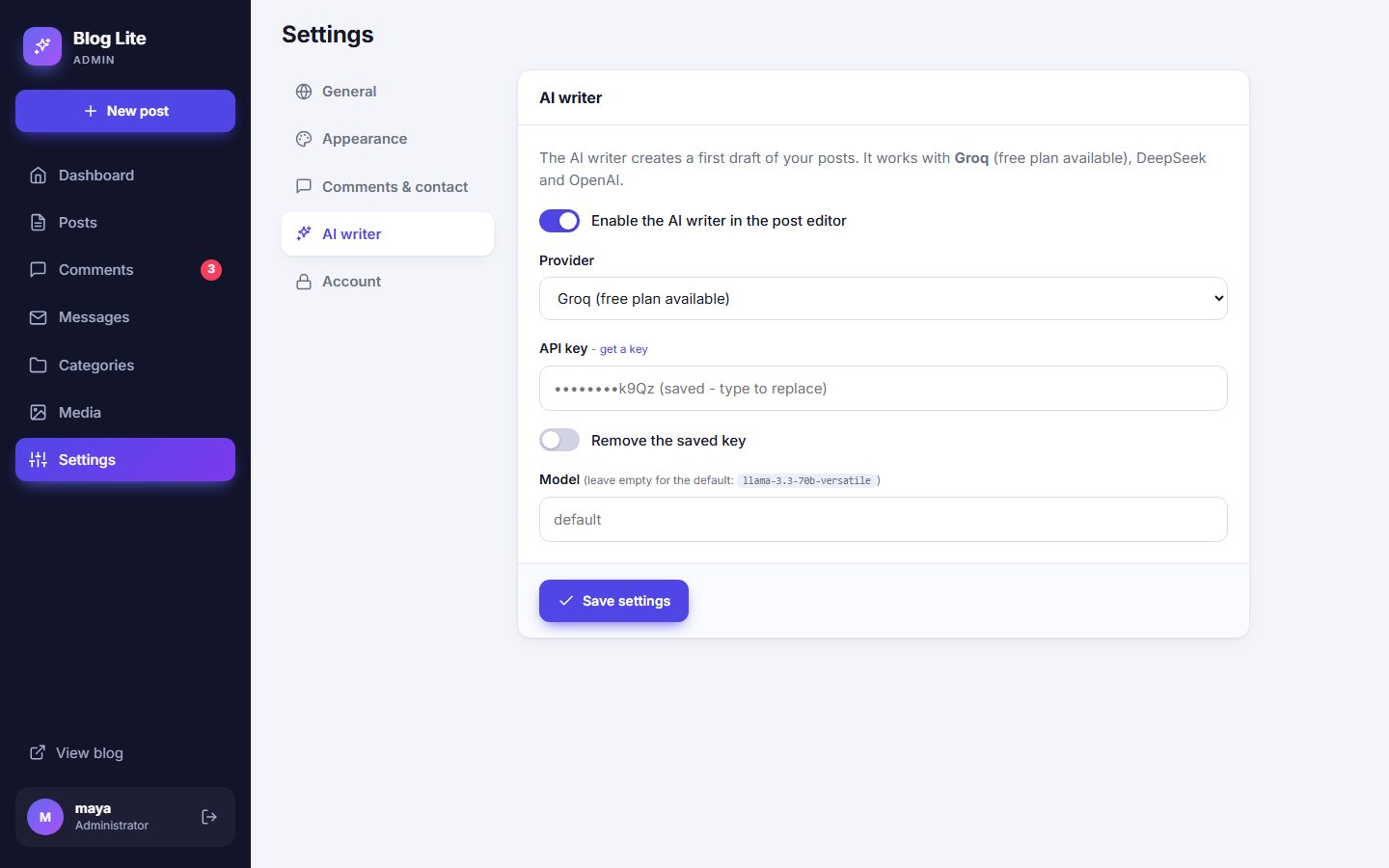
- Create an account with the provider and create an API key. Copy it.
- In your admin panel open Settings → AI writer.
- Make sure Enable the AI writer is on and select the Provider.
- Paste the key into API key.
- Press Save settings. Now open New post and try the AI writer.
The model
Leave the Model field empty to use the recommended model of the provider:
| Provider | Default model |
|---|---|
| Groq | llama-3.3-70b-versatile |
| DeepSeek | deepseek-chat |
| OpenAI | gpt-4o-mini |
You can type another model name if your provider offers one you prefer.
Using another compatible service
Select Custom, enter the API address (for example https://api.example.com/v1) and the model name. Blog Lite 2 sends requests to the /chat/completions address of that service.
Keep your key safe
- The key is stored on your server in
data/settings.xml, which is protected from downloading on Apache. See Security. - After saving, the admin panel shows only the last four characters.
- To replace the key, type a new one. To delete it, tick Remove the saved key.
- Never share the key or post it publicly. If it leaks, delete it at the provider and create a new one.
Last updated