What is Blog Lite 2?
Blog Lite 2 is a PHP blog script with an AI writing assistant, comments, a modern admin panel and no database. See what it does and how it works.
Blog Lite 2 is a ready-to-use blog for your website. You upload it to any PHP hosting, create an administrator account, and start publishing. Visitors read your articles and leave comments, while you manage everything from a clean admin panel.
Main features
- AI writing assistant - describe a topic and the AI writes a full draft with a title, summary and tags. Works with Groq (free plan available), DeepSeek and OpenAI. See AI writer.
- No database - posts, comments and settings are stored in simple XML files. There is nothing to create or maintain in MySQL.
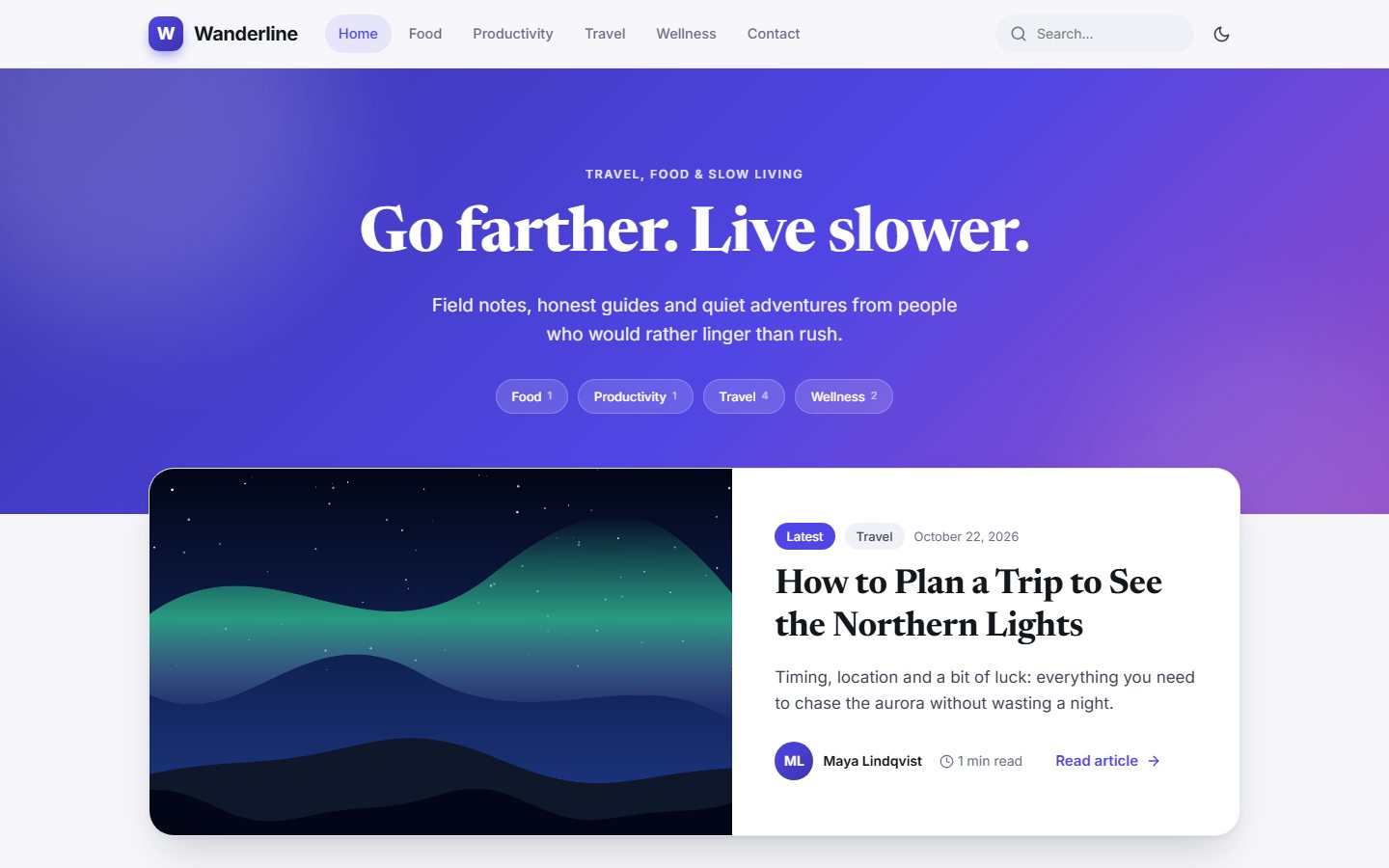
- Modern design - a responsive public theme with dark mode, and a polished admin panel.
- Comments with replies - visitors can comment and reply to each other, and you approve comments before they appear.
- Visual editor - headings, lists, quotes, links and images, with cover images for every post.
- Categories, tags and search so readers can find what they want.
- Contact page with a messages inbox in the admin panel.
- SEO basics - custom descriptions, clean article addresses, an RSS feed and a sitemap.
- Easy to customise - small, readable PHP files and plain HTML templates.
How it works
The script has two parts that share the same data:
| Part | Address | Purpose |
|---|---|---|
| Public blog | yoursite.com/ | What visitors see: homepage, articles, categories, search, contact. See Your blog. |
| Admin panel | yoursite.com/admin/ | Where you write posts and manage the blog. See The admin panel. |
Everything you write is saved in the data folder as XML files, and uploaded images go to the uploads folder. To back up your blog you only need to copy those two folders. See Backup and moving.
Who is it for?
Bloggers and writers, small businesses that want a news section, agencies building blogs for clients, and niche content sites. Because the code is small and clearly organised, even people with little PHP knowledge can adjust the design. See Customising the design.
Next step
Check the System requirements, then follow the installation guide. It takes about two minutes.
Last updated