The contact page
How the Blog Lite 2 contact form works: what visitors enter, where messages arrive, optional email notifications and how to turn the page off.
Blog Lite 2 includes a contact page so readers, customers and partners can write to you.
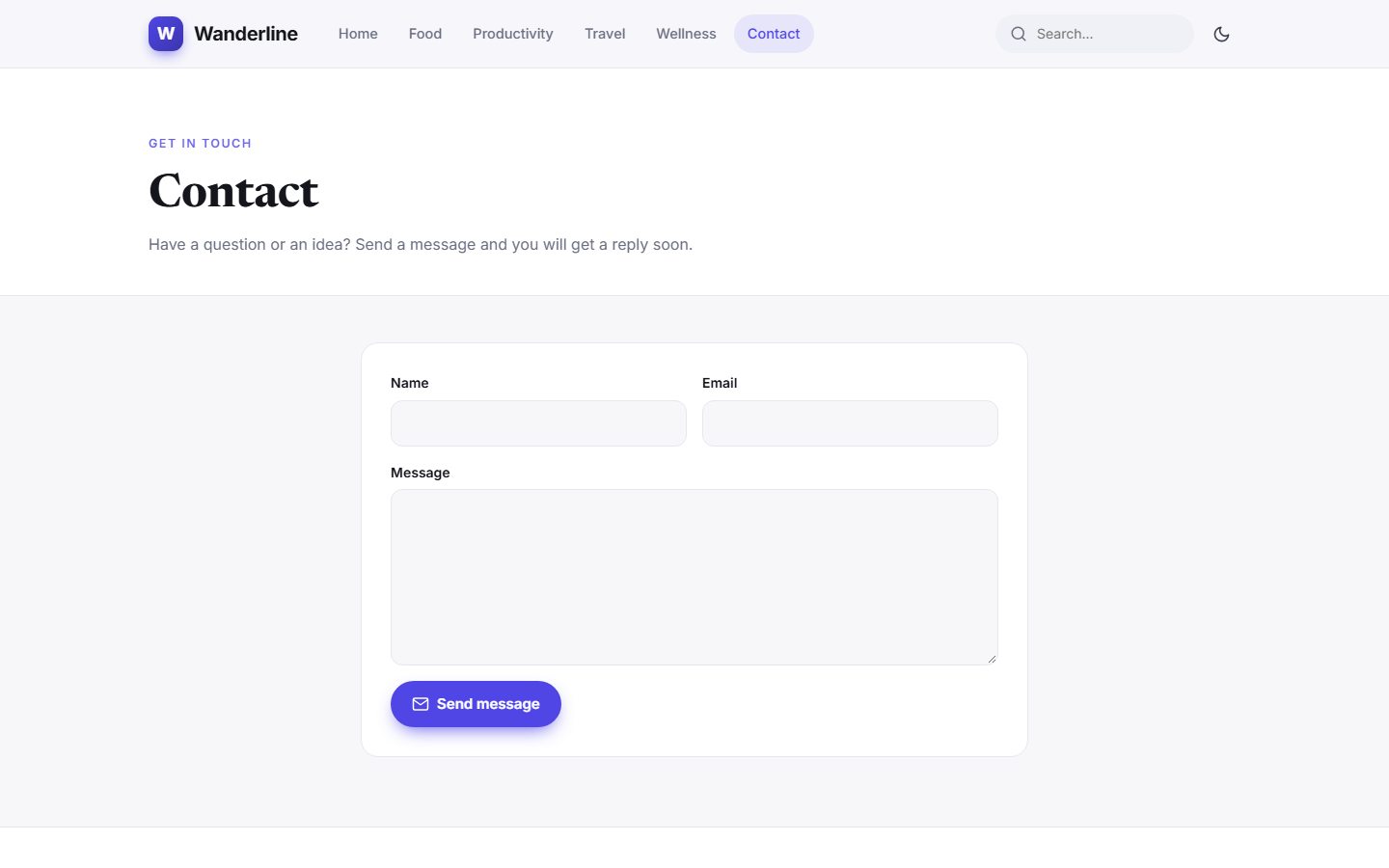
What visitors enter
| Field | Rules |
|---|---|
| Name | 2 to 60 characters |
| A valid address, so you can reply | |
| Message | 5 to 4000 characters |
The form has the same spam protection as comments: a hidden trap field, a minimum time before sending and a limit of one message per minute from the same visitor.
Where messages go
- Always: every message is saved in Admin → Messages, with a red badge in the sidebar for unread ones. See Messages inbox.
- Optionally: a copy is also emailed to the address you enter in Settings → Comments & contact. This needs a working
mail()function on your server. Most hosting accounts have it, but many local test servers do not.
Never lose a message
Because messages are saved in the admin panel first, you do not lose anything even if email sending fails on your server.
Turn it off or on
Go to Settings → Comments & contact and switch Show the contact page. When it is off, the page disappears from the menu and footer and its address shows "page not found". See Comments and contact.
Last updated