General settings
Every option on the General settings tab of Blog Lite 2: blog name, tagline, hero text, author, SEO description, posts per page, date format and pretty URLs.
Open Settings in the sidebar. The left-hand menu has five tabs. This page explains the first one, General. Press Save settings after changing anything.
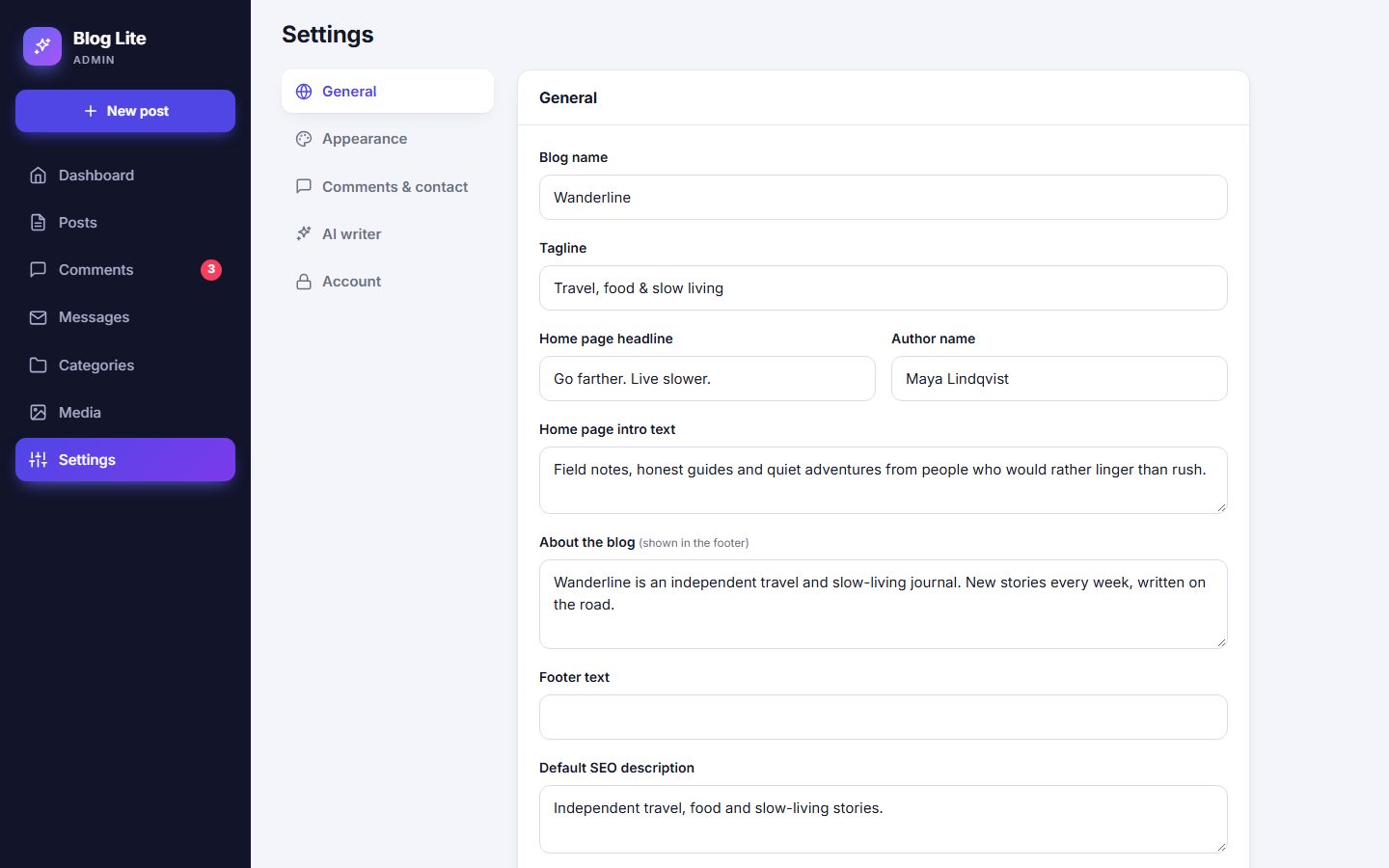
Fields
| Setting | What it does |
|---|---|
| Blog name | Shown in the header and in the browser tab. |
| Tagline | A short line shown above the homepage headline and in the browser title of the homepage. |
| Home page headline | The big headline in the hero section. |
| Author name | Shown on posts and used for the avatar initials. |
| Home page intro text | The paragraph under the headline. |
| About the blog | A short description in the footer. |
| Footer text | An extra line next to the copyright, for example "All rights reserved". |
| Default SEO description | The description search engines may show for pages that do not have their own. Keep it under about 155 characters. |
| Posts per page | How many posts to show before page numbers appear (1 to 50). |
| Date format | How dates are shown, for example October 25, 2026 or 25/10/2026. The list shows today's date in each format. |
| Pretty URLs | Switches addresses to the clean form /post/my-title. See below. |
Pretty URLs
With pretty URLs off, addresses look like index.php?route=post/my-title. With them on, they look like /post/my-title. Pretty URLs need Apache with mod_rewrite (the included .htaccess file) or an Nginx rule. Read Pretty URLs before switching them on.
Careful
If you turn pretty URLs on and your server does not support them, the public pages may show "not found". The admin panel keeps working, so simply turn the option off again.
Last updated