The article page
What readers see on a Blog Lite 2 article page: cover image, reading time, view count, share buttons, tags, comments and related posts.
The article page is designed for comfortable reading, with large serif text and plenty of space.
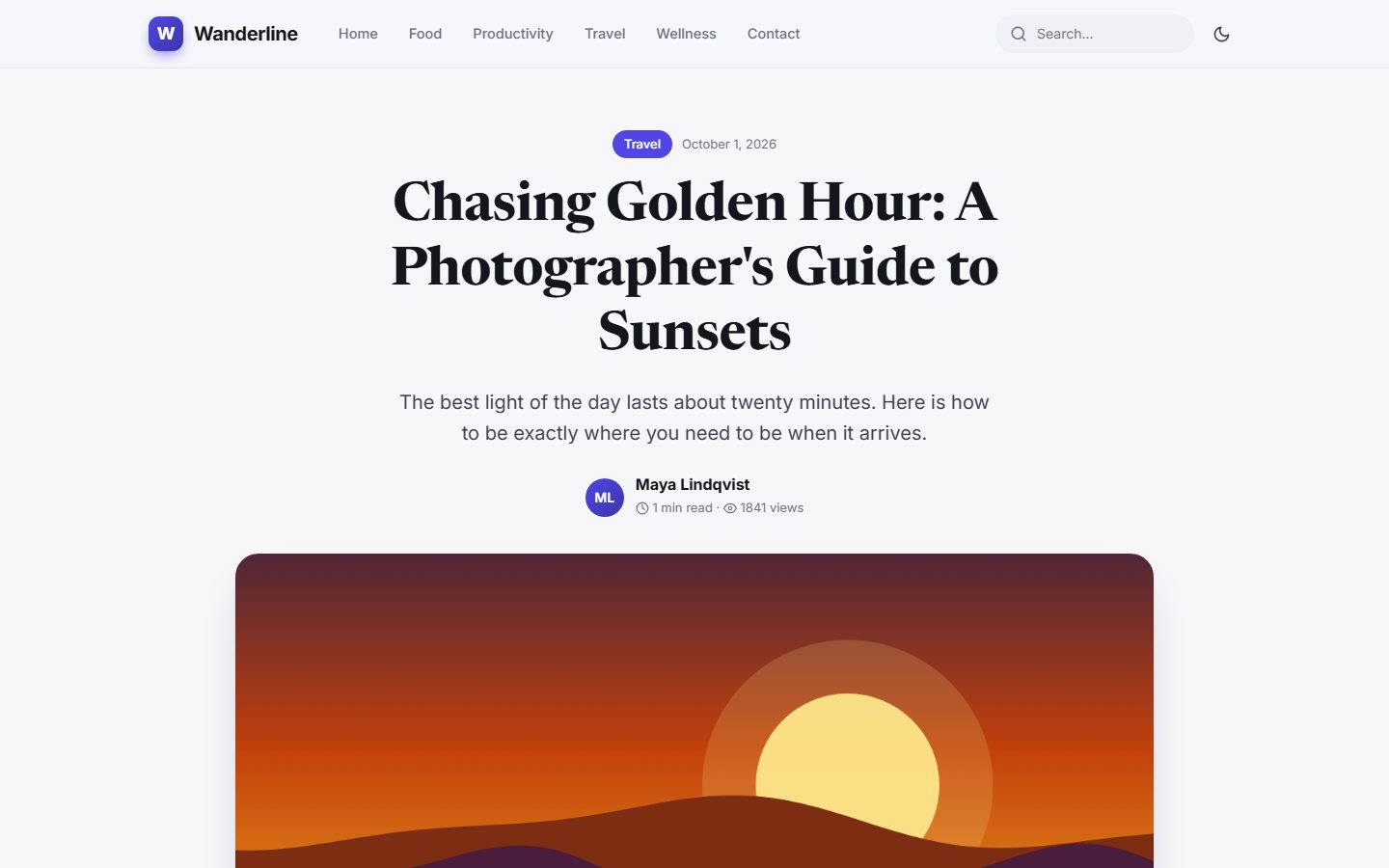
What is shown
- Category and date above the headline. The category links to its page.
- Headline and summary - the summary is the excerpt you wrote (or the AI suggested).
- Author, reading time and views. Reading time is calculated from the word count. Views are counted once per visitor session, and your own visits as a logged-in administrator are not counted.
- Cover image in a wide frame. Without one, a gradient is created.
- The article body - headings, lists, quotes, images and links styled automatically.
Reading progress bar
A thin coloured bar at the top of the page shows how far the visitor has read.
Tags and sharing
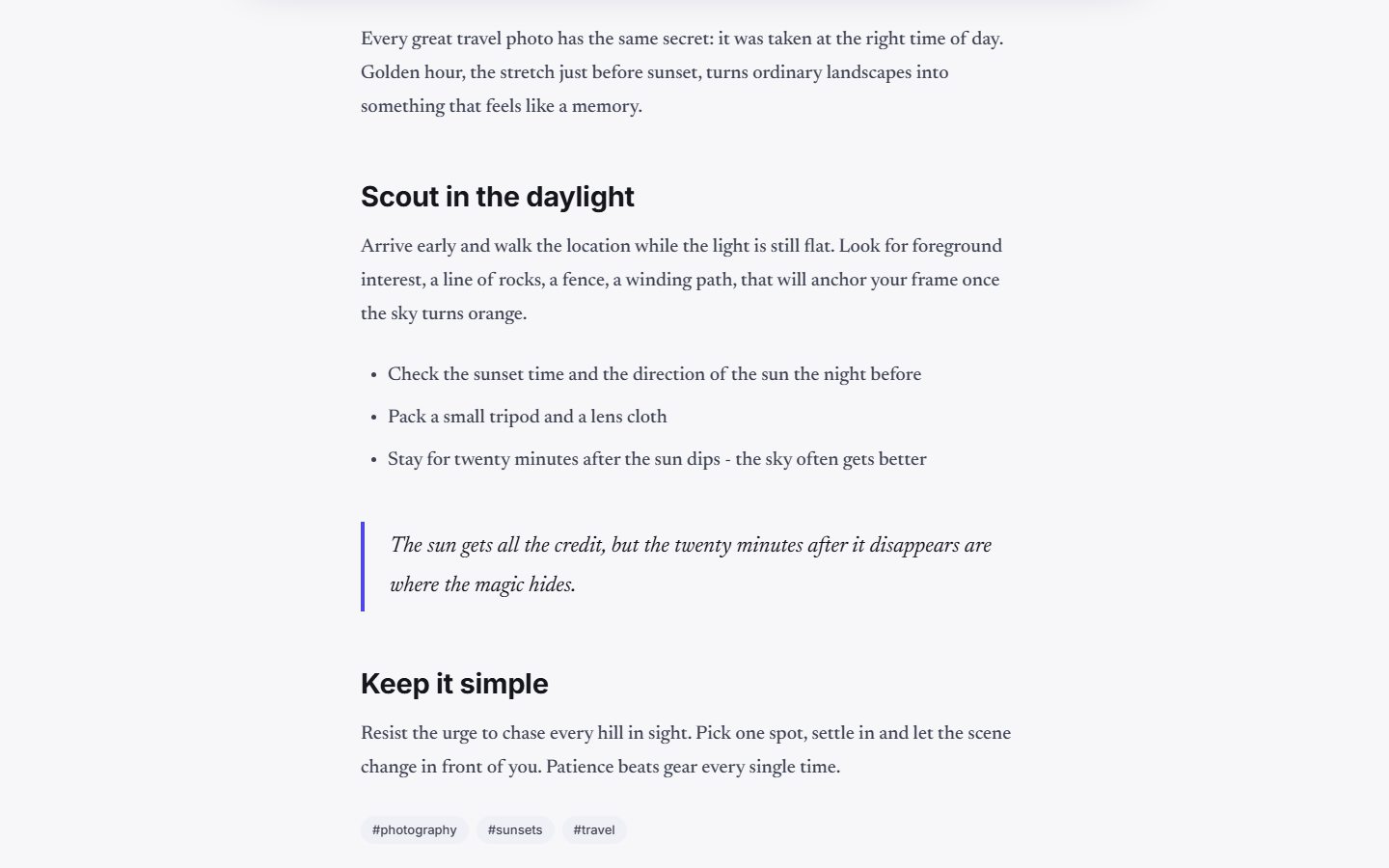
Under the text, tags link to a page listing every post with that tag. The Share row has buttons for Facebook, X (Twitter) and LinkedIn, plus a Copy link button.
Comments
Below the share buttons visitors can read and write comments. See Visitor comments.
Related posts
At the bottom, Keep reading shows up to three posts that share the same category or tags, to lead readers to the next article.
Draft preview
When you are logged in as administrator you can open a post that is saved as a draft. A notice says "This is a draft - only you can see it". Visitors get a "page not found" message. See Managing posts.
Search engines
The browser title and description of each article come from the post title and its SEO description field. Fill that field for every post. See Writing posts.
Last updated