Comments and contact settings
Turn comments and the contact page on or off in Blog Lite 2, require approval for new comments and get contact messages by email.
The Comments & contact tab controls how visitors can talk to you.
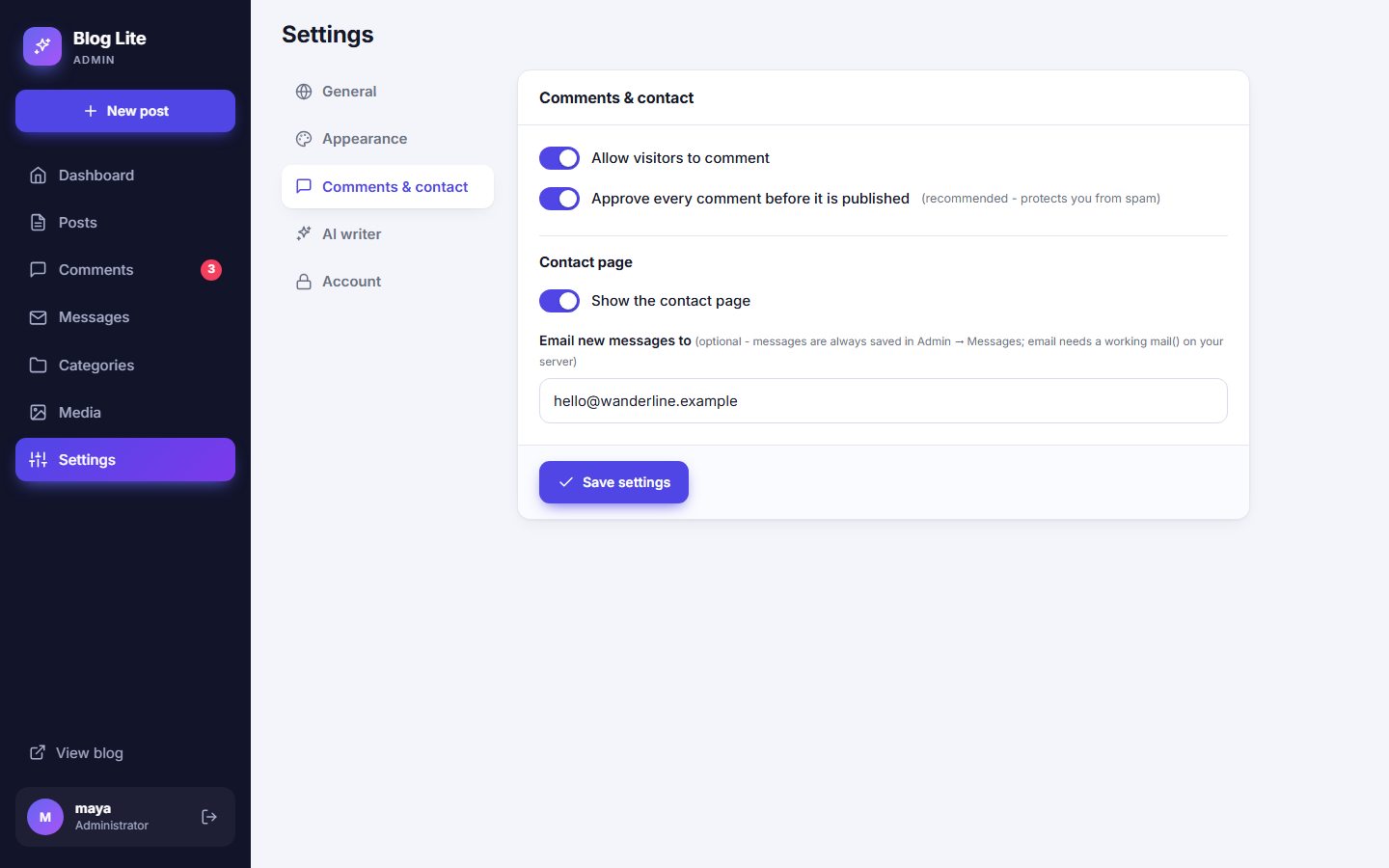
Comments
| Setting | What it does |
|---|---|
| Allow visitors to comment | Turns the comment form on or off for the whole blog. When off, existing approved comments stay visible, but nobody can add new ones. |
| Approve every comment before it is published | Recommended. New comments wait in Comments → Pending until you approve them. Turn it off to publish comments instantly. |
You can also switch comments off for one post in its editor. See Writing posts.
Contact page
| Setting | What it does |
|---|---|
| Show the contact page | Adds a Contact link to the menu and footer and enables the form. |
| Email new messages to | Optional. A copy of every new message is emailed to this address. Leave empty to read messages only in the admin panel. |
About email
Sending uses the standard PHP mail() function. It works on most hosting accounts but usually not on a home computer. Messages are always saved in Messages, so nothing is lost. See Messages inbox.
Last updated