Event Portal
Event listings and ticket sales in one script: organizers publish events and sell tickets, visitors buy and print them.

A clean public events calendar: month grid, upcoming list, recurring events, Add to Google Calendar and .ics downloads.
One ZIP file, 158 KB, with the full PHP source code and a README.
Data is stored in protected files. Works on any PHP hosting.
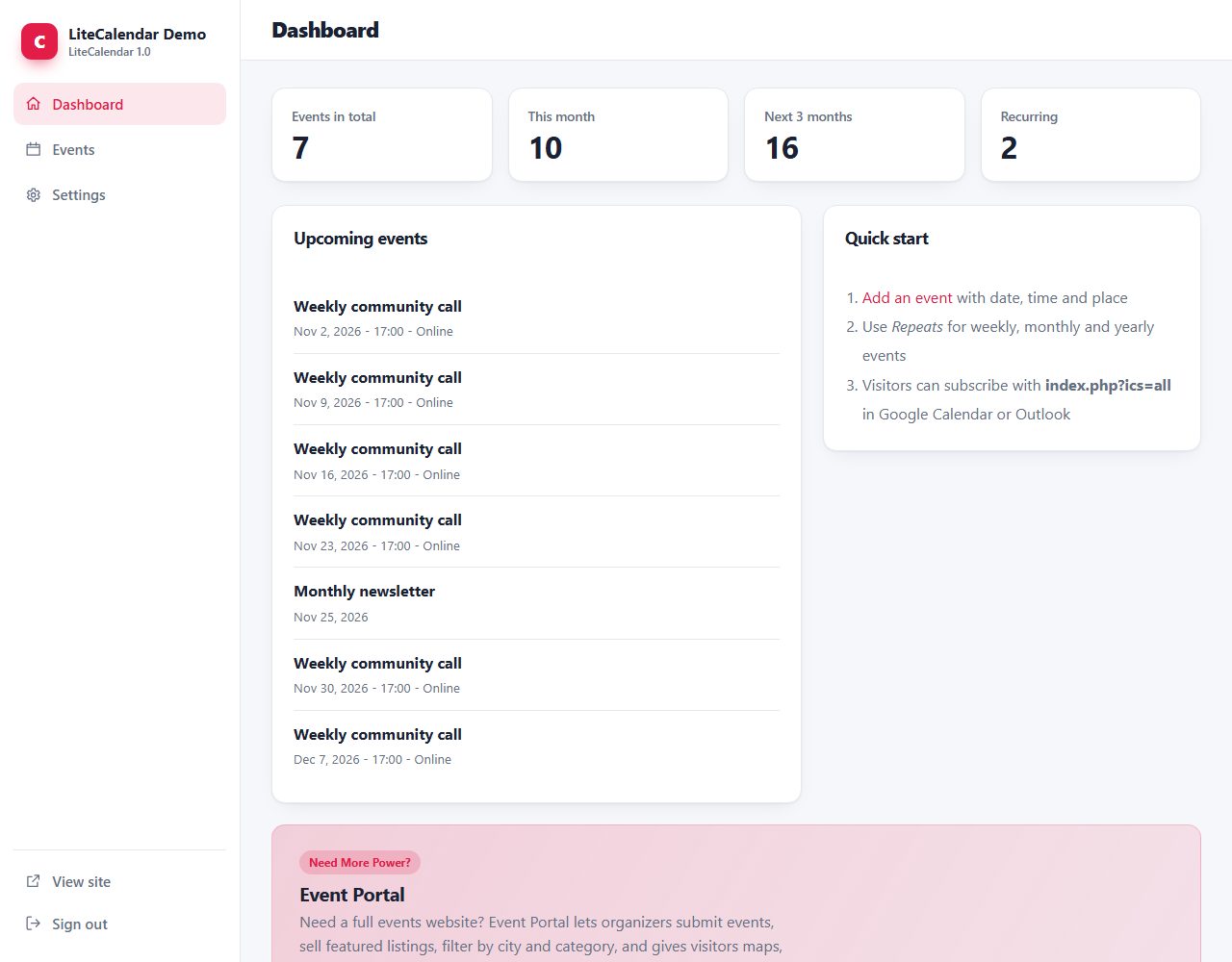
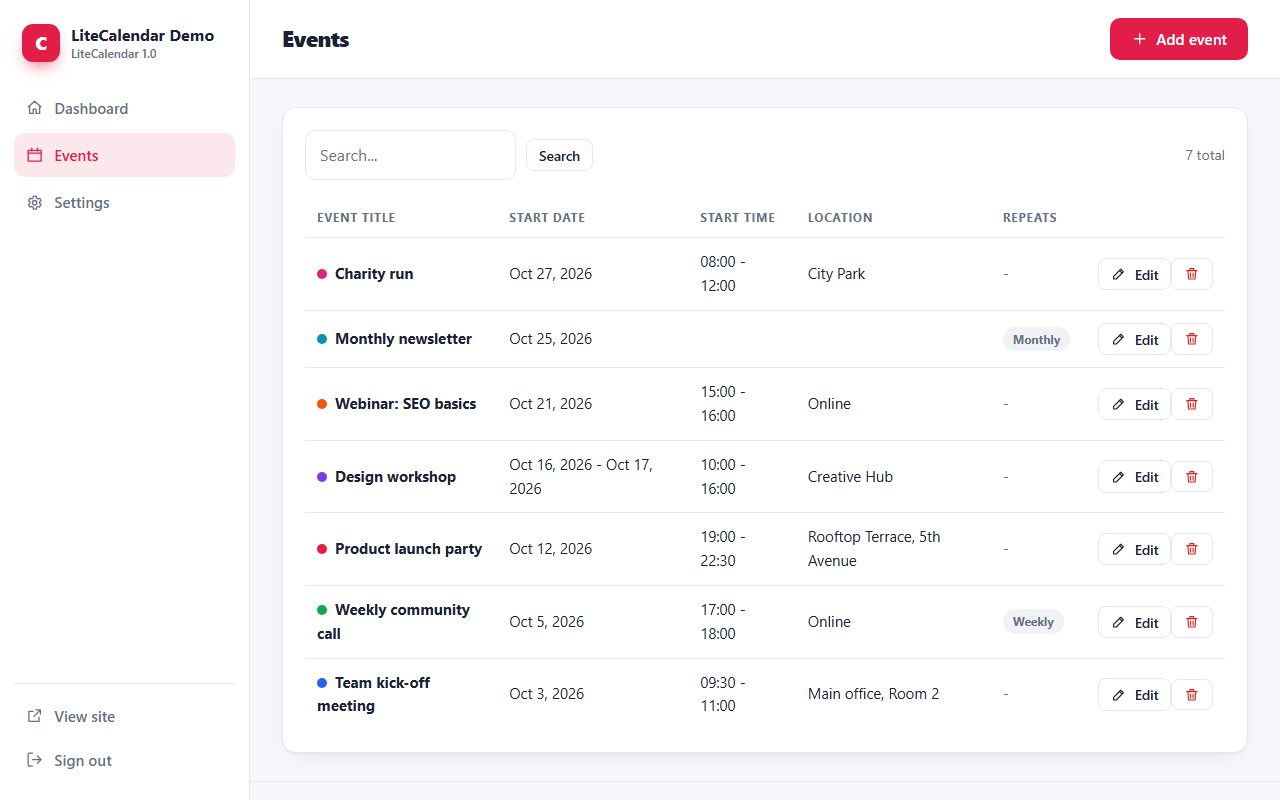
Modern, responsive admin with light and dark mode.
Same design, same admin and same core in every script.
Free PHP events calendar with recurring events and iCal export.
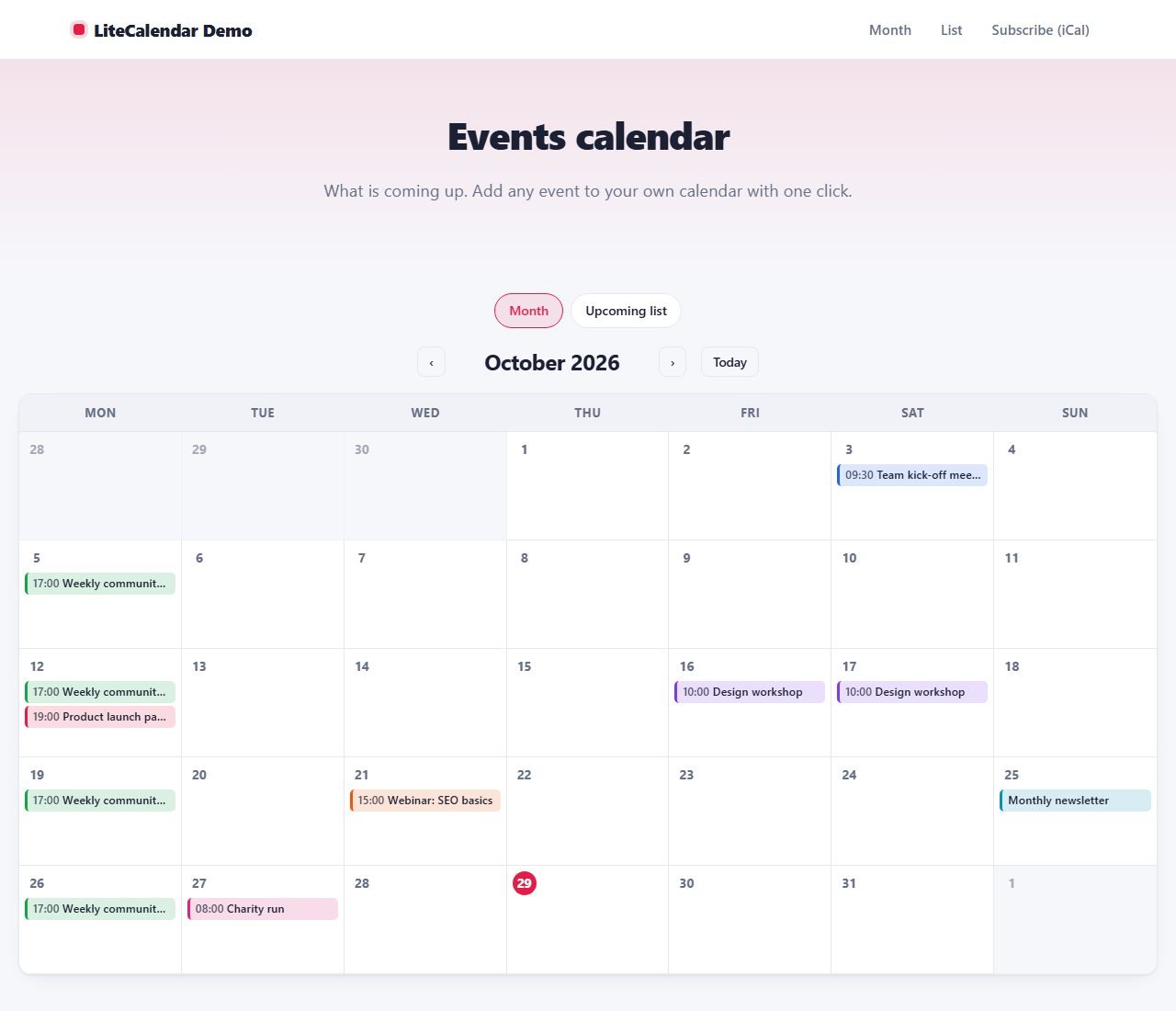
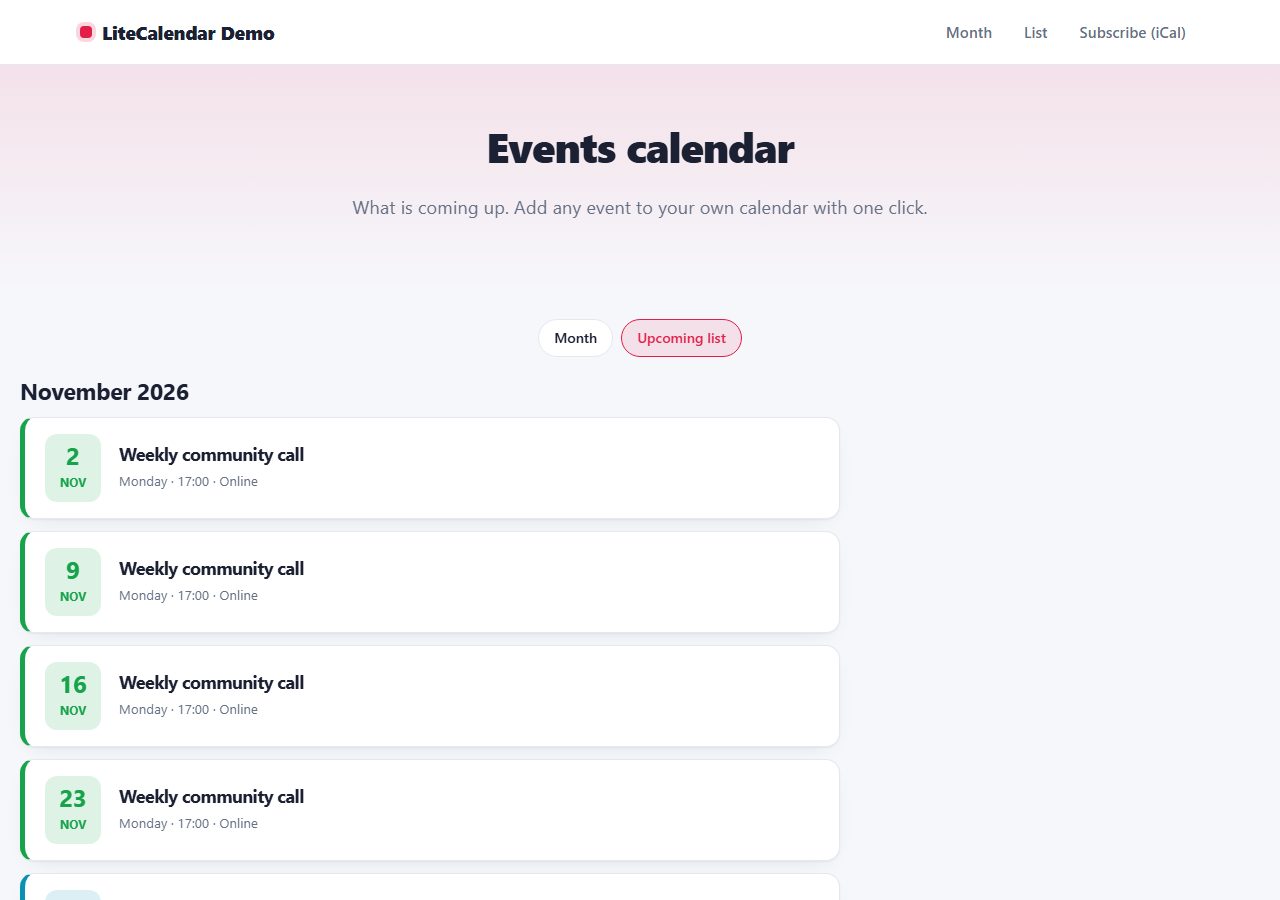
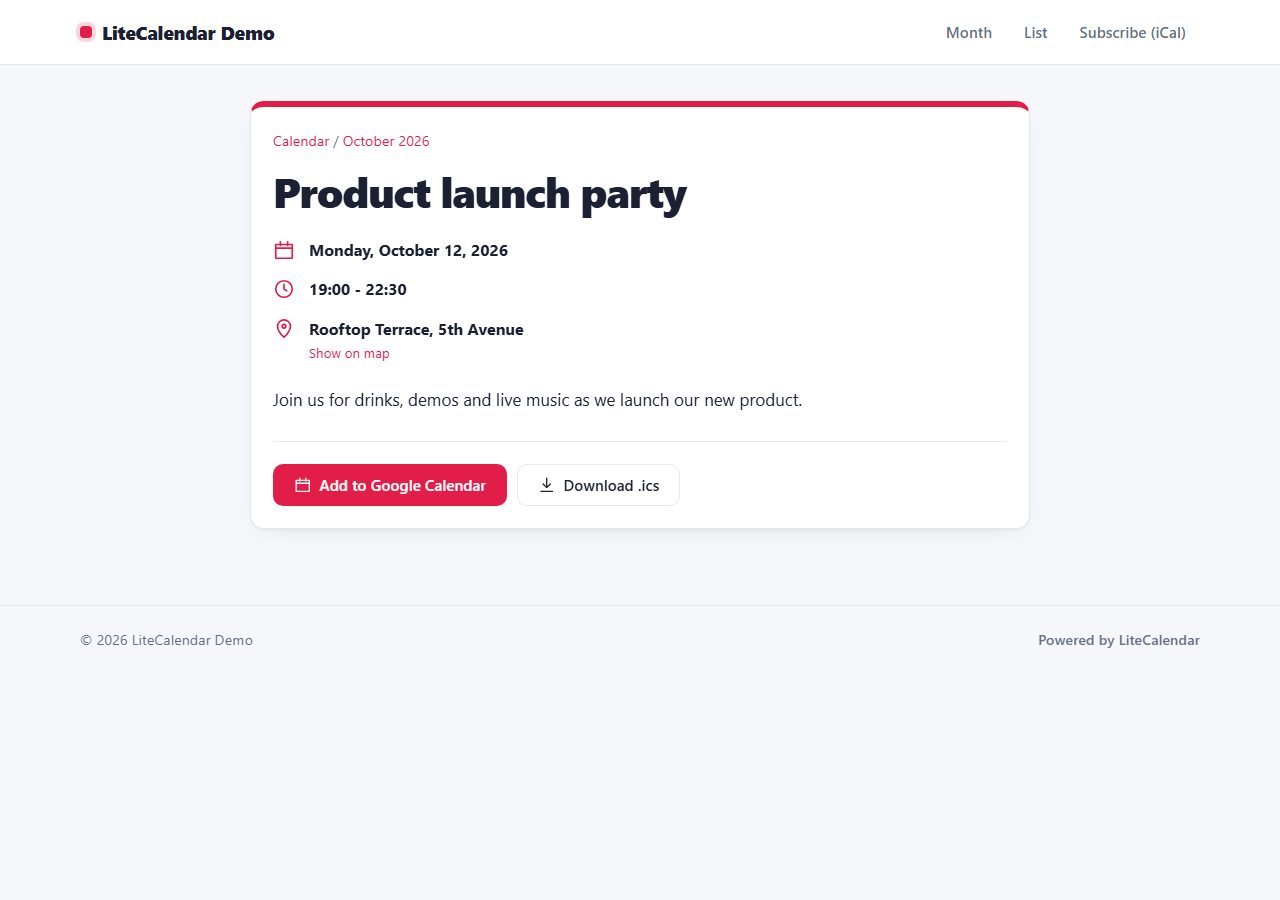
LiteCalendar is a free events calendar for PHP websites. Show a modern month view and an upcoming-events list, with color-coded events, multi-day and recurring events. Each event has its own page with date, time, location and description, an 'Add to Google Calendar' button and an .ics download. Visitors can even subscribe to the whole calendar from Google Calendar or Outlook. Event pages include Event structured data for search engines.
Real screenshots of LiteCalendar: the public pages your visitors see and the admin panel you use to manage them.
index.php?ics=all so people can add your whole calendar to their own calendar app.LiteCalendar folder to your web hosting (FTP or file manager).data and uploads folders writable./admin/ in your browser and create your admin account.Not in this version. Add a 'More information / tickets' link to each event and send visitors to your ticket seller or registration page.
LiteCalendar is great for your own events. To run a whole events website where organizers submit events, with categories, cities, maps and featured listings, see our Event Portal script:
Event listings and ticket sales in one script: organizers publish events and sell tickets, visitors buy and print them.
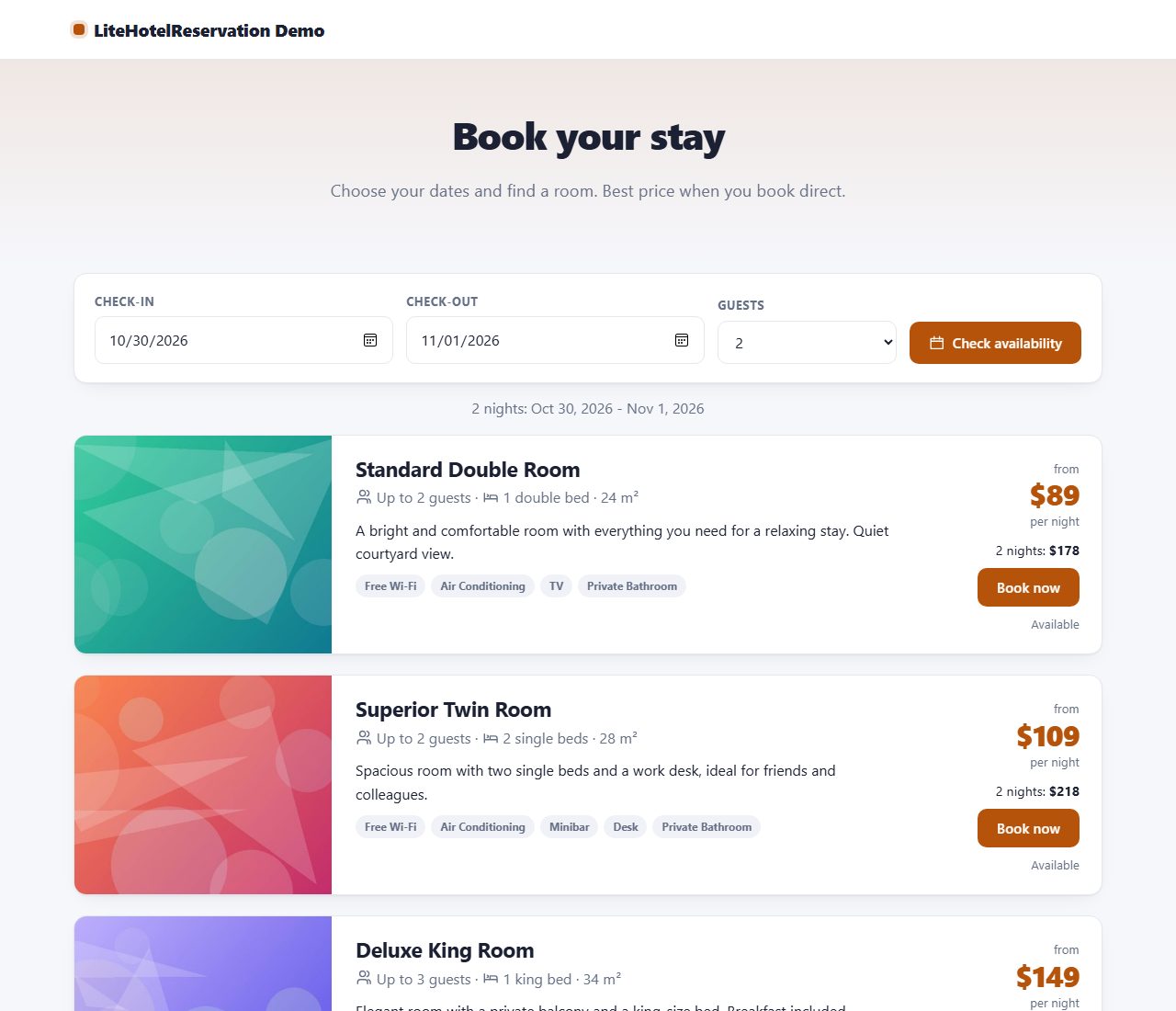
Let guests search by dates, see which rooms are free and send a booking. Prevents double bookings and e-mails confirmations.
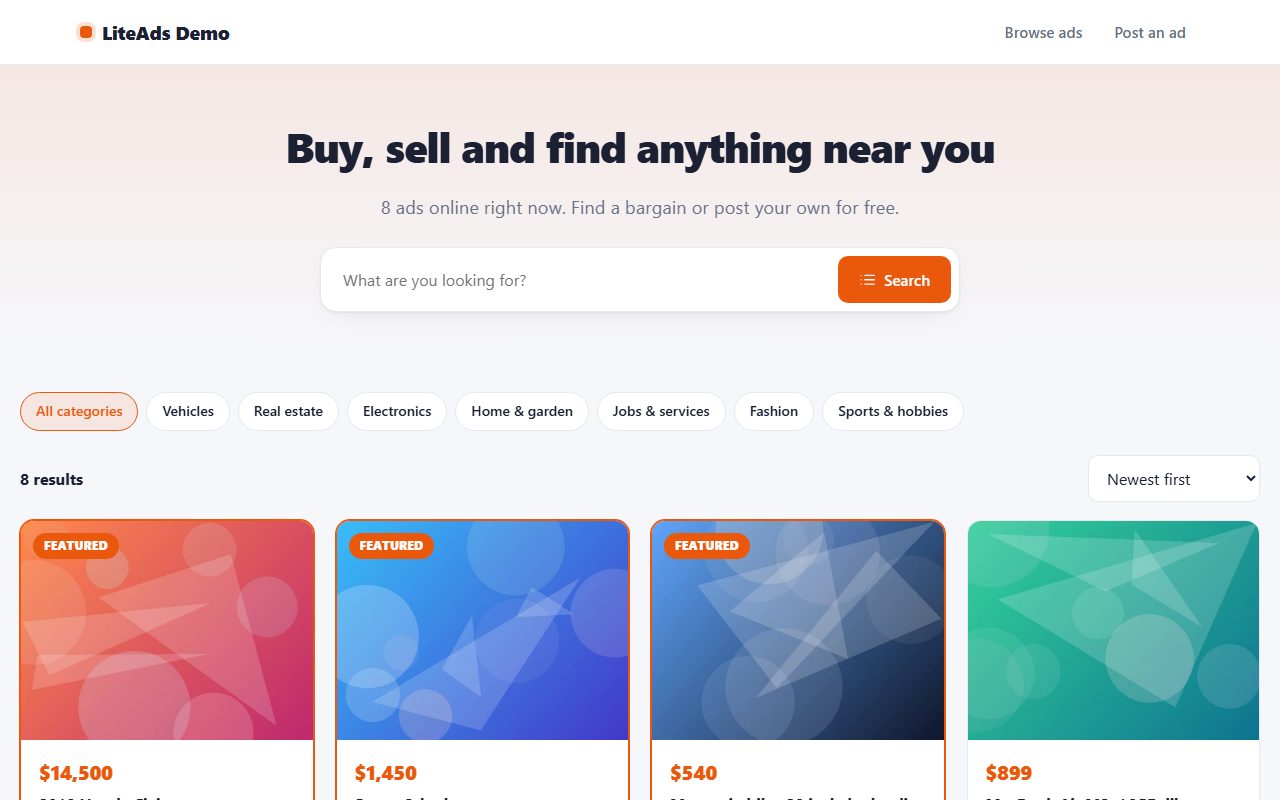
Let visitors post and browse classified ads. Categories, photos, search, moderation and seller messages, all without a database.
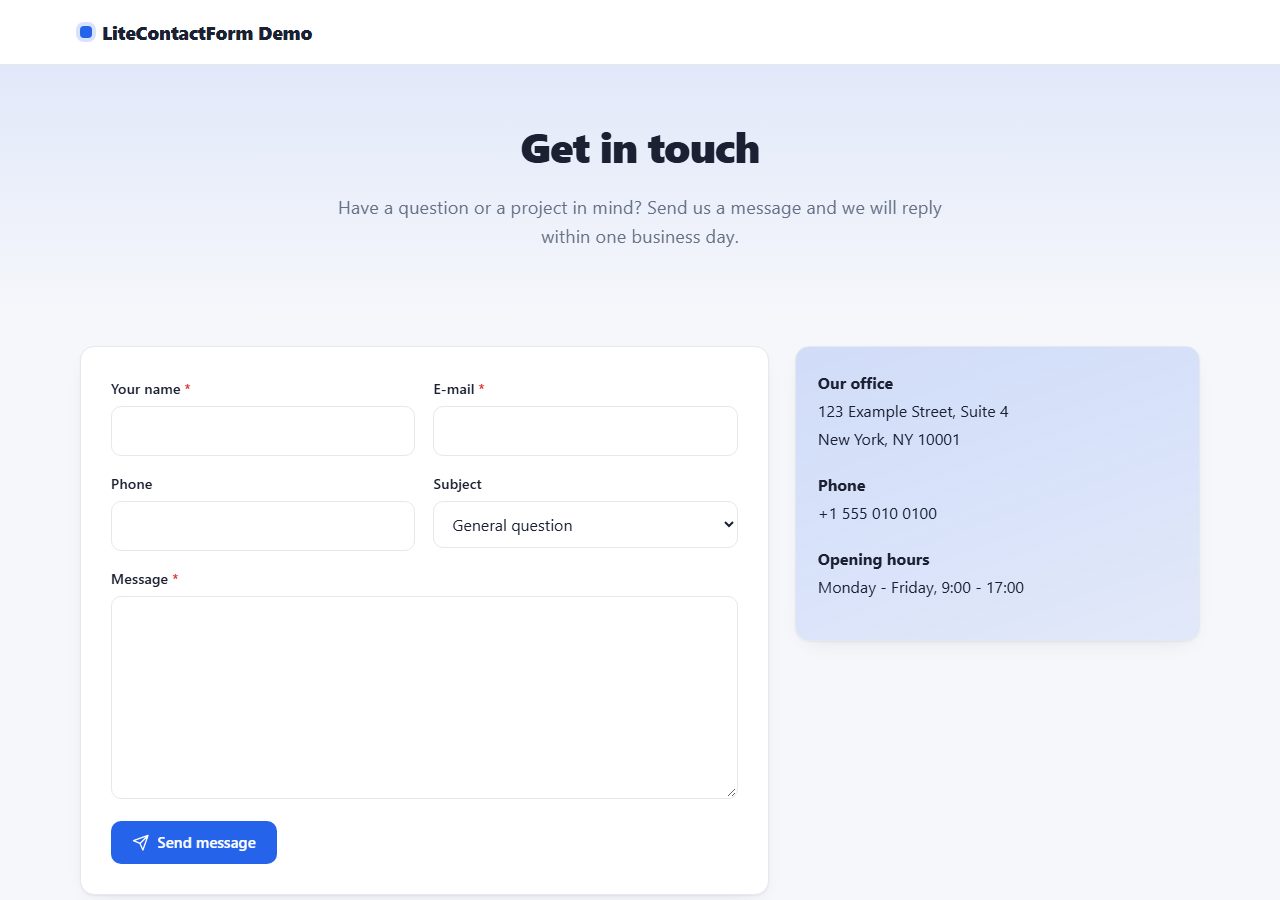
A modern contact form that blocks spam without a CAPTCHA and keeps every message in an admin inbox, with e-mail notifications and auto-replies.
Browse all 20 free PHP scripts or see our professional PHP scripts.