Visit Analytics
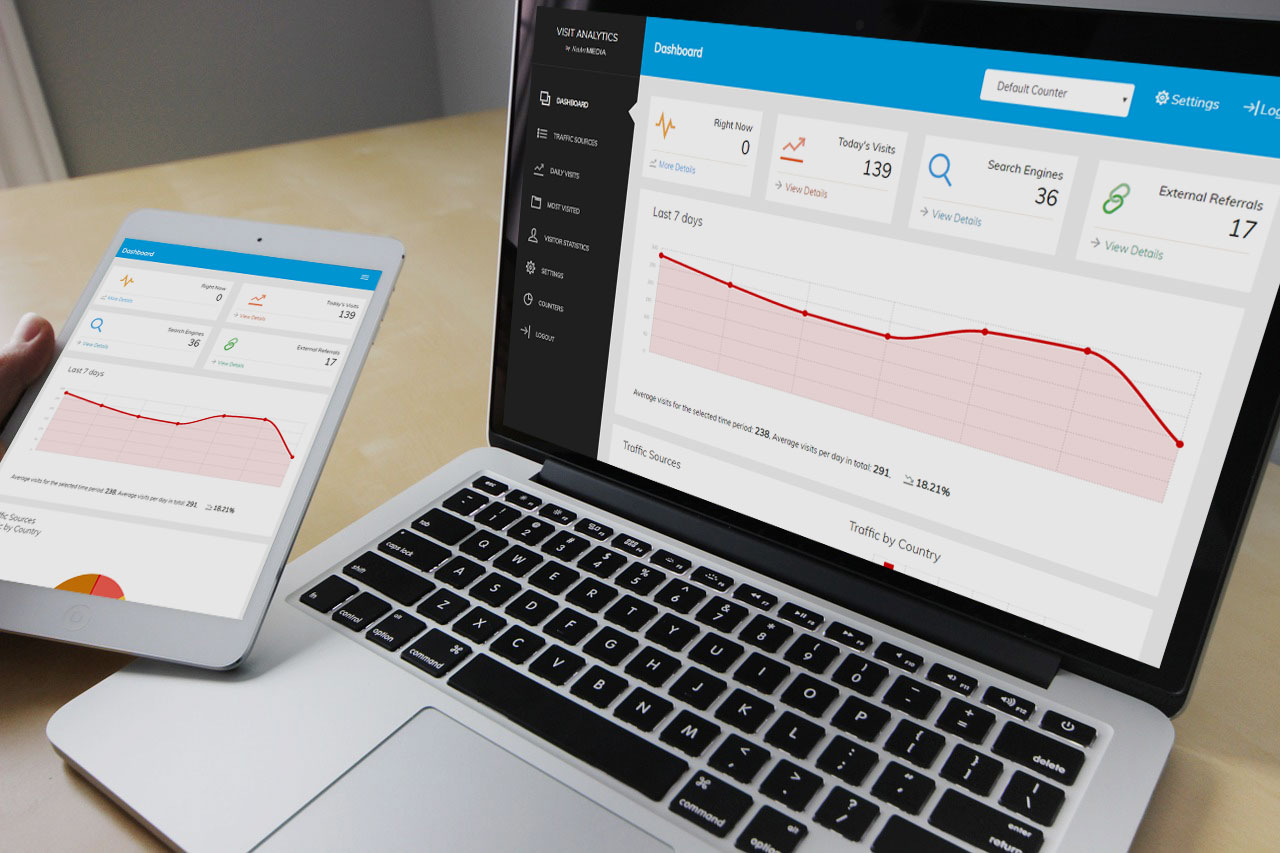
Self-hosted visitor statistics with no tracking scripts or HTML output: fast, private and hard to spam.

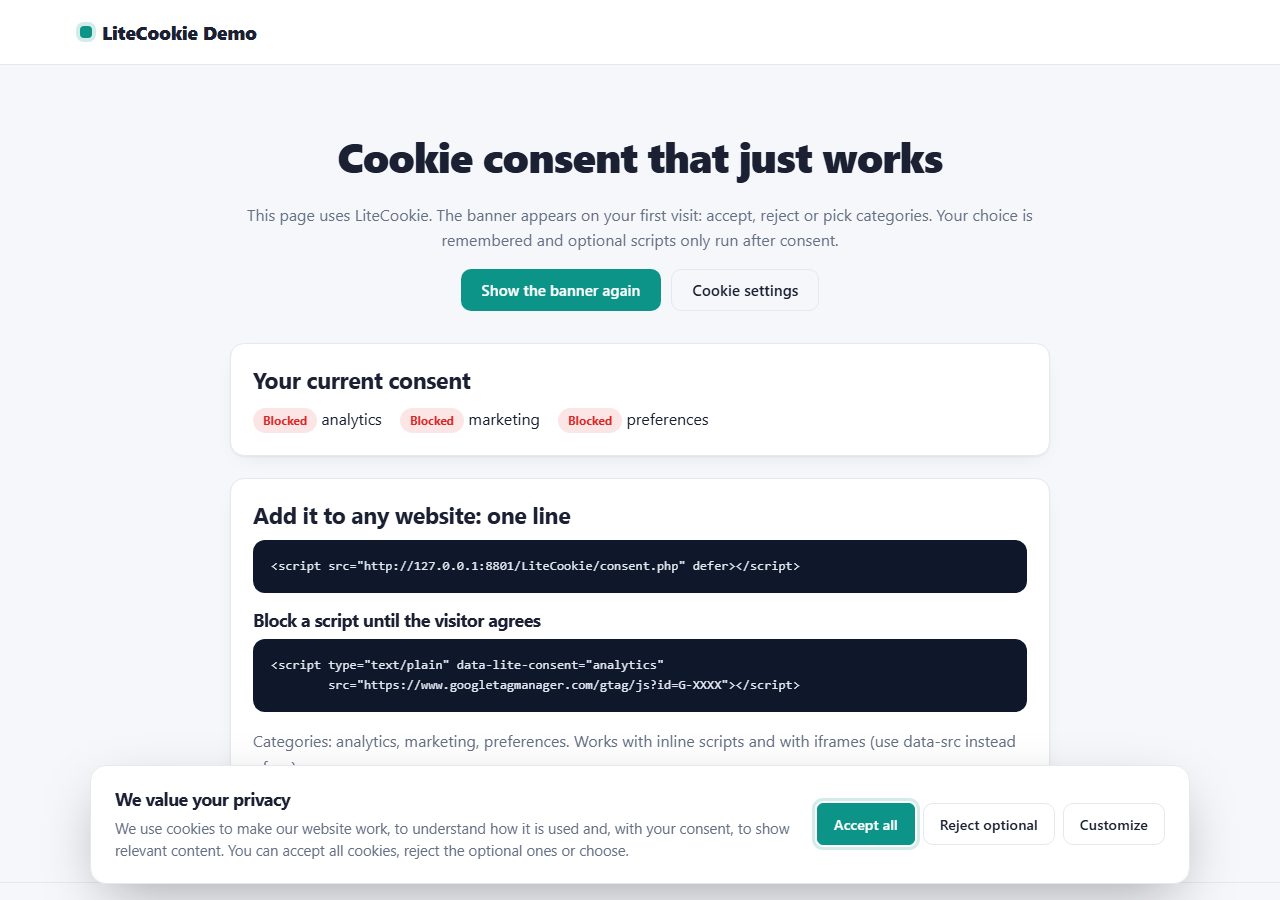
Add a GDPR-friendly cookie banner to any website with one line of code: accept, reject or choose categories, with optional scripts blocked until consent.
One ZIP file, 159 KB, with the full PHP source code and a README.
Data is stored in protected files. Works on any PHP hosting.
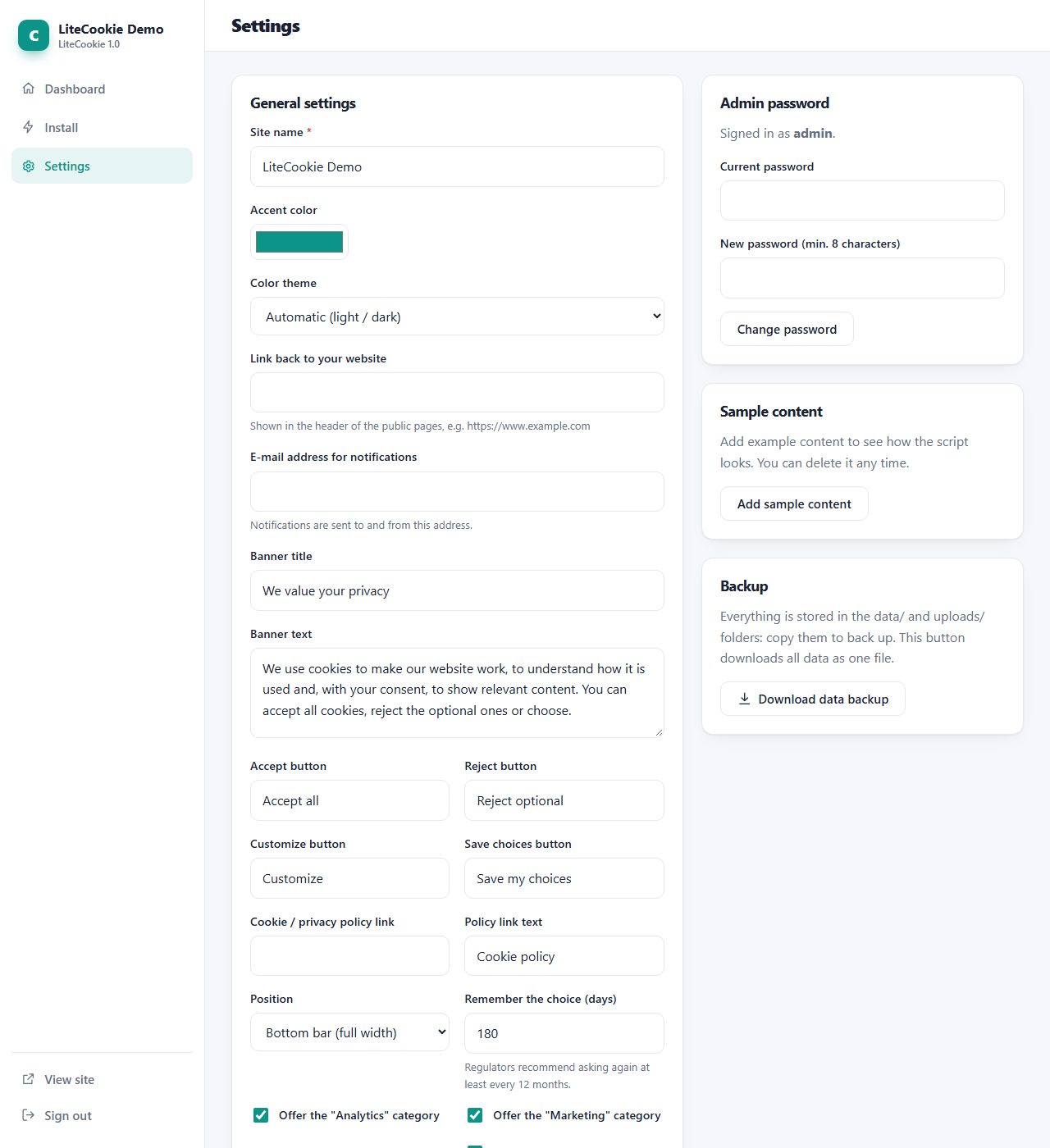
Modern, responsive admin with light and dark mode.
Same design, same admin and same core in every script.
Free cookie consent banner with script blocking and Google Consent Mode v2.
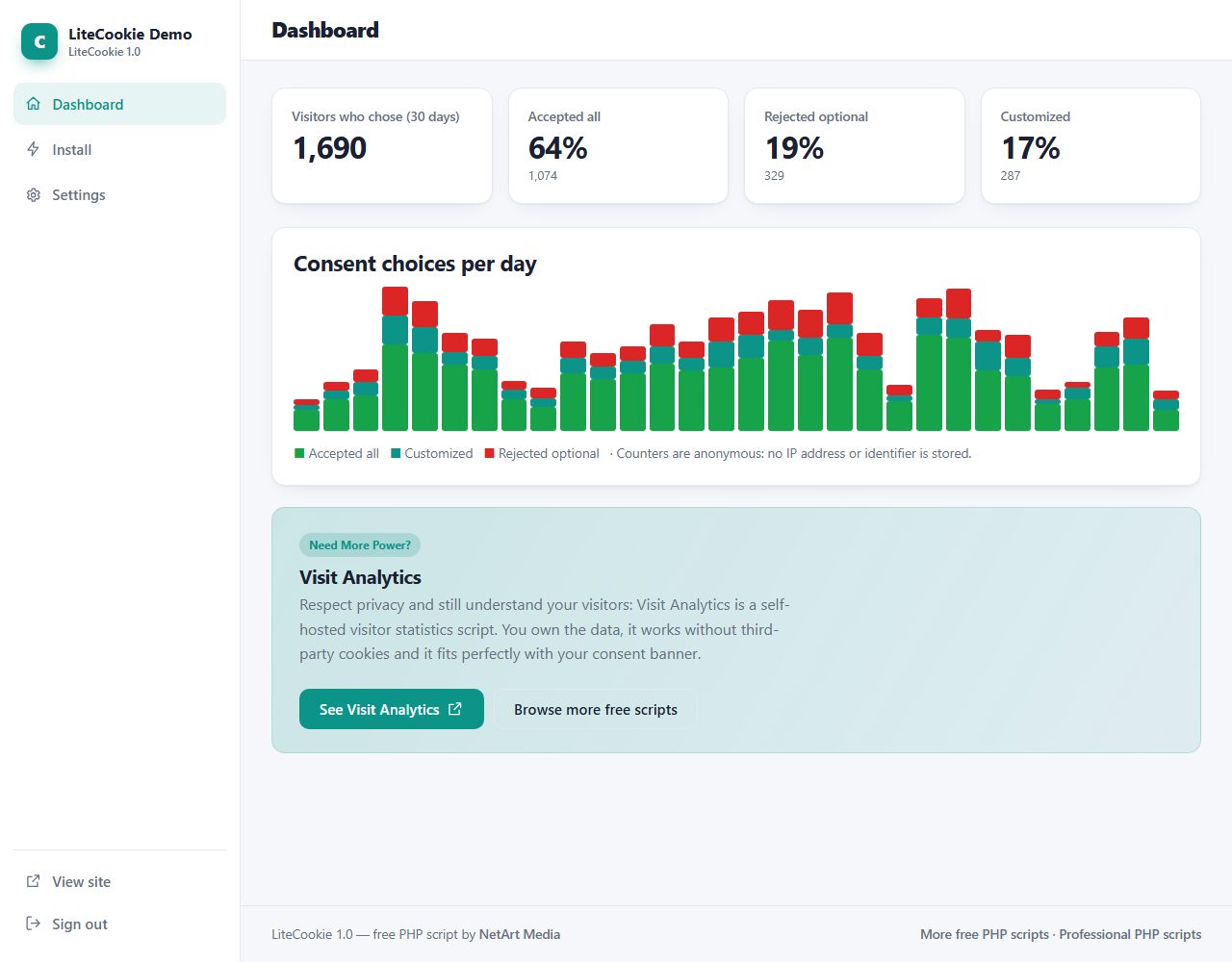
LiteCookie is a free cookie consent solution. You add one script line to any website (HTML, WordPress, Shopify or PHP), and visitors see a banner where they can accept all, reject optional cookies or choose categories. Optional scripts such as analytics and advertising stay blocked until the visitor agrees, and Google Consent Mode v2 receives the choice automatically. Equal-weight buttons keep your banner fair, and a dashboard with anonymous counters shows how visitors respond.
Real screenshots of LiteCookie: the public pages your visitors see and the admin panel you use to manage them.
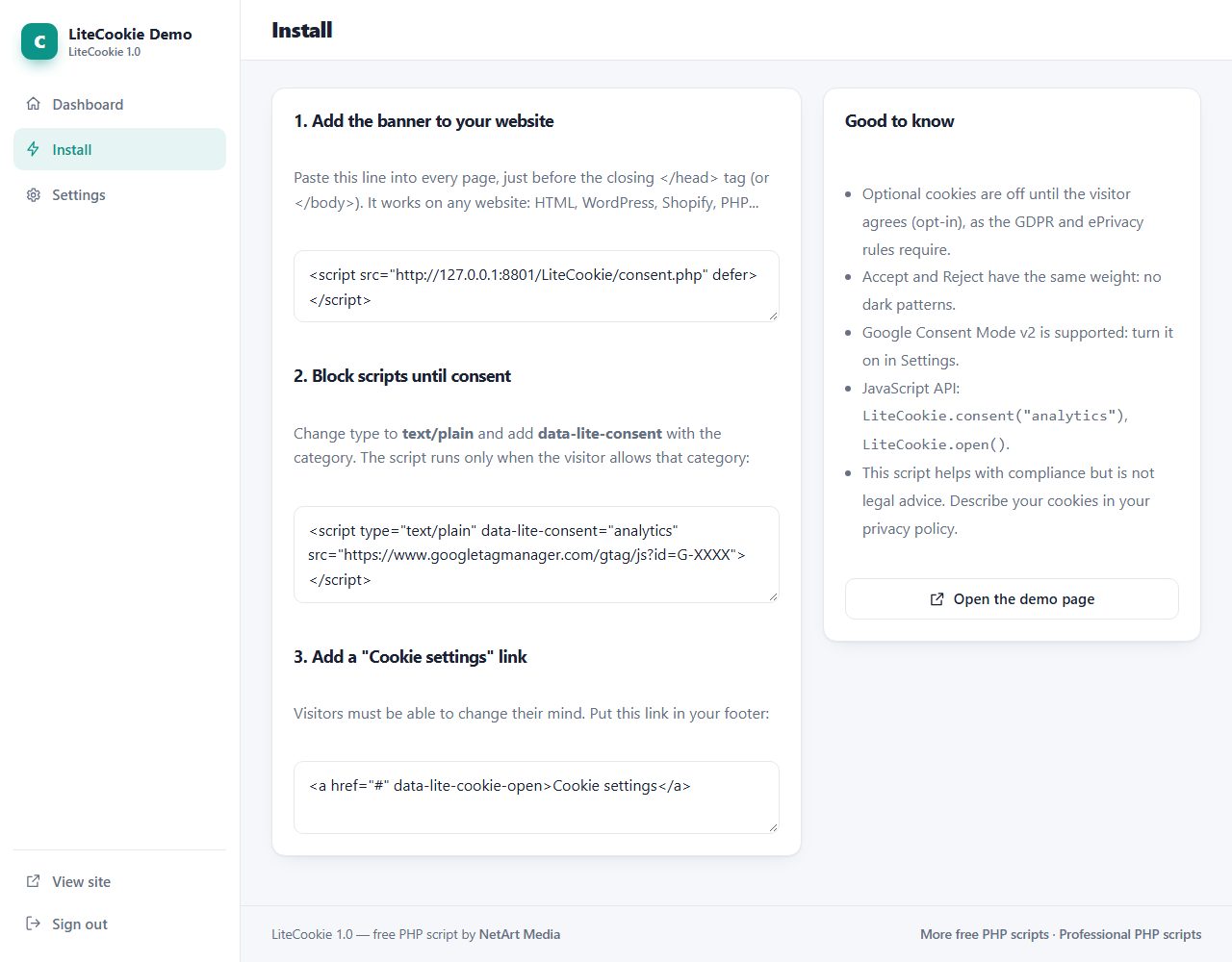
<head> of every page of your website.type="text/plain" and adding data-lite-consent="analytics" (or marketing).<a href="#" data-lite-cookie-open>Cookie settings</a>.LiteCookie folder to your web hosting (FTP or file manager).data and uploads folders writable./admin/ in your browser and create your admin account.It gives you a consent mechanism that follows the usual rules: opt-in for optional cookies, equal buttons, a way to withdraw consent. Compliance also depends on your cookies, policies and processes, so this is not legal advice.
Yes. Install LiteCookie on any PHP host and add the one-line script to any website, including static HTML, WordPress and Shopify.
A cookie banner works best with analytics that respect privacy. Visit Analytics is a self-hosted visitor statistics script: you own the data and need no third-party cookies:
Self-hosted visitor statistics with no tracking scripts or HTML output: fast, private and hard to spam.
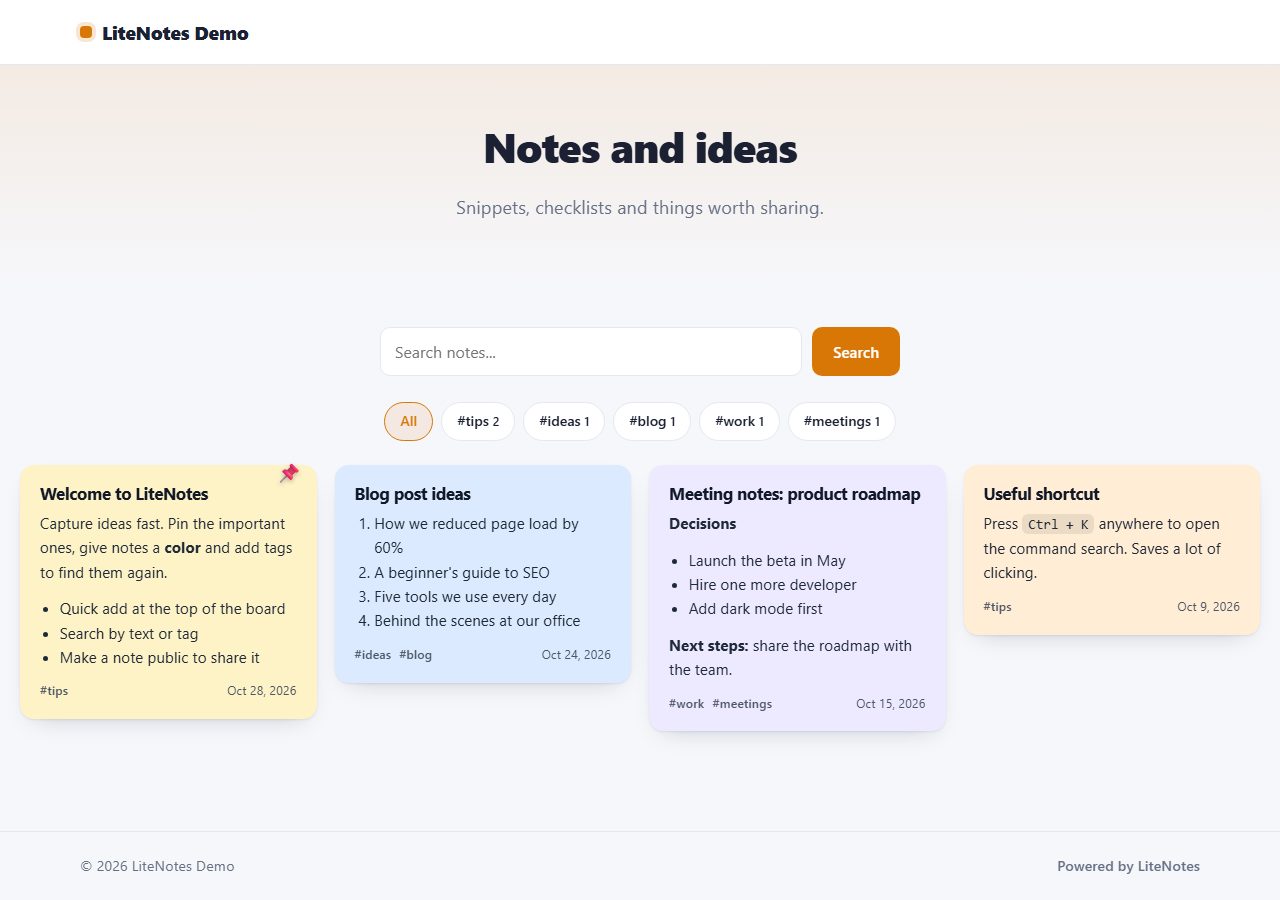
A fast sticky-notes board for your own server: quick add, colors, tags, search and pinning. Share selected notes on a public page.
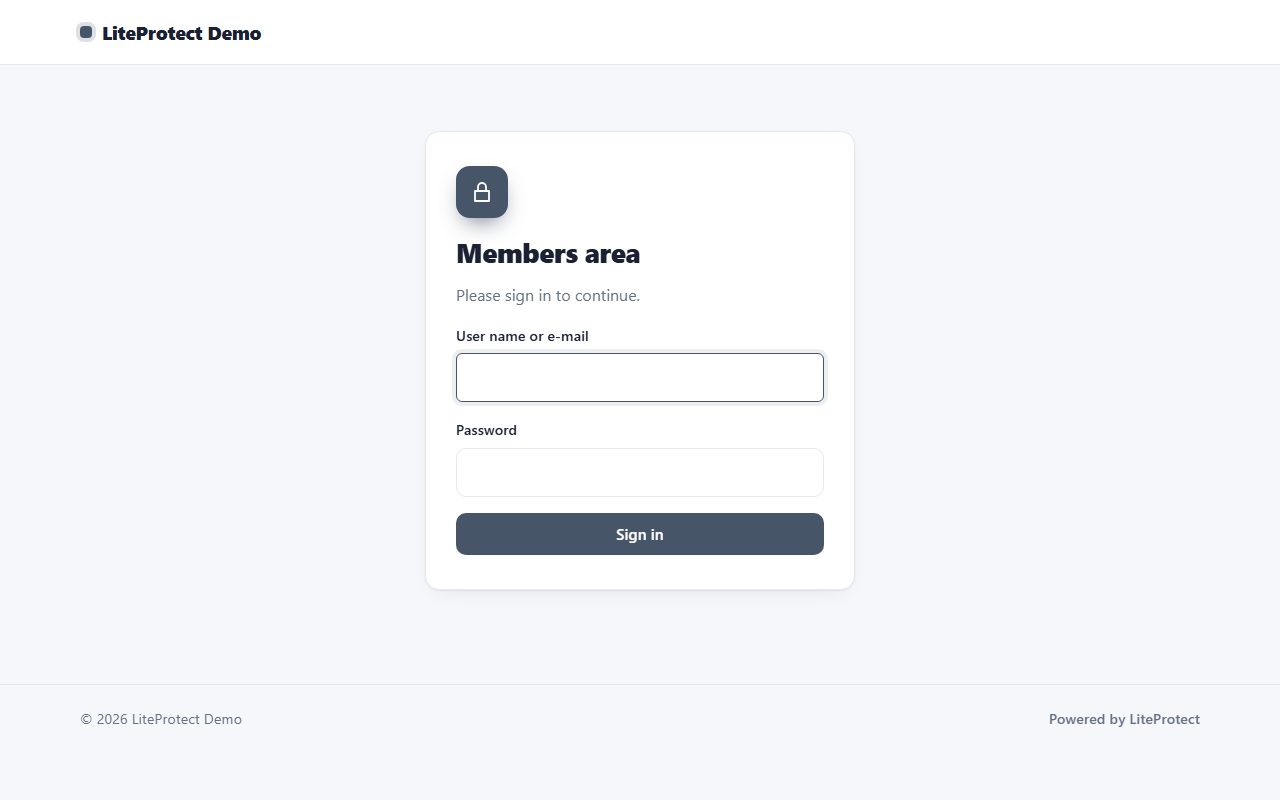
Create a members area in minutes: protect any PHP page with two lines of code, serve private files to members only, and manage users and groups in an admin panel.
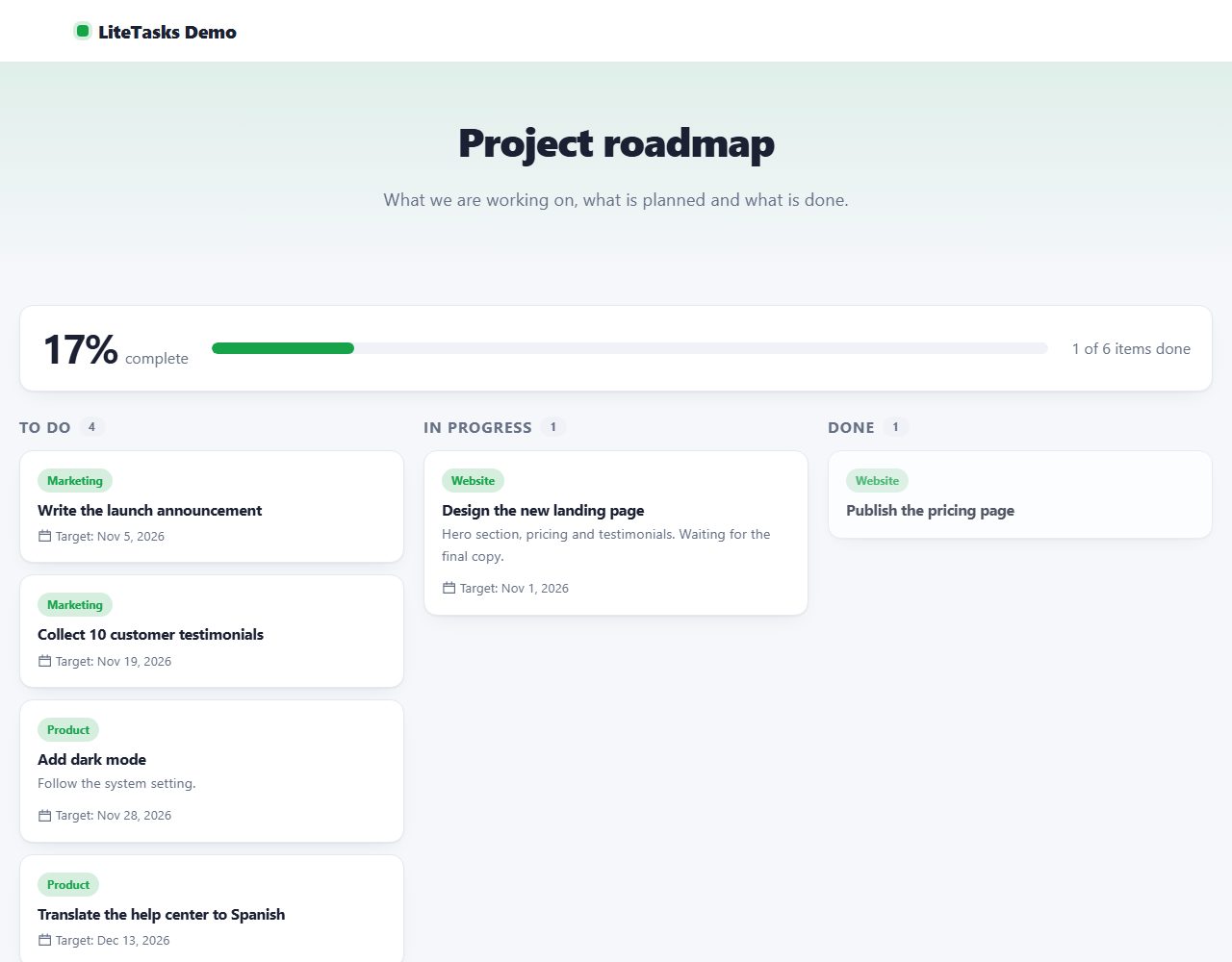
Organise work on your own server: a kanban board with drag and drop, projects, priorities and due dates, plus an optional public roadmap.
Browse all 20 free PHP scripts or see our professional PHP scripts.