WebSiteAdmin
Our core content management system since 2003, and the foundation of most of our products. Fast, flexible and easy to use.

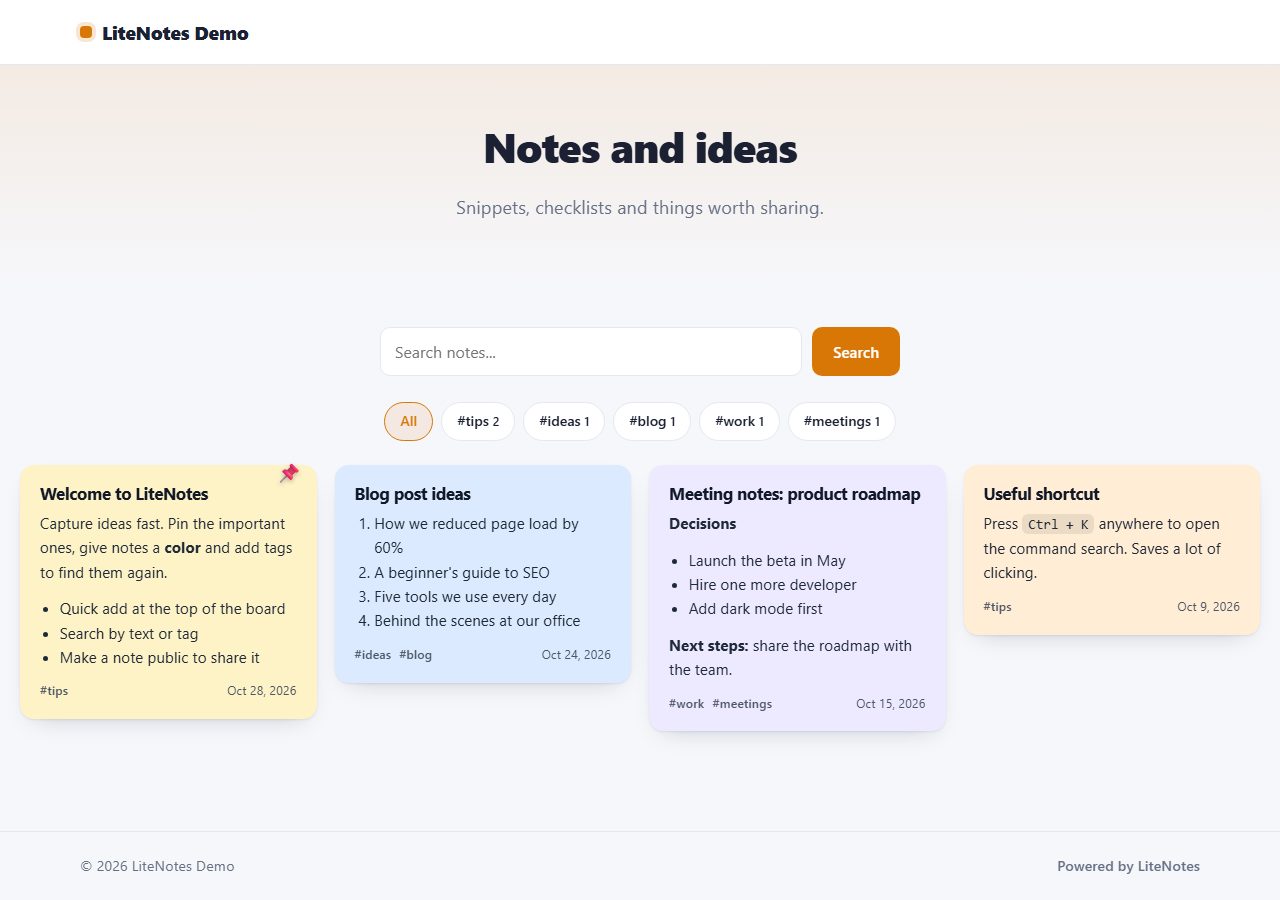
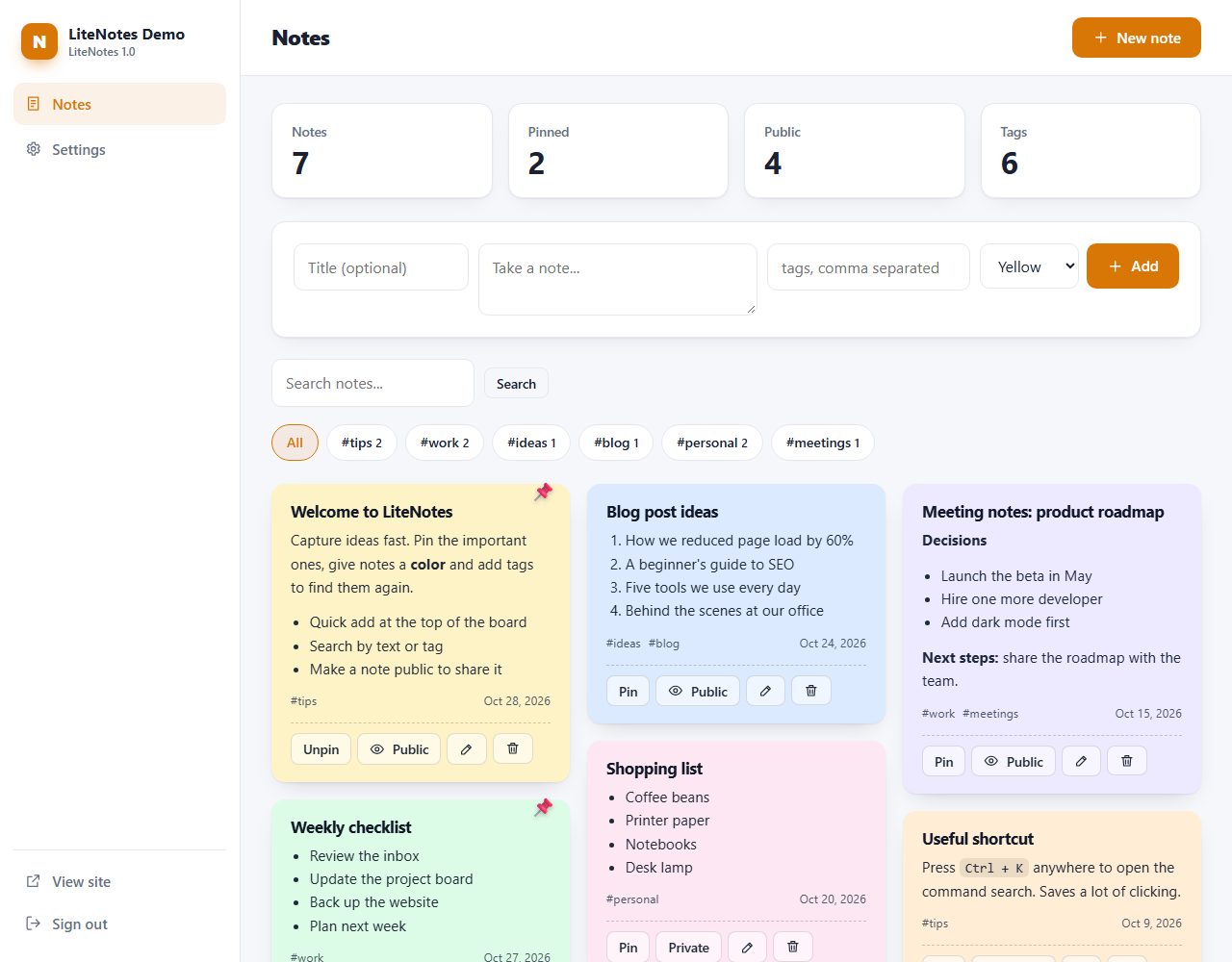
A fast sticky-notes board for your own server: quick add, colors, tags, search and pinning. Share selected notes on a public page.
One ZIP file, 155 KB, with the full PHP source code and a README.
Data is stored in protected files. Works on any PHP hosting.
Modern, responsive admin with light and dark mode.
Same design, same admin and same core in every script.
Free PHP notes app with colors, tags, pinning and a public notes page.
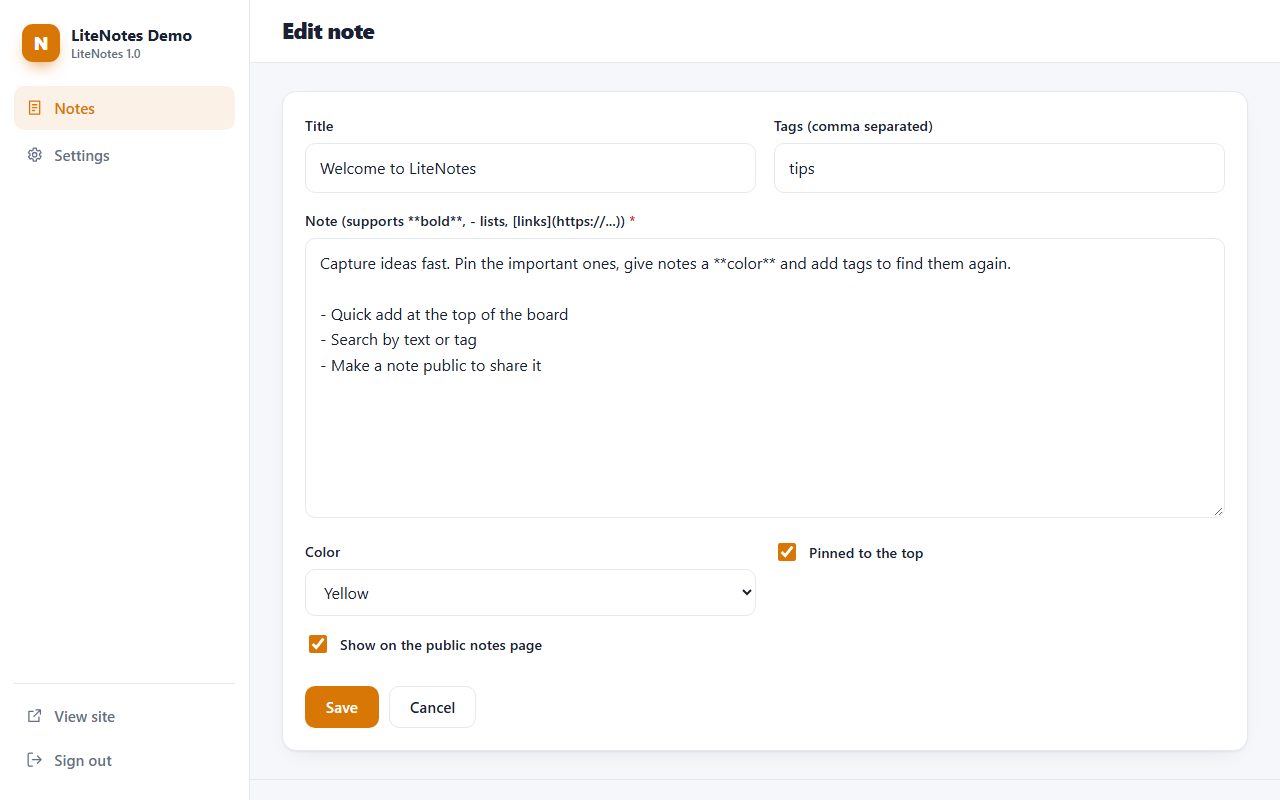
LiteNotes is a free notes app for PHP. Capture ideas in seconds with the quick-add bar, give notes a color, tag them and find them again with search. Pin important notes to the top and write with simple formatting: checklists, bold text, links. Your notes stay private on your own server, and any note can be switched to public to appear on a clean, searchable public page - useful for tips, snippets, changelogs or link lists.
Real screenshots of LiteNotes: the public pages your visitors see and the admin panel you use to manage them.
- list items, bold, italic, ` code and [links](https://example.com)`.LiteNotes folder to your web hosting (FTP or file manager).data and uploads folders writable./admin/ in your browser and create your admin account.Notes are a handy start. To manage a whole PHP website (pages, users, files, backups and settings) from one admin panel, see WebSiteAdmin:
Our core content management system since 2003, and the foundation of most of our products. Fast, flexible and easy to use.
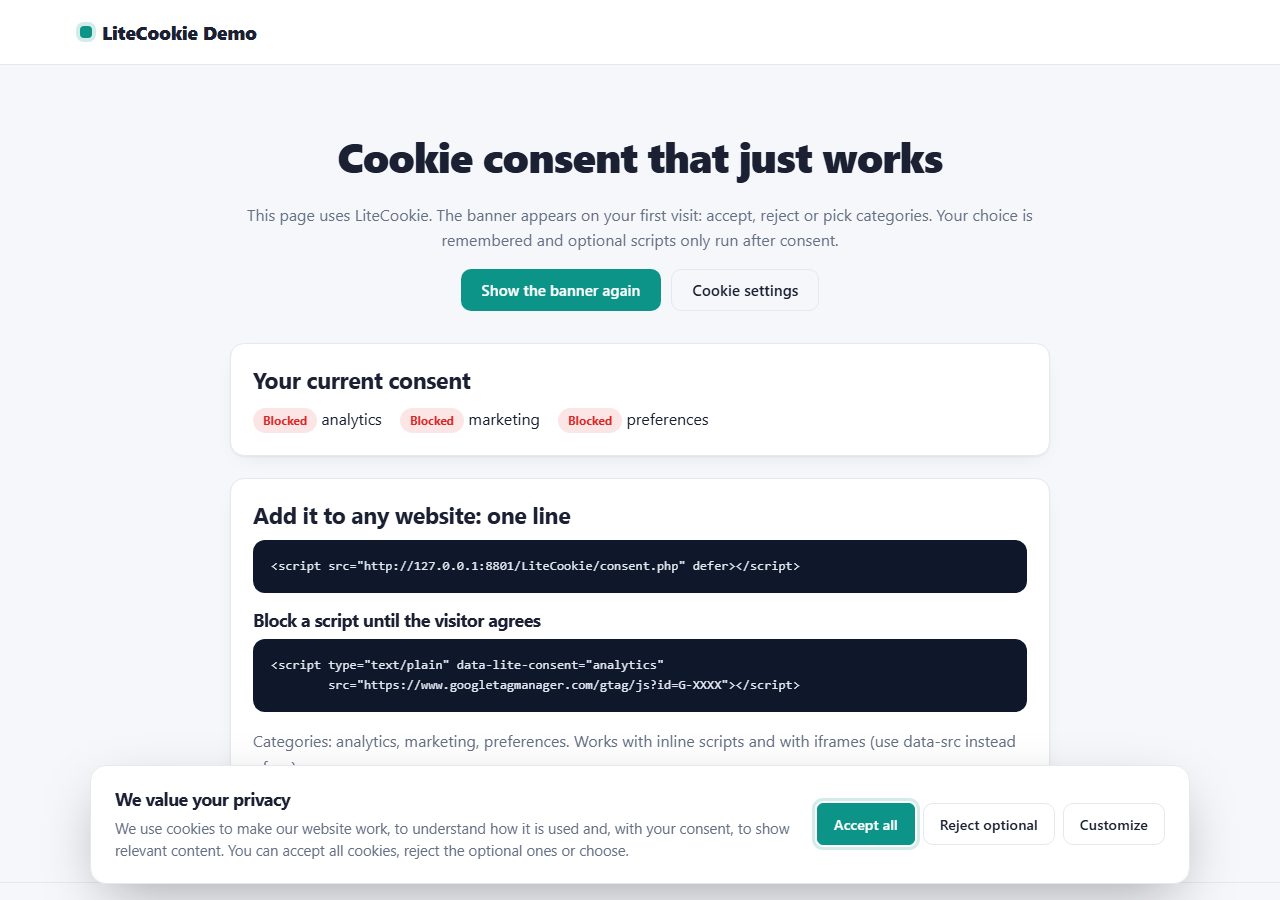
Add a GDPR-friendly cookie banner to any website with one line of code: accept, reject or choose categories, with optional scripts blocked until consent.
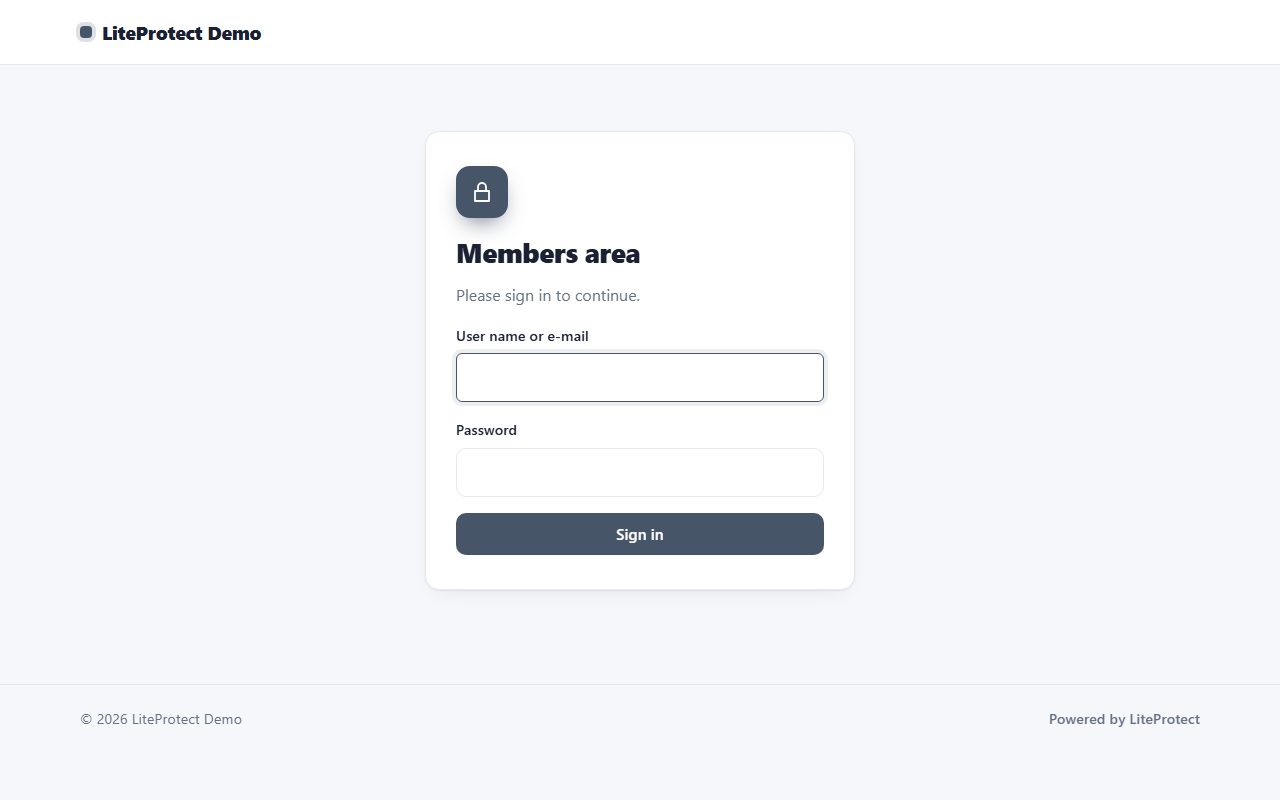
Create a members area in minutes: protect any PHP page with two lines of code, serve private files to members only, and manage users and groups in an admin panel.
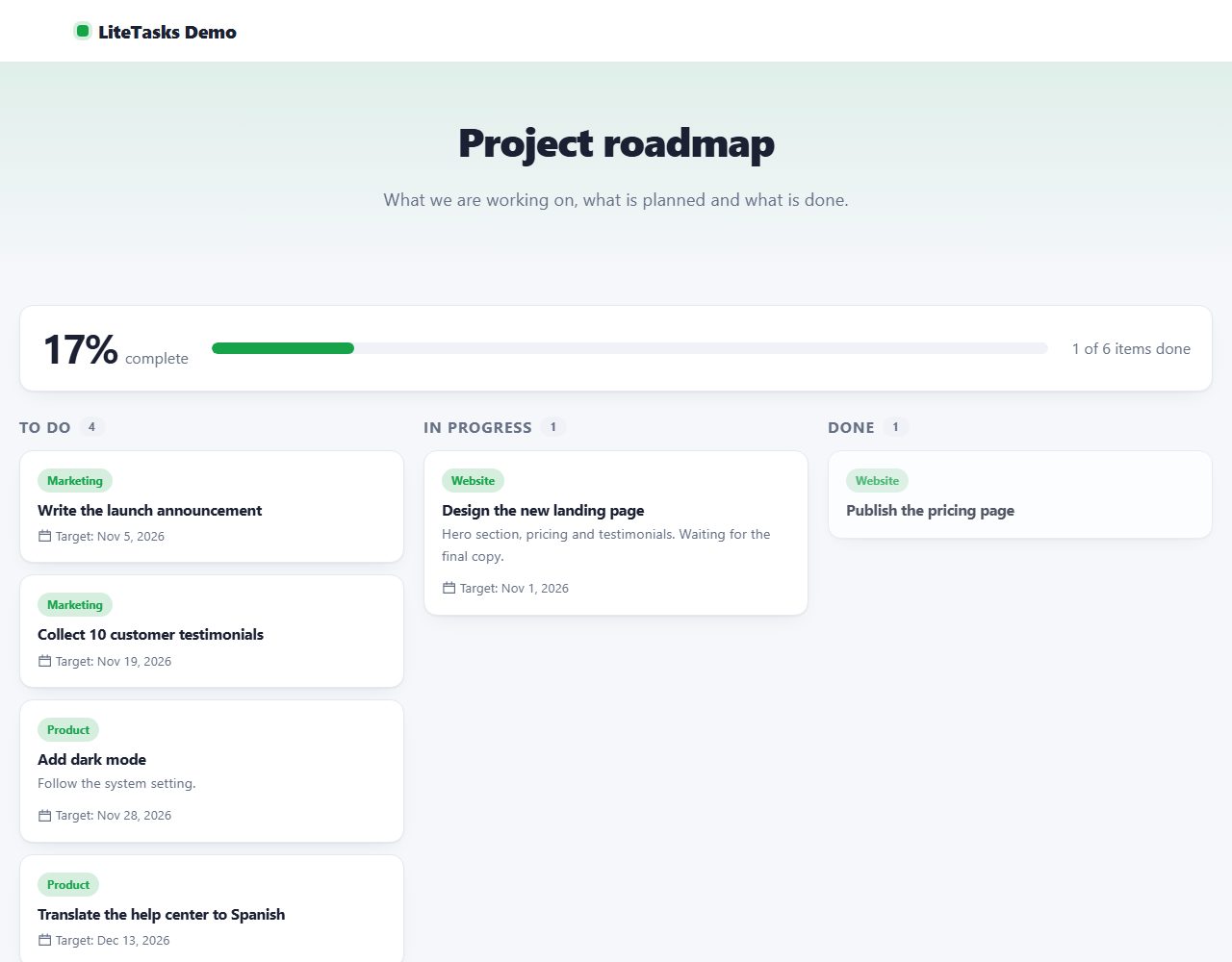
Organise work on your own server: a kanban board with drag and drop, projects, priorities and due dates, plus an optional public roadmap.
Browse all 20 free PHP scripts or see our professional PHP scripts.