PHP Bulletin
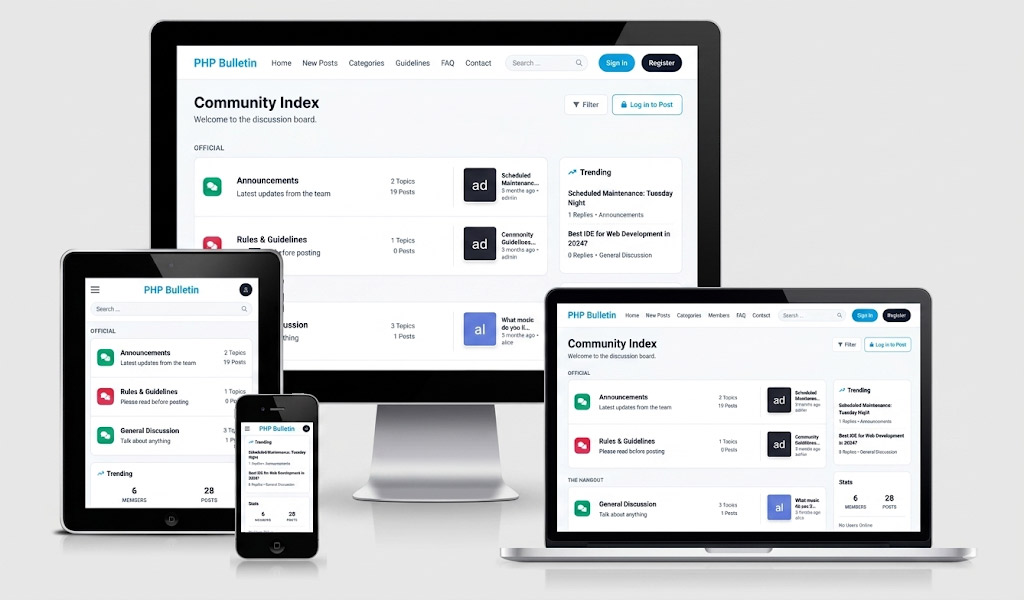
Modern, lightning-fast forum software: build an online community you own, with invisible spam protection and a mobile-first design.

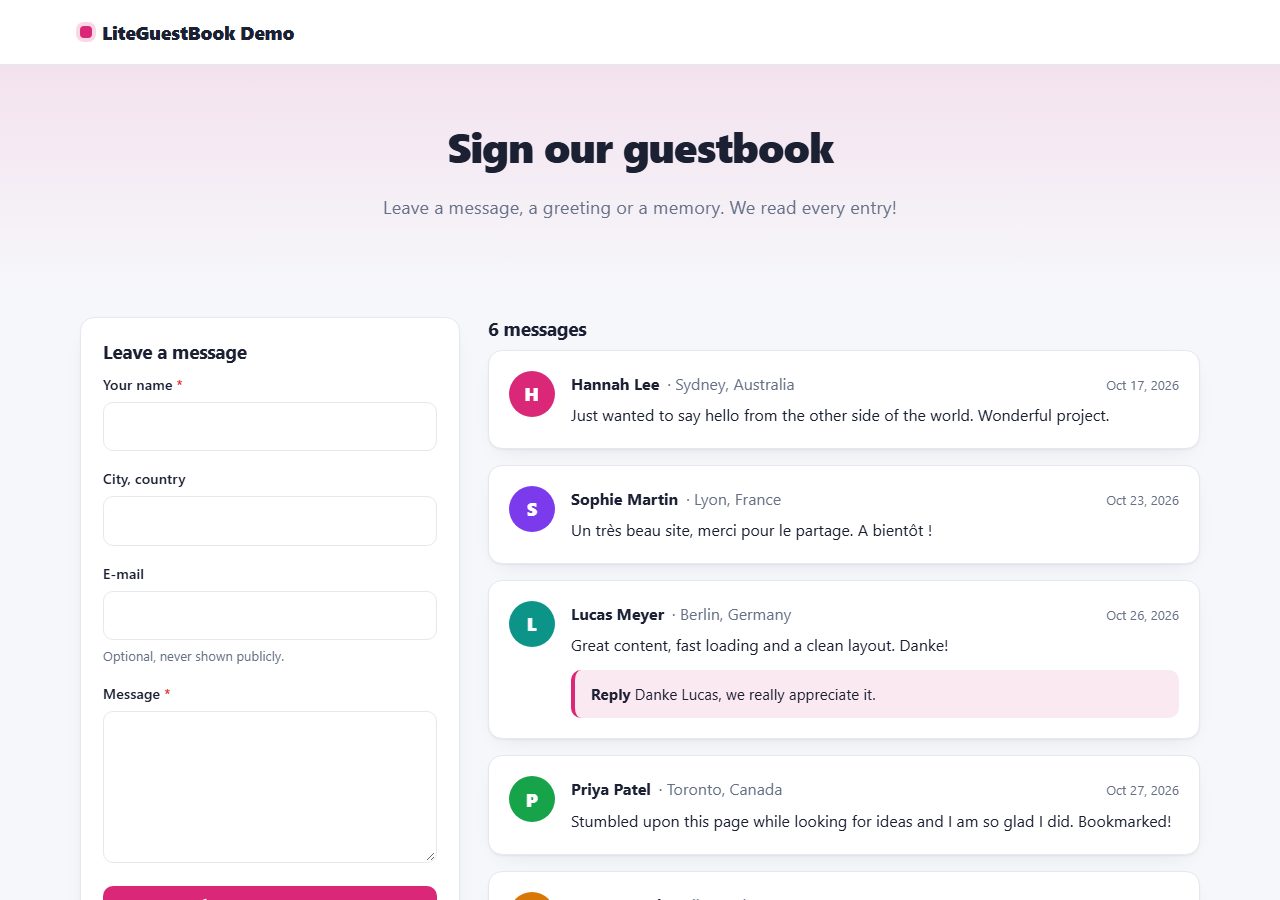
A friendly, modern guestbook: visitors leave messages, you approve and reply from the admin panel. No database, no CAPTCHA.
One ZIP file, 155 KB, with the full PHP source code and a README.
Data is stored in protected files. Works on any PHP hosting.
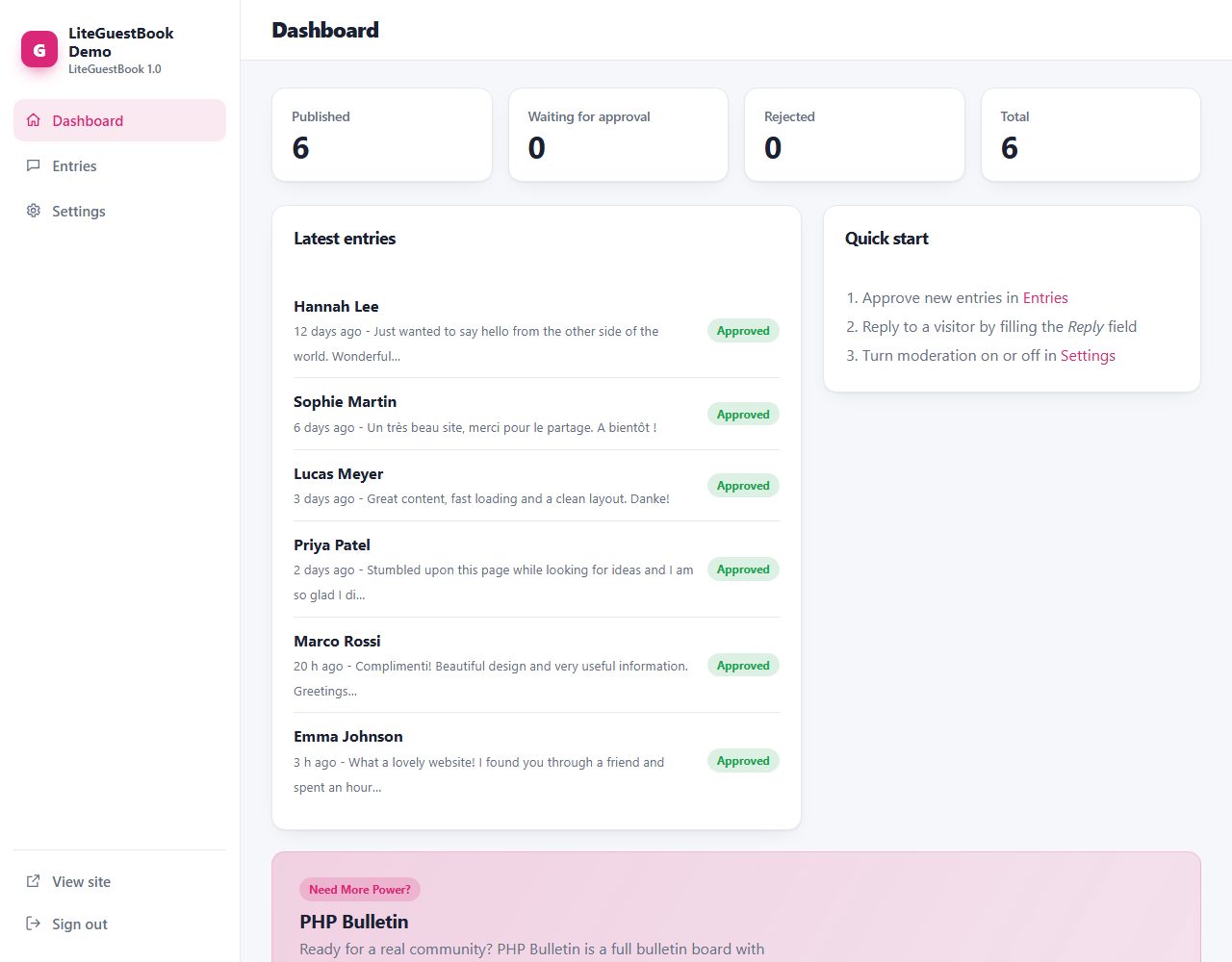
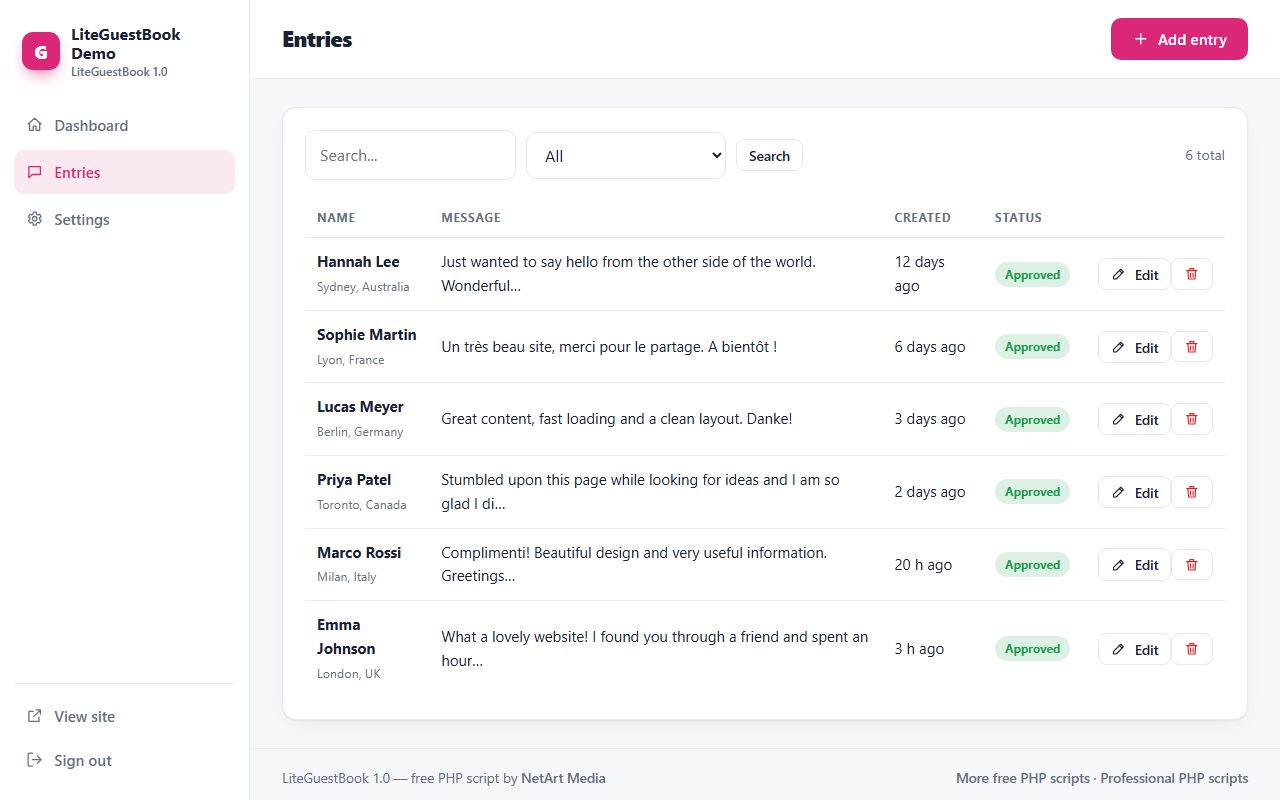
Modern, responsive admin with light and dark mode.
Same design, same admin and same core in every script.
Free PHP guestbook script with moderation, replies and spam protection.
LiteGuestBook brings the classic guestbook back with a modern design. Visitors sign with a name, location and message; entries appear after your approval, and you can answer each one with a public reply. Spam is stopped with invisible protection (honeypot, timing check, link limit and rate limiting), so there is no CAPTCHA. Everything is stored in simple files, so it runs on any PHP hosting.
Real screenshots of LiteGuestBook: the public pages your visitors see and the admin panel you use to manage them.
LiteGuestBook folder to your web hosting (FTP or file manager).data and uploads folders writable./admin/ in your browser and create your admin account.Yes, untick 'Entries must be approved by me' in Settings. Keep the spam protection on and review the list now and then.
A guestbook is a great start. When you are ready for a real community with member accounts, topics and private messages, take a look at our bulletin board script:
Modern, lightning-fast forum software: build an online community you own, with invisible spam protection and a mobile-first design.
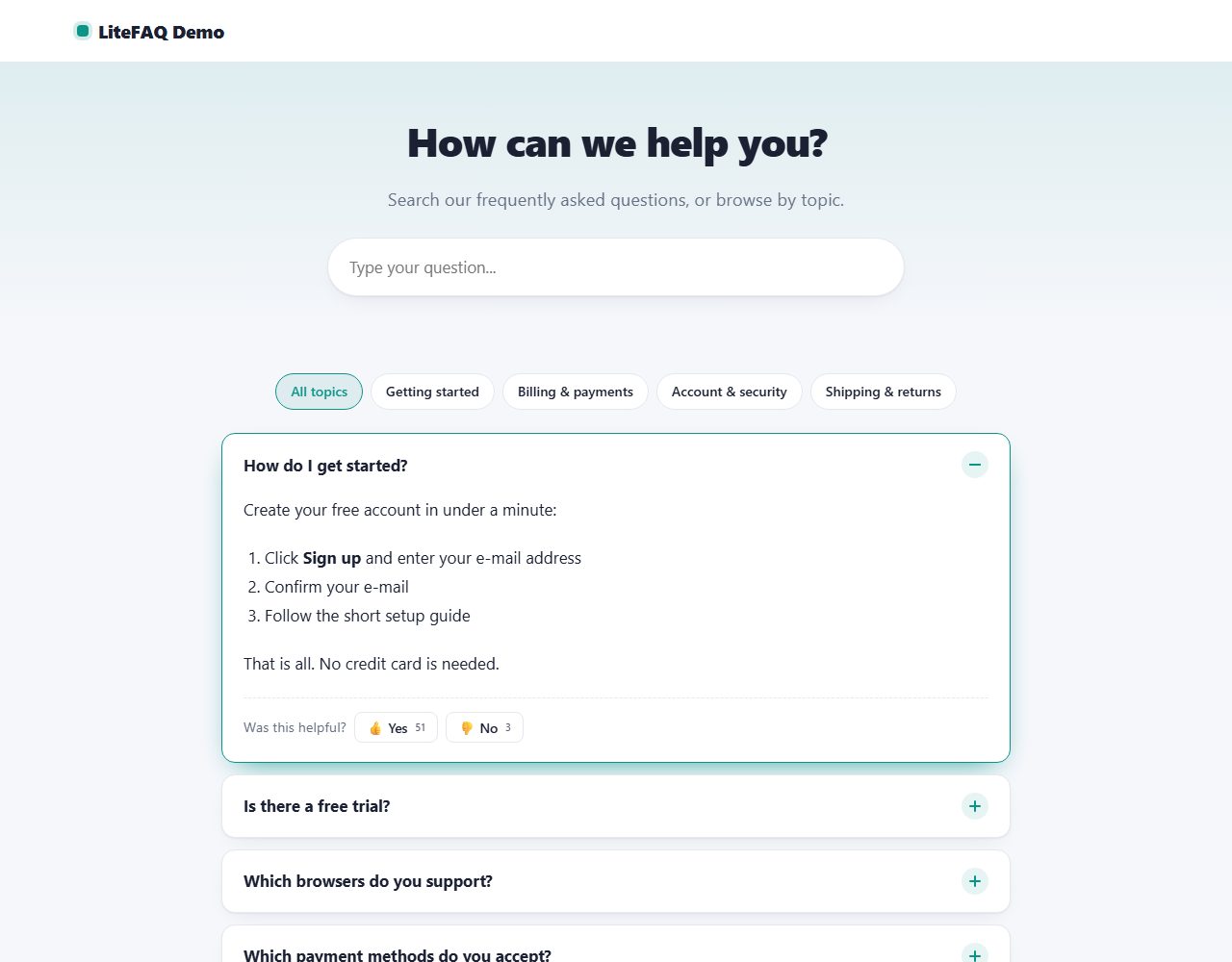
A beautiful FAQ page with instant search, topic filters, smooth accordions and 'Was this helpful?' votes. Adds FAQ structured data for Google.
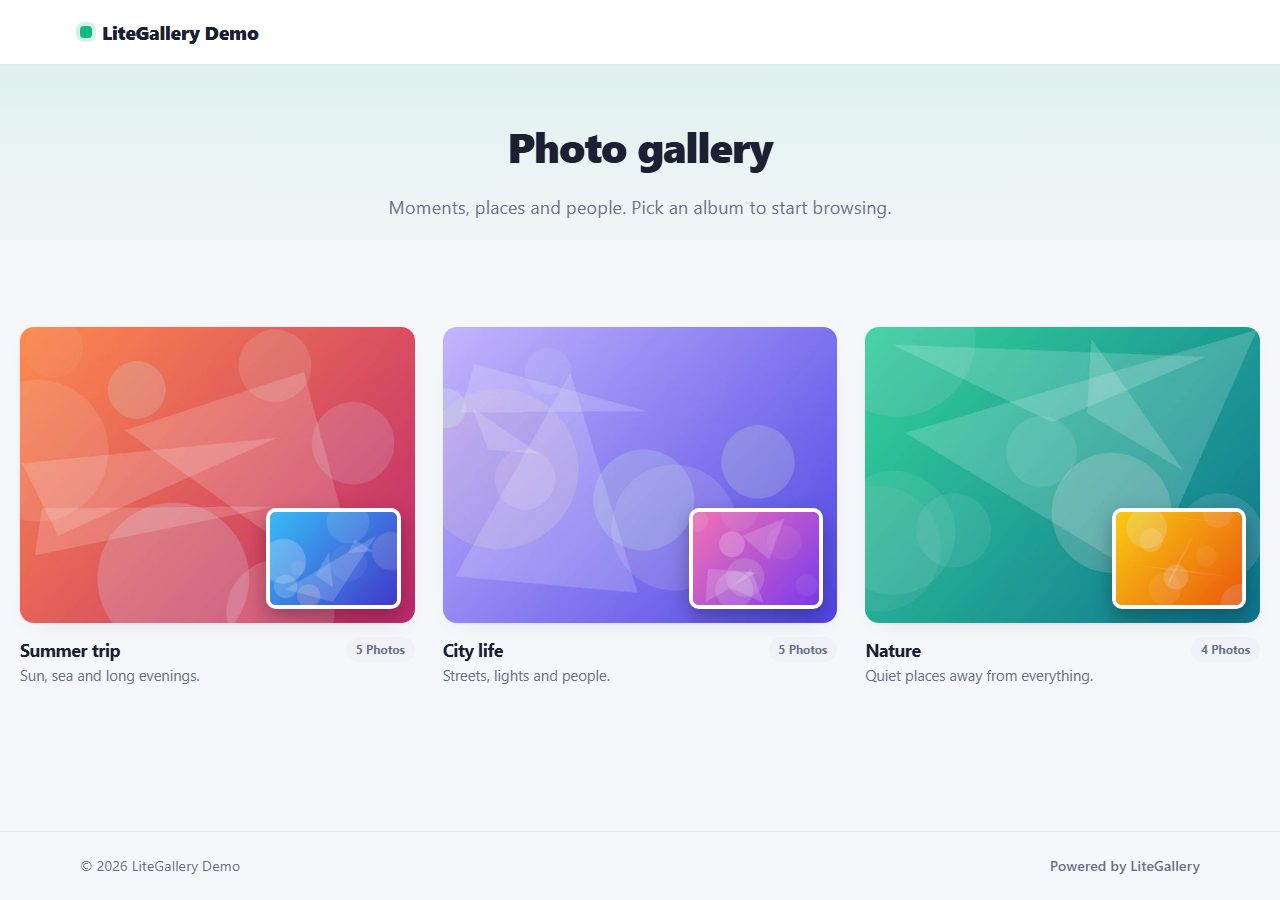
Show your photos in beautiful albums with masonry or grid layout and a keyboard-friendly lightbox. Bulk upload with automatic thumbnails.
Publish articles with cover images, categories, search, scheduling, RSS and a sitemap. SEO friendly, no database.
Browse all 20 free PHP scripts or see our professional PHP scripts.