PHP Help Desk
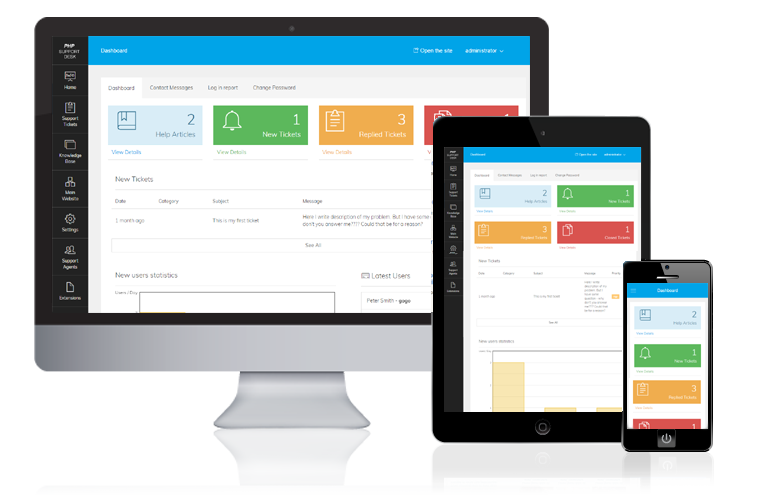
A support ticket system with a searchable knowledge base, so customers find answers first and your agents handle the rest.

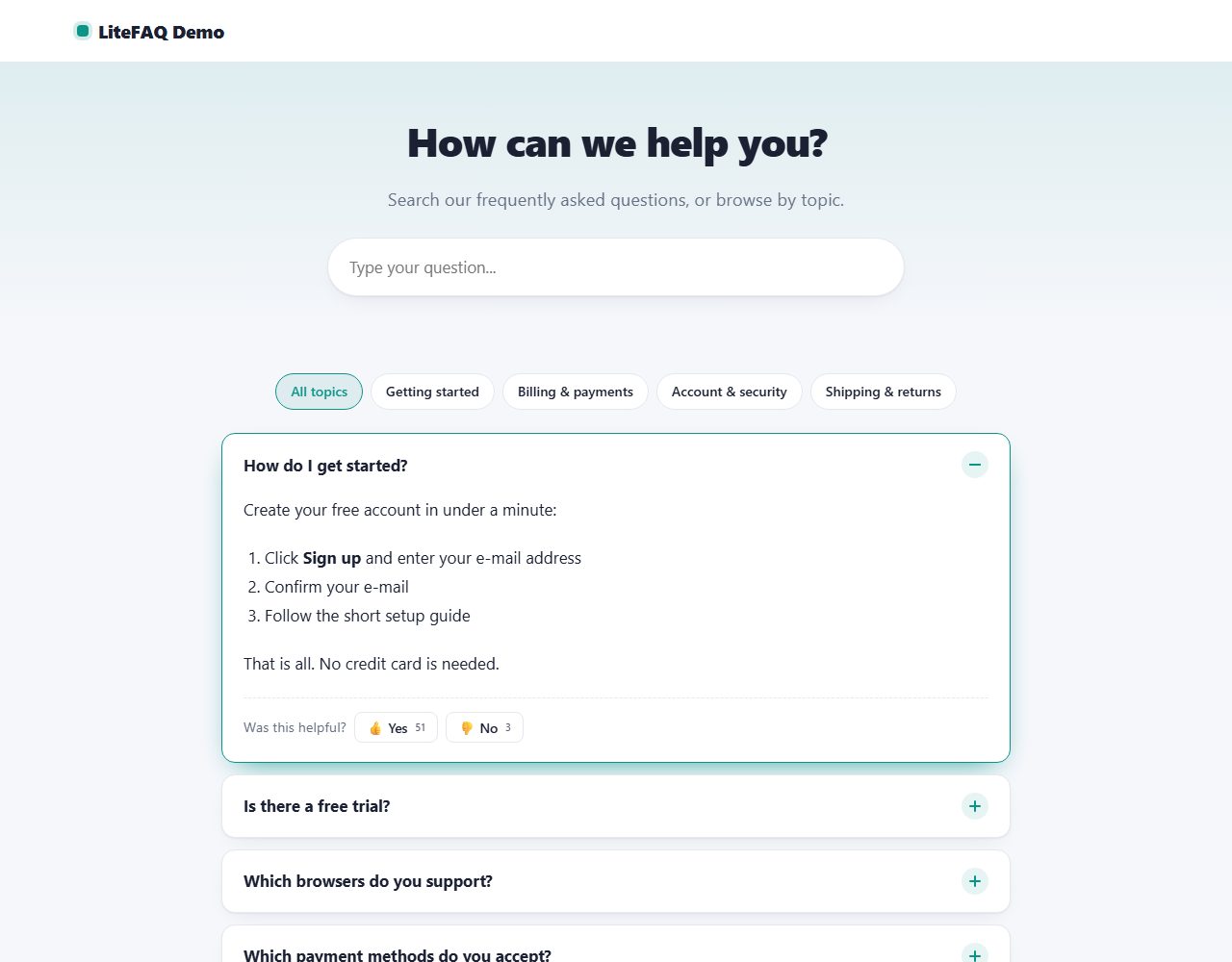
A beautiful FAQ page with instant search, topic filters, smooth accordions and 'Was this helpful?' votes. Adds FAQ structured data for Google.
One ZIP file, 156 KB, with the full PHP source code and a README.
Data is stored in protected files. Works on any PHP hosting.
Modern, responsive admin with light and dark mode.
Same design, same admin and same core in every script.
Free PHP FAQ script with instant search, topics and helpful votes.
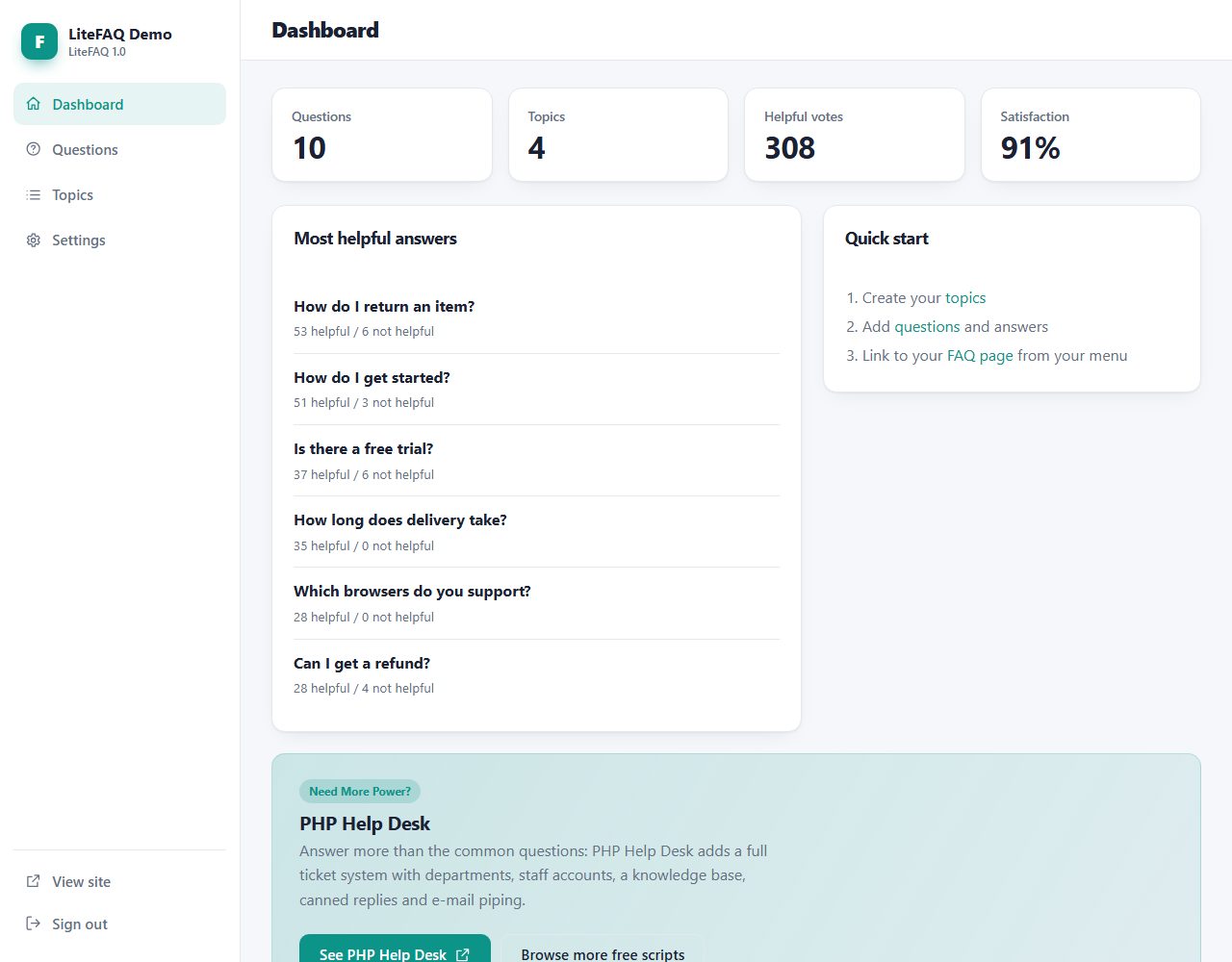
LiteFAQ turns your frequently asked questions into a modern help page. Visitors type a few letters and the list filters instantly, pick a topic, and open answers in a smooth accordion. Each answer can be rated 'helpful' or 'not helpful', so you see which answers work. The page outputs FAQPage structured data that helps search engines understand your content. Everything is managed from a clean admin panel, with no database.
Real screenshots of LiteFAQ: the public pages your visitors see and the admin panel you use to manage them.
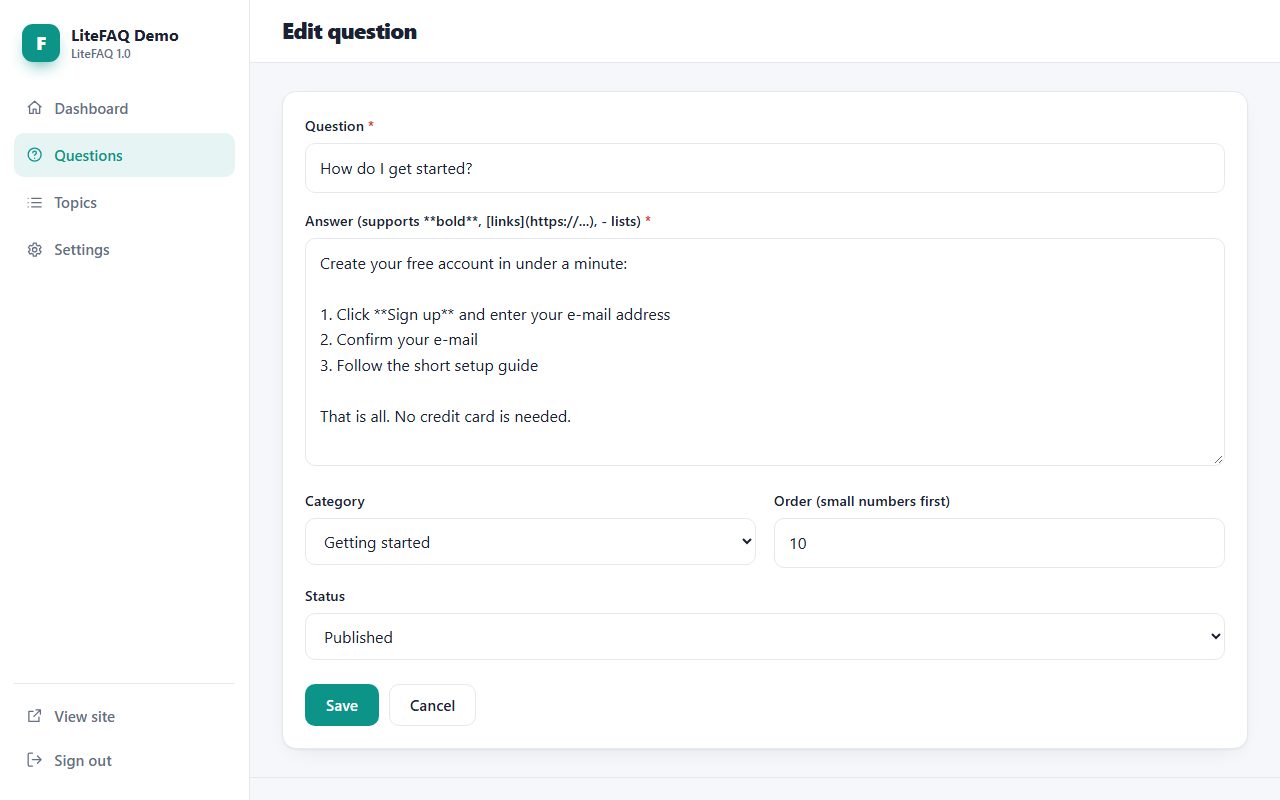
bold, [link text](https://example.com), - list item.LiteFAQ folder to your web hosting (FTP or file manager).data and uploads folders writable./admin/ in your browser and create your admin account.LiteFAQ outputs standard FAQPage JSON-LD. Google currently shows FAQ rich results only for some well-known authoritative sites, but the markup still helps search engines understand your page.
Not in this version. Pair it with LiteContactForm or LiteSupport and link to it from the 'Still need help?' box.
LiteFAQ answers the common questions. When customers need personal help, PHP Help Desk adds a full ticket system with departments, staff accounts, a knowledge base and canned replies:
A support ticket system with a searchable knowledge base, so customers find answers first and your agents handle the rest.
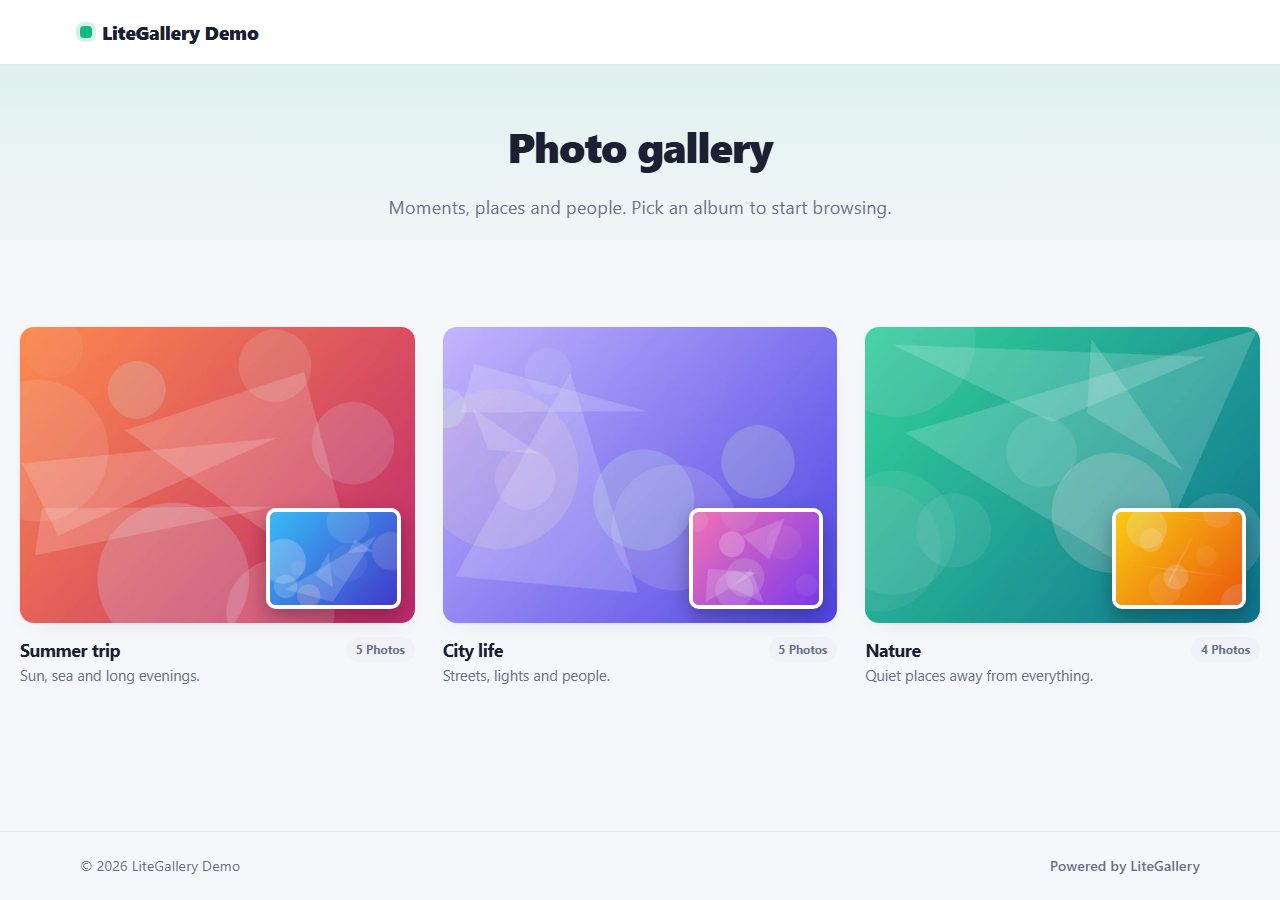
Show your photos in beautiful albums with masonry or grid layout and a keyboard-friendly lightbox. Bulk upload with automatic thumbnails.
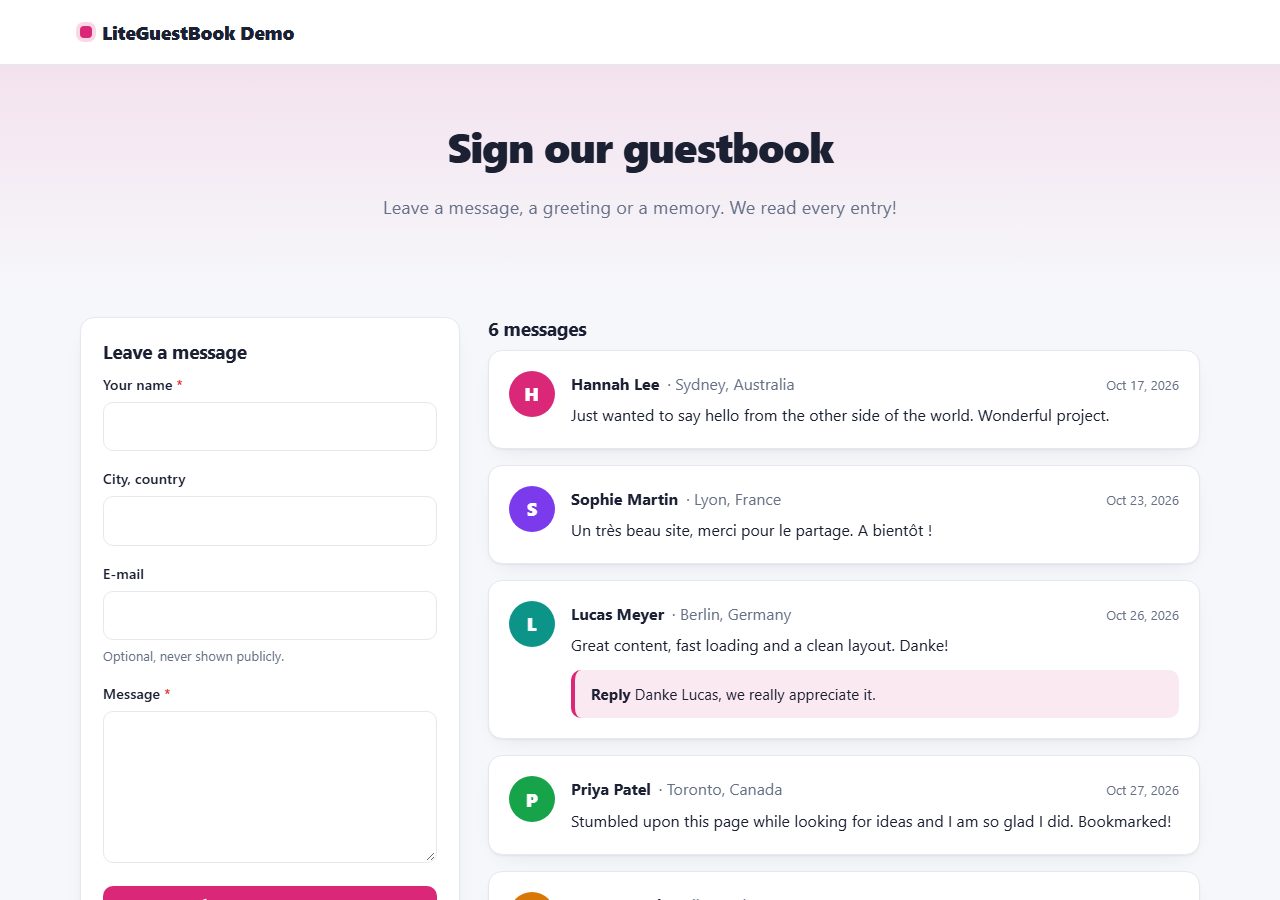
A friendly, modern guestbook: visitors leave messages, you approve and reply from the admin panel. No database, no CAPTCHA.
Publish articles with cover images, categories, search, scheduling, RSS and a sitemap. SEO friendly, no database.
Browse all 20 free PHP scripts or see our professional PHP scripts.