One Page Site
A mobile-friendly CMS for one-page websites with multiple sections, plus a blog, photo galleries and more.

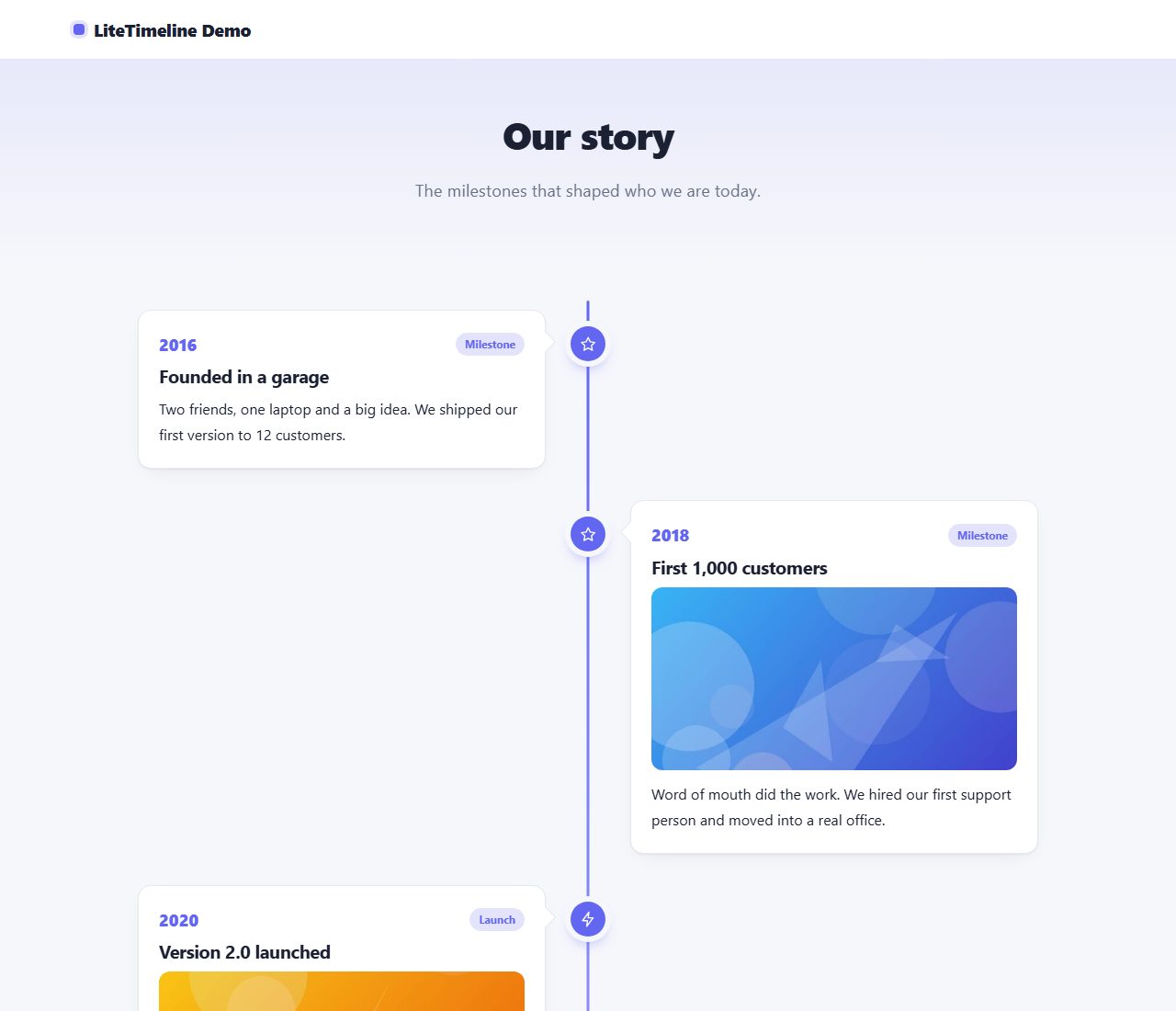
Tell your story with a beautiful vertical timeline: milestones with dates, pictures and descriptions. Ideal for About pages and roadmaps.
One ZIP file, 154 KB, with the full PHP source code and a README.
Data is stored in protected files. Works on any PHP hosting.
Modern, responsive admin with light and dark mode.
Same design, same admin and same core in every script.
Free PHP timeline script for company history, roadmaps and milestones.
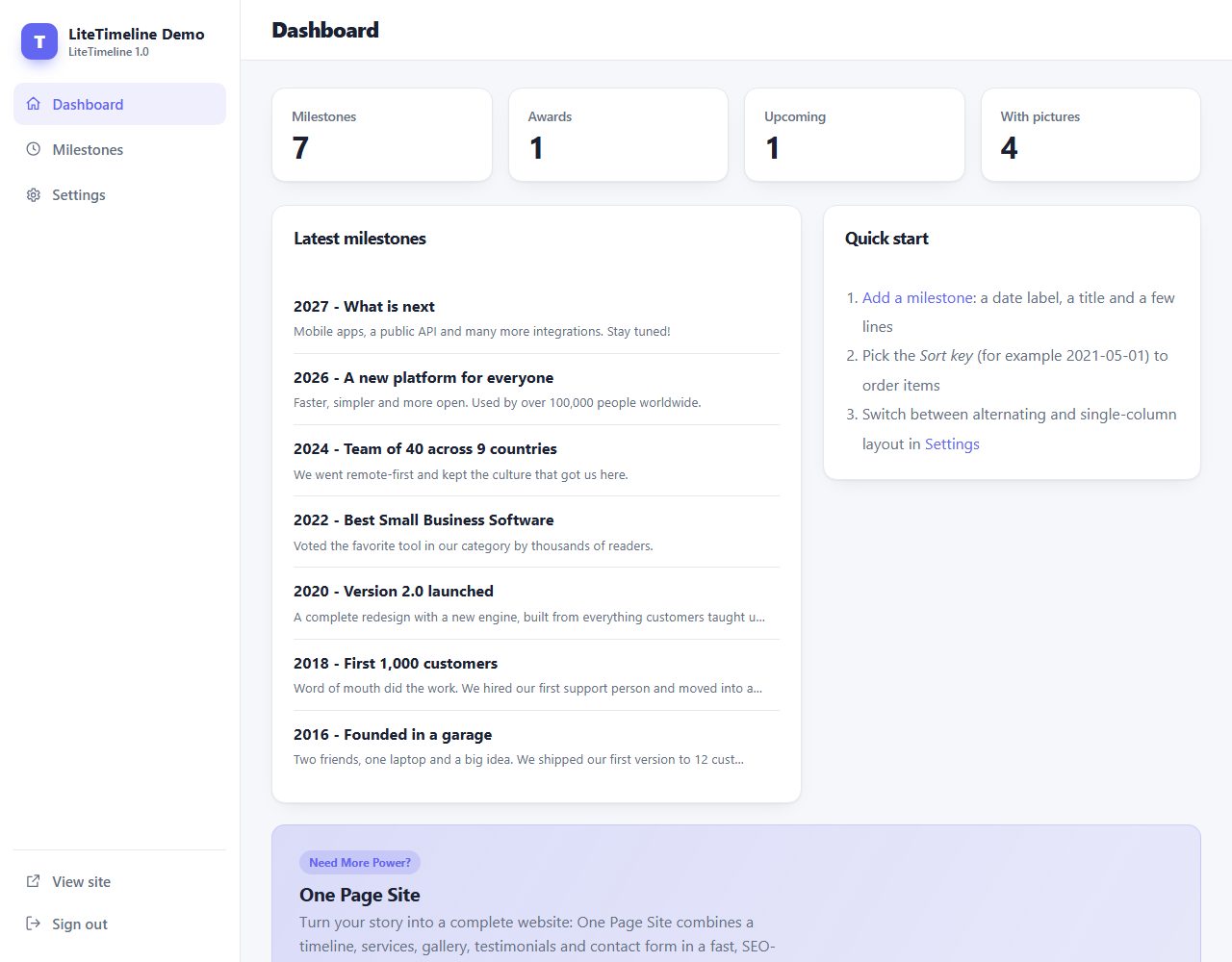
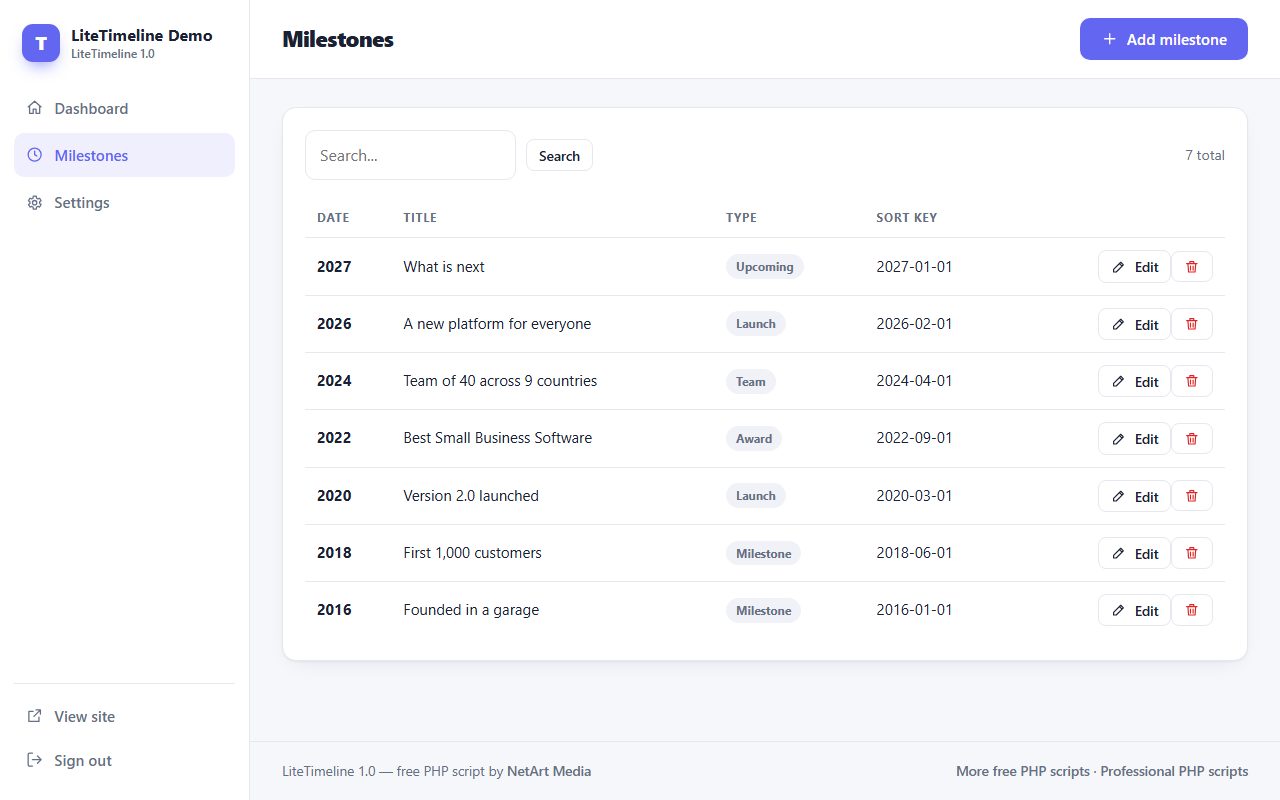
LiteTimeline is a free PHP script that turns a list of milestones into a modern vertical timeline. It is perfect for an About Us page, a company history, a product roadmap or a personal CV. Items alternate left and right on desktop and collapse into a clean single column on phones. Each milestone can have a date label, a type (milestone, launch, award, team, upcoming), a description with simple formatting and a picture.
Real screenshots of LiteTimeline: the public pages your visitors see and the admin panel you use to manage them.
LiteTimeline folder to your web hosting (FTP or file manager).data and uploads folders writable./admin/ in your browser and create your admin account.A timeline is a great section for an About page. For a complete one-page business website with services, gallery, testimonials and contact form, see One Page Site:
A mobile-friendly CMS for one-page websites with multiple sections, plus a blog, photo galleries and more.
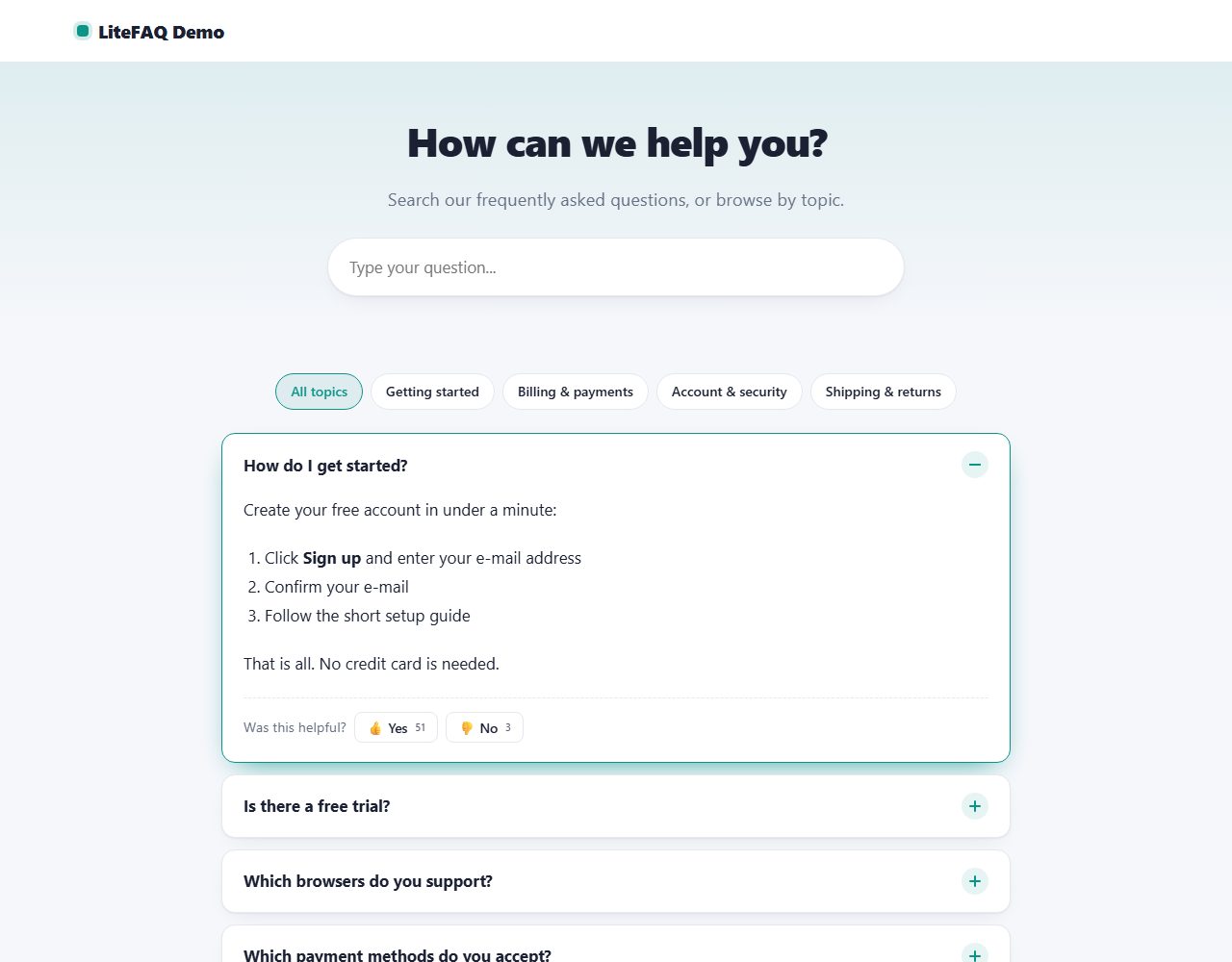
A beautiful FAQ page with instant search, topic filters, smooth accordions and 'Was this helpful?' votes. Adds FAQ structured data for Google.
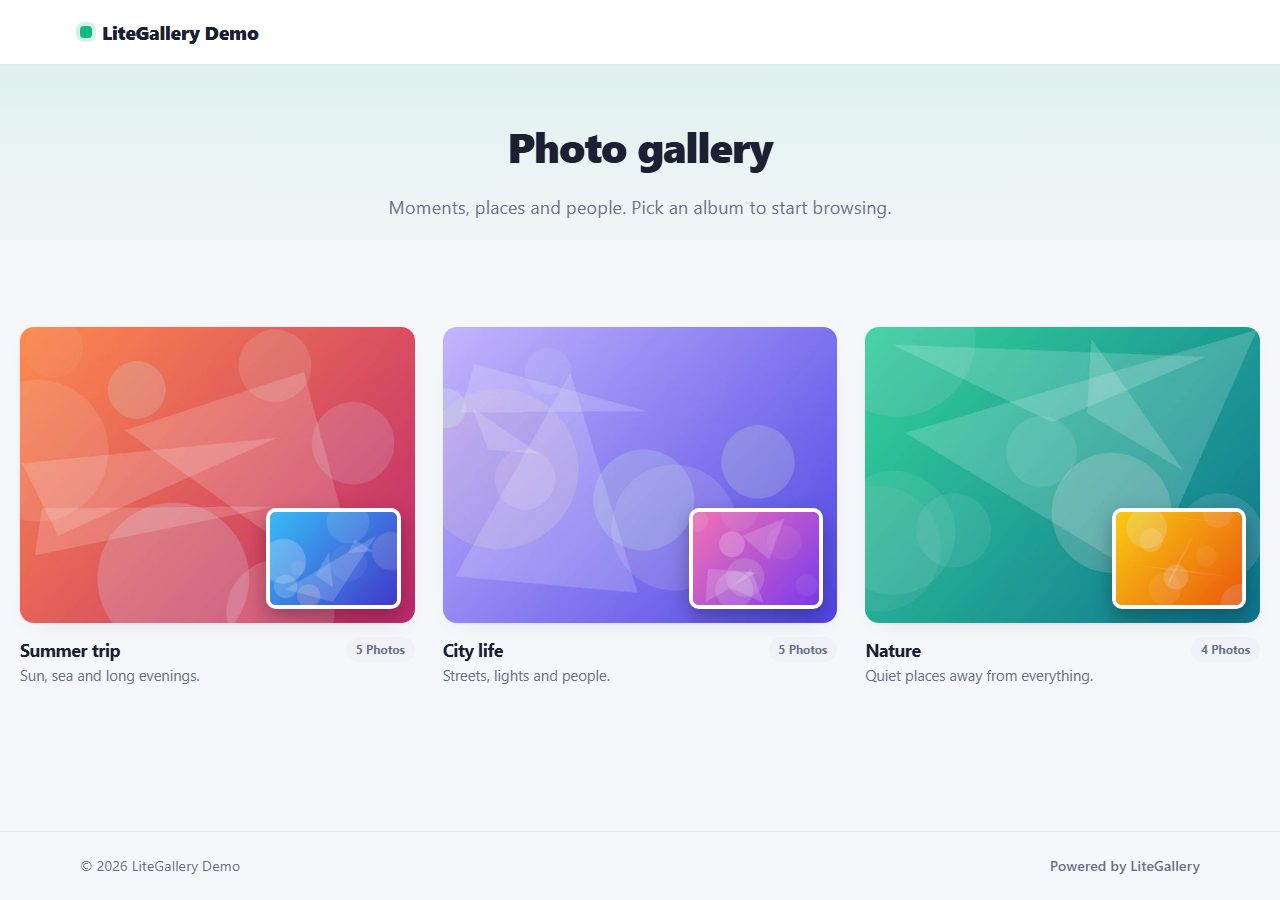
Show your photos in beautiful albums with masonry or grid layout and a keyboard-friendly lightbox. Bulk upload with automatic thumbnails.
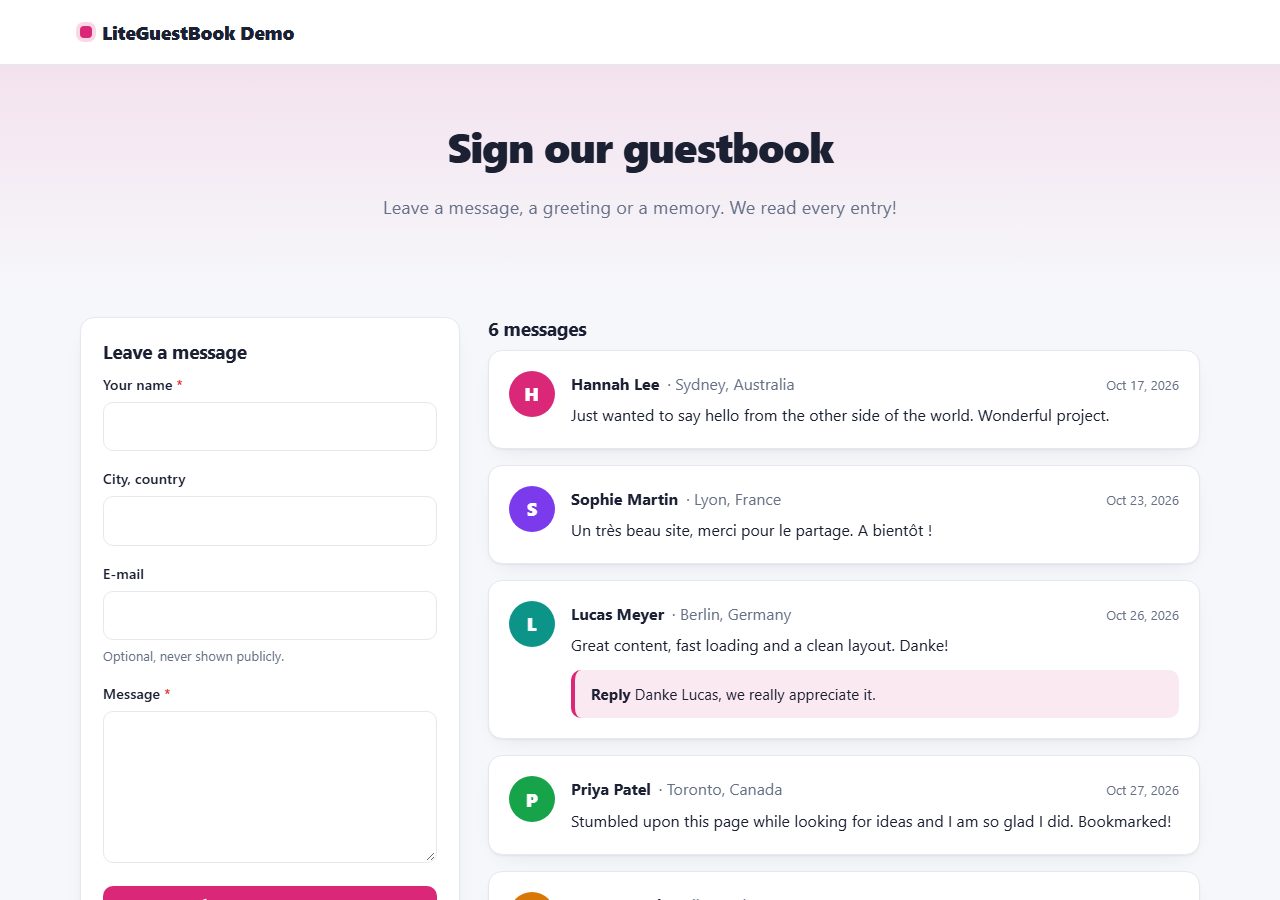
A friendly, modern guestbook: visitors leave messages, you approve and reply from the admin panel. No database, no CAPTCHA.
Browse all 20 free PHP scripts or see our professional PHP scripts.