AI search
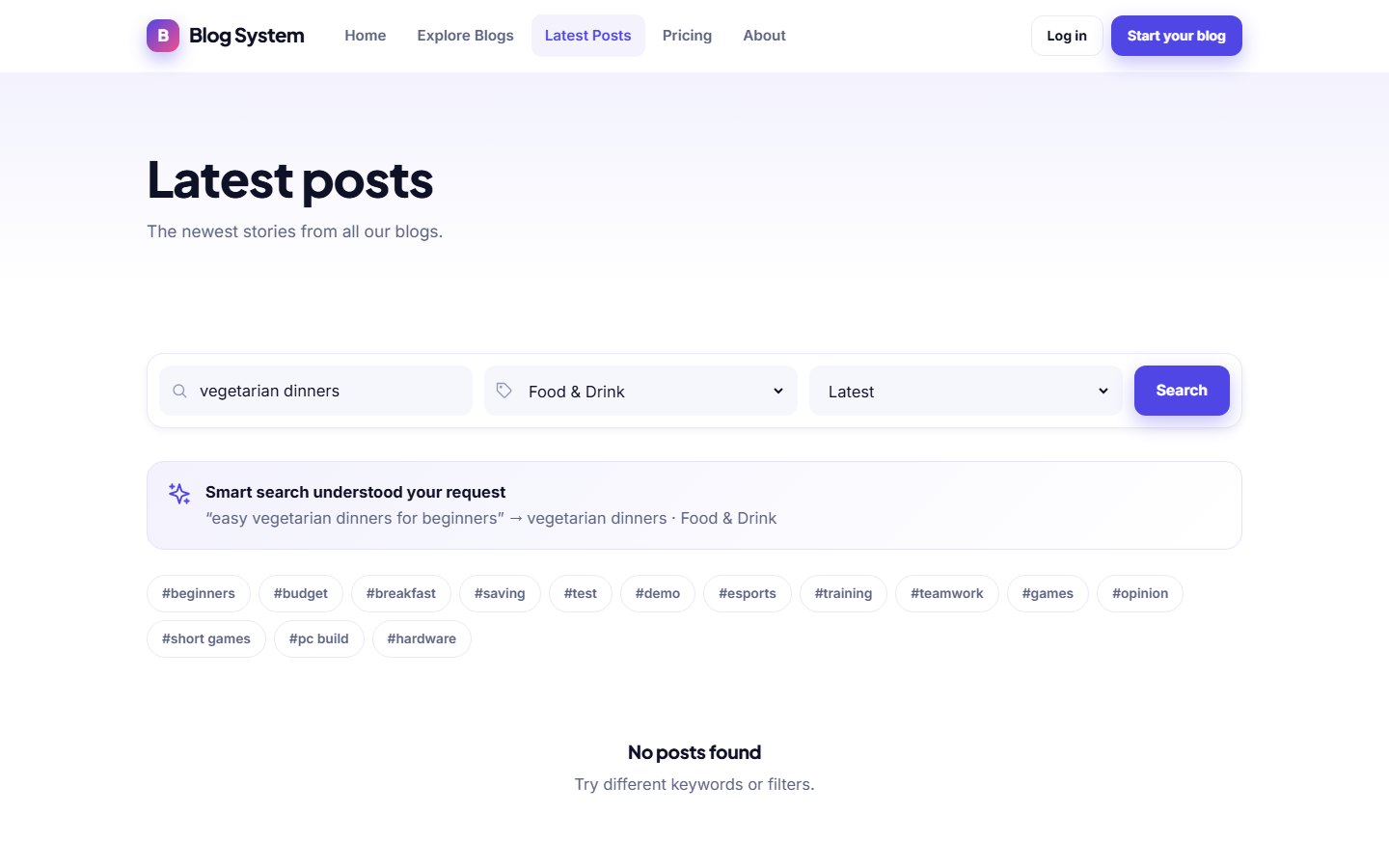
AI search lets visitors describe what they want to read in their own words. The system understands the sentence and returns the best matching posts and blogs.
How visitors use it
Instead of guessing keywords, a visitor can type a question or a sentence such as "budget travel tips for Portugal". The AI turns it into a search and the results are shown like normal search results.
Enabling AI search
- Configure an AI provider and key in Blog settings › AI settings (see AI settings).
- Switch on Enable AI search.
- Save. Use Test connection to check that the provider answers.
CostAI search uses your provider's API, so each AI search may cost a small amount. Choose a provider and model that fit your budget; the settings allow any OpenAI-compatible API.
If AI search is switched off, visitors still have the normal keyword search.
Last updated