Interface texts and languages
Every word on the website and in the panels can be changed, and new languages can be added without touching code.
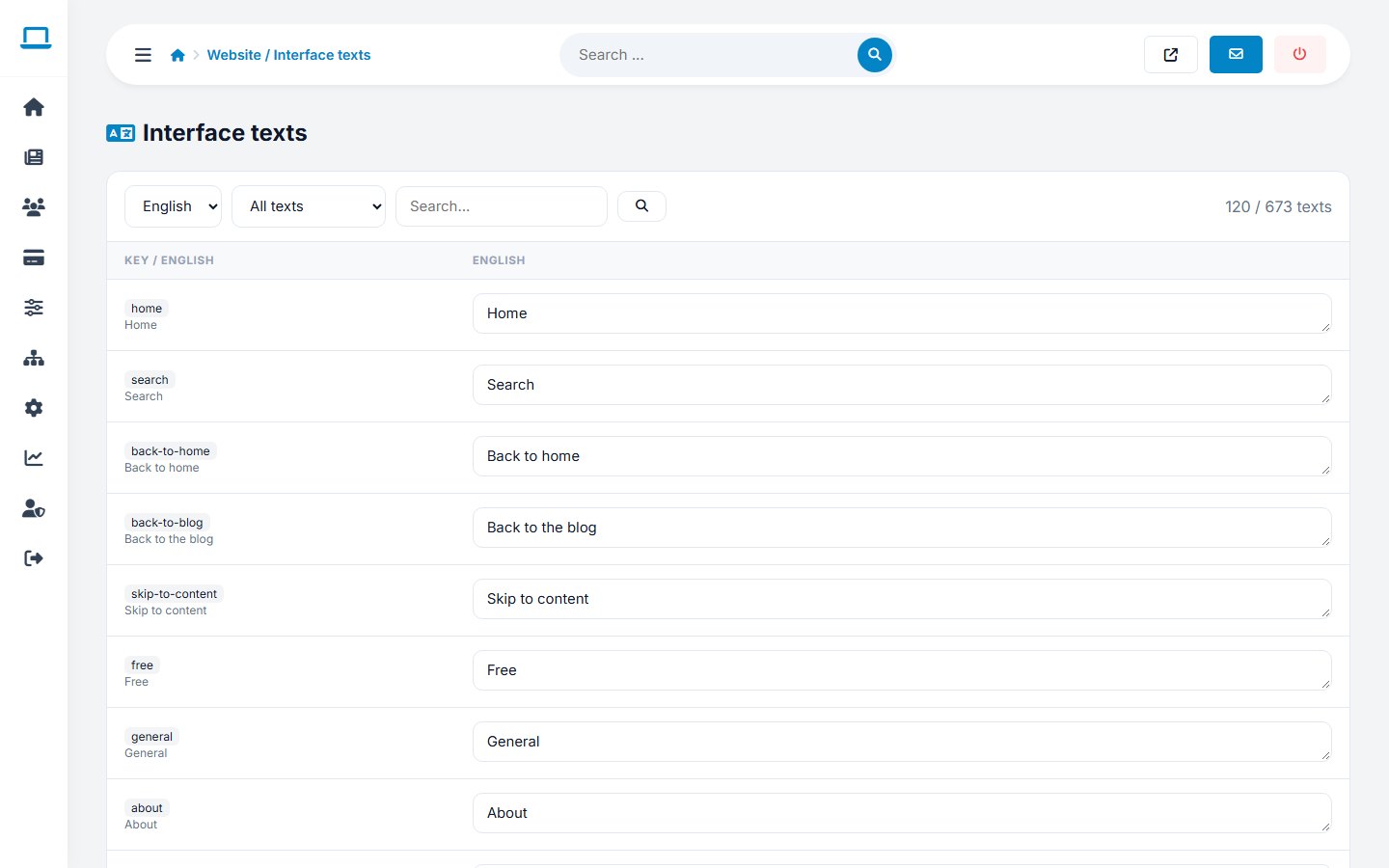
Editing texts
Open Website › Interface texts, choose a language and a group (for example home), and edit the texts in the form. Your changes are saved in languages/custom_xx.php (xx = language code), so updates of the original language files never overwrite them.
Adding a language
- Switch on Multi language in General settings.
- Open Settings › Language versions, enter the language code (for example
fr) and name, and add it. An empty translation file is created. - Translate the texts in Interface texts, or copy
languages/en.phptolanguages/fr.phpand translate it in an editor. Missing keys fall back to English.
Managing languages
Each language can be switched on or off, set as default or deleted. The default language and English cannot be deleted.
The administration has its own language file, ADMIN/en.php.
Last updated