The blogger dashboard
After logging in at /USERS/ a blogger lands on the dashboard: a quick overview and shortcuts for daily work.
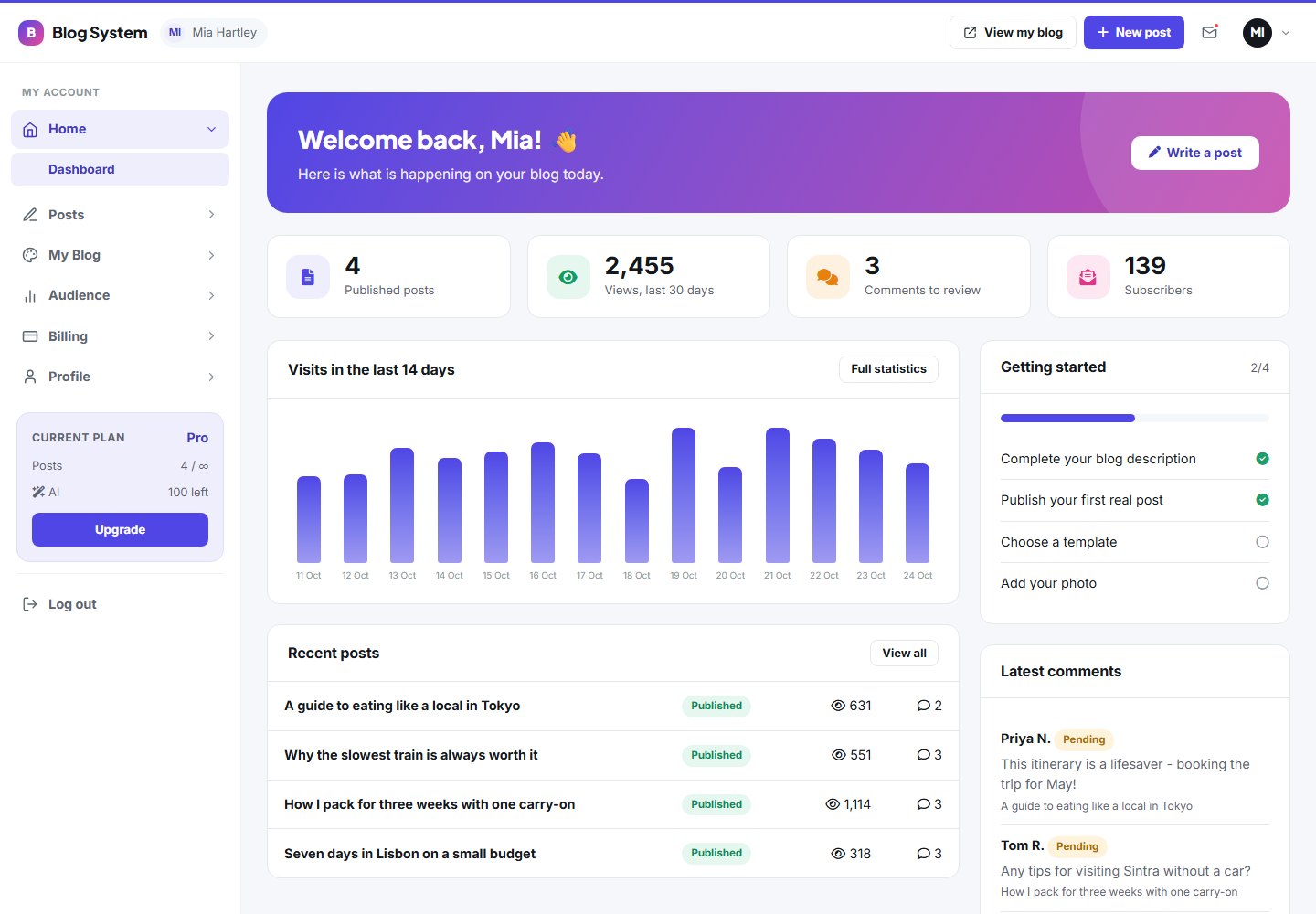
Key figures
| Tile | Meaning |
|---|---|
| Published posts | Number of live posts, with the count of drafts |
| Views (30 days) | Visits of the last 30 days and the change versus the previous period |
| Pending comments | Comments waiting for approval; click to open them |
| Subscribers | People who subscribed to the newsletter |
The menu
The left menu groups all tools:
- Posts: all posts, new post, categories, comments, media library
- My blog: appearance, blog settings, pages, domain
- Audience: statistics, subscribers, newsletter, messages
- Billing: my plan, payment history
- Profile: my profile, change password
Plan-dependent menuThe Newsletter item only appears when the blogger's plan includes the newsletter tool.
Pages are explained one by one in the following chapters, starting with Write and publish posts.
Last updated