Registration, activation and login
Registration is the heart of the platform: one short form, and the visitor becomes a blogger with a blog of their own.
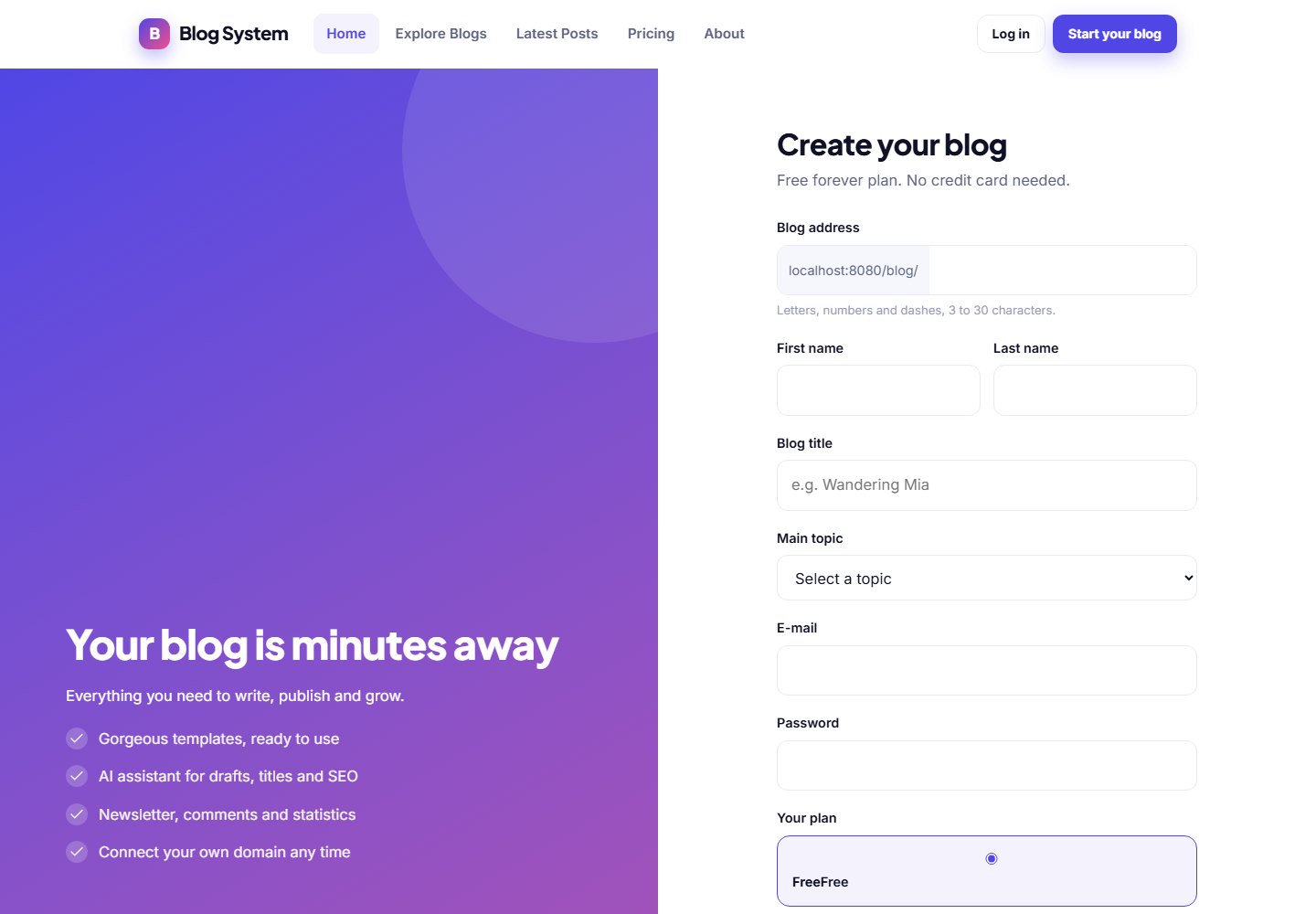
Registering
The visitor opens the registration page, chooses a username, enters their e-mail address and a password and submits the form. The username becomes the address of the blog (for example /blog/username) so it must be unique. A blog with default title, tagline and template is created automatically.
E-mail activation
If Require e-mail activation is on, the new member receives an e-mail with an activation link and can only log in after clicking it. Accounts that are never activated are removed by the daily cron job after 7 days.
Logging in and forgotten passwords
Members log in with their username or e-mail address and their password. The Forgot password link sends a reset link by e-mail. After login the member lands in the blogger panel.
Settings that control registration
| Setting (Blog settings › Blog options) | Effect |
|---|---|
| Allow registration | Switch off to close sign-ups, for example for an invitation-only community |
| Require e-mail activation | Members must confirm their e-mail address |
| Minimum password length | From 6 to 64 characters |
| Default blog template | The template given to every new blog |
| Reserved usernames | Words that cannot be used as usernames, such as admin or support |
Public forms are protected by rate limits and a captcha. See Blog options for details.
E-mail must workIf activation is required but outgoing e-mail is not configured, nobody can complete registration. Test your e-mail in E-mail settings first.
Last updated