Add an FAQ section
Answer the questions customers always ask, before they have to ask them.
What it looks like
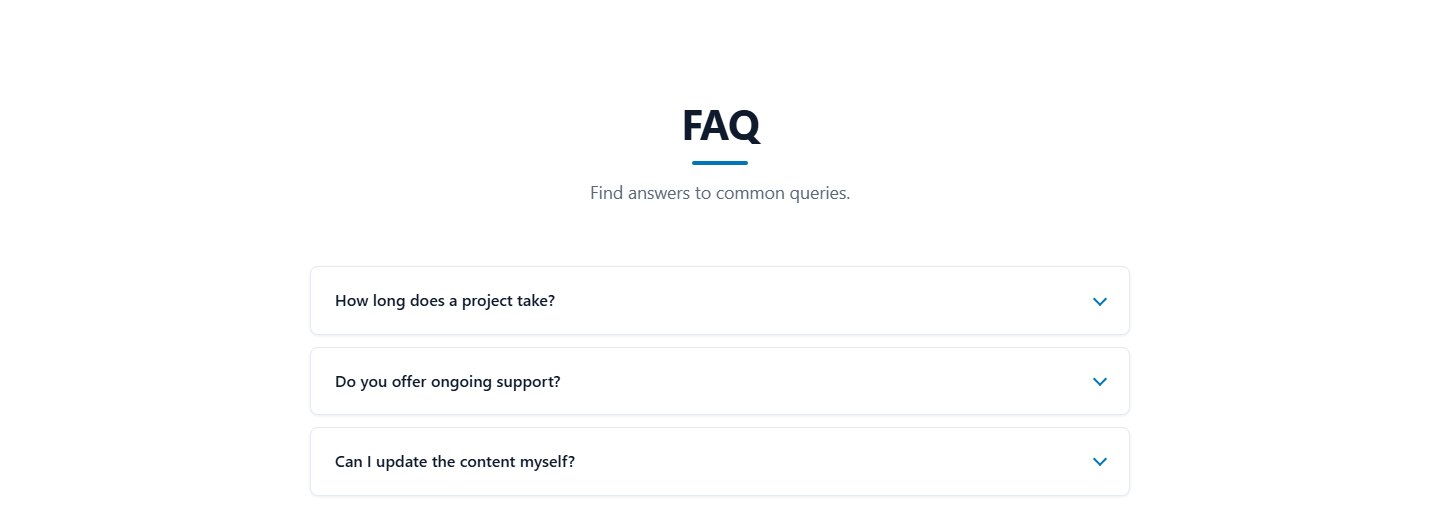
Questions are shown as a list. Clicking a question opens its answer, and clicking again closes it.
Fields for each entry
| Field | Description |
|---|---|
| Question | Written the way a customer would ask it. |
| Answer | Plain text. Line breaks are kept. |
Why FAQ helps your SEO
The page automatically includes FAQ structured data (schema.org FAQPage). Search engines can use it to understand your content and sometimes show your questions directly in the results. There is nothing to configure.
Step by step
- Add a section of type FAQ.
- Click Add question and enter the question and answer.
- Reorder and save.
An FAQ section usually does not need its own menu link. Switch off Show in the menu and place it above the call to action.
Last updated