Add a testimonials section
Let satisfied customers speak for you. Testimonials are one of the strongest trust builders on a landing page.
What it looks like
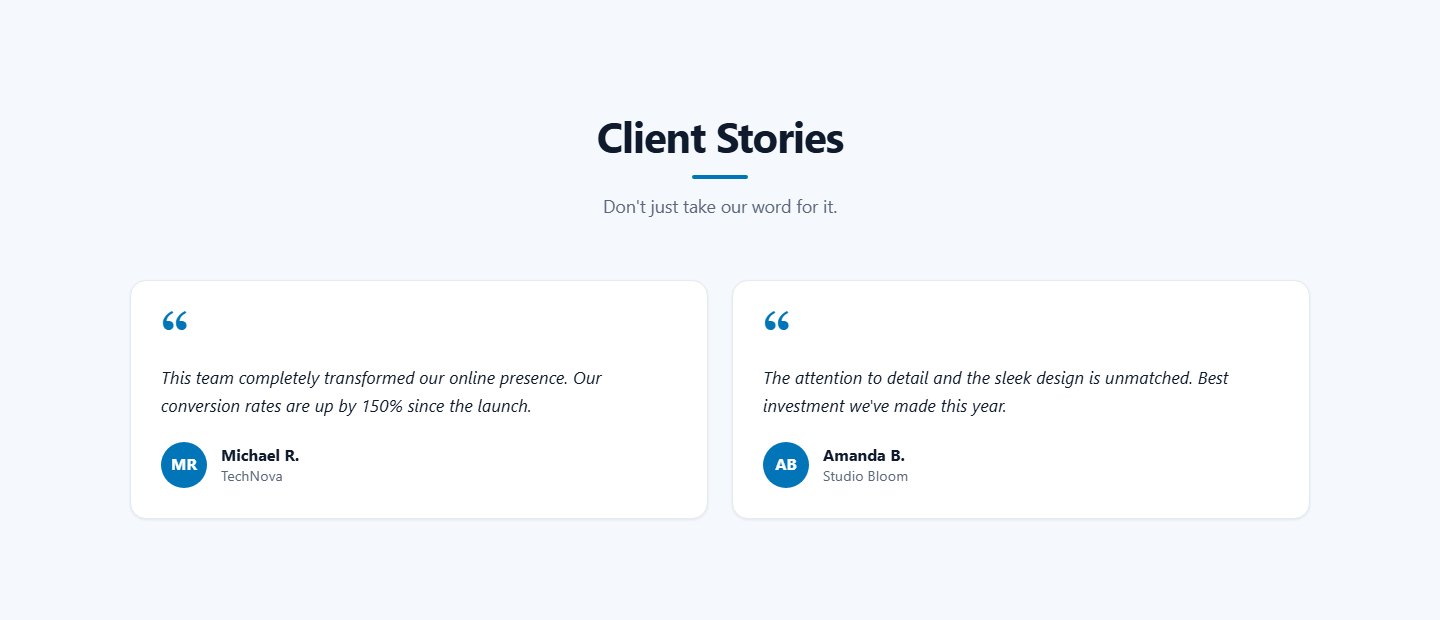
Each testimonial is a card with the quote, a round avatar with the person's initials, the name and a role or company line.
Fields for each testimonial
| Field | Description |
|---|---|
| Name | The customer's name, for example "Michael R.". |
| Role / company | Optional, for example "CEO, TechNova". |
| Quote | The testimonial text. Line breaks are kept. |
Step by step
- Add a section of type Testimonials and name it, for example "Client Stories".
- Click Add testimonial and fill in the fields.
- Save.
Real names, specific results ("conversion rate up 150%") and short quotes are far more convincing than generic praise. Always ask permission before publishing a customer's name.
Last updated