How your one page website works
Your whole website is one page assembled from the sections you create. This page explains each part of it.
The building blocks
Every page is built from the same parts, in this order:
- Header with your logo, the menu and a "Get in Touch" button.
- Sections, shown in the order you set on the Sections page.
- Latest blog posts (only if you have published posts and the blog is switched on).
- Footer with logo, footer text, quick links, contact details and social media icons.
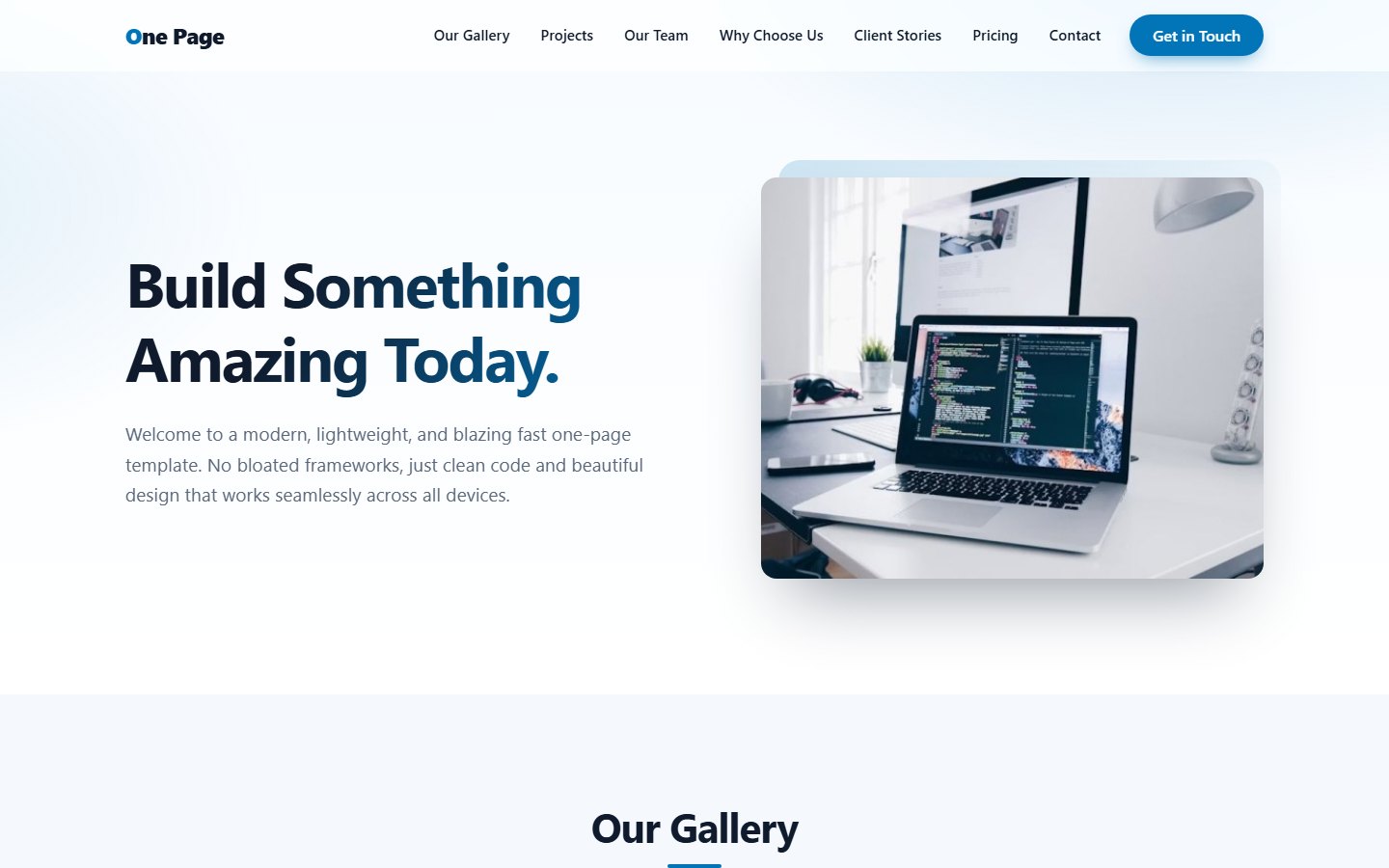
The hero
If the very first section of your page is an Information section, it is shown as the hero: a large headline (the only h1 heading on the page), your text, a button and a big picture. All other sections use a regular heading style.
The header button
The button in the header, "Get in Touch", scrolls to your Contact section when you have one. Otherwise it opens the standalone contact page at index.php?page=contact.
The footer
The footer is filled automatically from the Branding & SEO page: the logo or site name, the footer text, your phone, email and address, and links to the social networks you entered. Empty fields are simply left out. The quick links repeat your menu.
Movement and effects
- Cards and images fade in softly as you scroll. Visitors who have "reduce motion" turned on in their system see no animation.
- The menu item of the section currently in view is highlighted.
- Gallery pictures open in a full-screen lightbox. Sliders can be dragged or swiped.
Accessible by default
A "Skip to content" link, keyboard friendly menus, sliders and accordions, readable colour contrast and descriptive image text help every visitor.
Last updated