Car types, brands and features
Three small lists define how cars are classified. They appear in the search filters, on the car forms and on the home page.
Car types
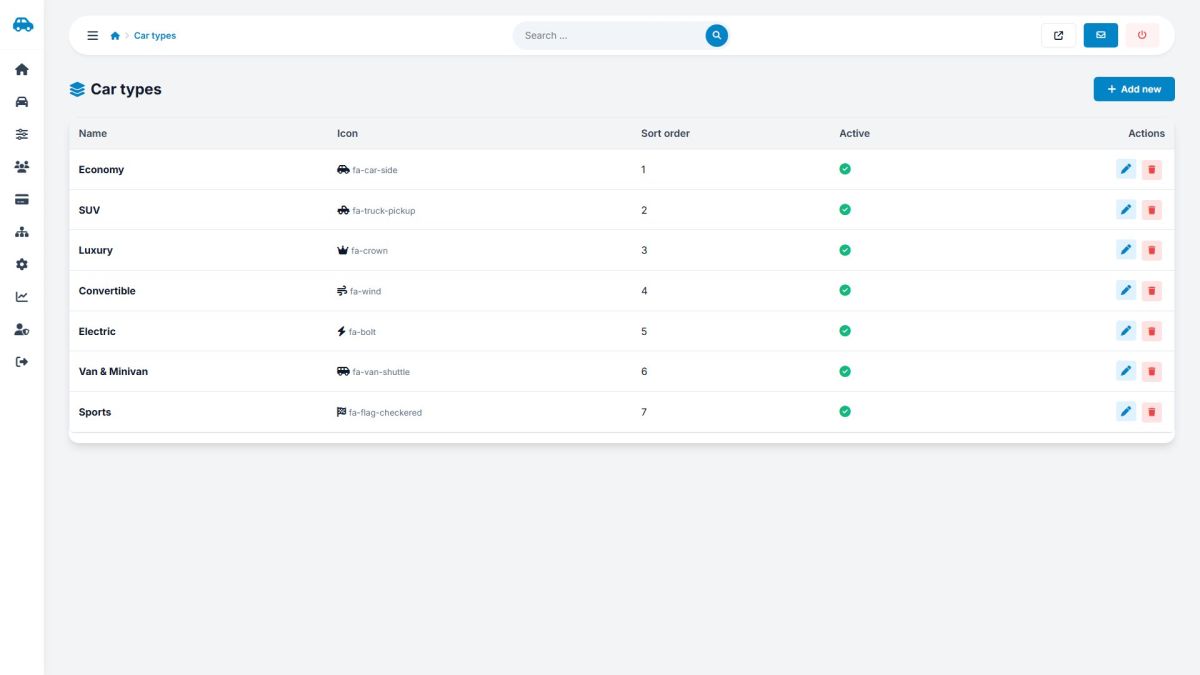
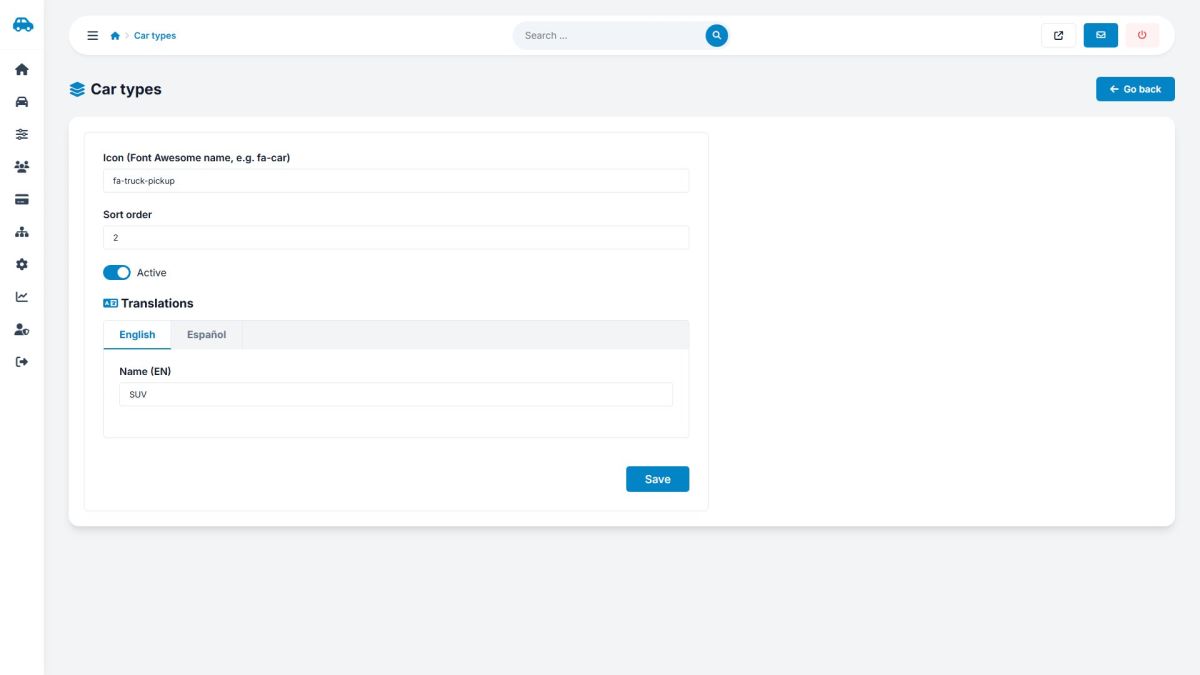
Each type has a Font Awesome icon (for example fa-car-side), a sort order, an active switch and a name in every language. Click the pencil to open the form with one tab per language.
Brands
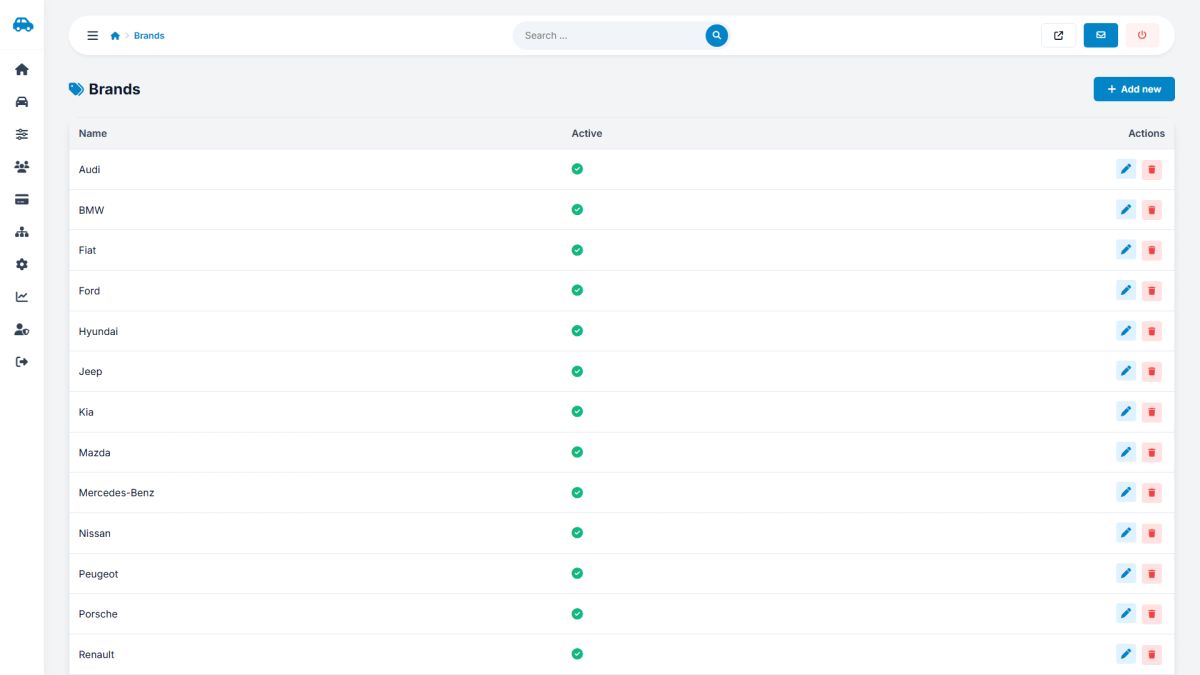
Brands have a single name and an active switch (brand names are the same in all languages).
Features
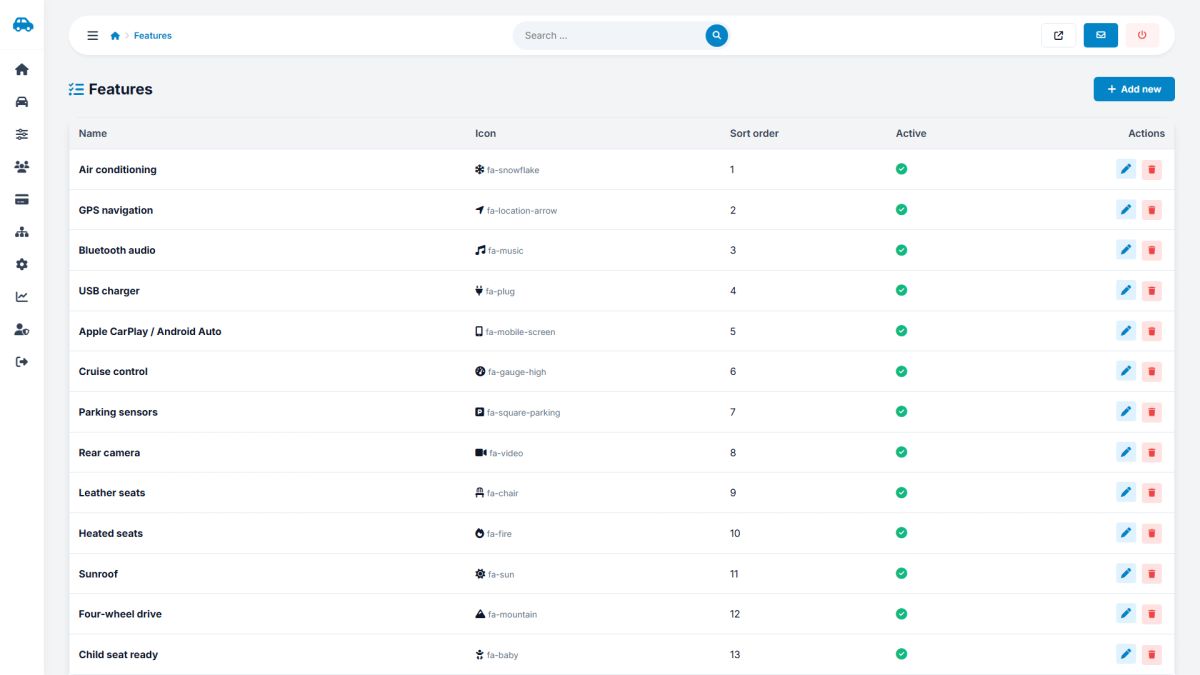
Equipment such as air conditioning, GPS, sunroof or child-seat readiness. Choose an icon, a sort order and a translated name. Owners tick these on the car form and visitors filter by them.
Deleting a type or brand does not delete cars; the cars simply have no type or brand afterwards. Use the active switch to hide an item instead of deleting it.
The icon names come from Font Awesome 6 Free. Use the name of a "solid" icon, for example fa-snowflake.
Last updated