Admin login and dashboard
The admin panel is at /ADMIN/ of your website. It is the control center of your business and uses the same design as the other scripts of the family.
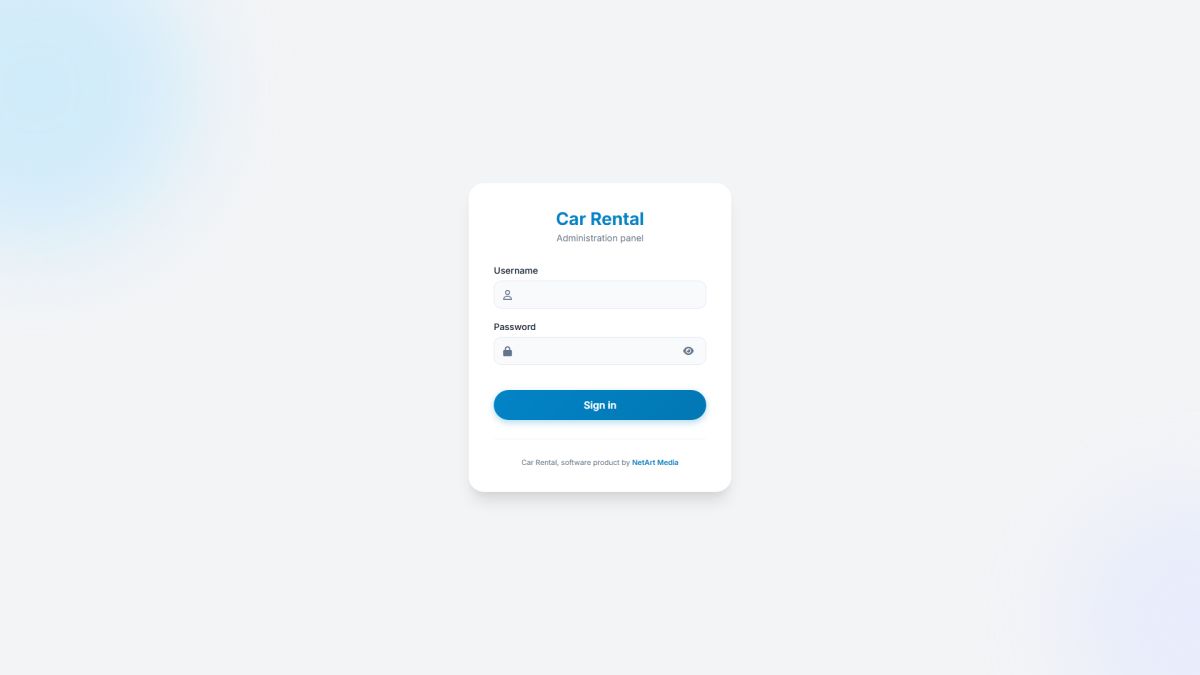
Logging in
- Open
https://your-site.com/ADMIN/and enter the username and password chosen during installation. - Sessions last twelve hours of inactivity.
- After eight wrong passwords from the same IP address, logins are blocked for fifteen minutes. Every attempt is recorded in Login logs.
The dashboard
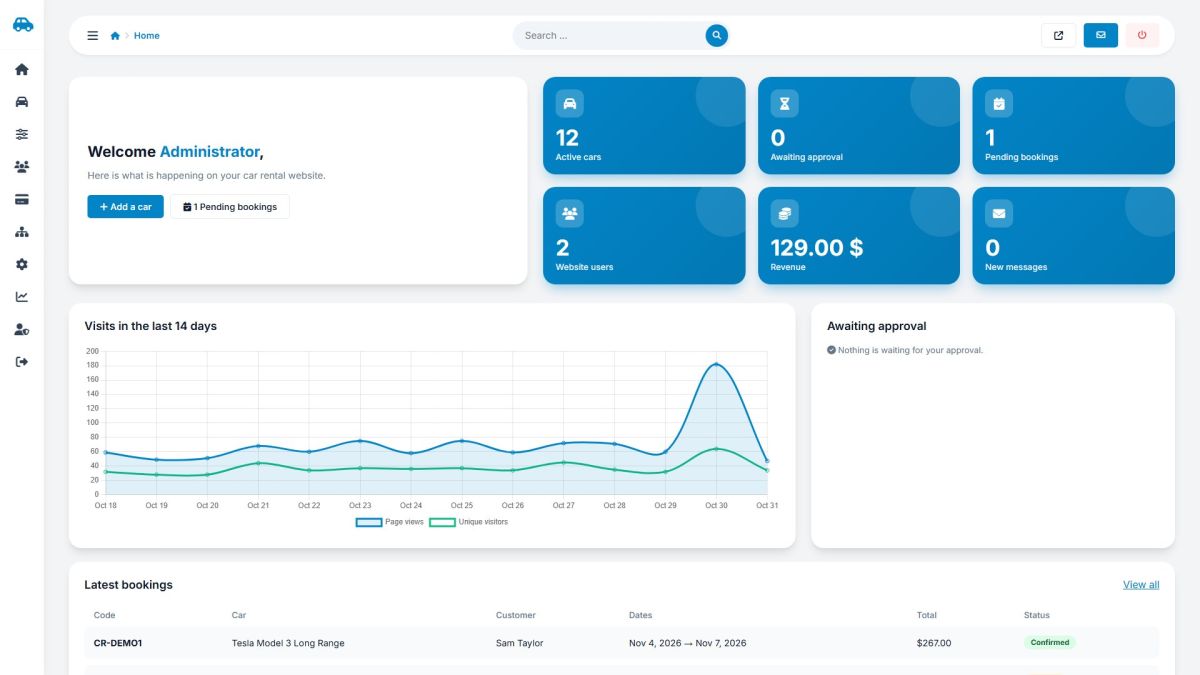
| Tile | Meaning |
|---|---|
| Active cars | Cars that are online now. |
| Awaiting approval | New listings from users waiting for you (Managing cars). |
| Pending bookings | Booking requests that are not answered yet (Managing bookings). |
| Website users | Registered accounts (Website users). |
| Revenue | Sum of paid listing payments (Packages and transactions). |
| New messages | Unread messages from the contact form (Messages and login logs). |
Below the tiles you see a chart of page views and unique visitors for 14 days, the listings awaiting approval and the latest bookings. Click any tile to open the related page.
Menu and top bar
| Menu group | Contains | Chapter |
|---|---|---|
| Home | Dashboard, messages, login logs, my account | Messages and login logs |
| Cars | All cars, bookings, reviews | Managing cars, Managing bookings, Moderating reviews |
| Car settings | Car types, brands, features, extras, locations, coupons | Car types, brands and features, Extras, locations and coupons |
| Users | Website users | Website users |
| Payments | Payment settings, packages, transactions | Payment settings, Packages and transactions |
| Website | Pages, news, FAQ, logo and colors | Pages and menu, News and FAQ, Logo, colors and branding |
| Settings | General, AI, e-mail, SEO, social media, languages | General settings, AI settings |
| Statistics | Traffic report | Traffic statistics |
| Admin users | Administrators, groups, permissions | Administrators, groups and permissions |
The search box in the top bar finds admin pages by name, so you can type "payment" or "language" instead of browsing the menu. The arrow icon opens your website in a new tab.
Last updated