Messages and login logs
Two small pages under Home keep you informed: the inbox for visitor messages and the log of administrator logins.
Messages
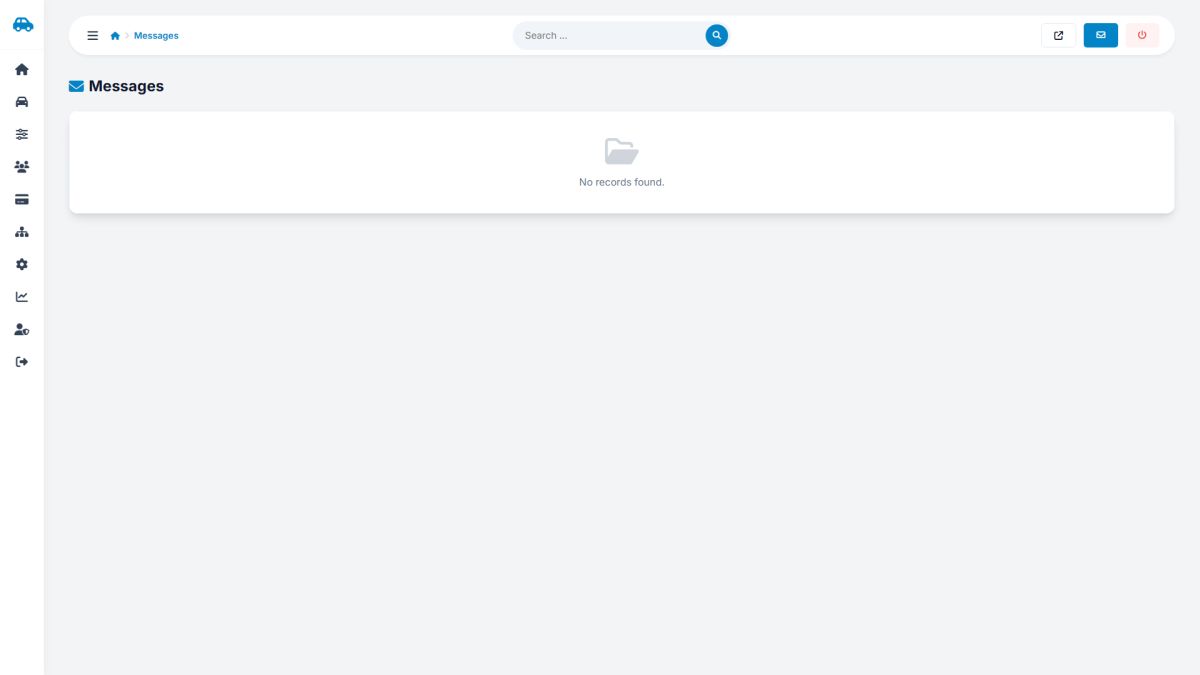
- New messages show a dot before the name. The dashboard tile counts the unread ones.
- Click the pencil to open a message; it is marked as read. The page shows name, e-mail, phone, subject, date, IP address and the text.
- Reply opens your mail program with the subject filled in.
- The trash icon deletes a message after confirmation.
Messages sent from the Contact the owner form of a car page are not here; they go to the owner of that car (Booking requests and messages).
Login logs
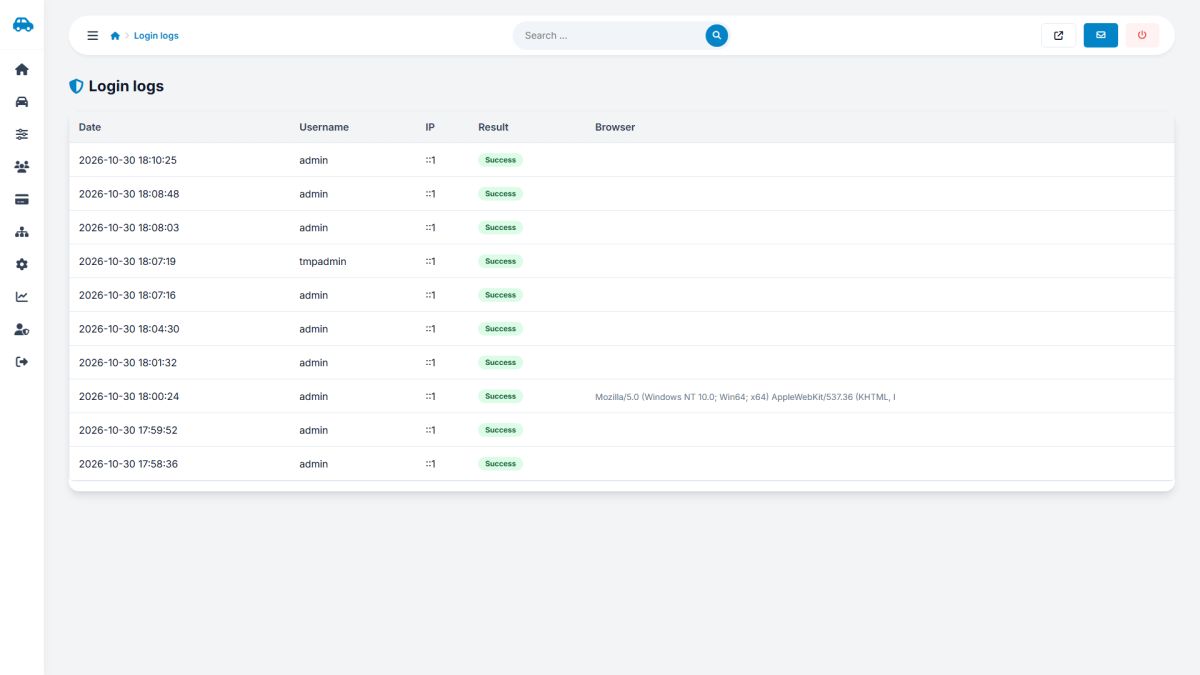
Every login attempt is recorded: date and time, the username that was typed, IP address, result and the browser. Repeated failures from an unknown address are a sign of a password-guessing attack; the panel already blocks them, but you can also add a rule at server level.
Last updated