The home page
The home page is built to turn visitors into customers: a strong first screen, a search box that is always visible, and sections that build trust and show your cars.
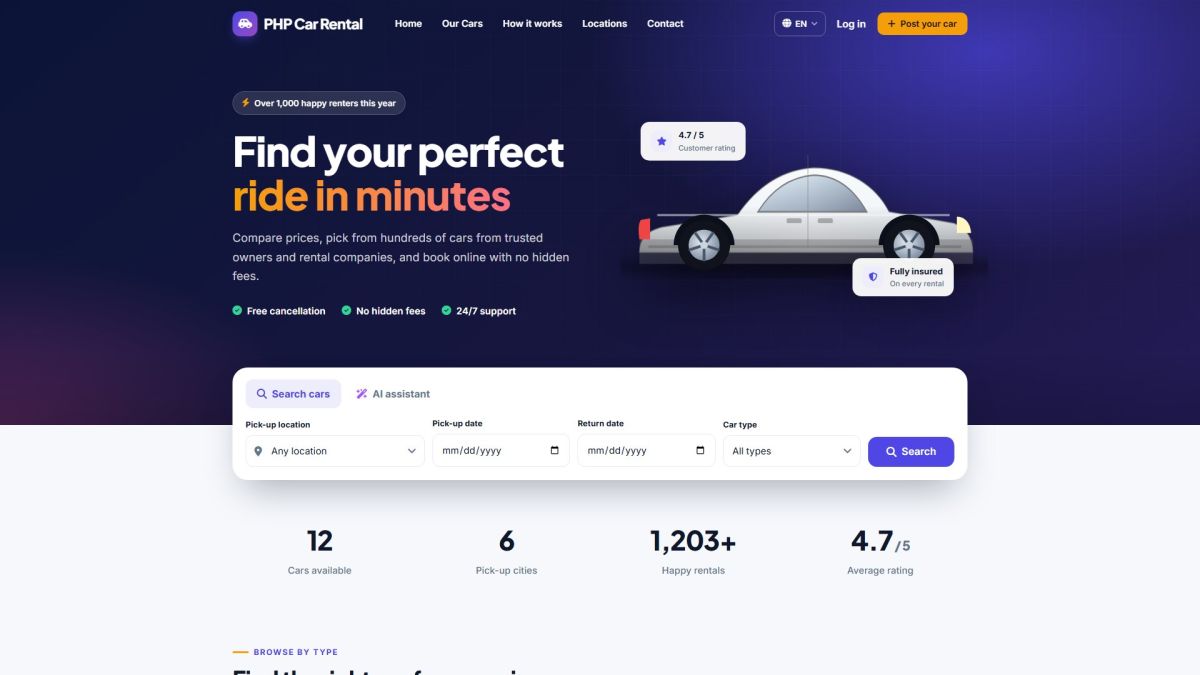
Sections from top to bottom
| Section | What it shows | Where you control it |
|---|---|---|
| Hero | Headline, short text, trust points, an illustrated car and the search panel. | Home page texts and image: Logo, colors and branding. |
| Search panel | Two tabs: Search cars (location, dates, type) and AI assistant. | AI tab: AI settings. Locations and types: Car types, brands and features. |
| Numbers | Cars available, pick-up cities, happy rentals and average rating, calculated from your data. | Automatic. |
| Browse by type | One tile per active car type with the number of cars. | Car types, brands and features. |
| Featured cars | Up to six cars, featured ones first. | Mark a car as featured in Managing cars. |
| How it works and Why us | Three steps and six advantages. | Texts in languages/en.php (Languages on the website). |
| Popular locations | Cards for your pick-up places with car counts. | Extras, locations and coupons. |
| Testimonials | Latest approved reviews with 4 or 5 stars. | Approve reviews in Moderating reviews. |
| Post your car | Banner that invites owners to list a car. | Shown when Users can post their own cars is on (General settings). |
Customize the home page
- Change the main color, logo, fonts and the hero background photo in Website → Logo & colors.
- Replace the headline and subtitle with your own words in the same page.
- Reorder or hide menu items in Pages and menu.
Mobile and tablet
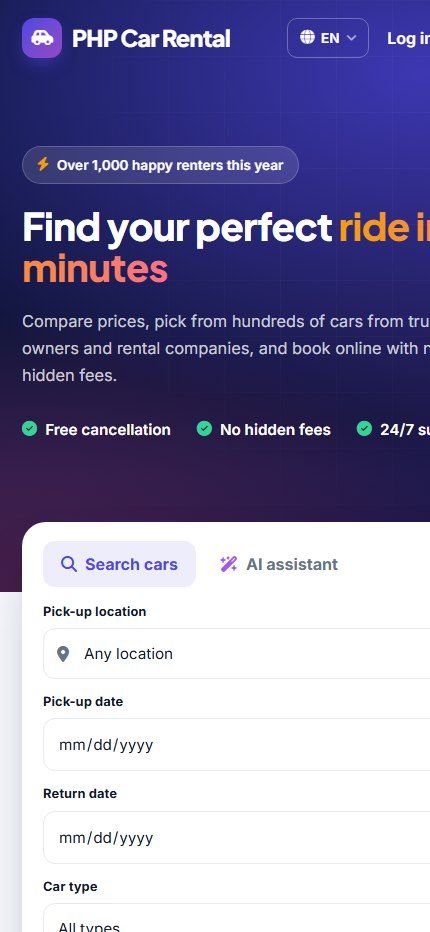
The template is responsive. On phones the menu becomes a slide-down panel, the search form stacks into one column and car cards become a single column. No separate mobile site is needed.
Last updated