User Registration, Login and Password Reset
Visitors can register as a private seller, agent, agency or buyer. Registration, activation and password reset are fully automatic.
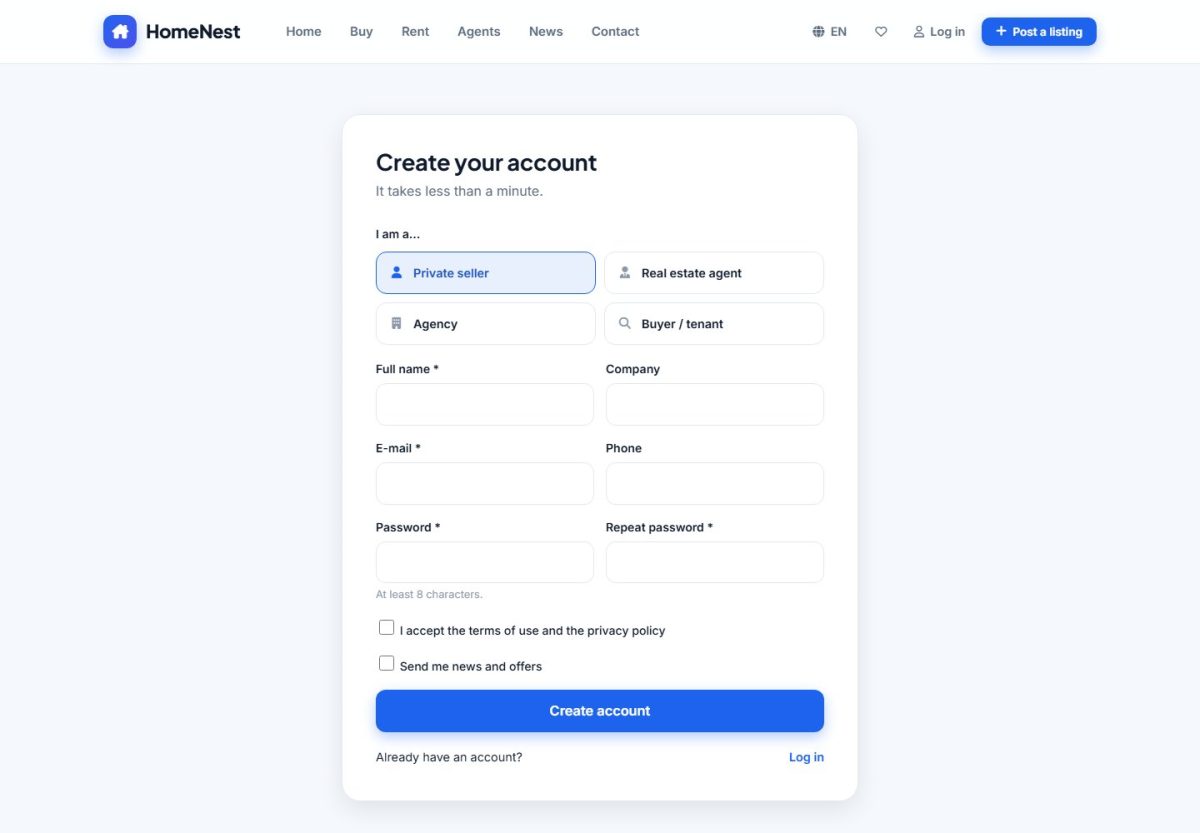
Registration
The form asks for the account type (private owner, agent, agency or buyer), name, e-mail and password. Agencies also enter the company name. When Require e-mail activation is on (Listing options), the new user must click the link in the confirmation e-mail before logging in. You can close registration completely with Allow registration.
Login and password reset
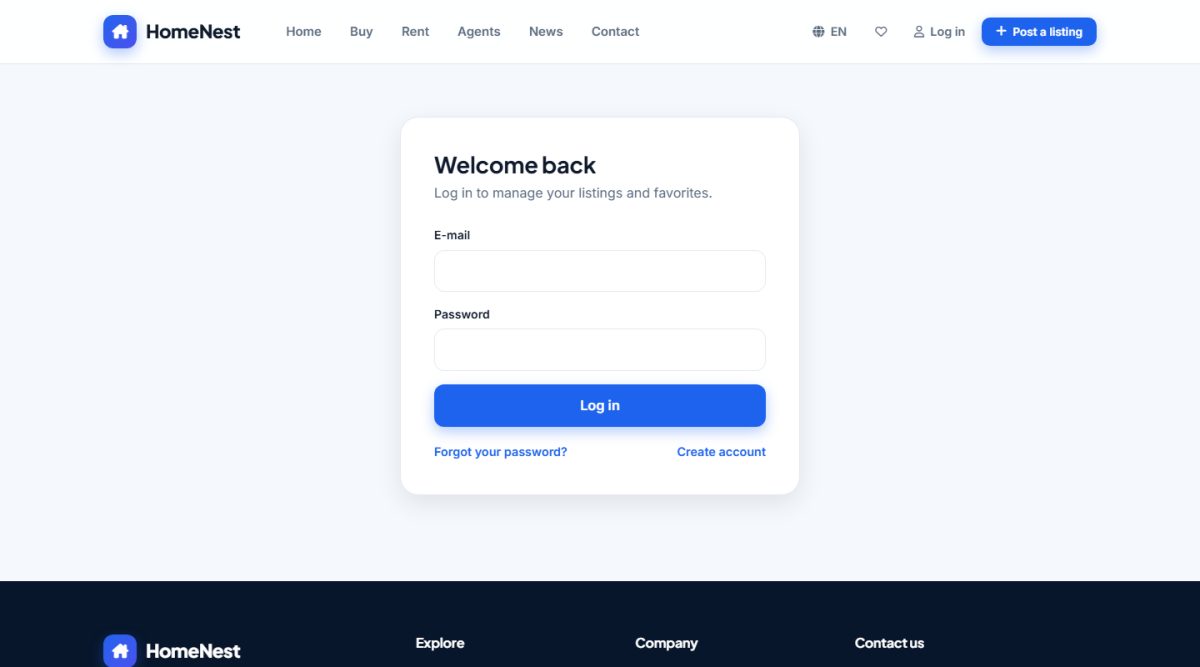
- After login the user is taken to the dashboard in
/USERS/. - Forgotten password sends a one-time link by e-mail.
- Passwords are stored hashed; failed logins are limited.
Account types
| Type | Listings | Public profile |
|---|---|---|
| Owner | Yes | No |
| Agent | Yes | Yes |
| Agency | Yes | Yes |
| Buyer | No | No |
Administrators can change the type, verify, suspend or delete accounts in Users.
Last updated