Agent Directory, Profiles and Reviews
Agents and agencies get public profile pages that act as free advertising and build trust.
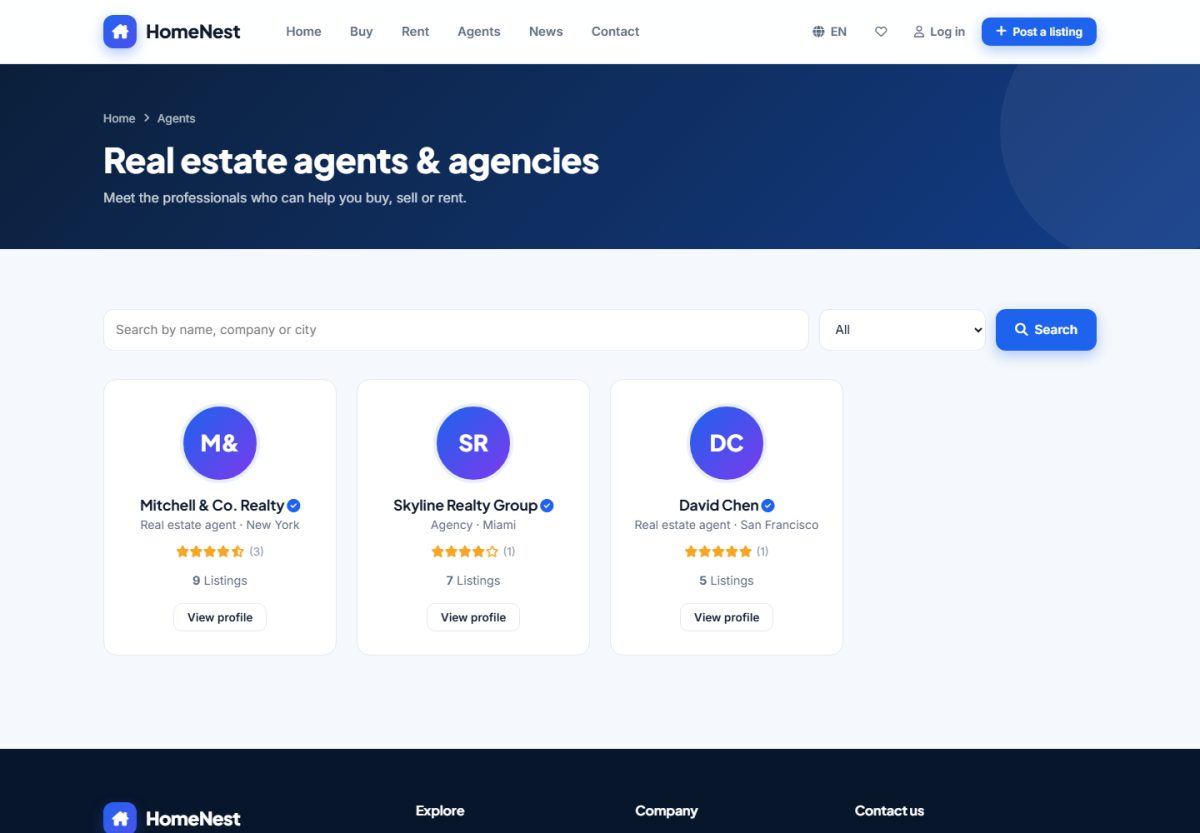
Agents directory
The Agents page lists agents and agencies with photo, company, rating, verified badge and number of active listings. Visitors can search by name and sort by rating or number of listings.
Agent profile
Each profile has a cover section with photo, bio, languages, phone and e-mail, followed by the agent's active listings and reviews. The profile is filled in by the agent in My profile.
Verified badge
An administrator can mark an account as Verified in Users. The badge is shown on cards, profile and property pages to build trust.
Reviews
- A logged-in visitor opens an agent profile and gives 1–5 stars with a comment.
- The review waits in Admin › Users › Reviews until approved (if moderation is on).
- Approved reviews appear on the profile and update the average rating.
Users cannot review themselves, and each visitor can leave one review per agent. Switch the feature off with Enable reviews in Listing options.
Last updated