Manage Agents, Users and Reviews
See and control every account on the portal.
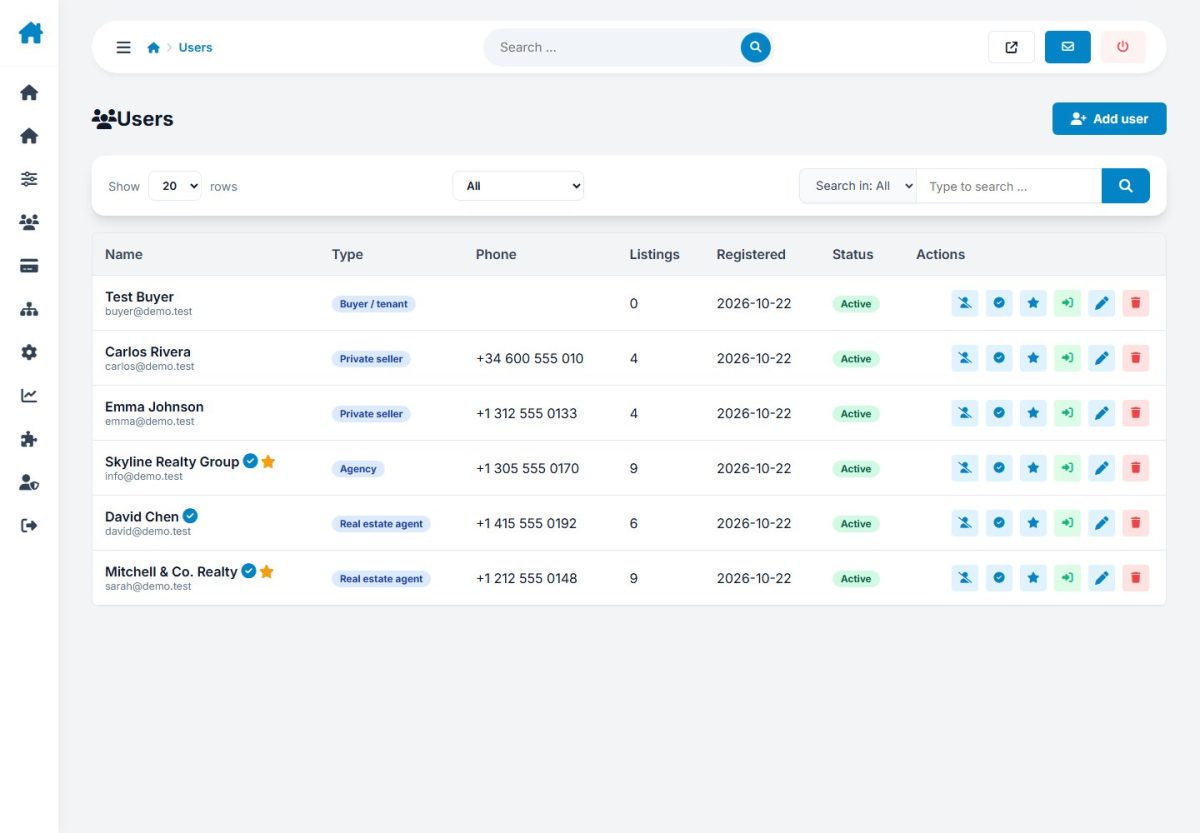
Users
Search and filter registered users by type and status. Open a user to edit details, change the account type, mark as verified, reset the password, activate or suspend, or delete the account. Each user shows listings, packages and registration date.
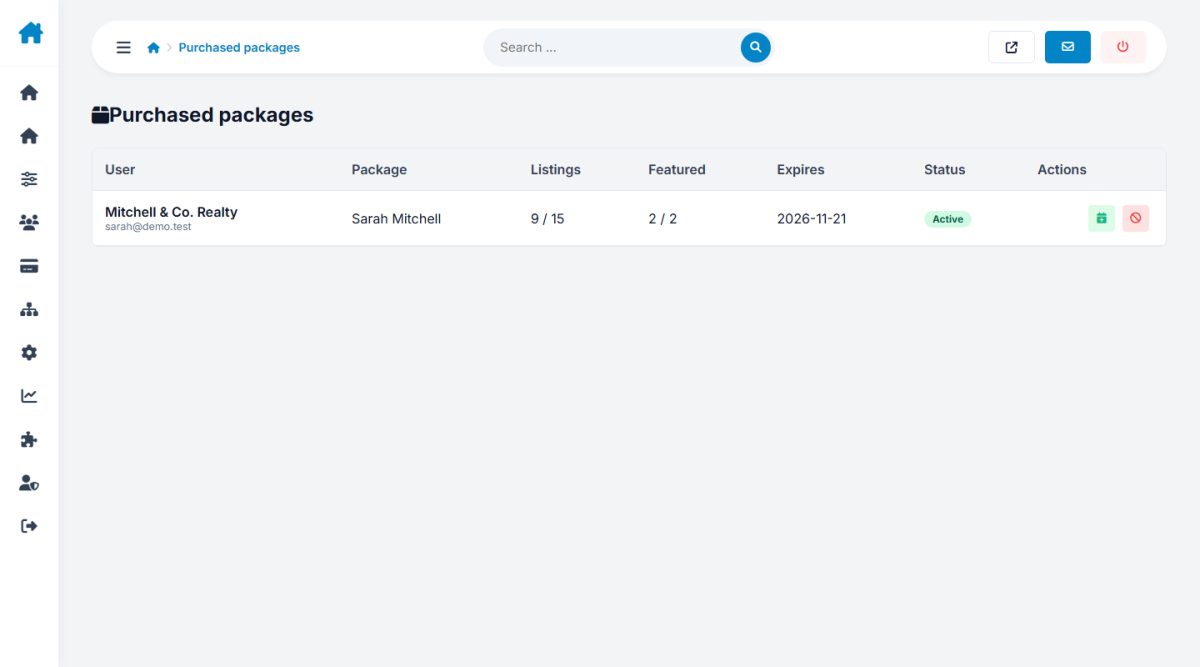
You can add a package manually to a user, for example as a gift or after an offline payment.
Reviews

Approve, hide or delete reviews of agents.
Newsletter
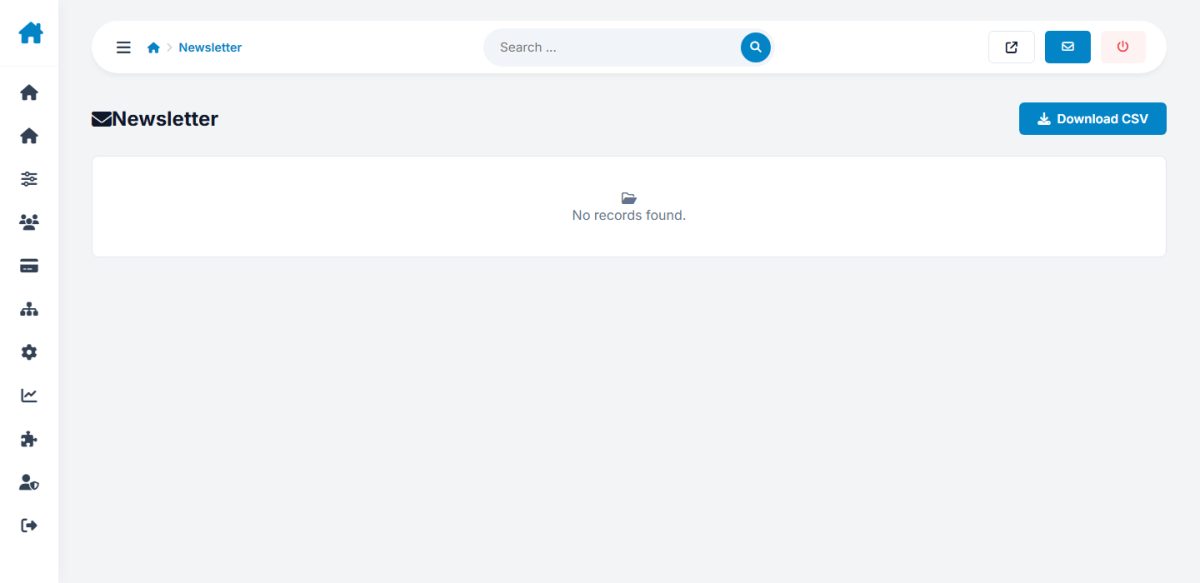
Subscribers collected from the footer and home page forms. Export or remove addresses.
Last updated