Saved Searches and New Listing E-mail Alerts
Visitors save any search and receive an e-mail when new matching properties are published.
Saving a search
- Run a search with the filters you want.
- In the box under the results enter a name and an e-mail (the e-mail is prefilled for logged-in users) and choose how often to be notified.
- Press Save search.
Alerts
Each time the cron job runs it looks for new active listings that match the saved filters and e-mails the buyer a digest with photos and prices. Each e-mail contains an unsubscribe link. Alerts are sent daily or weekly depending on the buyer's choice.
Management
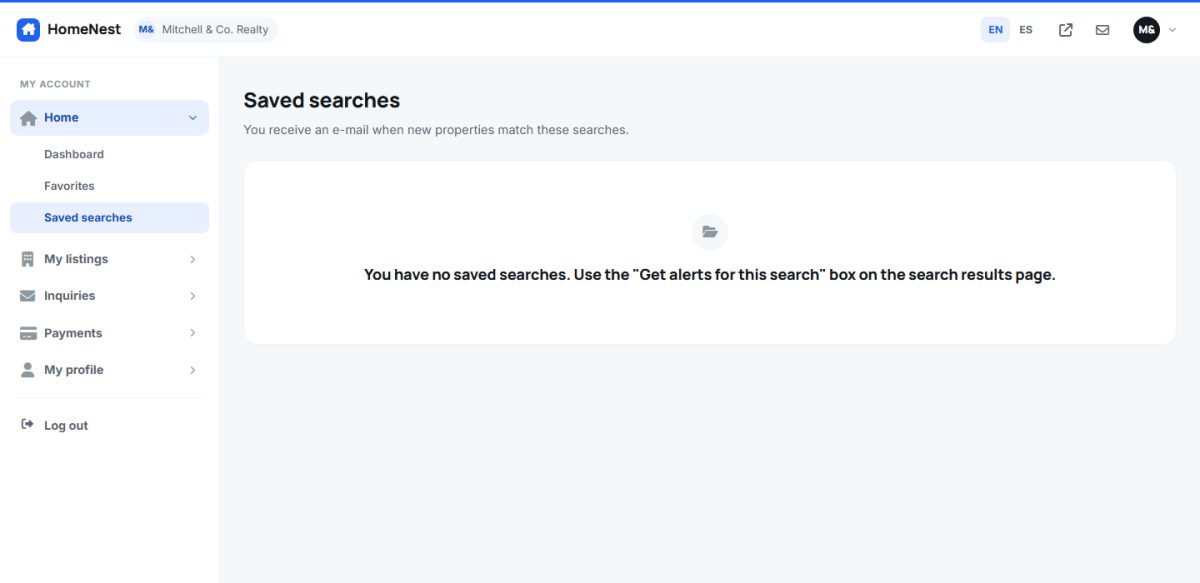
- Registered users manage their searches in Dashboard › Saved searches: open, pause or delete them.
- The administrator sees all saved searches in Listings › Saved searches.
- The feature can be disabled in Listing options (Enable saved searches).
Without the cron job no alerts are sent. Set it up as described in Maintenance and cron.
Last updated