Manage Website Pages, News and FAQ
The Website menu controls the content visitors read.
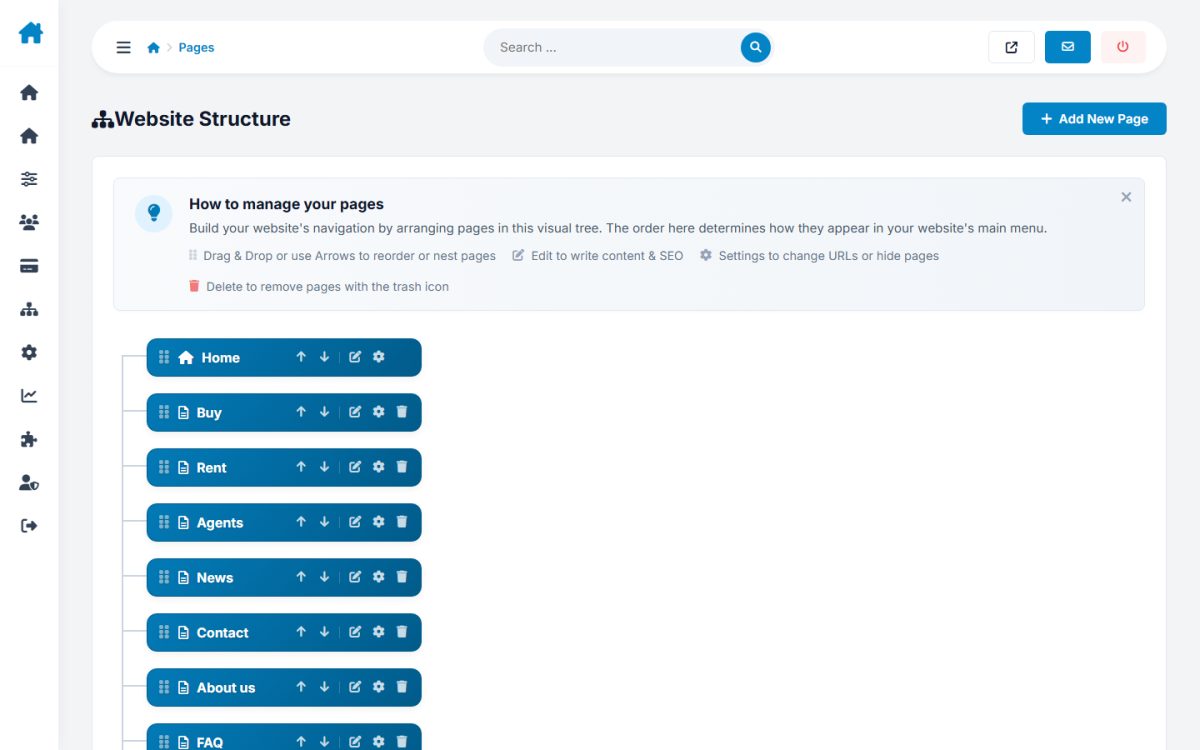
Pages
Create and edit pages with the rich editor. Each page has a title, menu name, SEO title and description, language and options for showing it in the main or bottom menu. Reorder with the position field.
News
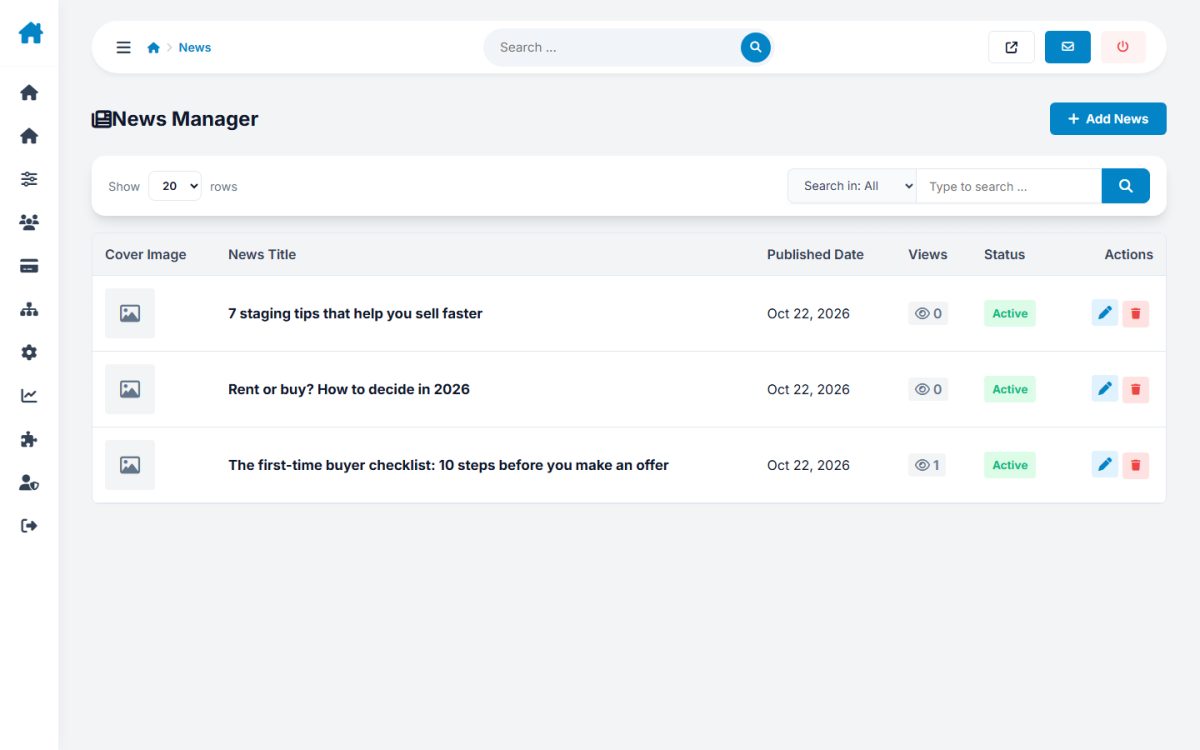
Add articles with an image, summary and text, and publish or hide them.
Logo and favicon
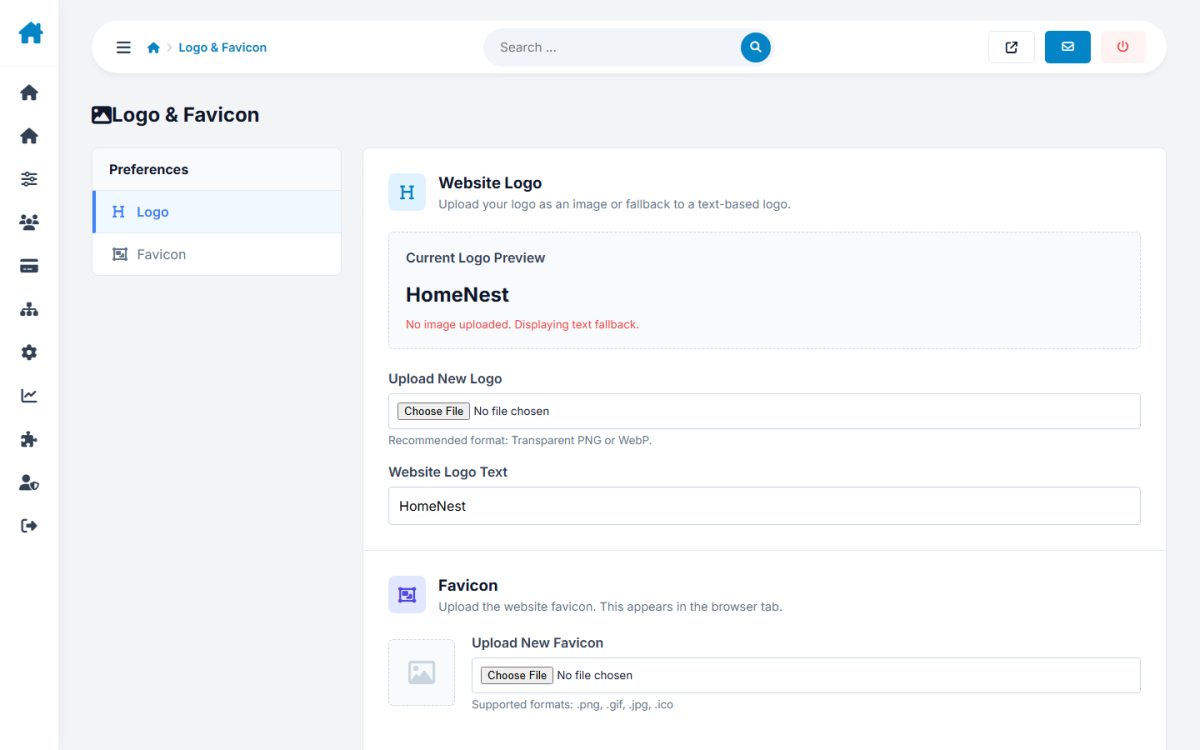
Upload your logo and a favicon; they apply to every template.
Interface texts
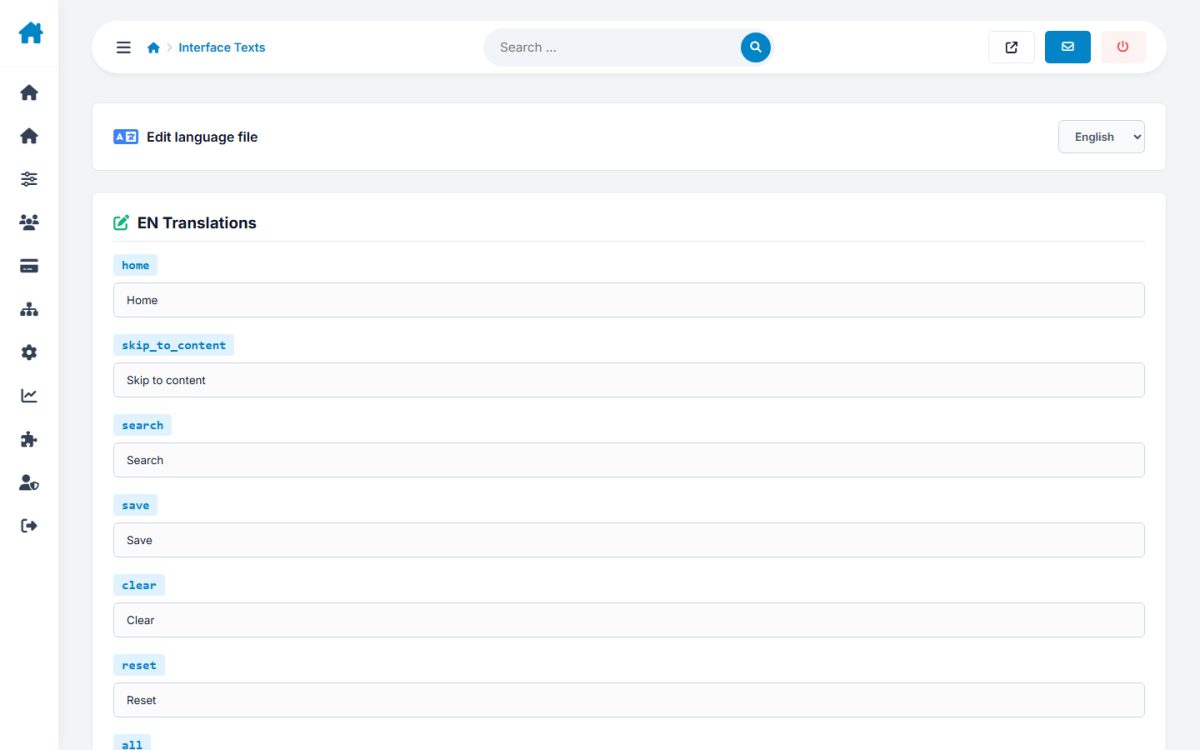
Search and change any label of the site per language, without editing files.
FAQ and custom tags
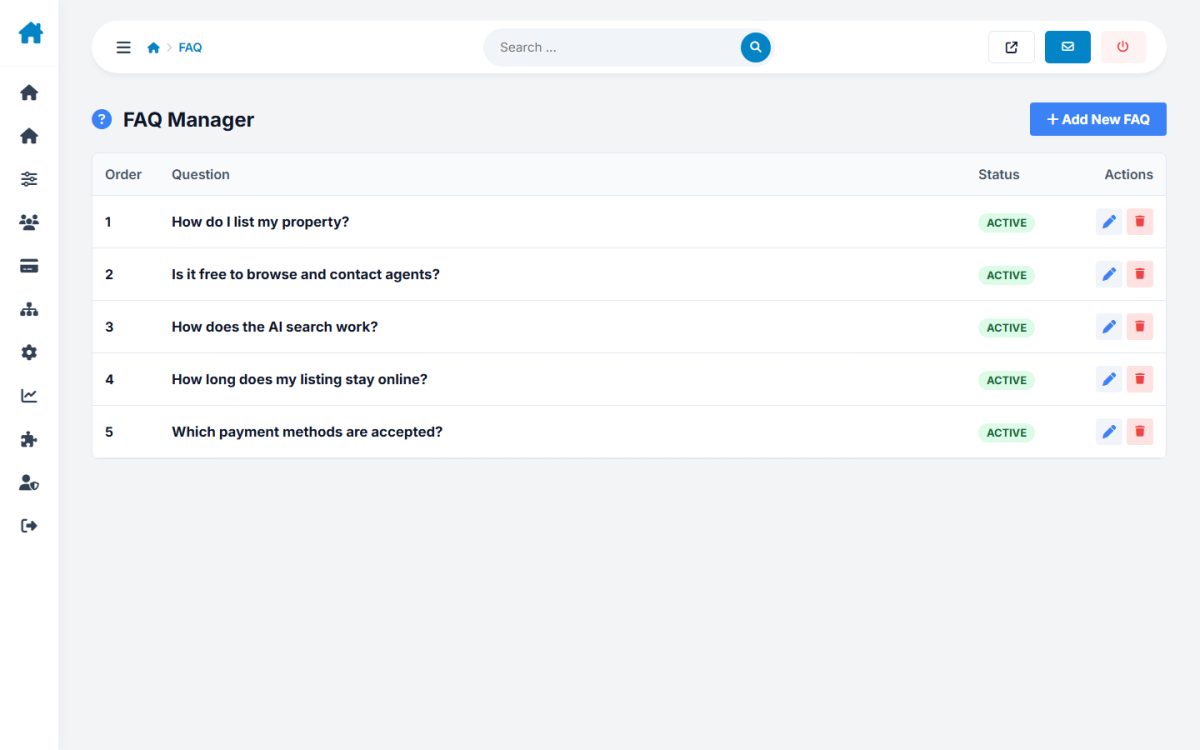
FAQ entries appear on the FAQ page. Custom Tags let you create your own {{ placeholder }} blocks usable inside pages.
Last updated