Approve and Manage Property Listings
The Listings menu is where you moderate the content of your portal.
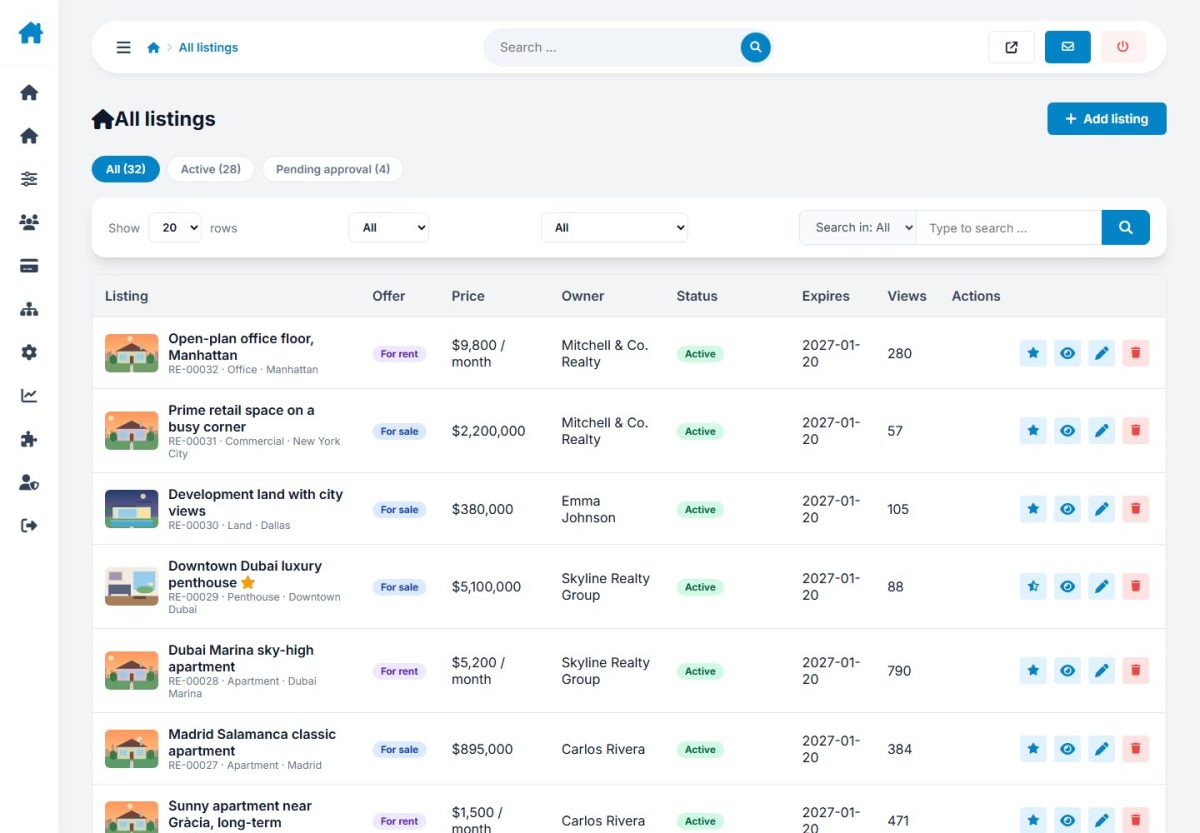
All listings
Search by title, reference or owner and filter by status, type or offer. For each listing you can edit, approve, feature, change the owner or delete it. Bulk actions apply to the ticked rows.
Add and edit a listing
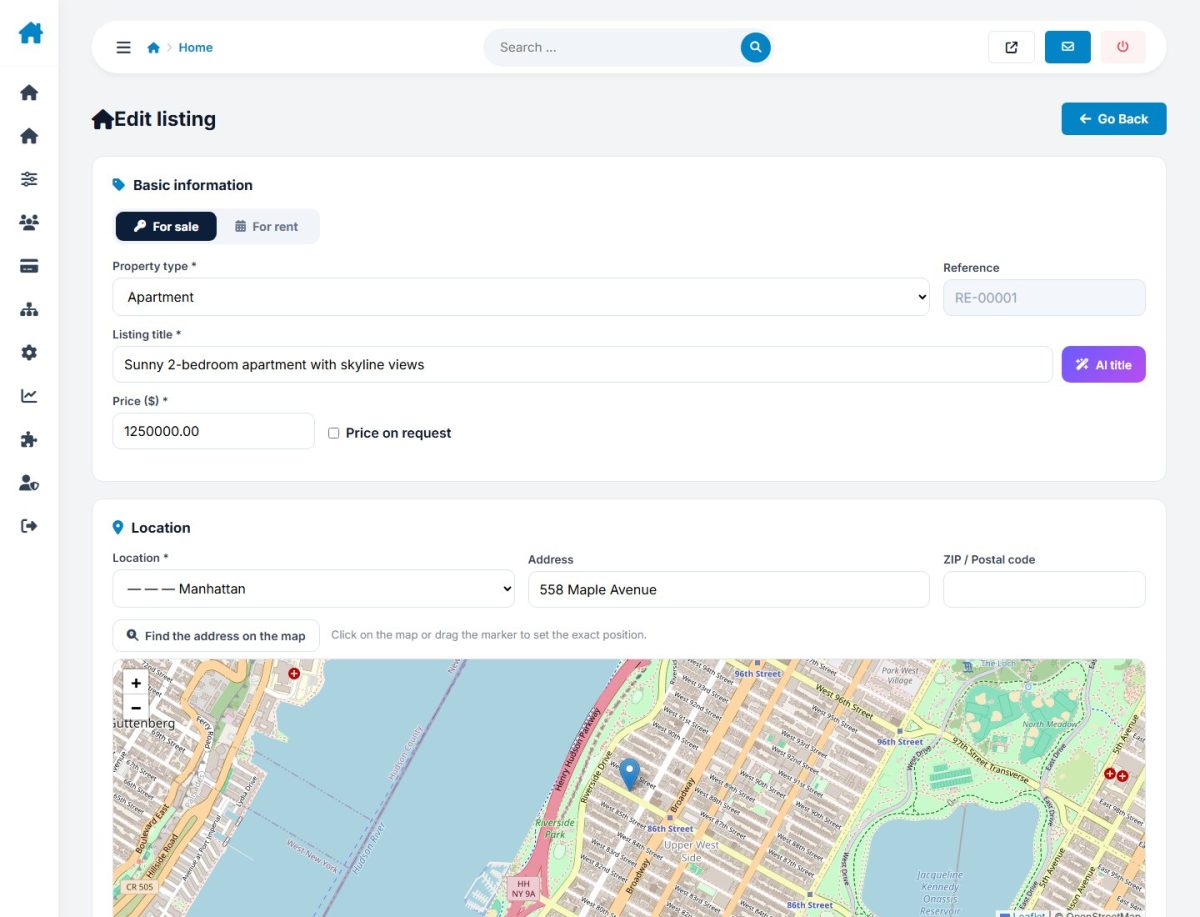
Administrators can publish on behalf of any user, set the status directly and use the AI generator. Admin-created listings are not charged.
Pending approval
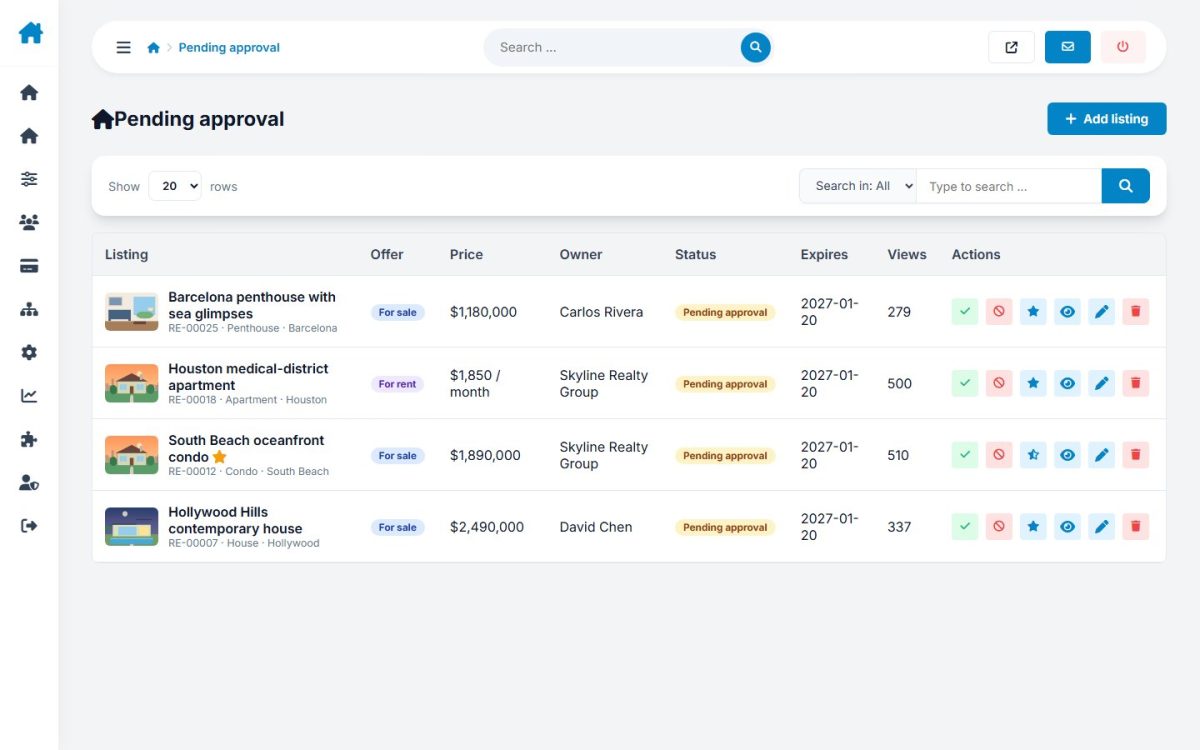
When Moderate new listings is enabled, new and edited listings wait here. Open one, review it and click Approve, or Reject with a reason that is e-mailed to the owner.
Inquiries
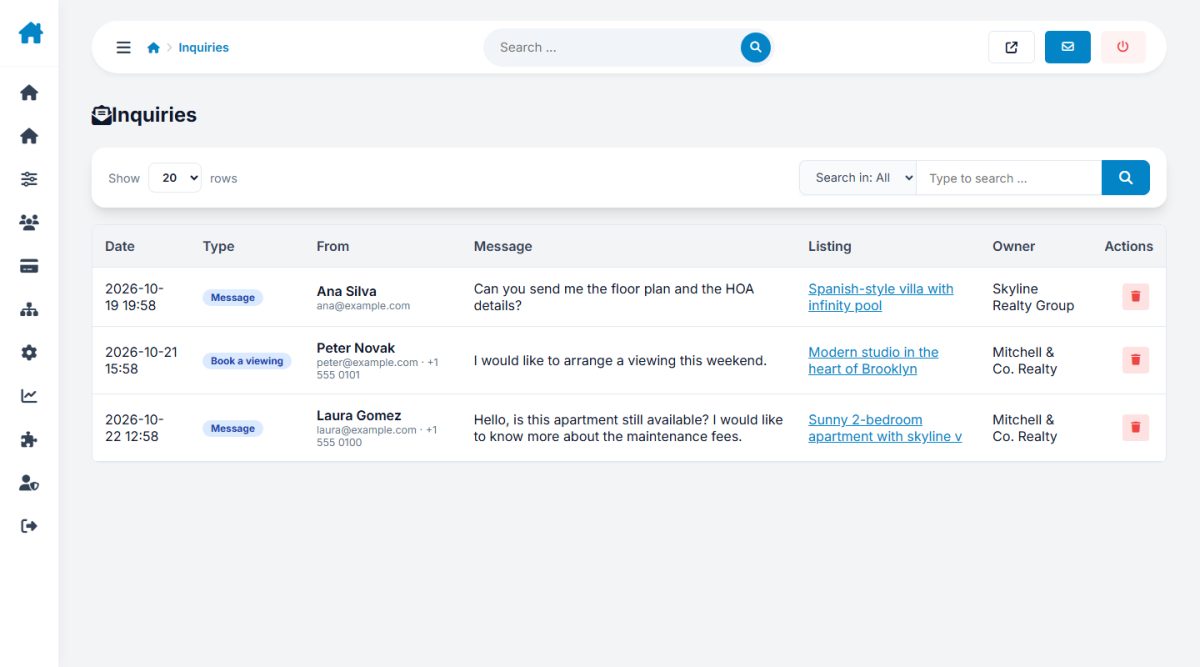
Review all messages, viewing requests and call-backs across the portal, useful for checking that leads reach advertisers.
Saved searches
A list of the buyers' saved searches and alert frequency.
Export to CSV
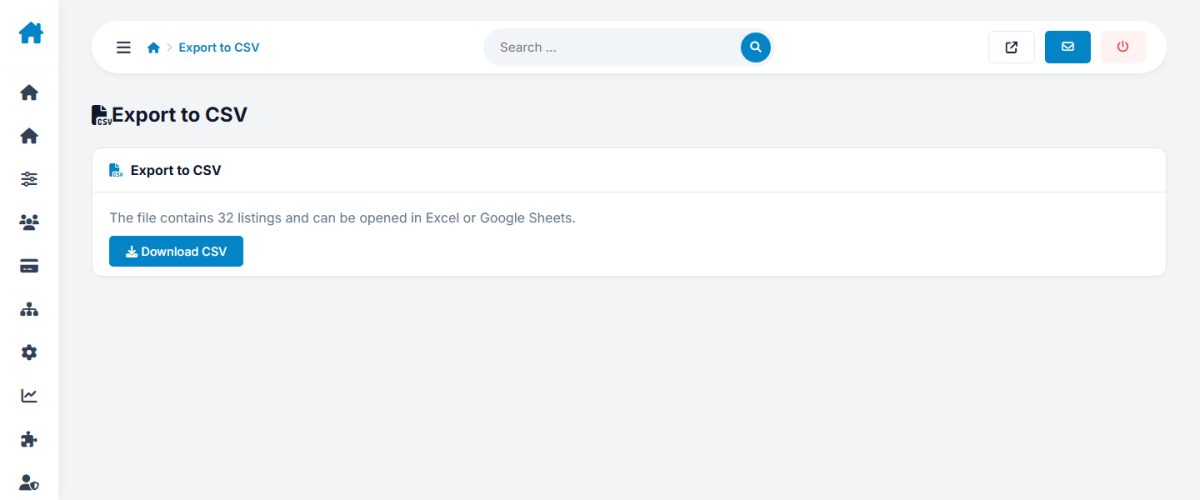
Choose the status and fields and download a CSV file for backups or analysis.
Last updated