Property Types, Amenities, Locations Setup
Adapt the portal to your market in the Property settings menu.
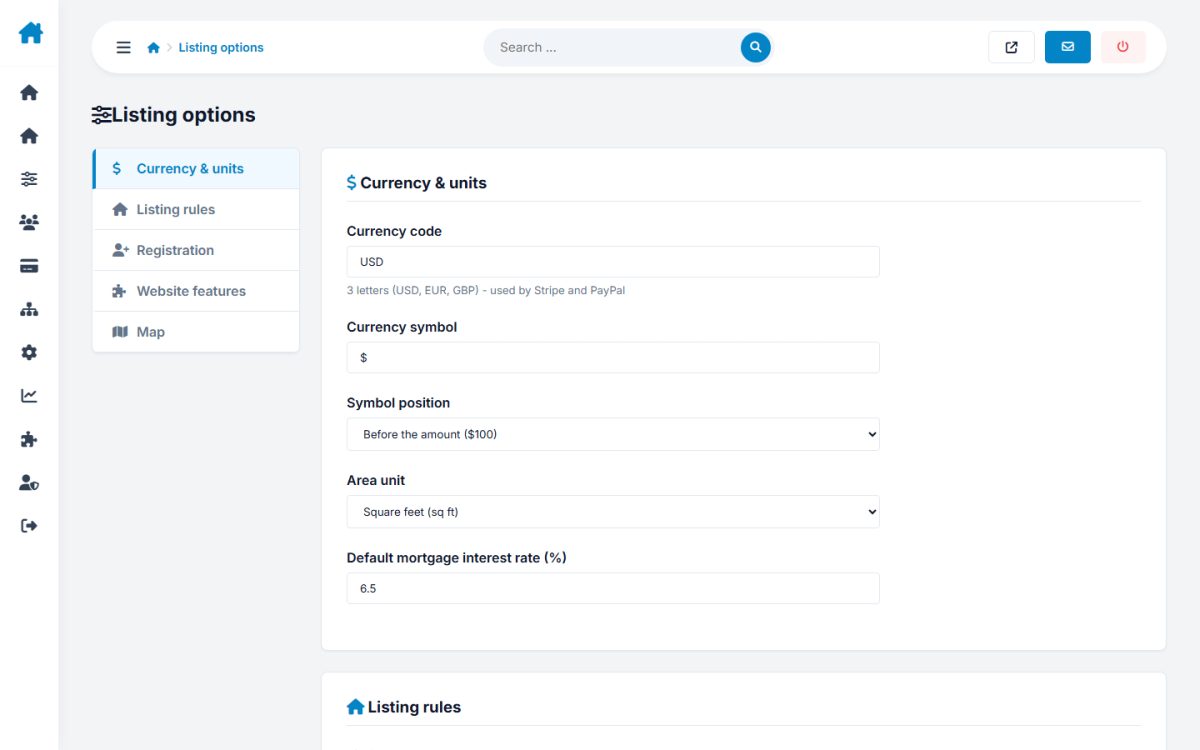
Listing options
| Setting | Meaning |
|---|---|
| Currency code / symbol | Shown with all prices |
| Area unit | sq ft or m² |
| Listings per page | Search results page size |
| Listing duration (days) | How long a listing stays active before expiring |
| Featured duration (days) | How long a featured upgrade lasts |
| Max images | Photos allowed per listing |
| Moderate new listings | Require approval before publishing |
| Allow registration / Require activation | Control who can sign up and whether e-mail confirmation is needed |
| Enable reviews, compare, calculator, saved searches | Switch front-end features on or off |
| Map defaults | Start latitude, longitude and zoom |
Property types
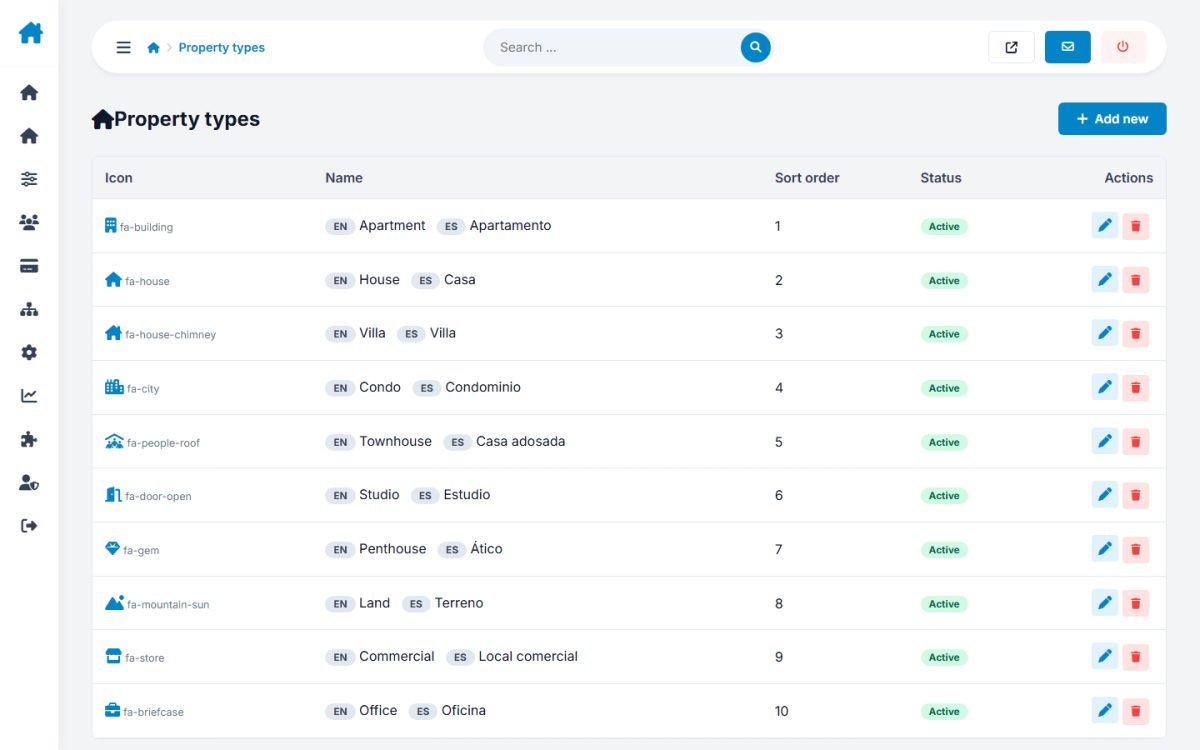
Add, rename, reorder and translate types (apartment, house, villa, land...). Each type can have an icon and a picture for the home page tile.
Amenities
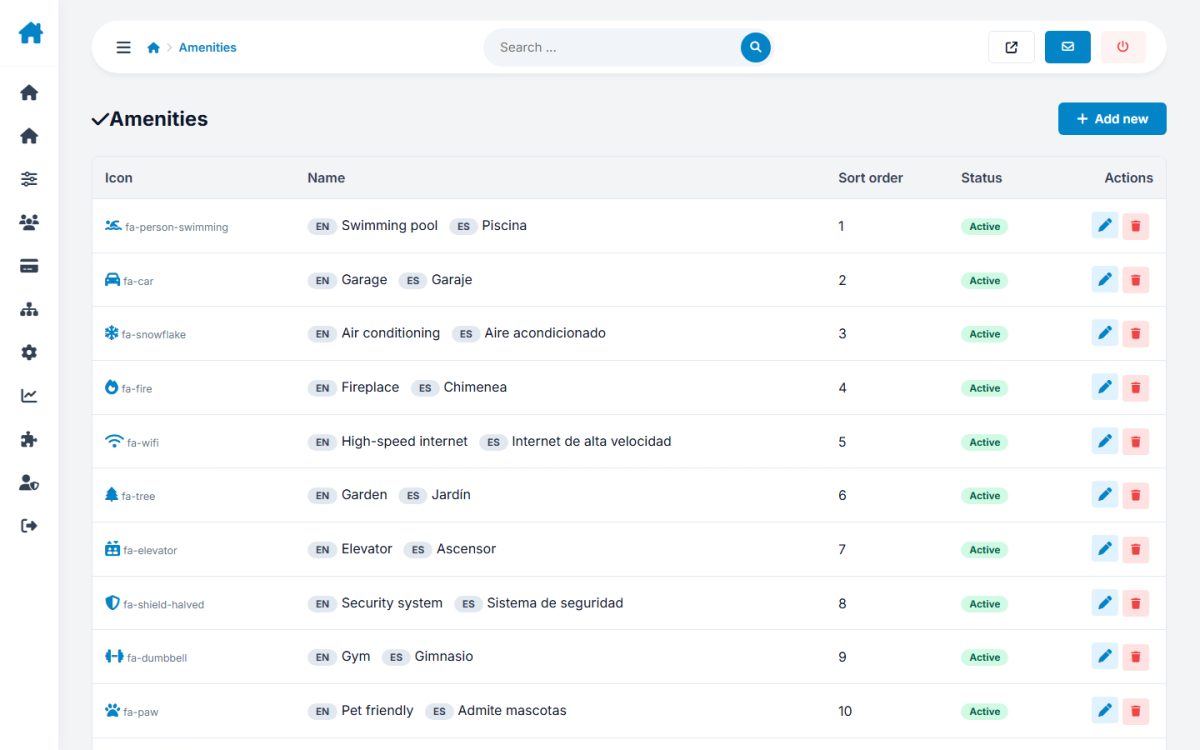
The checklist advertisers use (pool, garage, balcony, gym...). The AI search also understands these names.
Locations
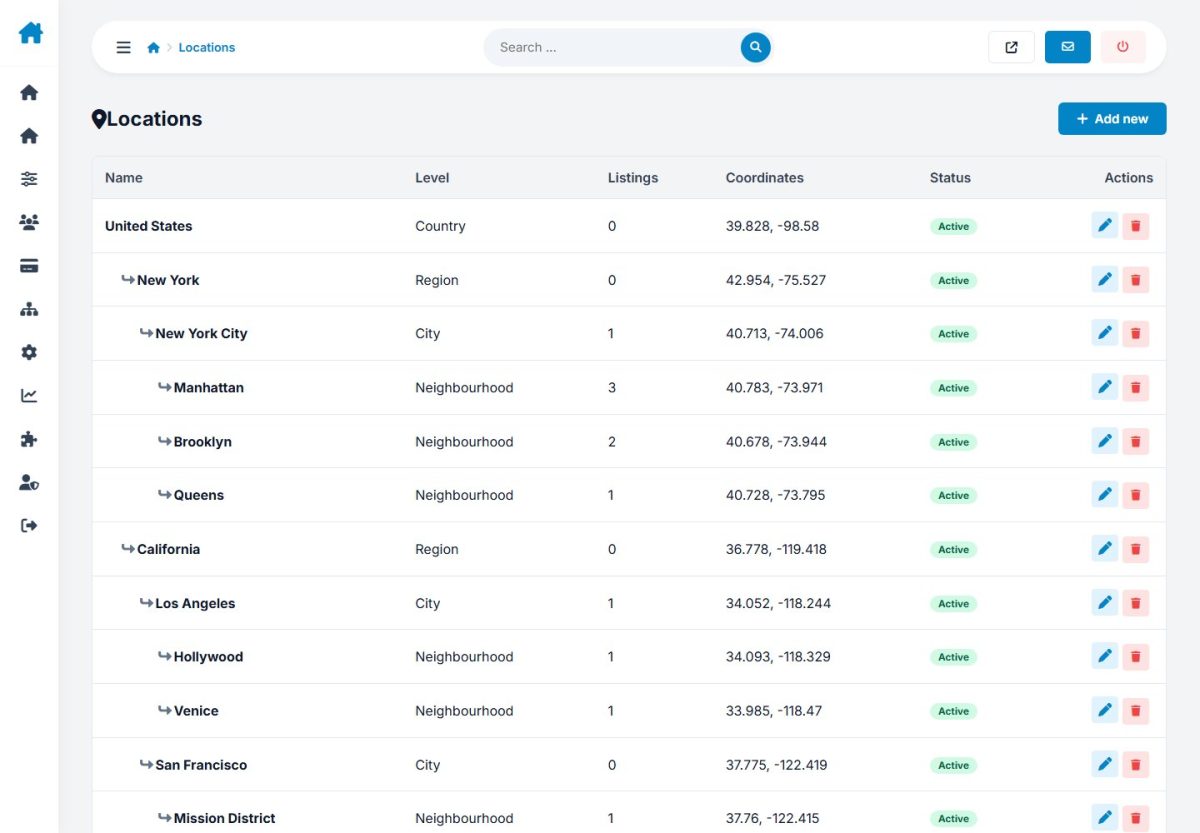
Build the tree of places where you operate. Upload an image for the cities you want to promote in the Popular cities section. Locations drive the search autocomplete and the AI search.
Last updated