News, FAQ and Contact Pages
Fresh content brings search traffic, and the contact form brings customers.
News
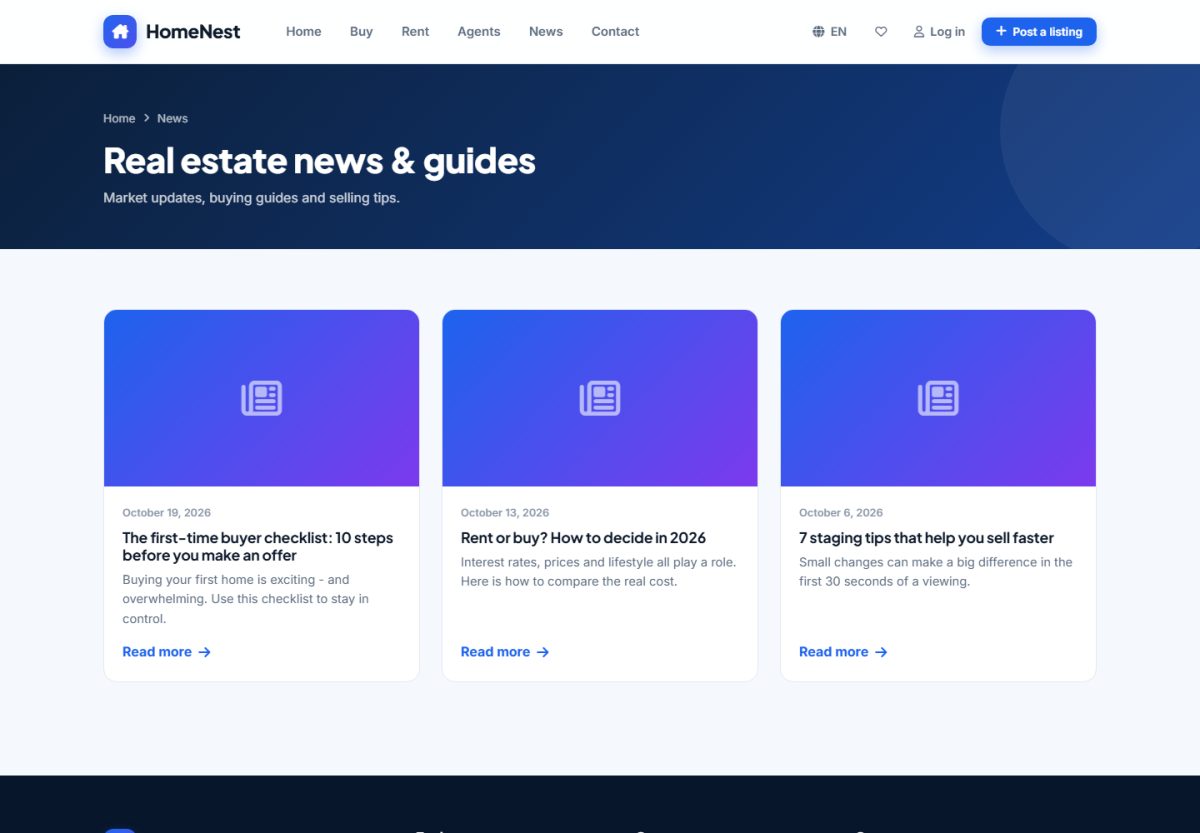
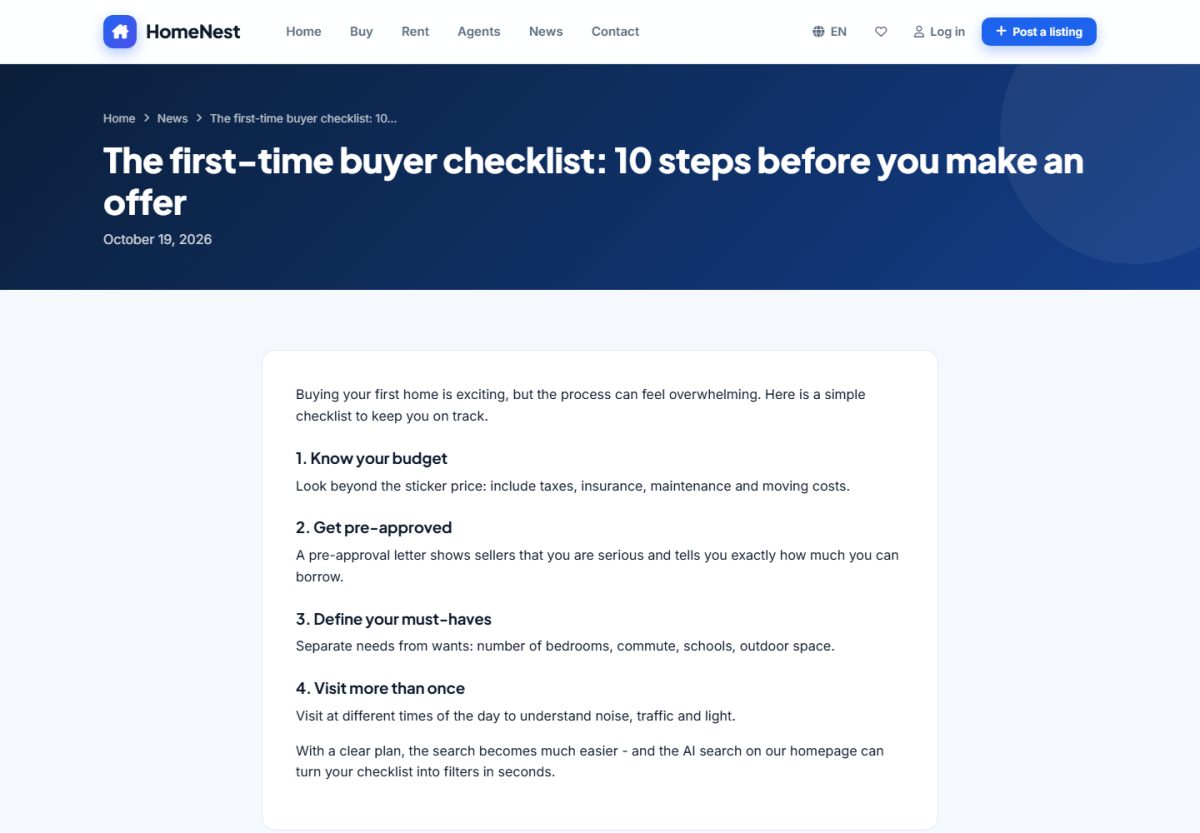
Publish market updates and guides to attract search traffic. Articles have a title, image, summary and rich text, and each one gets its own SEO title and description. Manage them in Website › News. The latest articles are also shown on the home page.
FAQ
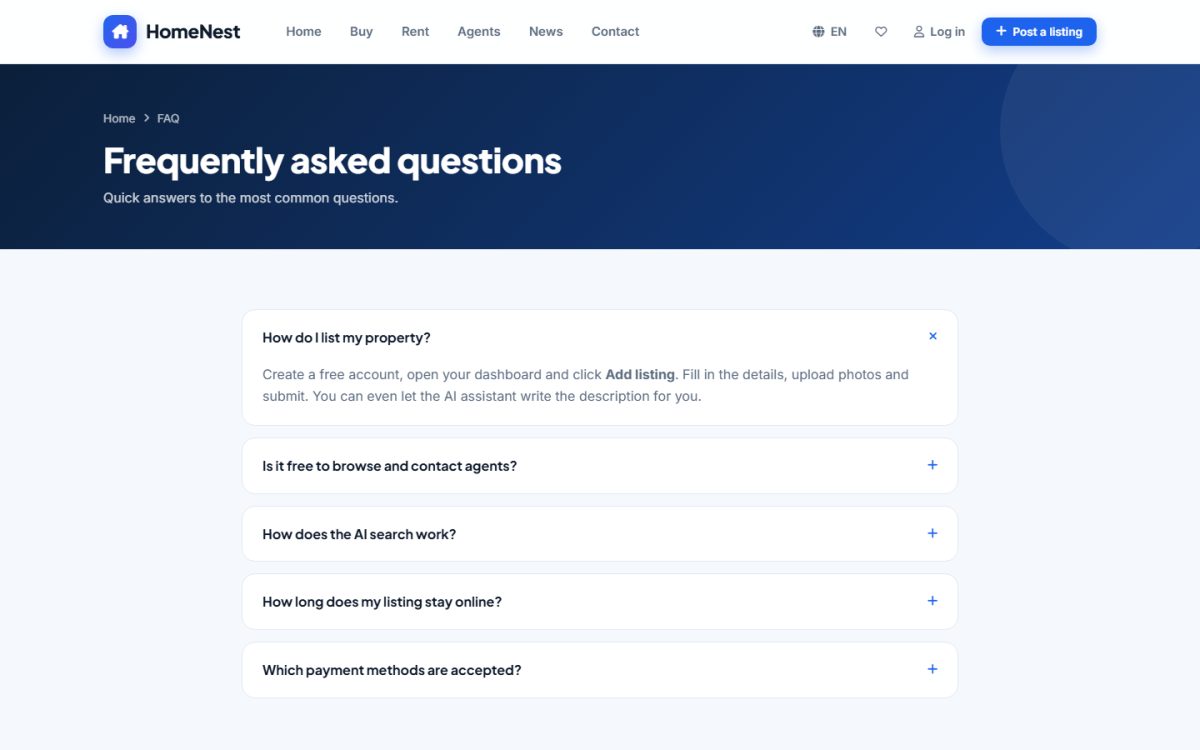
Questions and answers are edited in Extensions › FAQ. They are translated per language and published with FAQ structured data so Google can show them in search results.
Contact page
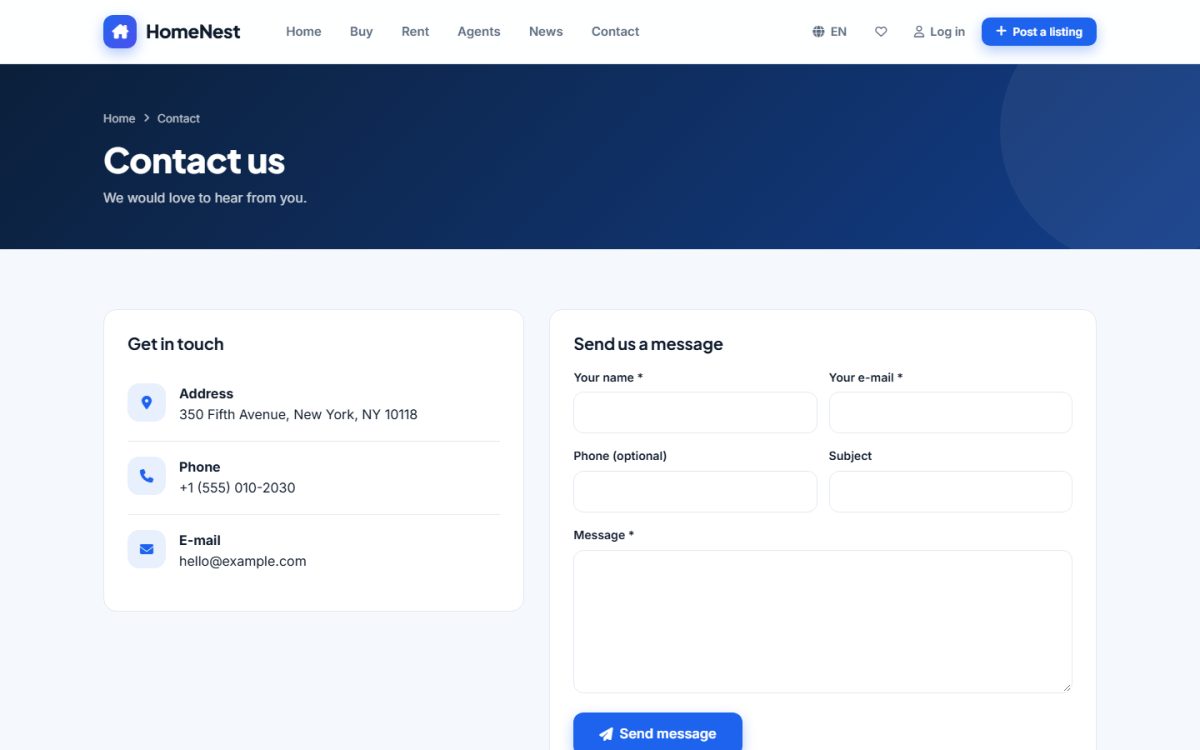
The company address, phone and e-mail come from the site settings. Messages go to the admin e-mail and appear in Home › Messages.
Pricing page
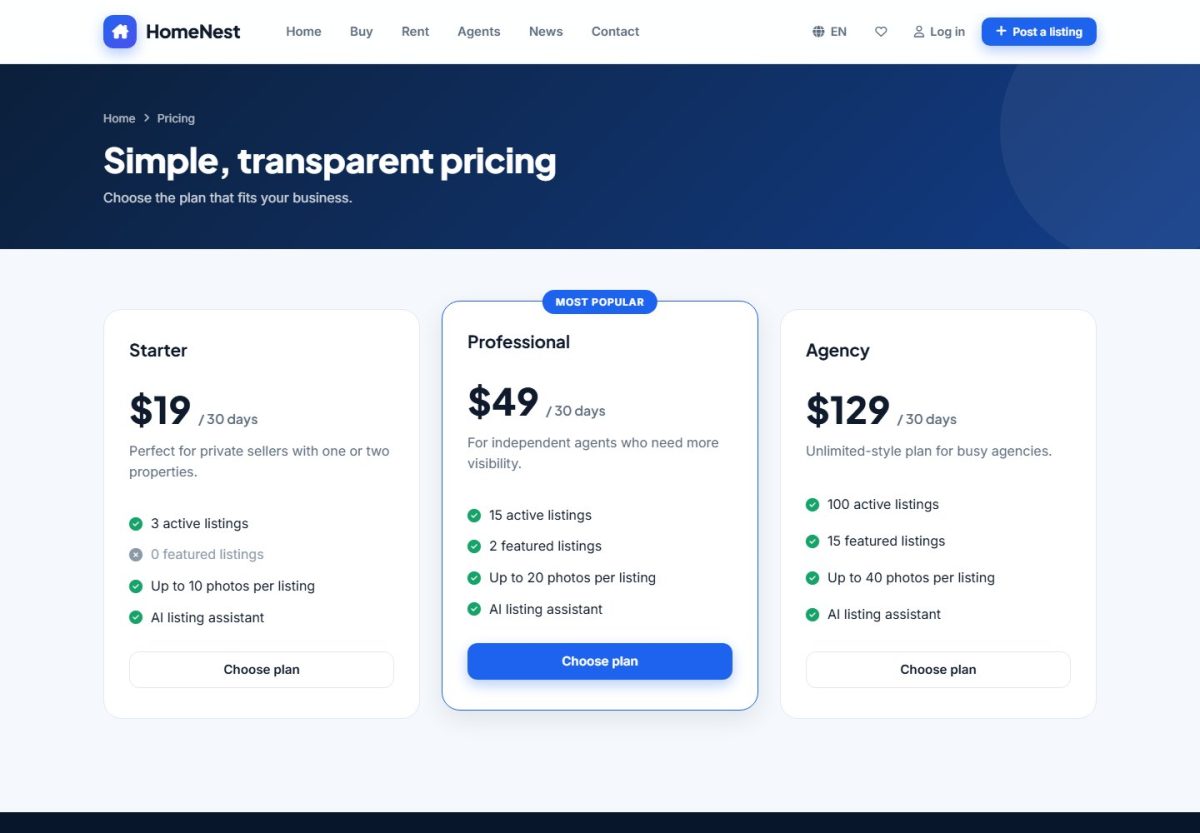
The page is built automatically from your payment settings and packages. If posting is free, it shows a short note instead.
Last updated