General Settings, E-mail, SEO and Backups
The Settings menu holds everything that applies to the whole website.
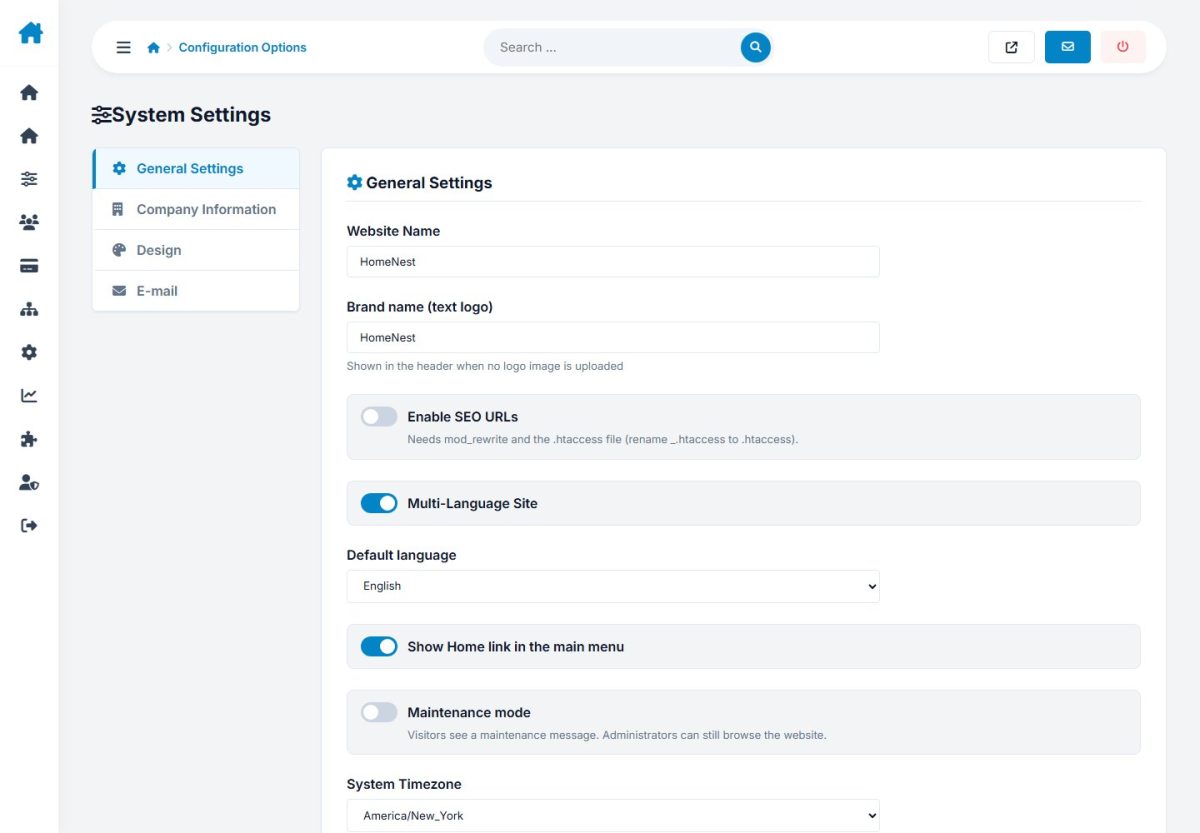
Configuration options
Grouped tabs: General (site name, company data, time zone), E-mail (sender and SMTP with a test button), Design (colors, hero), SEO (meta defaults, SEO URLs) and more.
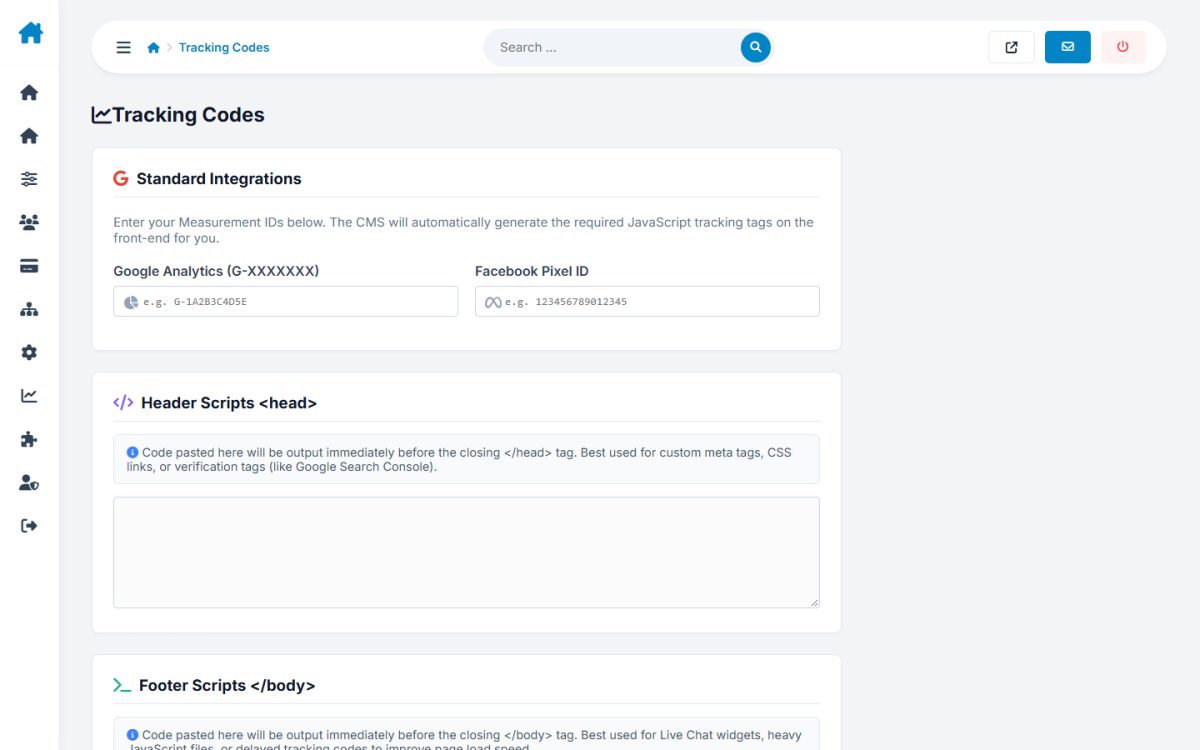
Tracking codes
Add Analytics, Tag Manager or Pixel scripts to all pages.
Social media
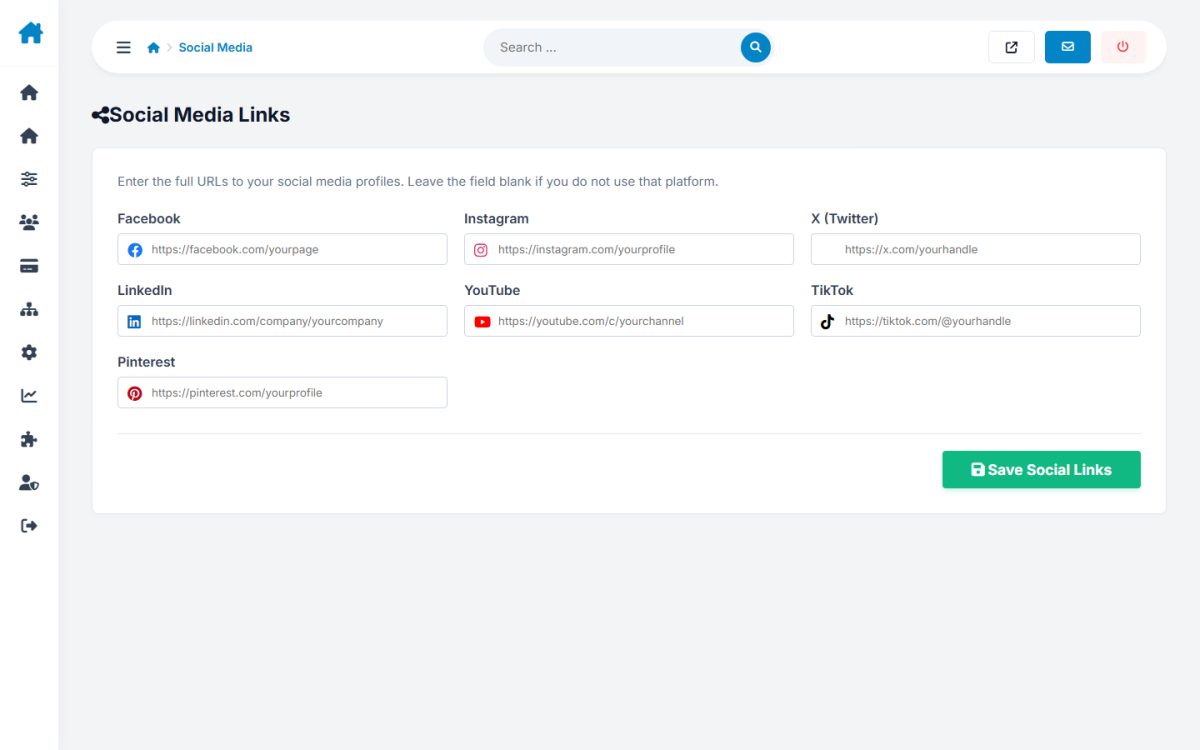
Enter your profile URLs; icons appear in the footer.
Language versions
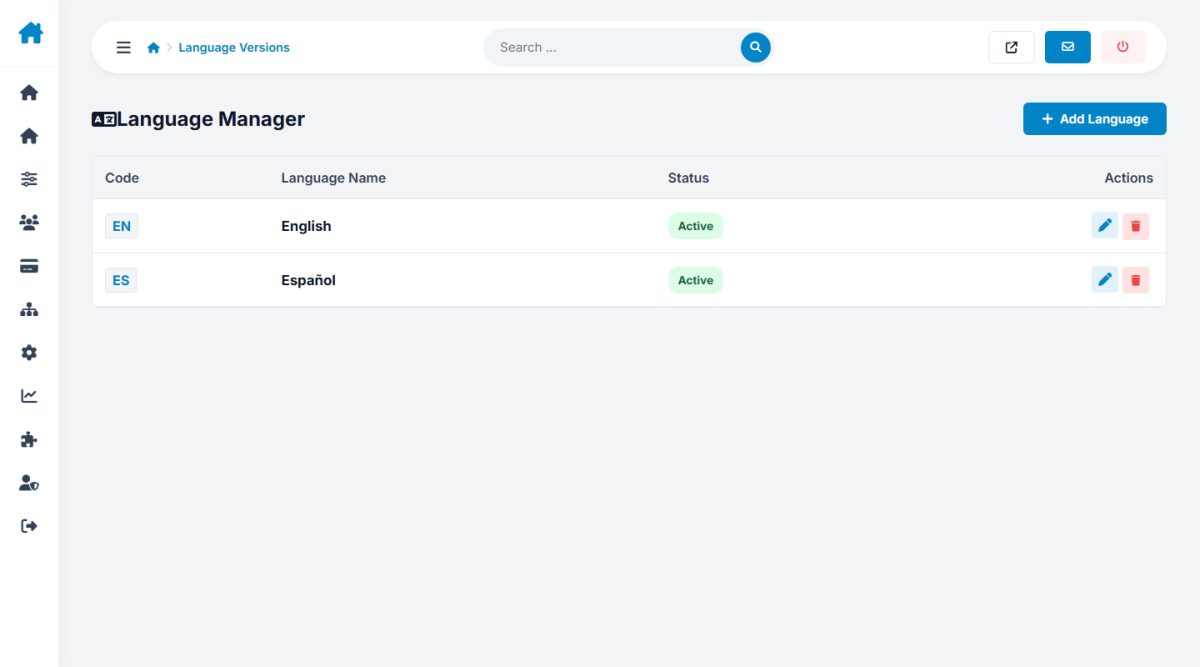
Activate languages and choose the default. See Languages and SEO.
Backups
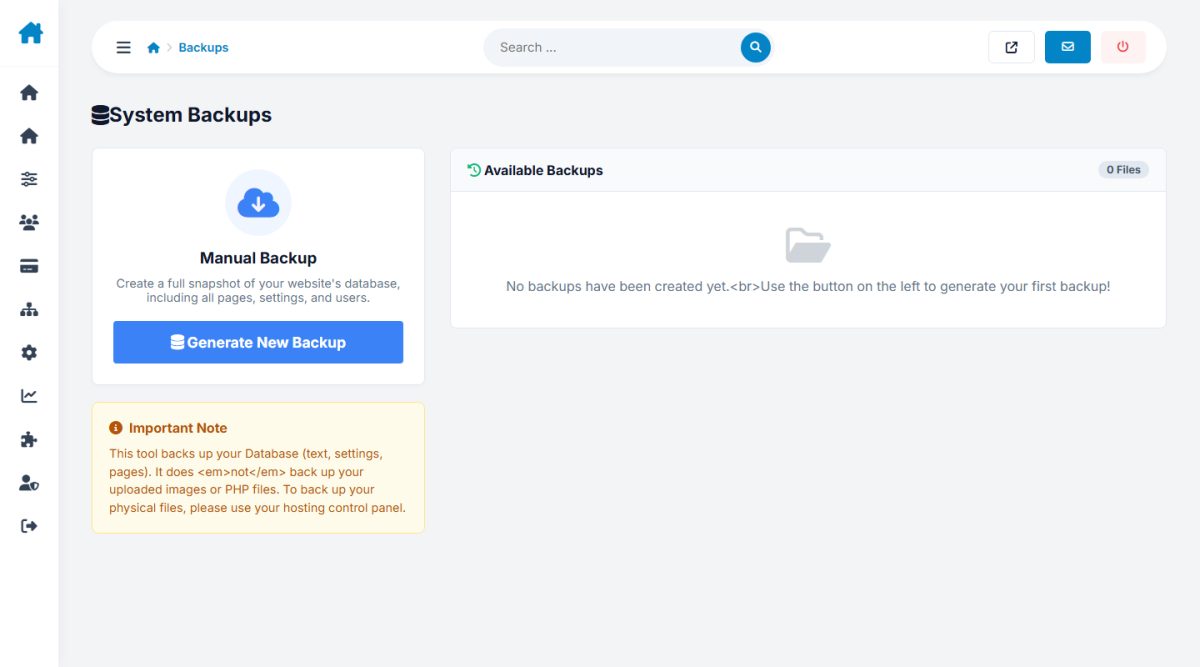
Create a database backup with one click, download it or delete old ones. Files are kept in the backups/ folder.
Last updated