All bookings, guests, testimonials and newsletter
A complete view of the demand on your marketplace and of the people behind it.
All bookings
Open Bookings → All bookings to see every reservation of every property. Use the status tabs (All, Pending, Confirmed, Completed, Cancelled, No-show) and the search box (booking code, guest, e-mail or property).
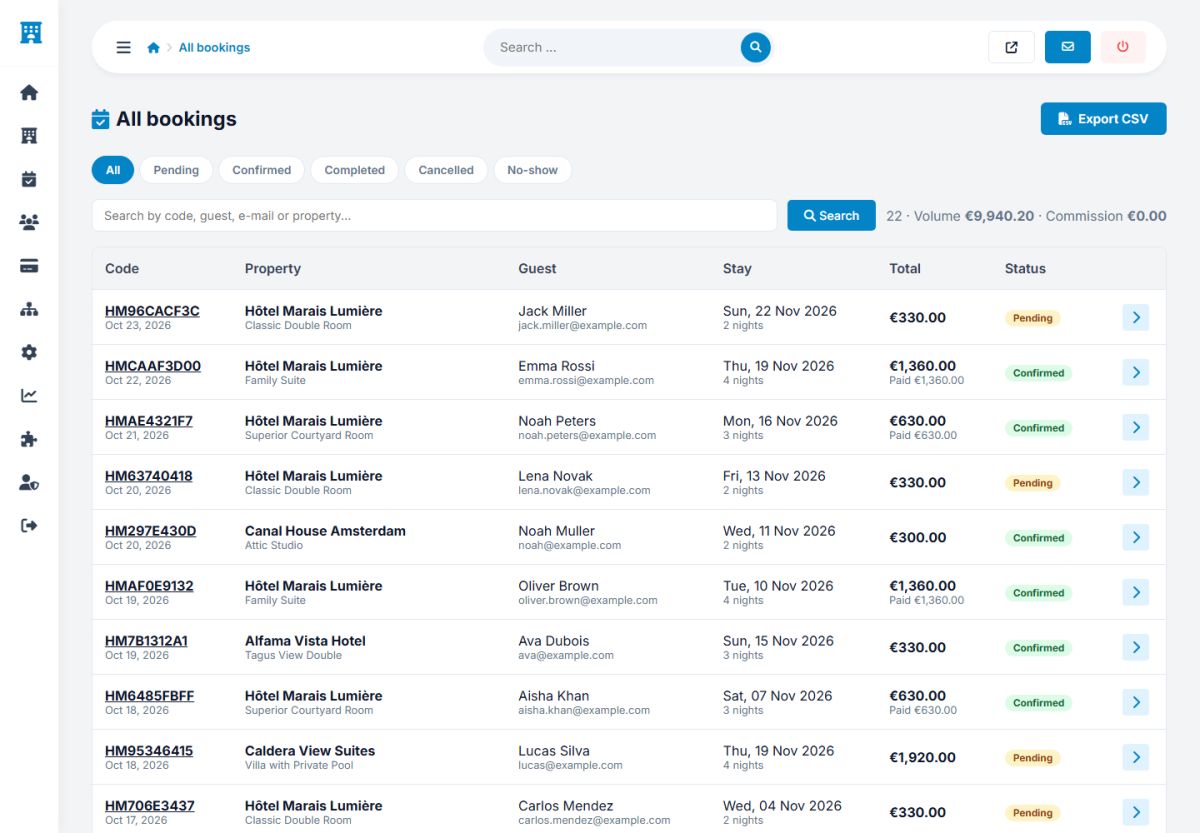
- Columns: code, property and room, guest, stay, total and status.
- Summary line: the number of bookings that match the filter, their total volume and the commission earned on them.
- Export CSV: downloads the filtered list as a spreadsheet for your accounting.
Hotel owners manage their own bookings (Bookings). The administrator sees the whole picture and can open any booking.
Guests
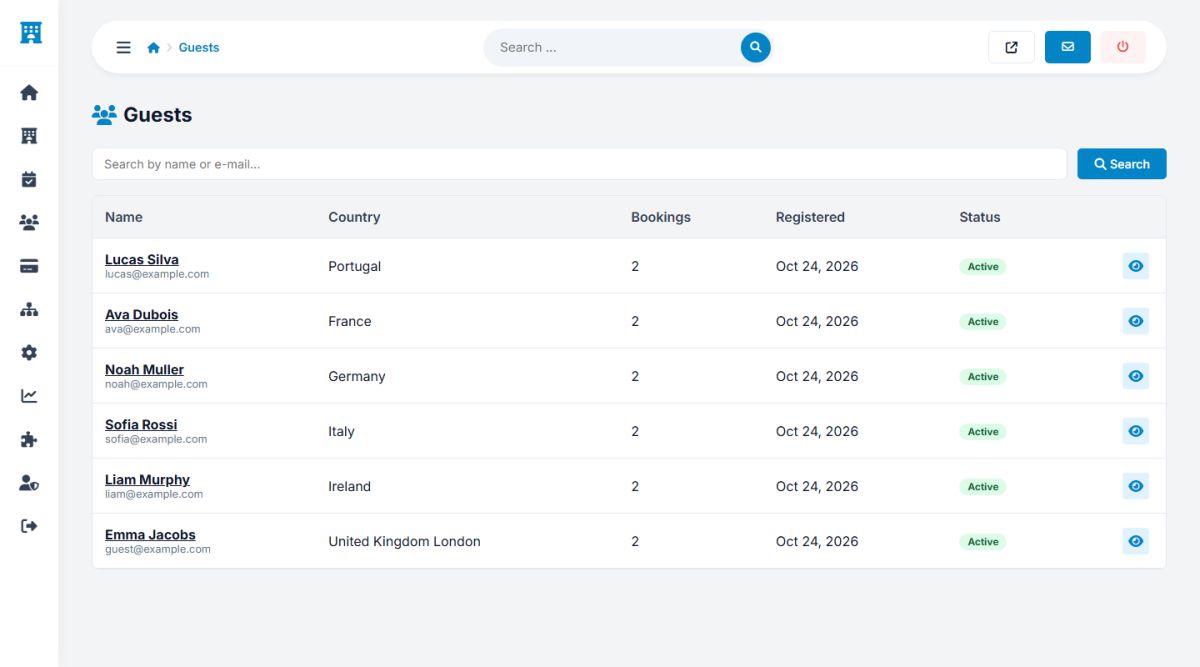
Users → Guests lists the registered travelers with their country, number of bookings, registration date and status. Use the search box to find a guest by name or e-mail, and the eye icon to open the details of a guest, where you can block or unblock the account.
Testimonials
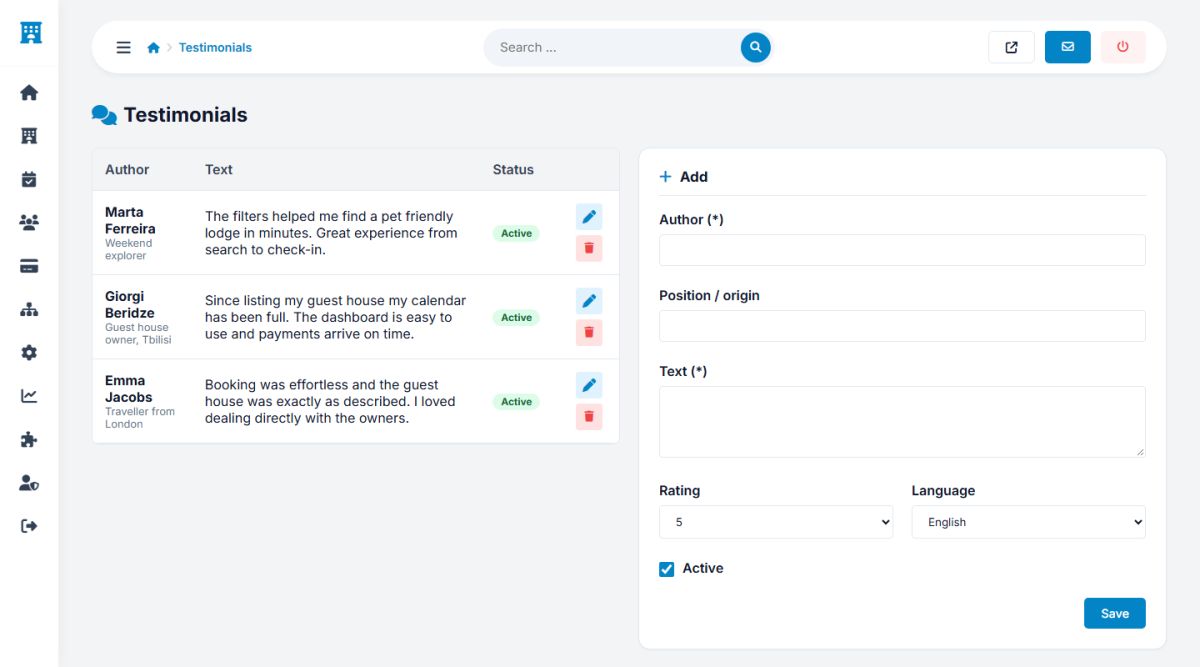
The testimonials block of the home page shows quotes from happy travelers. Add, edit, order and hide them in Users → Testimonials: name, position (for example "Traveller from London"), text, rating, language and status.
Newsletter
Users → Newsletter is the list of everybody who subscribed through the form in the footer or through the option of the guest account. Each address has the language, the status and the date.
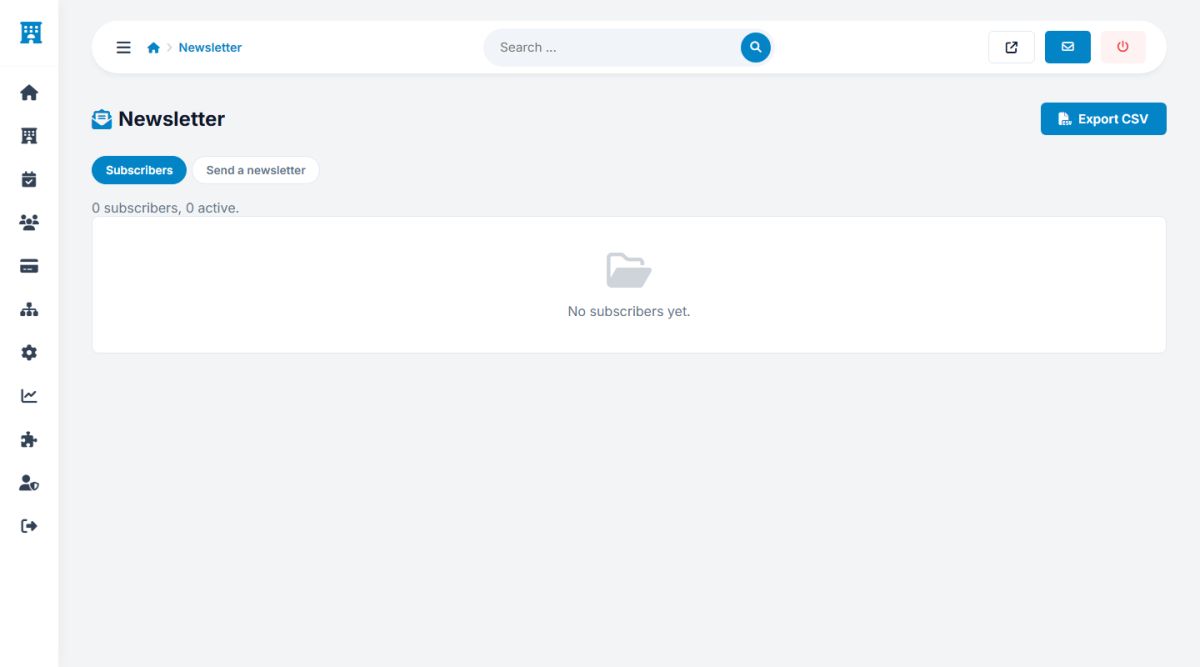
- Export: download the subscribers as a CSV file.
- Send a newsletter: write a subject and a message (HTML allowed) and send it to all active subscribers. Tick Send a test only to receive it first at your own e-mail. The blue AI strip writes the text from a few notes.
- Every message ends with a short note that explains why the person receives it.
Always send the test first and check the message on a phone.
Last updated