Reply to guest reviews and read guest messages
Answering reviews and questions quickly is one of the best ways to win bookings.
Guest reviews
Open Reviews → Guest reviews. The page starts with three tiles: the average score out of 10, the total number of reviews and the number of reviews without a reply.
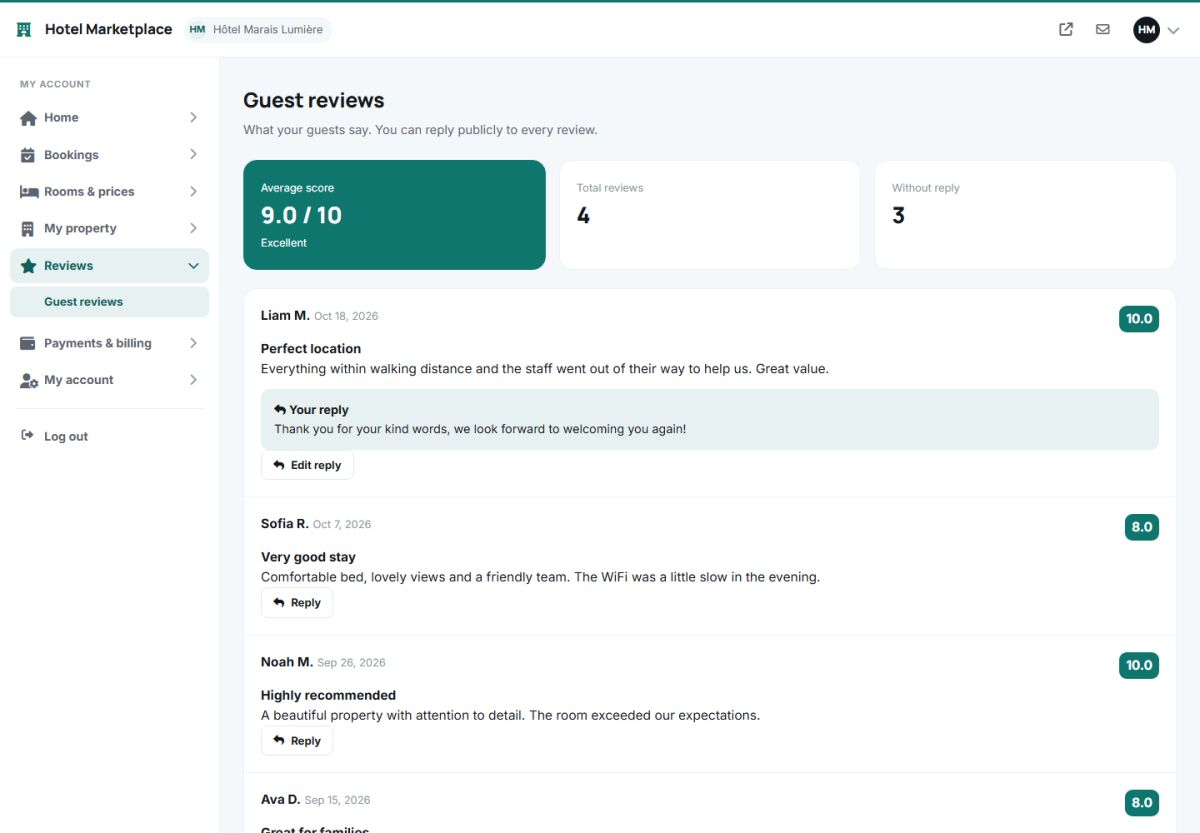
Every review shows the guest, the date, the score badge, the title and the text. Below it the owner can:
- Reply publicly. The reply is shown on the hotel page under the review.
- Edit reply to change it later.
- Use the AI reply button: the AI drafts a polite, personal answer of 2 to 4 sentences, thanks the guest, addresses the points of the review and, for negative reviews, apologizes and offers to make it right. The owner can adjust it before saving.
Answer every review, also the positive ones, within a couple of days. Future guests read the replies to judge how the property treats its guests.
Owners cannot delete or edit the reviews of guests. If a review breaks the rules, the administrator can hide it (Manage properties). See also Guest reviews for the point of view of the guest.
Messages from guests
The hotel page has an Ask the property form. Every question arrives in two places: by e-mail at the notification address of the property, and in Home → Messages of the panel, with a badge in the menu while there are unread messages.
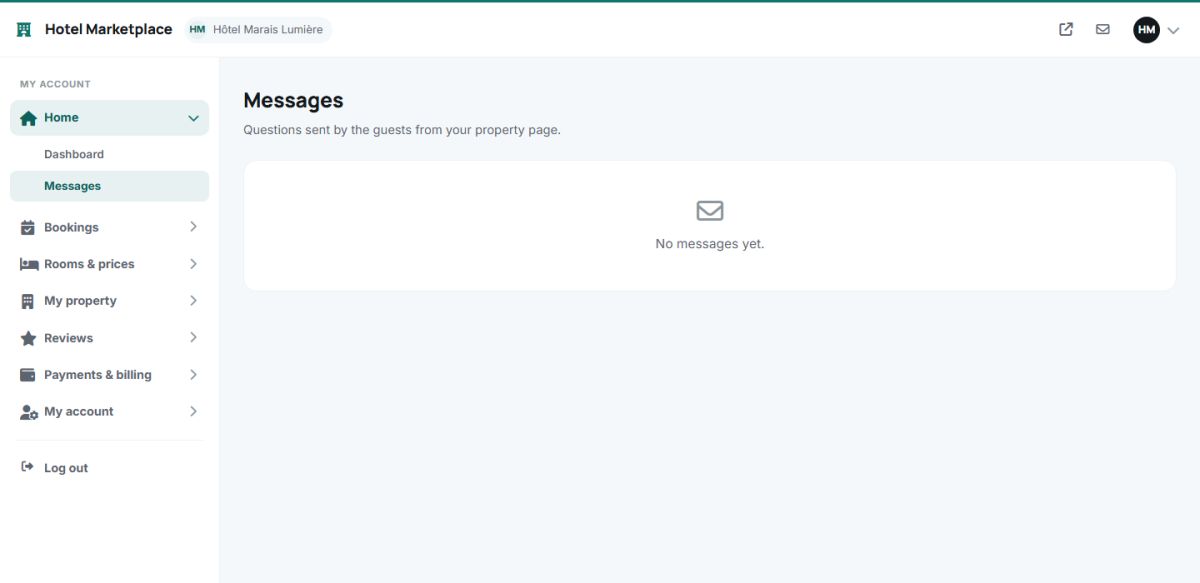
- Each message shows the name, e-mail and phone of the guest and the text of the question.
- Type the answer in the reply box and press the send button: the answer is e-mailed to the guest and the message is marked as read. A message can be deleted when it is no longer needed.
- Messages sent by logged-in guests are linked to their account.
Last updated